Software Training Institute in Chennai with 100% Placements – SLA Institute

Data Analytics Course with Lifelong Placement Assistance

duration
3-4 Months
EMI
0% Interest
Mode
Online & Offline

Build job-ready Data Analytics skills with SLA Institute through an AI-powered curriculum, practical training, and career-focused learning designed to help you advance in the IT industry.

  • 100% AI-Powered Syllabus
  • Hands-On Training & Real-Time Projects
  • Global Certifications
  • Interview Preparation & Placement Support
Enroll Now
Download Syllabus
0+
Learners
0+
Real-Time Mentors
0+
Top Corporate Hiring Partners
0+
Students Placed
Book a Free Demo

Why Choose SLA Institute for Data Analytics Course?

Training services catered to 20+ Countries

Access our industry-focused training programs from anywheavzre in the world, with learners and training services extending across 20+ countries.

Lifelong Placement Assistance 

Receive continued placement assistance beyond course completion, including career guidance, interview preparation, resume support, and relevant job opportunities.

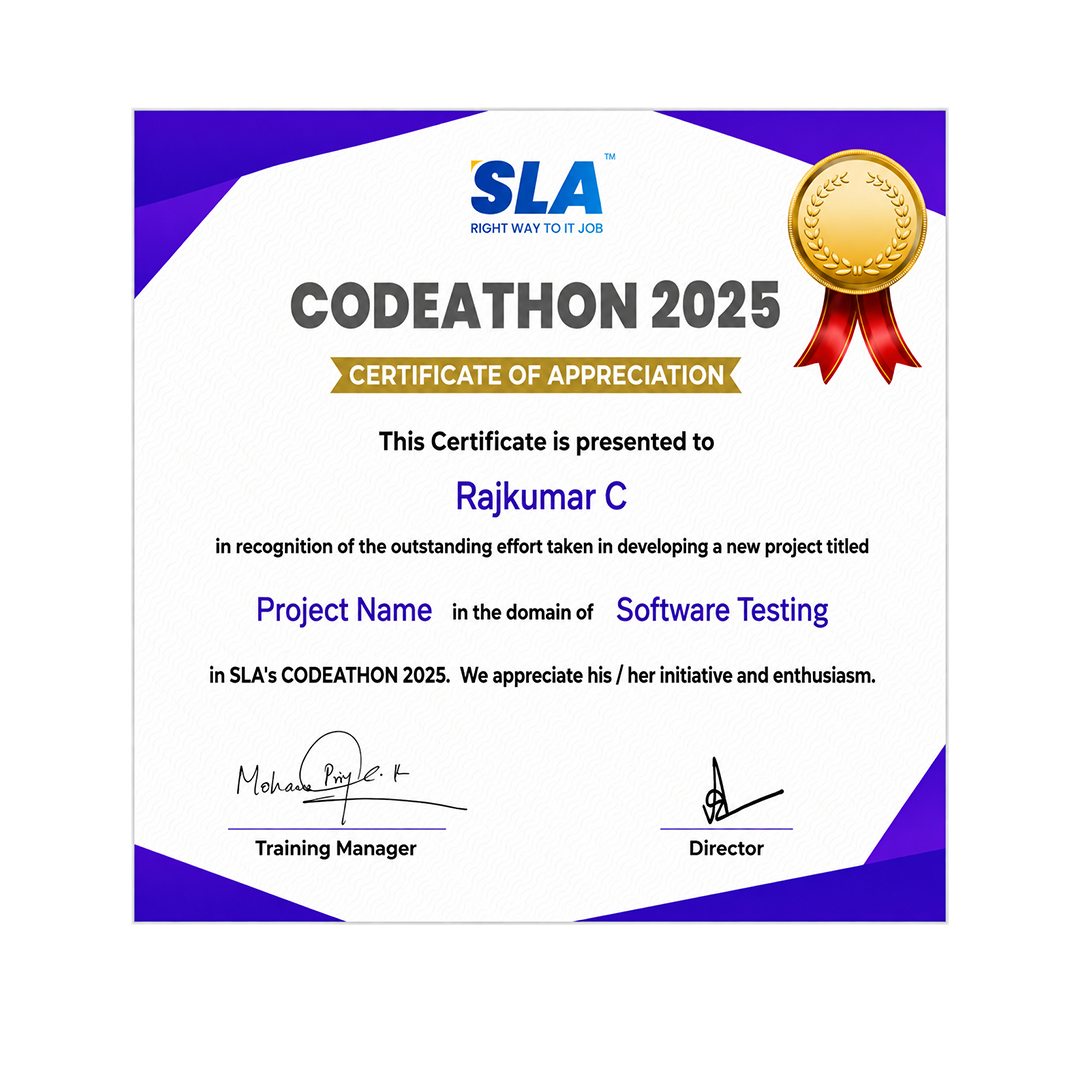
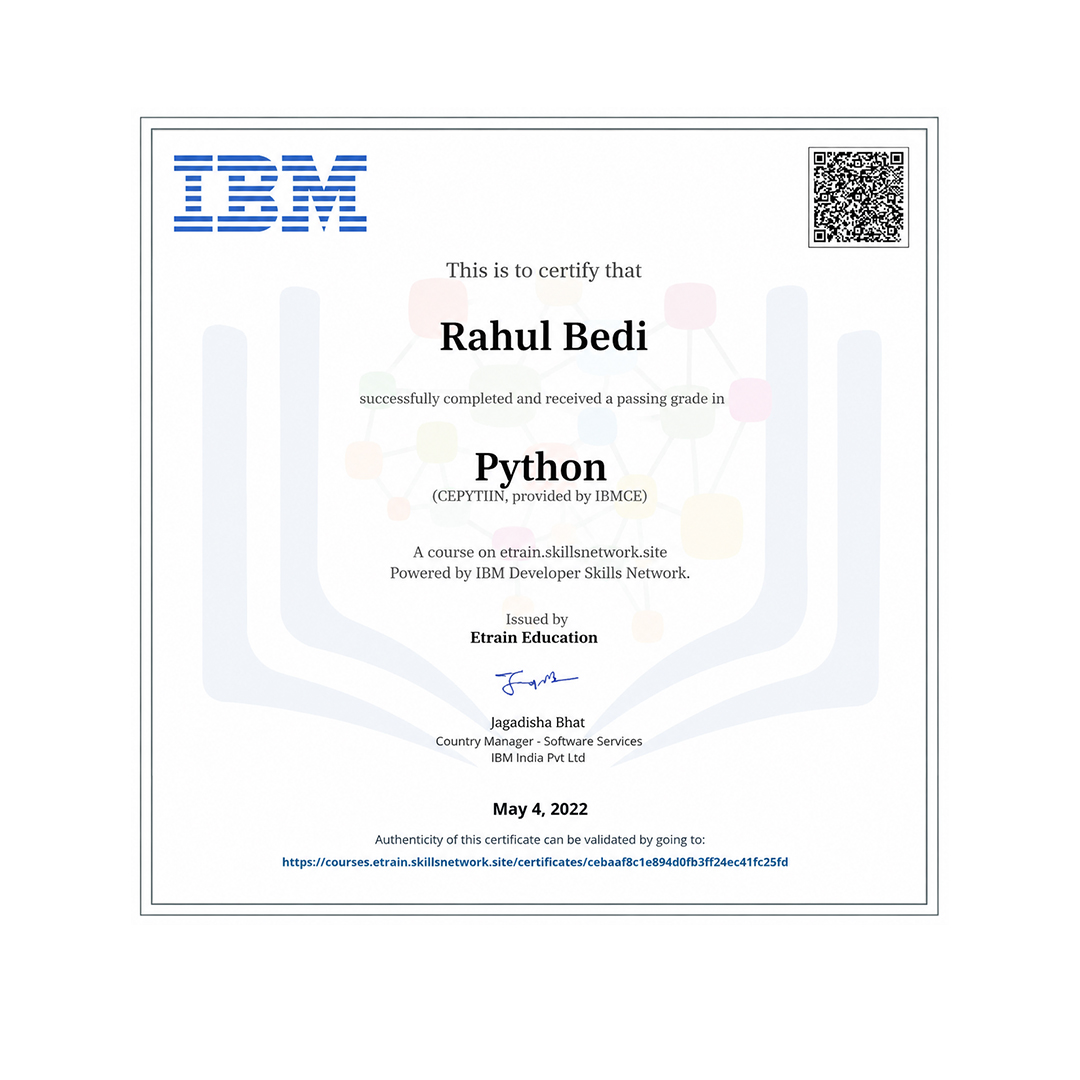
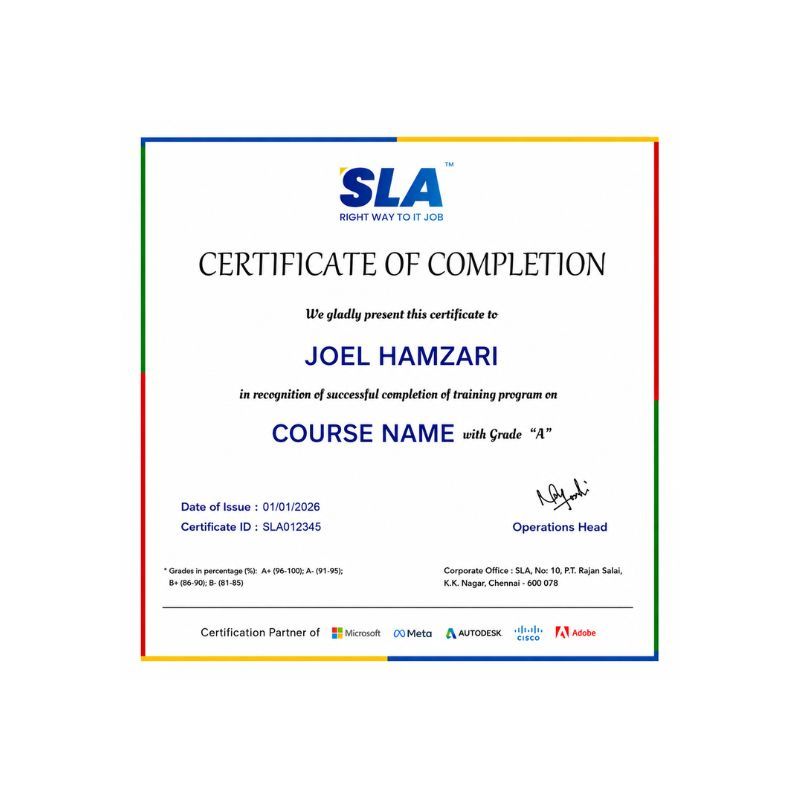
Globally Recognized Certifications

Earn professional technology certifications from leading organizations such as IBM, CCNA, and META to validate your skills and strengthen your profile.

Advantages of Globally Recognized Certifications

Globally recognized certifications validate your skills, boost credibility, and improve career opportunities worldwide.

Listen to Our Students' Video Testimonials

Data Analytics Course Syllabus

  • Python Introduction & history
  • Color coding schemes
  • Salient features & flavors
  • Application types
  • Language components
  • String handling management
    • String operations – indexing, slicing, ranging
    • String methods – concatenation, repetition, formatting
    • Supporting functions
  • Native data types
    • List
    • Tuple
    • Set
    • Dictionary
  • Decision making statements
    • If
    • If…else
    • If…elif…else
  • Looping statements
    • For loop
    • While loop
  • Function types
    • Built-in functions
    • Math functions
    • User defined functions
    • Recursive functions
    • Lambda functions
  • OOPs
    • Classes and objects
    • init constructor
    • Self-keyword
    • Data abstraction
    • Data encapsulation
    • Polymorphism
    • Inheritance
  • Exception handling
    • Error vs exception
    • Types of error
    • User defined exception handling
    • Exception handler components
    • Try block, except block, finally block
  • Data Visualization
  • Reporting Business Intelligence (BI)
  • Traditional BI
  • Self-Serviced BI Cloud Based BI
  • On Premise BI
  • Power BI Products
  • Power BI Desktop (Power Query, Power Pivot, Power View)
  • Flow of Work in Power BI Desktop
  • Power BI Report Server
  • Power BI Service, Power BI Mobile
  • Power BI Architecture
  • A Brief History of Power BI
  • Data Transformation
  • Benefits of Data Transformation
  • Shape or Transform Data using Power Query
  • Overview of Power Query / Query Editor
  • Query Editor User Interface
  • The Ribbon (Home, Transform, Add Column, View Tabs)
  • The Queries Pane
  • The Data View / Results Pane
  • The Query Settings Pane, Formula
  • Bar Saving the Work
  • Data types
  • Changing the Data type of a Column Filters in Power Query
  • Auto Filter / Basic Filtering Filter a Column using
  • Text Filters Filter a Column using Number Filters
  • Filter a Column using Date Filters Filter Multiple Columns
  • Remove Columns / Remove Other Columns Name
  • Rename a Column Reorder Columns or Sort Columns
  • Add Column / Custom Column Split Columns Merge
  • Columns PIVOT, UNPIVOT Columns Transpose Columns
  • Header Row or Use First Row as Headers Keep Top Rows
  • Keep Bottom Rows Keep Range of Rows Keep Duplicates
  • Keep Errors Remove Top Rows
  • Remove Bottom Rows
  • Remove Alternative Rows
  • Remove Duplicates, Remove Blank Rows
  • Remove Errors Group Rows / Group By
  • IF..ELSE Conditions
  • TransformColumn()
  • RemoveColumns()
  • SplitColumns()
  • ReplaceValue()
  • Table.Distinct() Options and GROUP BY Options
  • Table.Group()
  • Table.Sort() with Type Conversions
  • PIVOT Operation and Table.Pivot ().
  • List Functions Using Parameters with M Language
  • Data Modeling Introduction Relationship
  • Need of Relationship Relationship Types
  • Cardinality in General
    • One-to-One
    • One-to-Many
    • Many-to-One
    • Many-to-Many
  • AutoDetect the relationship
  • Create a new relationship
  • Edit existing relationships
  • Make Relationship Active or Inactive
  • Delete a relationship
  • What is DAX
  • Calculated Column, Measures
  • DAX Table and Column Name Syntax
  • Creating Calculated Columns
  • Creating Measures
  • Calculated Columns Vs Measures
  • DAX Syntax & Operators
  • Types of Operators
    • Arithmetic Operators
    • Comparison Operators
    • Text Concatenation Operator
    • Logical Operators
  • Date and Time Functions
    • YEAR, MONTH,DAY
    • WEEKDAY, WEEKNUM FORMAT (Text Function)
    • Month Name, Weekday Name
    • IF
    • TRUE, FALSE NOT,
    • OR, IN, AND
  • Text Function
    • LEN, CONCATENATE
    • LEFT, RIGHT, MID UPPER
    • LOWER TRIM, SUBSTITUTE, BLANK
  • Logical Functions
    • IF TRUE, FALSE NOT
    • OR, IN, AND IF ERROR SWITCH
  • Math & Statistical Functions
    • INT ROUND, ROUNDUP
    • ROUNDDOWN
    • DIVIDE EVEN, ODD
    • POWER, SIGN SQRT
    • FACT SUM, SUMX MIN, MINX MAX
    • MAXX COUNT,
    • COUNTX AVERAGE
    • AVERAGEX COUNTROWS
    • COUNTBLANK
  • Report View User Interface
  • Fields Pane
  • Visualizations pane
  • Ribbon, Views, Pages Tab
  • Canvas Visual Interactions Interaction Type (Filter, Highlight, None)
  • Visual Interactions Default Behavior, Changing the Interaction
  • Grouping and Binning Introduction
  • Using grouping, Creating Groups on Text Columns
  • Using binning, Creating Bins on Number Column and Date Columns
  • Sorting Data in Visuals
  • Changing the Sort Column
  • Changing the Sort Order
  • Sort using column that is not used in the Visualization
  • Sort using the Sort by Column button
  • Hierarchy Introduction
  • Default Date Hierarchy
  • Creating Hierarchy
  • Creating Custom Date Hierarchy
  • REPORT VIEW
  • Change Hierarchy Levels
  • Drill-Up and Drill-Down Reports
  • Data Actions, Drill Down, Drill Up, Show Next Level
  • Expand Next Level Drilling filters other visuals option
  • Visualizing Data
  • Why Visualizations
  • Visualization types
  • Create and Format Bar and Column Charts
  • Create and Format Stacked Bar Chart
  • Stacked Column Chart
  • Create and Format Clustered Bar Chart
  • Clustered Column Chart
  • Create and Format 100% Stacked Bar Chart 100% Stacked Column Chart
  • Create and Format Pie and Donut Charts
  • Create and Format Scatter Charts
  • Create and Format Table Visual
  • Matrix Visualization
  • Line and Area Charts
  • Create and Format Line Chart, Area Chart
  • Stacked Area Chart Combo Charts
  • VISUALIZATIONS
  • Create and Format Line and Stacked Column Chart
  • Line and Clustered Column Chart
  • Create and Format Ribbon Chart
  • Waterfall Chart, Funnel Chart
  • Power BI Service Introduction
  • Power BI Cloud Architecture
  • Creating Power BI Service Account
  • SIGN IN to Power BI Service Account
  • Publishing Reports to the Power BI service
  • Import / Getting the Report to PBI Service
  • My Workspace / App Workspaces Tabs
  • DATASETS, WORKBOOKS, REPORTS & DASHBOARDS
  • Working with Datasets Creating Reports in Cloud using Published
  • Datasets
  • Creating Dashboards Pin Visuals and Pin LIVE
  • Report Pages to Dashboard
  • Advantages of Dashboards Interacting with
  • Dashboards
  • Formatting Dashboard, Sharing Dashboard
  • Group by()
  • Pivot tables()
  • Multi-indexing()
  • merge()
  • concatenate()
  • join()
  • data transformation using apply()
  • map()
  • query()
  • Resampling time series functionality
  • excel writer()
  • pipe()
  • creating dataframes
  • reading CSV files with intrinsic index
  • converting CSV files to dataframes
  • converting dataframes to CSV files
  • converting dataframes to excel file
  • Common Table Expressions (CTE)
  • Recursive CTE’s
  • temporary functions
  • pivoting data with sum() and CASE WHEN
  • Except vs Not in
  • self joins, rank vs dense_rank vs row number
  • ranking data
  • calculating delta values,
  • multiple groupings using rollup
  • calculating running totals
  • computing a moving average
  • date time manipulations
  • Formatting strings, stored methods
  • JOINS
  • Sub Queries
  • Manipulation of date and time
  • procedural data storage
  • Connecting SQL to Python or R language, window Functions
  • Project1 – Product Sales Analysis – Power BI Project and review
  • Project2 – Financial Performance Analysis – Power BI Project and review
  • Project3 – Health care sales Analysis –
  • Intermediate Power BI project and review
  • Project4 – Anamoly detection in Credit card transactions – Intermediate Power BI project and review

Life Changing Stories

Explore Our Students' Inspiring Leap Stories!

See More Success Stories

Upcoming Batches

Hands On Training
3-5 Real Time Projects
60-100 Practical Assignments
3+ Assessments / Mock Interviews
October 2026
Week days
(Mon-Fri)
Online/Offline

2 Hours Real Time Interactive Technical Training

1 Hour Aptitude

1 Hour Communication & Soft Skills

(Suitable for Fresh Jobseekers / Non IT to IT transition)

Course Fee
October 2026
Week ends
(Sat-Sun)
Online/Offline

4 Hours Real Time Interactive Technical Training

(Suitable for working IT Professionals)

Course Fee

Save up to 20% in your Course Fee on our Job Seeker Course Series

Learn More

Students Placed in TOP MNCs in India

3D Placement Coverflow Carousel
Click here to view ourPlaced Student List
The SLA Way to Get Placed

The SLA Way to Get Placed

Seven connected stages, one continuous path from enrollment to your career launch — here is exactly how it works, step by step.

01
🎓

Technical Mastery

Industry-aligned curriculum, daily coding tasks, real-time projects.

02
💻

Career Readiness

Aptitude, communication, ATS-friendly resume optimization.

03
🎯

Placement Prep

Aptitude, communication tuning and technical interview mastery.

04
💬

Panel Mock Interviews

Real company-pattern mocks with expert panel feedback.

05
👨‍💼

Interview Schedule

Multiple company drives with lifetime placement support.

06
📝

Interview Feedback

Detailed performance analysis and one-on-one guidance.

07
🏆

Launch Your Career

Land your first job with lifetime alumni and career support.

Click here to Know the process

Check our Google Reviews

3D Review Carousel
Enquire Now

Just a minute!

If you have any questions that you did not find answers for, our counsellors are here to answer them. You can get all your queries answered before deciding to join SLA and move your career forward.

We are excited to get started with you

Give us your information and we will arange for a free call (at your convenience) with one of our counsellors. You can get all your queries answered before deciding to join SLA and move your career forward.