Opens in a new tab
Software Training Institute in Chennai with 100% Placements – SLA Institute

Data Analytics Course in Chennai

(1567)
duration
2-3 Months
EMI
0% Interest
Mode
Live Online & Classroom Training

Boost your analytical skills with our Data Analytics Training in Chennai at SLA Institute. Learn key concepts, data processing techniques, and visualization tools to excel in the tech industry.

Our Data Analytics Course with placement in Chennai includes hands-on labs and real-world applications to solve data challenges. With expert guidance and strong placement support, our training prepares you for a successful career in data analytics. Enroll now in our Data Analytics Course in Chennai at SLA Institute, one of the top institutes for Data Analyst Course in Chennai, and take the first step toward a rewarding career in data analytics.

Book Free Demo ClassTalk to a Career Advisor
0+

Students Trained

0%

Placement Rate

0+

Years Experience

0+

Hiring Partners

Why SLA

  • Industry Professional Trainers
  • Real-Time Live Projects
  • 1000+ Hiring Partners
  • 0% Interest EMI Options
  • Lifelong Placement Support
  • Globally Recognized Certifications

FLEXIBLE LEARNING MODES

OnlineOfflineHybrid

Check Your Eligibility for IT Training

Ready to start your tech career? Whether you have recently graduated and want to begin your IT career, or want to upskill for your next phase, our Eligibility Assessment Form makes the process easy to begin. For this Data Analytics Developer Course, we will match your skills and goals to the best training structure for you. Just fill in the form below for an easy start on your course. Take your first step today!

What We'll Need From You?

Personal & Contact Details

Name and phone number for direct interview updates

Academic Background

Age category, educational qualification, and graduation year.

Technical Experience

Prior programming knowledge and relevant IT certification details.
KNOW MORE ABOUT COURSE +91 86818 84318

IT Training Eligibility TEST

Life Changing Stories

See More Success Stories

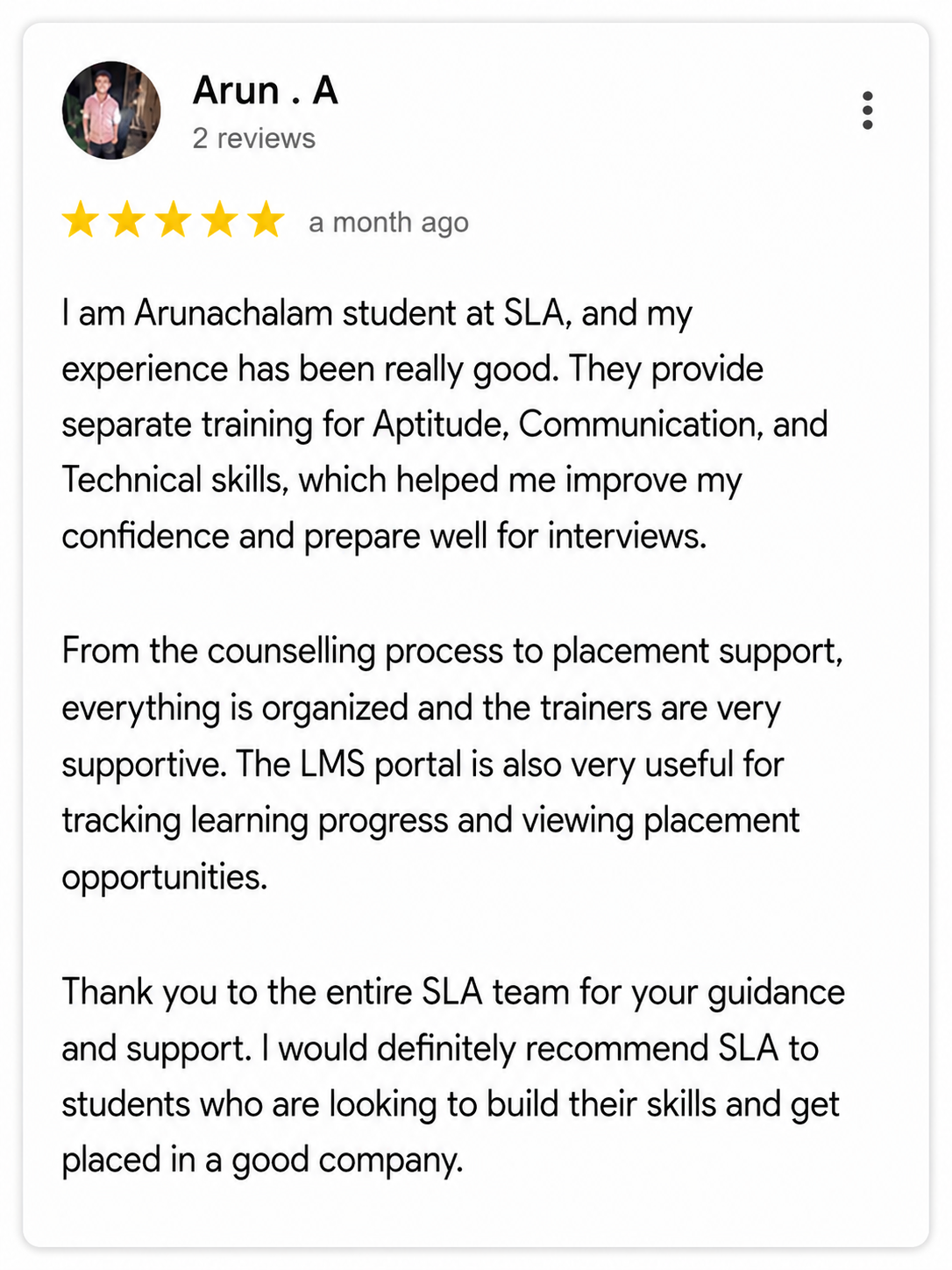
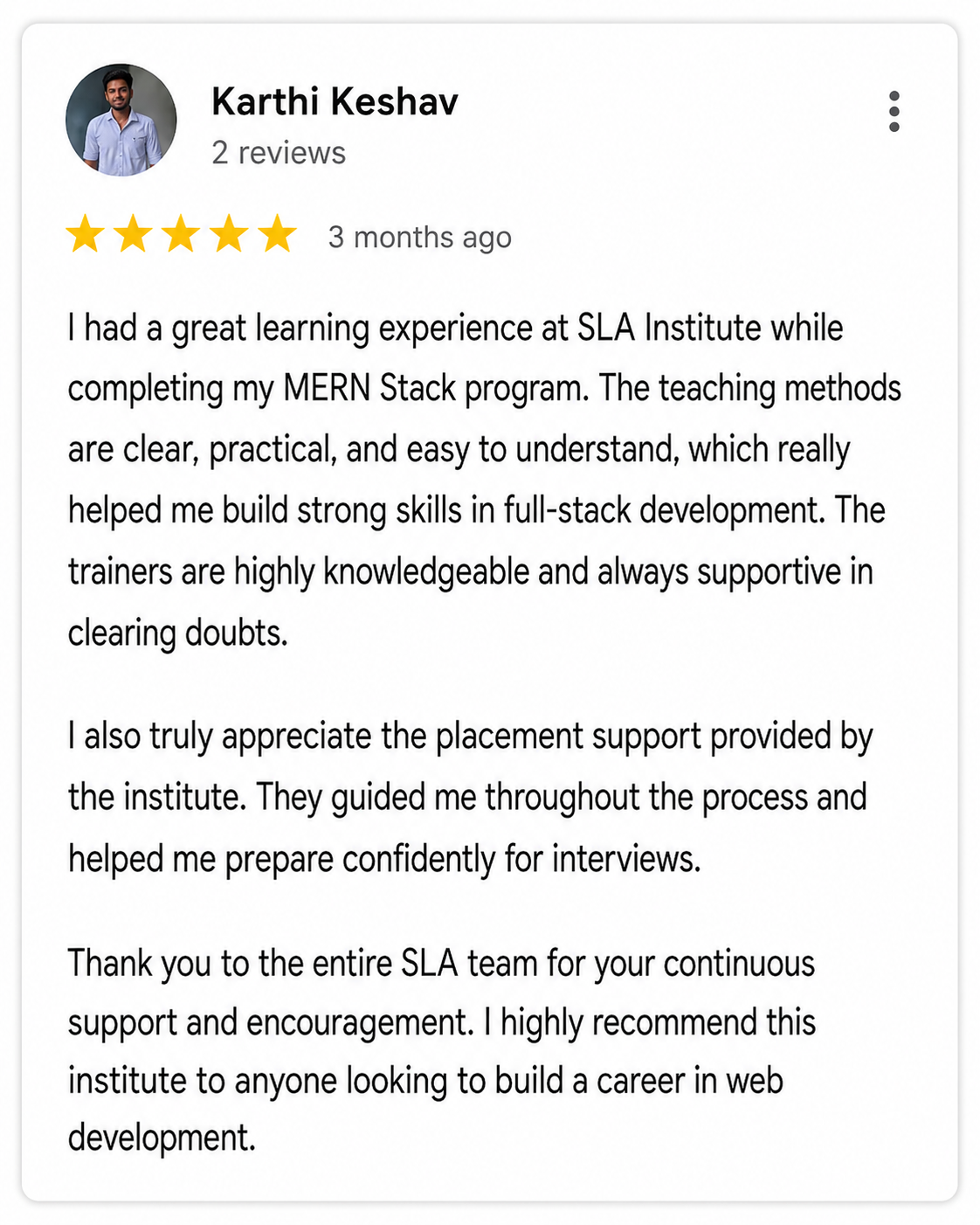
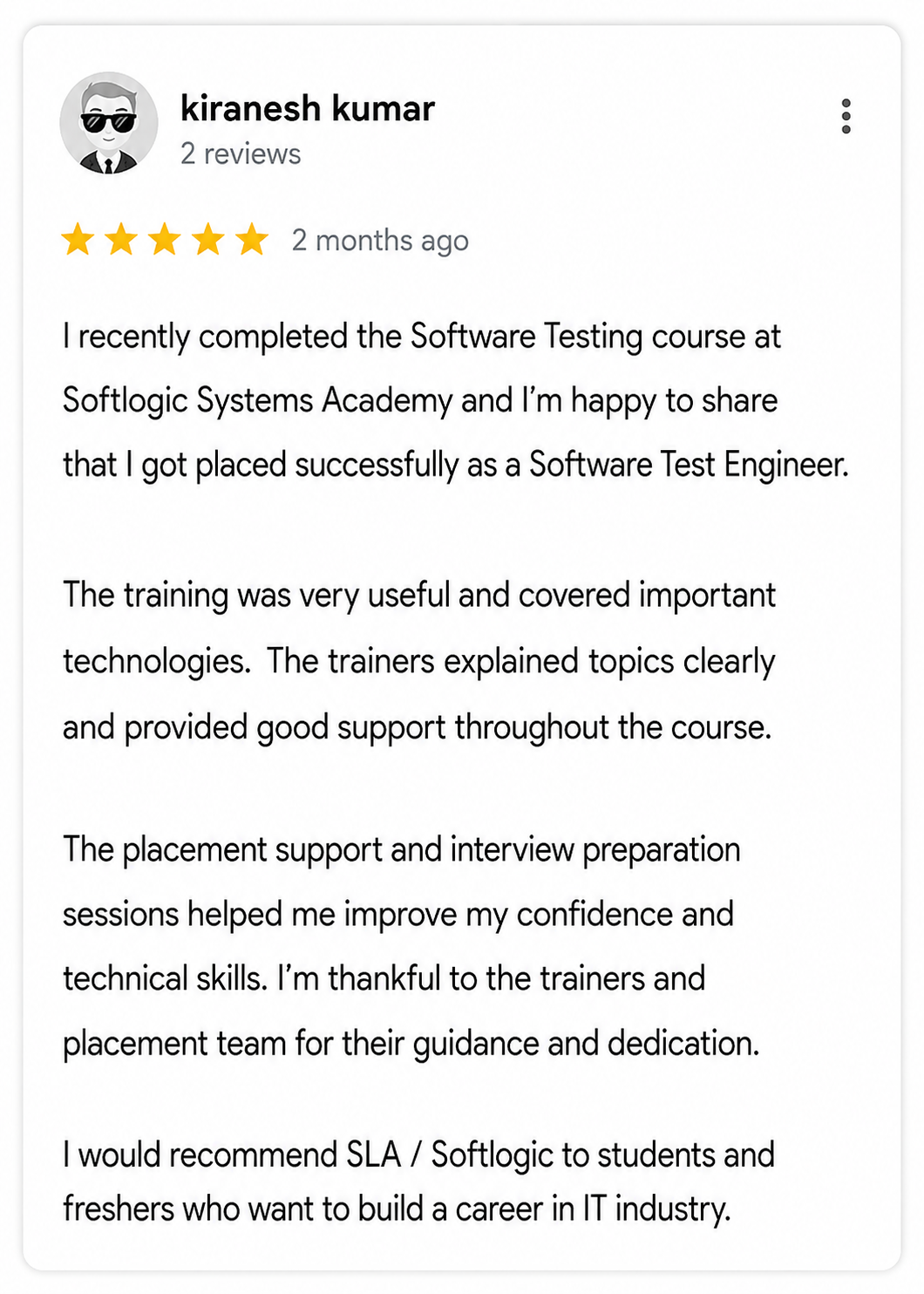
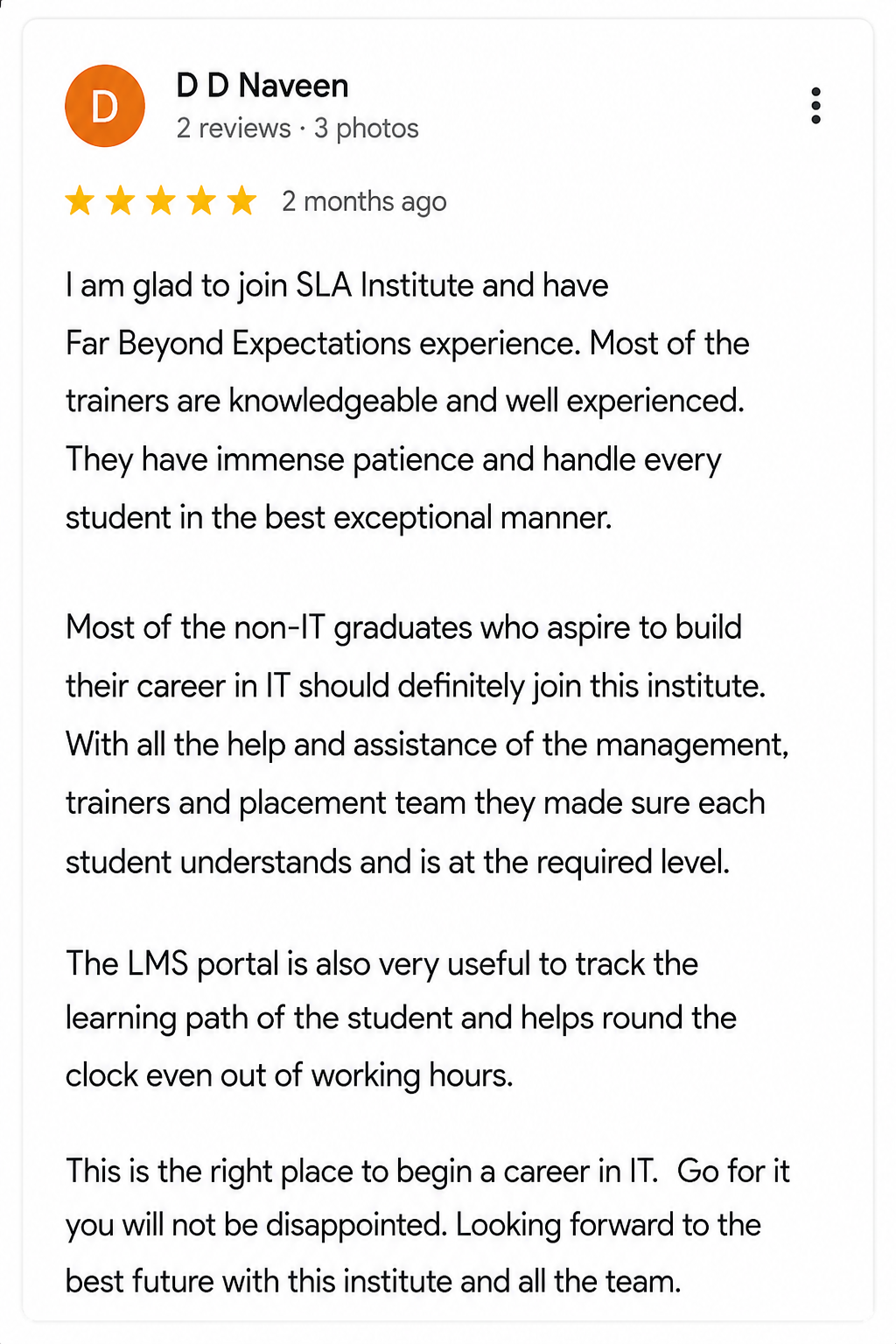
Check our Google Reviews

3D Review Carousel

Data Analytics Course Syllabus

Download Syllabus
  • Python Introduction & history
  • Color coding schemes
  • Salient features & flavors
  • Application types
  • Language components
  • String handling management
    • String operations – indexing, slicing, ranging
    • String methods – concatenation, repetition, formatting
    • Supporting functions
  • Native data types
    • List
    • Tuple
    • Set
    • Dictionary
  • Decision making statements
    • If
    • If…else
    • If…elif…else
  • Looping statements
    • For loop
    • While loop
  • Function types
    • Built-in functions
    • Math functions
    • User defined functions
    • Recursive functions
    • Lambda functions
  • OOPs
    • Classes and objects
    • init constructor
    • Self-keyword
    • Data abstraction
    • Data encapsulation
    • Polymorphism
    • Inheritance
  • Exception handling
    • Error vs exception
    • Types of error
    • User defined exception handling
    • Exception handler components
    • Try block, except block, finally block
  • Data Visualization
  • Reporting Business Intelligence (BI)
  • Traditional BI
  • Self-Serviced BI Cloud Based BI
  • On Premise BI
  • Power BI Products
  • Power BI Desktop (Power Query, Power Pivot, Power View)
  • Flow of Work in Power BI Desktop
  • Power BI Report Server
  • Power BI Service, Power BI Mobile
  • Power BI Architecture
  • A Brief History of Power BI
  • Data Transformation
  • Benefits of Data Transformation
  • Shape or Transform Data using Power Query
  • Overview of Power Query / Query Editor
  • Query Editor User Interface
  • The Ribbon (Home, Transform, Add Column, View Tabs)
  • The Queries Pane
  • The Data View / Results Pane
  • The Query Settings Pane, Formula
  • Bar Saving the Work
  • Data types
  • Changing the Data type of a Column Filters in Power Query
  • Auto Filter / Basic Filtering Filter a Column using
  • Text Filters Filter a Column using Number Filters
  • Filter a Column using Date Filters Filter Multiple Columns
  • Remove Columns / Remove Other Columns Name
  • Rename a Column Reorder Columns or Sort Columns
  • Add Column / Custom Column Split Columns Merge
  • Columns PIVOT, UNPIVOT Columns Transpose Columns
  • Header Row or Use First Row as Headers Keep Top Rows
  • Keep Bottom Rows Keep Range of Rows Keep Duplicates
  • Keep Errors Remove Top Rows
  • Remove Bottom Rows
  • Remove Alternative Rows
  • Remove Duplicates, Remove Blank Rows
  • Remove Errors Group Rows / Group By
  • IF..ELSE Conditions
  • TransformColumn()
  • RemoveColumns()
  • SplitColumns()
  • ReplaceValue()
  • Table.Distinct() Options and GROUP BY Options
  • Table.Group()
  • Table.Sort() with Type Conversions
  • PIVOT Operation and Table.Pivot ().
  • List Functions Using Parameters with M Language
  • Data Modeling Introduction Relationship
  • Need of Relationship Relationship Types
  • Cardinality in General
    • One-to-One
    • One-to-Many
    • Many-to-One
    • Many-to-Many
  • AutoDetect the relationship
  • Create a new relationship
  • Edit existing relationships
  • Make Relationship Active or Inactive
  • Delete a relationship
  • What is DAX
  • Calculated Column, Measures
  • DAX Table and Column Name Syntax
  • Creating Calculated Columns
  • Creating Measures
  • Calculated Columns Vs Measures
  • DAX Syntax & Operators
  • Types of Operators
    • Arithmetic Operators
    • Comparison Operators
    • Text Concatenation Operator
    • Logical Operators
  • Date and Time Functions
    • YEAR, MONTH,DAY
    • WEEKDAY, WEEKNUM FORMAT (Text Function)
    • Month Name, Weekday Name
    • IF
    • TRUE, FALSE NOT,
    • OR, IN, AND
  • Text Function
    • LEN, CONCATENATE
    • LEFT, RIGHT, MID UPPER
    • LOWER TRIM, SUBSTITUTE, BLANK
  • Logical Functions
    • IF TRUE, FALSE NOT
    • OR, IN, AND IF ERROR SWITCH
  • Math & Statistical Functions
    • INT ROUND, ROUNDUP
    • ROUNDDOWN
    • DIVIDE EVEN, ODD
    • POWER, SIGN SQRT
    • FACT SUM, SUMX MIN, MINX MAX
    • MAXX COUNT,
    • COUNTX AVERAGE
    • AVERAGEX COUNTROWS
    • COUNTBLANK
  • Report View User Interface
  • Fields Pane
  • Visualizations pane
  • Ribbon, Views, Pages Tab
  • Canvas Visual Interactions Interaction Type (Filter, Highlight, None)
  • Visual Interactions Default Behavior, Changing the Interaction
  • Grouping and Binning Introduction
  • Using grouping, Creating Groups on Text Columns
  • Using binning, Creating Bins on Number Column and Date Columns
  • Sorting Data in Visuals
  • Changing the Sort Column
  • Changing the Sort Order
  • Sort using column that is not used in the Visualization
  • Sort using the Sort by Column button
  • Hierarchy Introduction
  • Default Date Hierarchy
  • Creating Hierarchy
  • Creating Custom Date Hierarchy
  • REPORT VIEW
  • Change Hierarchy Levels
  • Drill-Up and Drill-Down Reports
  • Data Actions, Drill Down, Drill Up, Show Next Level
  • Expand Next Level Drilling filters other visuals option
  • Visualizing Data
  • Why Visualizations
  • Visualization types
  • Create and Format Bar and Column Charts
  • Create and Format Stacked Bar Chart
  • Stacked Column Chart
  • Create and Format Clustered Bar Chart
  • Clustered Column Chart
  • Create and Format 100% Stacked Bar Chart 100% Stacked Column Chart
  • Create and Format Pie and Donut Charts
  • Create and Format Scatter Charts
  • Create and Format Table Visual
  • Matrix Visualization
  • Line and Area Charts
  • Create and Format Line Chart, Area Chart
  • Stacked Area Chart Combo Charts
  • VISUALIZATIONS
  • Create and Format Line and Stacked Column Chart
  • Line and Clustered Column Chart
  • Create and Format Ribbon Chart
  • Waterfall Chart, Funnel Chart
  • Power BI Service Introduction
  • Power BI Cloud Architecture
  • Creating Power BI Service Account
  • SIGN IN to Power BI Service Account
  • Publishing Reports to the Power BI service
  • Import / Getting the Report to PBI Service
  • My Workspace / App Workspaces Tabs
  • DATASETS, WORKBOOKS, REPORTS & DASHBOARDS
  • Working with Datasets Creating Reports in Cloud using Published
  • Datasets
  • Creating Dashboards Pin Visuals and Pin LIVE
  • Report Pages to Dashboard
  • Advantages of Dashboards Interacting with
  • Dashboards
  • Formatting Dashboard, Sharing Dashboard
  • Group by()
  • Pivot tables()
  • Multi-indexing()
  • merge()
  • concatenate()
  • join()
  • data transformation using apply()
  • map()
  • query()
  • Resampling time series functionality
  • excel writer()
  • pipe()
  • creating dataframes
  • reading CSV files with intrinsic index
  • converting CSV files to dataframes
  • converting dataframes to CSV files
  • converting dataframes to excel file
  • Common Table Expressions (CTE)
  • Recursive CTE’s
  • temporary functions
  • pivoting data with sum() and CASE WHEN
  • Except vs Not in
  • self joins, rank vs dense_rank vs row number
  • ranking data
  • calculating delta values,
  • multiple groupings using rollup
  • calculating running totals
  • computing a moving average
  • date time manipulations
  • Formatting strings, stored methods
  • JOINS
  • Sub Queries
  • Manipulation of date and time
  • procedural data storage
  • Connecting SQL to Python or R language, window Functions
  • Project1 – Product Sales Analysis – Power BI Project and review
  • Project2 – Financial Performance Analysis – Power BI Project and review
  • Project3 – Health care sales Analysis –
  • Intermediate Power BI project and review
  • Project4 – Anamoly detection in Credit card transactions – Intermediate Power BI project and review

Quick Enquiry

Placement

Dedicated placement support

Learning

Job-Centered Approach

Timings

Convenient Hrs

Mode

Online & Classroom

Certification

Industry-Accredited

Upcoming Batches

Hands On Training
3-5 Real Time Projects
60-100 Practical Assignments
3+ Assessments / Mock Interviews
November 2026
Week days
(Mon-Fri)
Online/Offline

2 Hours Real Time Interactive Technical Training

1 Hour Aptitude

1 Hour Communication & Soft Skills

(Suitable for Fresh Jobseekers / Non IT to IT transition)

Course Fee
November 2026
Week ends
(Sat-Sun)
Online/Offline

4 Hours Real Time Interactive Technical Training

(Suitable for working IT Professionals)

Course Fee

Save up to 20% in your Course Fee on our Job Seeker Course Series

Learn More

We Tie-Up with 1000+ Leading IT and MNC Companies

SLA's Hiring and Placement Partner: Mindtree
SLA's Hiring and Placement Partner: Bosch
SLA's Hiring and Placement Partner: Capgemini
SLA's Hiring and Placement Partner: Fractal
SLA's Hiring and Placement Partner: Delhivery
SLA's Hiring and Placement Partner: Napier
SLA's Hiring and Placement Partner: Google
SLA's Hiring and Placement Partner: SAP
SLA's Hiring and Placement Partner: Merkle
SLA's Hiring and Placement Partner: Observeai
SLA's Hiring and Placement Partner: Tanla
SLA's Hiring and Placement Partner: Deloitte
SLA's Hiring and Placement Partner: Acs Solutions
SLA's Hiring and Placement Partner: Amazon
SLA's Hiring and Placement Partner: Tredence
SLA's Hiring and Placement Partner: Rakuten
SLA's Hiring and Placement Partner: Oracle
SLA's Hiring and Placement Partner: GlobalLogic
SLA's Hiring and Placement Partner: Goldman Sachs
SLA's Hiring and Placement Partner: Publicis Sapient
SLA's Hiring and Placement Partner: Spanidea
SLA's Hiring and Placement Partner: Samsung
SLA's Hiring and Placement Partner: Infosys
SLA's Hiring and Placement Partner: SociéTé GéNéRale
SLA's Hiring and Placement Partner: Tech Mahindra
SLA's Hiring and Placement Partner: Bank Of America
SLA's Hiring and Placement Partner: Cognizant
SLA's Hiring and Placement Partner: Wipro
SLA's Hiring and Placement Partner: Apollo Hospitals
SLA's Hiring and Placement Partner: Mentor Graphics
SLA's Hiring and Placement Partner: Optum
SLA's Hiring and Placement Partner: Siply
SLA's Hiring and Placement Partner: NTT-Data
SLA's Hiring and Placement Partner: Jio
SLA's Hiring and Placement Partner: Perficient
SLA's Hiring and Placement Partner: Pwc
SLA's Hiring and Placement Partner: Latent View
SLA's Hiring and Placement Partner: Birlasoft
SLA's Hiring and Placement Partner: Fareportal
SLA's Hiring and Placement Partner: Highradius
SLA's Hiring and Placement Partner: Intellect
SLA's Hiring and Placement Partner: Nvidia
SLA's Hiring and Placement Partner: Eurofins
SLA's Hiring and Placement Partner: Cyient
SLA's Hiring and Placement Partner: Needl.ai
SLA's Hiring and Placement Partner: CGI
SLA's Hiring and Placement Partner: Valuemomentum
SLA's Hiring and Placement Partner: Prodapt
SLA's Hiring and Placement Partner: TCS
SLA's Hiring and Placement Partner: GEP
SLA's Hiring and Placement Partner: Accenture

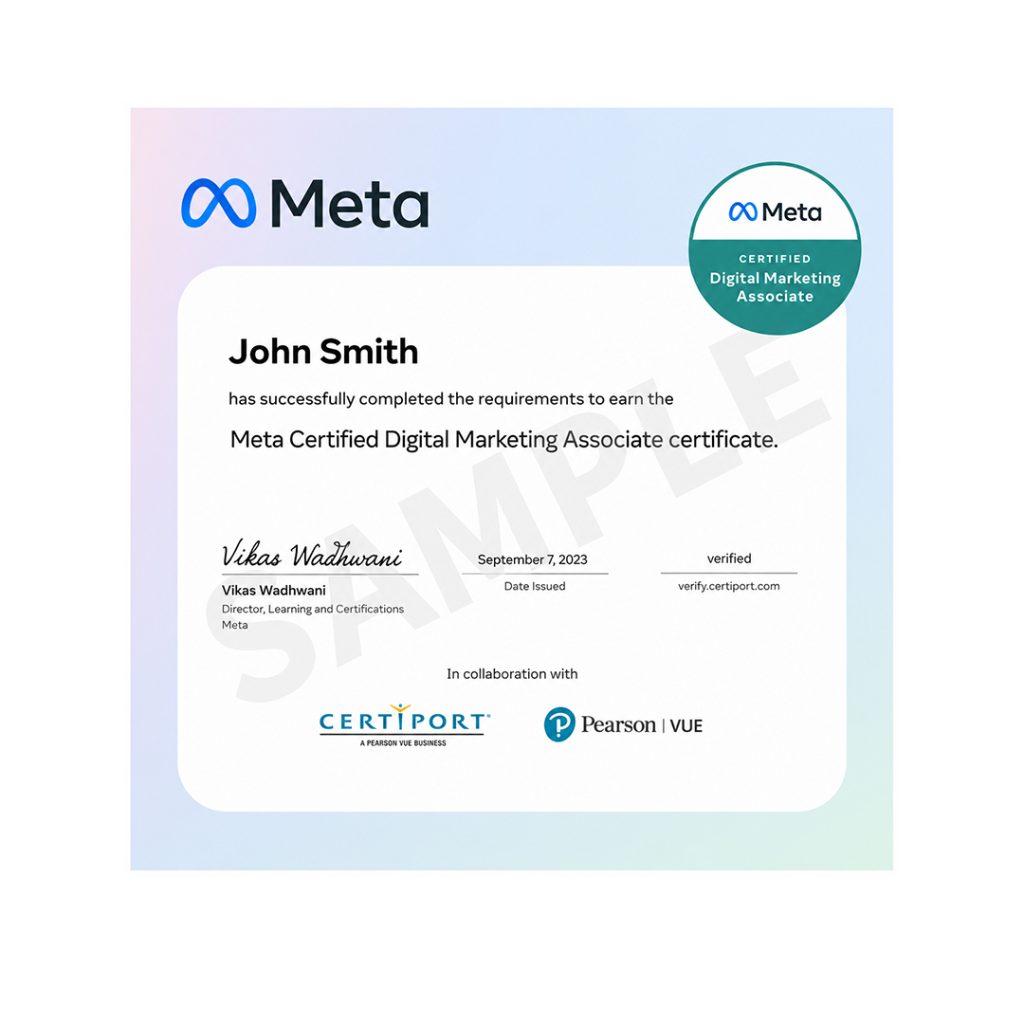
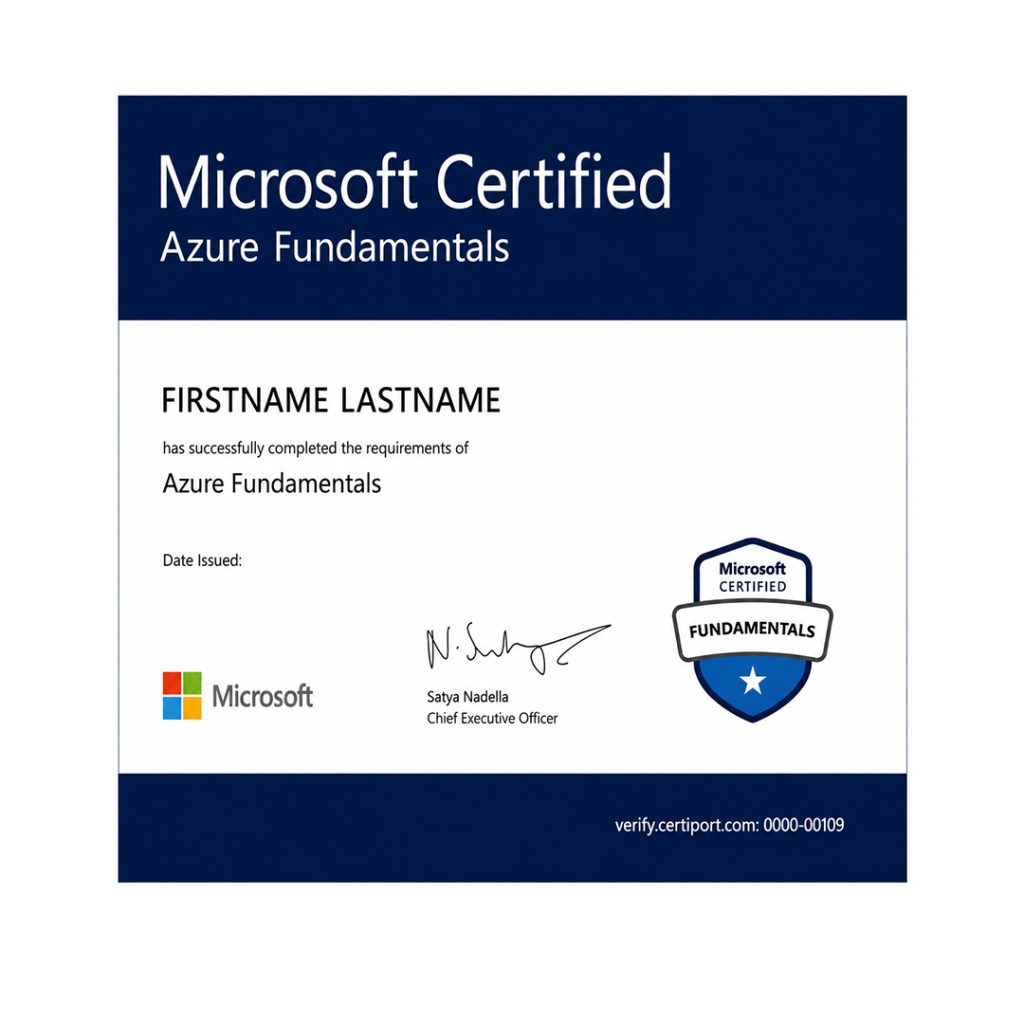
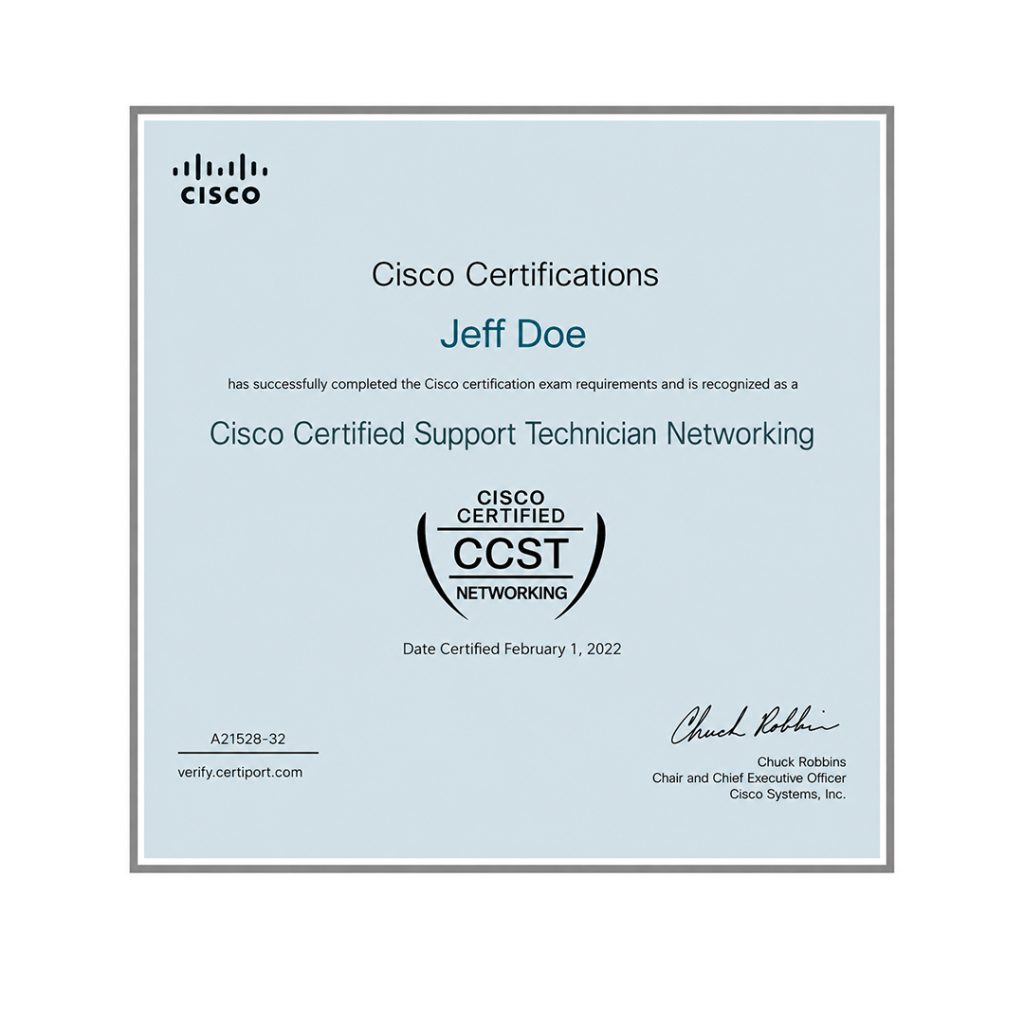
Certifications

Take your career to new heights with Softlogic's software training certifications.
Improve your abilities to get access to rewarding possibilities
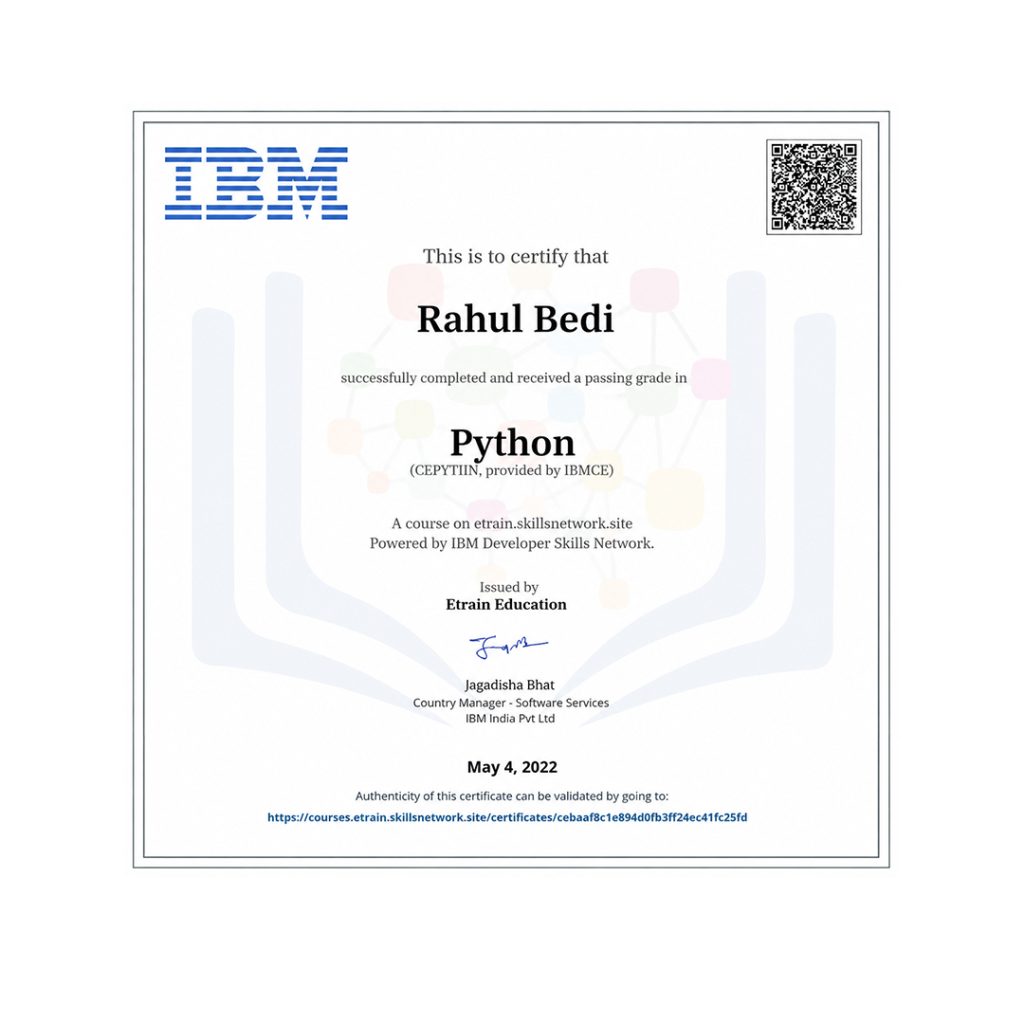
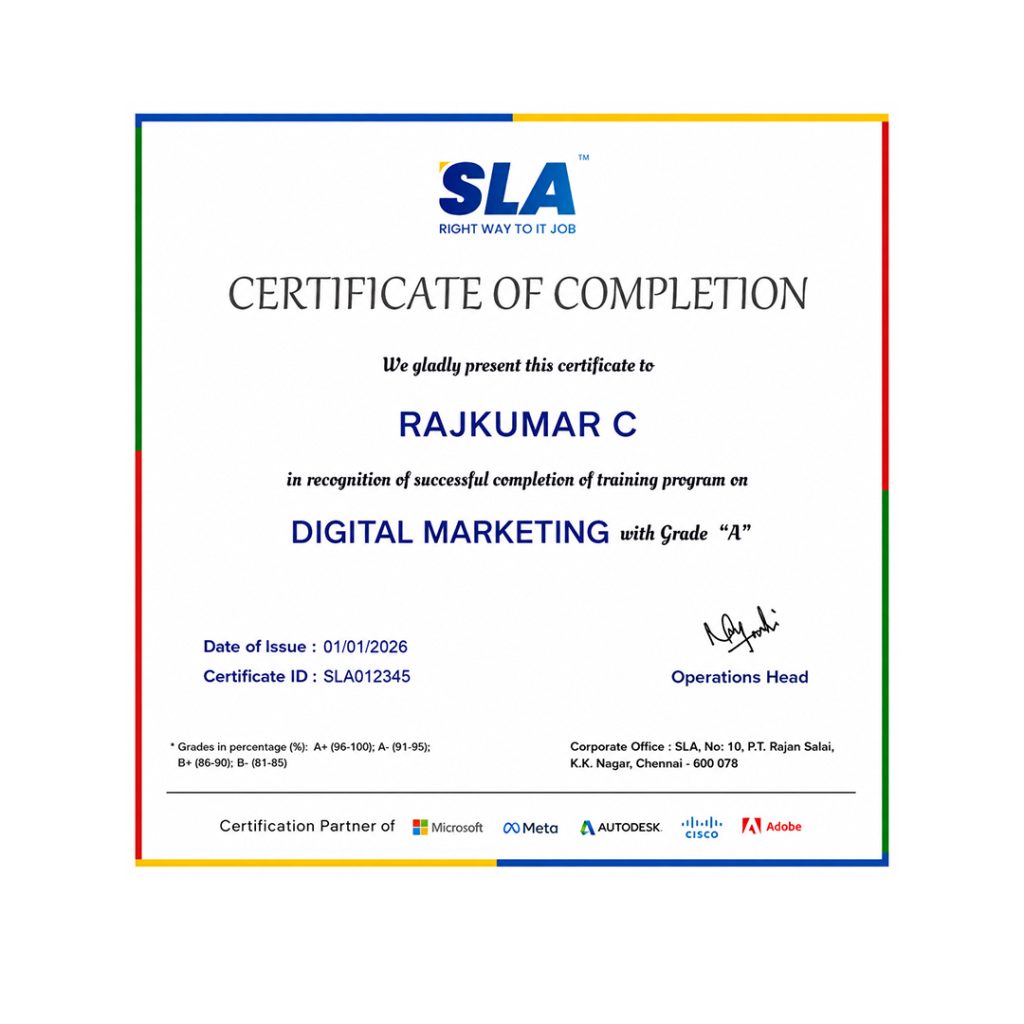
Earn Your Certificate of Completion
Validate your achievements with Softlogic's Certificate of Completion, verifying successful fulfillment of all essential components.
Take Your Career to the Next Level with  Certifications
Get a certifications through our training programs to gain a competitive edge in the industry.
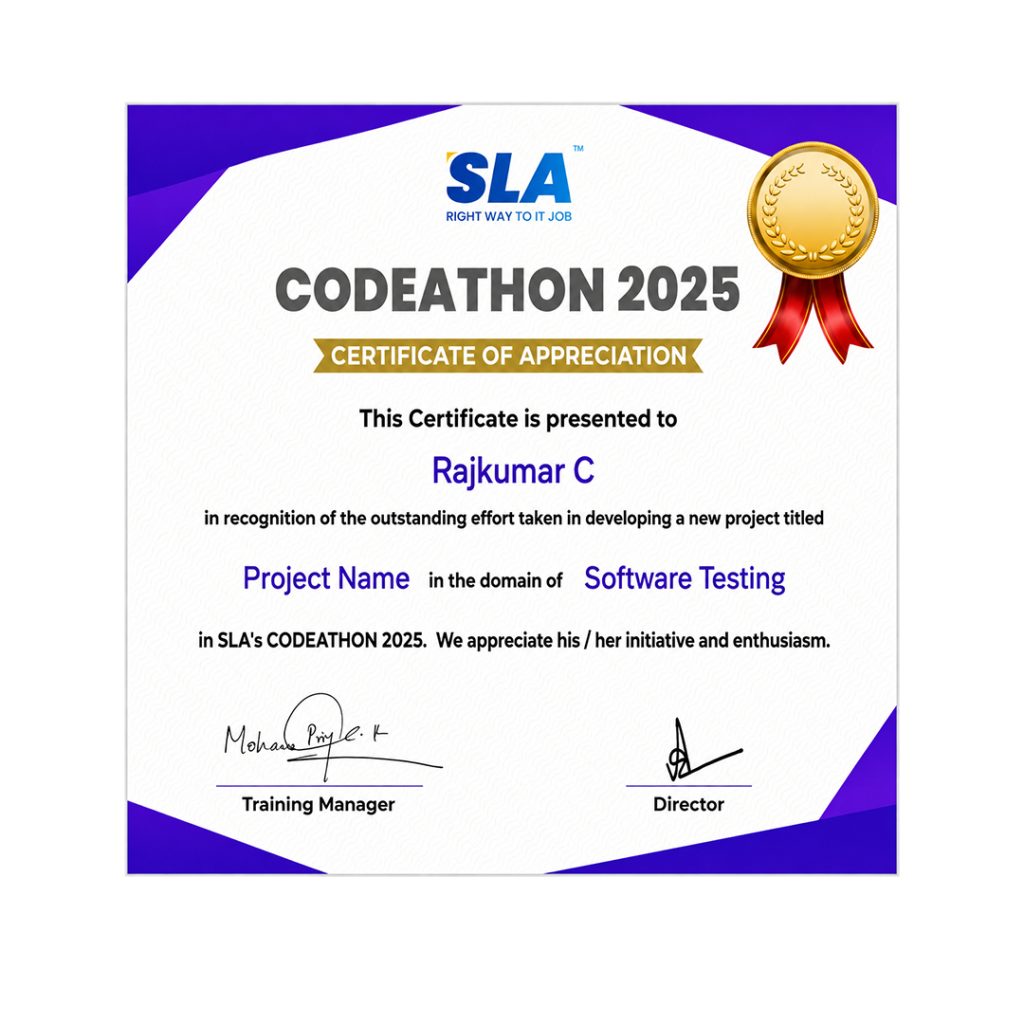
Stand Out from the Crowd with Codethon Certificate
Verify the authenticity of your real-time projects with Softlogic's Codethon certificate.

Objectives of Data Analytics Course in Chennai

Our Data Analytics certification course in Chennai aims to provide a strong foundation in programming and software development. Key objectives include:

  • Build Analytical Skills: Learn how to analyze data, clean it, and make informed decisions based on your findings.
  • Master Tools: Get hands-on experience with tools like Excel, SQL, Python, and R for data analysis.
  • Data Visualization: Learn how to present data clearly using tools like Tableau and Power BI to help make decisions.
  • Practical Experience: Work on real projects to apply your knowledge and solve data problems.
  • Learn Statistics: Understand key statistical methods to analyze large datasets and uncover patterns.
  • Prepare for Careers: Gain the skills needed for jobs like Data Analyst, Business Analyst, and Data Scientist.

Recommended: Business Intelligence and Data Analytics Training in Chennai

Future Scope of Data Analytics Course in Chennai

Rising Demand for Data Analytics Professionals

The need for skilled data analysts is growing rapidly across sectors such as healthcare, finance, retail, and technology. Businesses are increasingly relying on data-driven insights to make strategic decisions, creating numerous job opportunities. Enrolling in data analytics training in Chennai equips you with the expertise to meet this demand and thrive in the industry.

Diverse Career Paths

A data analyst course with placement in Chennai opens doors to roles like Data Analyst, Business Analyst, Data Scientist, and Machine Learning Engineer. These positions are essential in shaping organizational strategies and offer stability, growth, and lucrative salaries. Training at a leading institute for data analyst course in Chennai ensures you’re well-prepared for these opportunities.

Check out: Machine Learning Course in Chennai

Attractive Salary Packages

Data Analytics is among the highest-paying fields today, with companies offering competitive salaries to professionals who can deliver actionable insights. Completing our data analytics training in Chennai can significantly boost your earning potential and set you apart in the job market.

Advancing Technologies in Data Analytics

The integration of artificial intelligence, machine learning, and big data has transformed the data analytics landscape. Professionals with expertise in these areas are in high demand. Our Data Analytics Training in Chennai provides hands-on experience with cutting-edge tools and technologies, preparing you for future advancements.

Global Career Opportunities

The skills gained through our Data Analyst Course with Placement in Chennai are recognized worldwide, making it possible to work for global organizations or take up freelance projects. With industry-relevant training from a reputed institute for Data Analyst Course in Chennai, you can build a career that spans across borders and industries.

Achieve Your Goals With SLA

SLA builds your future with comprehensive coursework and unparalleled placement support.
Register For Free Demo

Project Practices on Data Analytics Training

Project 1Sales Data Analysis

Analyze sales data to identify trends and patterns, helping businesses improve their strategies and make informed decisions.

Project 2Employee Performance Tracking

Track employee performance using data to identify areas for improvement and optimize workforce productivity.

Project 3Market Basket Analysis

Study customer purchasing behavior to recommend products together, helping businesses boost sales through targeted promotions.

Project 4Website Traffic Analysis

Analyze website traffic data to understand user behavior, improve user experience, and optimize marketing efforts.

Prerequisites for learning Data Analytics Course in Chennai

Understanding the data analyst course eligibility in Chennai helps you prepare effectively for a successful learning journey. While no strict prerequisites exist, having the following skills and knowledge can be beneficial:

  • Basic Mathematics and Statistics: A foundational understanding of statistics and mathematical concepts is helpful for analyzing data effectively.
  • Knowledge of Programming: Familiarity with programming languages like Python or R is advantageous but not mandatory, as it will be covered in the course.
  • Analytical Thinking: Strong problem-solving and analytical skills are essential to derive insights from complex datasets.
  • Computer Literacy: Basic computer skills, including familiarity with spreadsheets and databases, make learning smoother.
  • Interest in Data Analysis: A keen interest in working with data and interpreting patterns is crucial for excelling in the field.

If you lack any of these skills, don’t worry! Our Data Analytics Course in Chennai with placement at SLA Institute provides beginner-friendly training to help you build these competencies.

Our Data Analytics Training Institute in Chennai is ideal to:

  • Students eager to excel in Data Analytics
  • Professionals considering transitioning to Data Analytics careers
  • IT professionals aspiring to enhance their Data Analytics skills
  • Data Analysts enthusiastic about expanding their expertise
  • Individuals seeking opportunities in Data Analytics

Job Profile in Data Analytics Course in Chennai

Upon completing Data Analytics Course in Chennai with Placement, students will qualify for various job roles in the IT industry. Some of these positions are discussed below:

Data Analyst

  • Responsibilities: Responsibilities: Gather, clean, and analyze data to uncover trends, patterns, and valuable insights.
  • Salary: ₹4,00,000 – ₹8,00,000 per year

Business Intelligence Analyst

  • Responsibilities: Analyze data to help businesses make informed decisions. Design and maintain BI solutions, dashboards, and reports.
  • Salary: ₹5,00,000 – ₹10,00,000 per year

Data Scientist

  • Responsibilities: Use statistical methods and machine learning to analyze complex data. Develop models and algorithms for predictive analytics.
  • Salary: ₹6,00,000 – ₹12,00,000 per year

Data Engineer

  • Responsibilities: Build and maintain data pipelines. Ensure the proper storage and processing of large datasets for analysis.
  • Salary: ₹5,50,000 – ₹11,00,000 per year

Machine Learning Engineer

  • Responsibilities: Develop machine learning models and algorithms. Work with large datasets to create predictive models and improve business processes.
  • Salary: ₹7,00,000 – ₹15,00,000 per year

Data Analytics Consultant

  • Responsibilities: Advise businesses on how to use data to improve operations and decision-making. Provide insights and recommendations based on data analysis.
  • Salary: ₹8,00,000 – ₹14,00,000 per year

Want to learn with a personalized course curriculum?

Data Analytics Course FAQ

Data analytics is the process of examining and interpreting data to uncover patterns, trends, and insights, helping businesses make informed decisions and improve performance.

Data analytics can be both easy and hard, depending on the complexity of the data and tools used. With practice, it becomes easier to understand.

Data analytics is used to examine data, uncover patterns, make informed decisions, improve business strategies, optimize processes, and predict future trends across various industries.

Data analytics can help you land a job, but having practical experience, relevant skills, and certifications can significantly improve your chances of securing a role.

The Data Analyst course fees in Chennai at SLA Institute typically range from ₹20,000 to ₹60,000, depending on the course duration and certification level.

Yes, SLA Institute supports EMI options with 0% interest.

Yes, Data Analytics is a great career choice. It offers high demand, good salary prospects, and opportunities for growth in various industries like tech, finance, and healthcare.

Yes, SLA Institute provides Lifetime Placement Support to assist students in securing job placements throughout their careers.

Data analytics is the process of examining and interpreting data to uncover patterns, trends, and insights, helping businesses make informed decisions and improve performance.

Data analytics can be both easy and hard, depending on the complexity of the data and tools used. With practice, it becomes easier to understand.

Data analytics is used to examine data, uncover patterns, make informed decisions, improve business strategies, optimize processes, and predict future trends across various industries.

Data analytics can help you land a job, but having practical experience, relevant skills, and certifications can significantly improve your chances of securing a role.

The Data Analyst course fees in Chennai at SLA Institute typically range from ₹20,000 to ₹60,000, depending on the course duration and certification level.

Yes, SLA Institute supports EMI options with 0% interest.

Yes, Data Analytics is a great career choice. It offers high demand, good salary prospects, and opportunities for growth in various industries like tech, finance, and healthcare.

Yes, SLA Institute provides Lifetime Placement Support to assist students in securing job placements throughout their careers.

The SLA Way to Get Placed

The SLA Way to Get Placed

Seven connected stages, one continuous path from enrollment to your career launch — here is exactly how it works, step by step.

01
🎓

Technical Mastery

Industry-aligned curriculum, daily coding tasks, real-time projects.

02
💻

Career Readiness

Aptitude, communication, ATS-friendly resume optimization.

03
🎯

Placement Prep

Aptitude, communication tuning and technical interview mastery.

04
💬

Panel Mock Interviews

Real company-pattern mocks with expert panel feedback.

05
👨‍💼

Interview Schedule

Multiple company drives with lifetime placement support.

06
📝

Interview Feedback

Detailed performance analysis and one-on-one guidance.

07
🏆

Launch Your Career

Land your first job with lifetime alumni and career support.

Know the process

Listen to Our Students' Video Testimonials

Just a minute!

If you have any questions that you did not find answers for, our counsellors are here to answer them. You can get all your queries answered before deciding to join SLA and move your career forward.

We are excited to get started with you

Give us your information and we will arange for a free call (at your convenience) with one of our counsellors. You can get all your queries answered before deciding to join SLA and move your career forward.