Opens in a new tab
Software Training Institute in Chennai with 100% Placements – SLA Institute

HTML Course with Certificate

(3672)
duration
2-3 Months
EMI
0% Interest
Mode
Live Online & Classroom Training

Advance your career with SLA Institute’s HTML Course with Certificate. Master HTML language fundamentals, web page creation, and responsive design to excel as an HTML professional.

Our HTML for Beginners Course provides hands-on experience in coding, structuring, and styling web pages. Gain practical knowledge through real-world projects and industry-standard tools. Our HTML Course Syllabus covers all essential topics, providing you with a comprehensive understanding of HTML development. With expert trainers and a recognized HTML Language Course, you’ll acquire the skills needed for a successful career in web development. Enroll today in our HTML Course with Certificate and start your journey to becoming a certified HTML professional with comprehensive training and placement support!

This Course Includes

  • FREE Demo Class
  • 0% EMI Loan Facilities
  • FREE Softskill & Placement Training
  • Tie up with more than 500+ MNCs & Medium Level Companies
  • Dedicated placement support
  • Course Completion Certificate
Let's Get Started

Let's take the first step to becoming an expert in HTML Course with Certificate

Click Here to Get Started

Lifelong Placement
Support

Get Certified

Check Your Eligibility for IT Training

Ready to start your tech career? Whether you have recently graduated and want to begin your IT career, or want to upskill for your next phase, our Eligibility Assessment Form makes the process easy to begin. For this HTML Course with Certificate Developer Course, we will match your skills and goals to the best training structure for you. Just fill in the form below for an easy start on your course. Take your first step today!

What We'll Need From You?

Personal & Contact Details

Name and phone number for direct interview updates

Academic Background

Age category, educational qualification, and graduation year.

Technical Experience

Prior programming knowledge and relevant IT certification details.
KNOW MORE ABOUT COURSE +91 86818 84318

IT Training ELIGIBILITY TEST

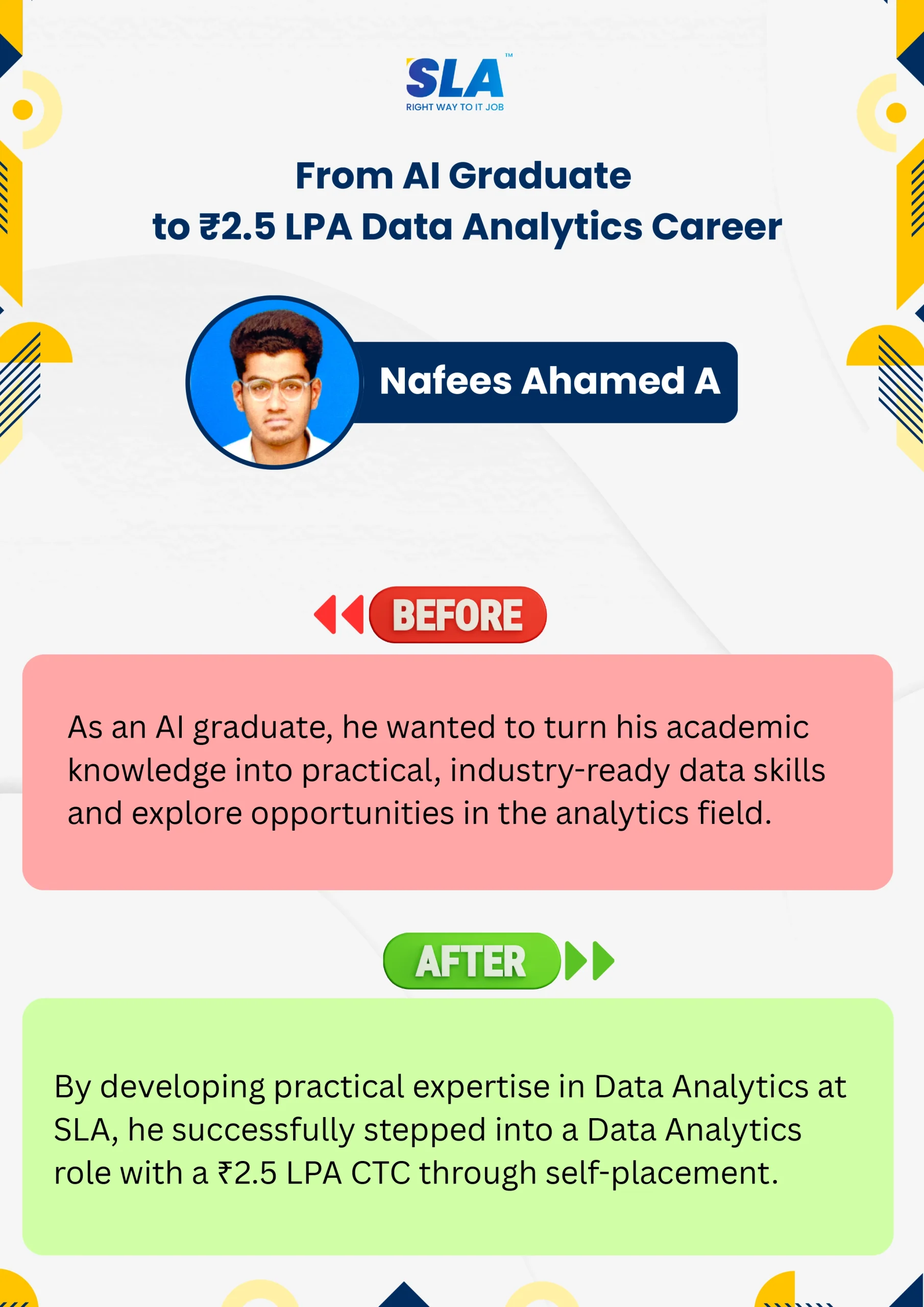
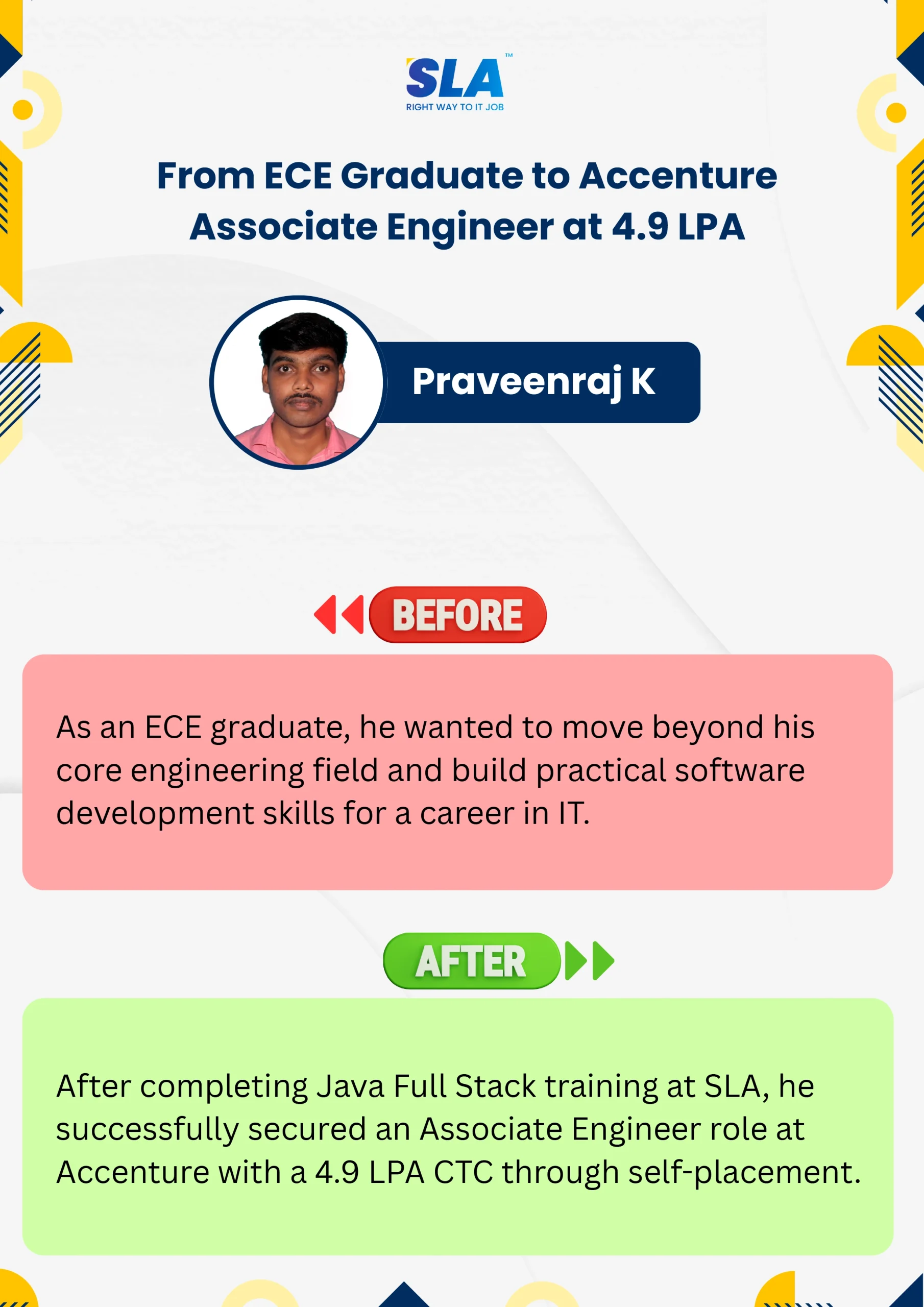
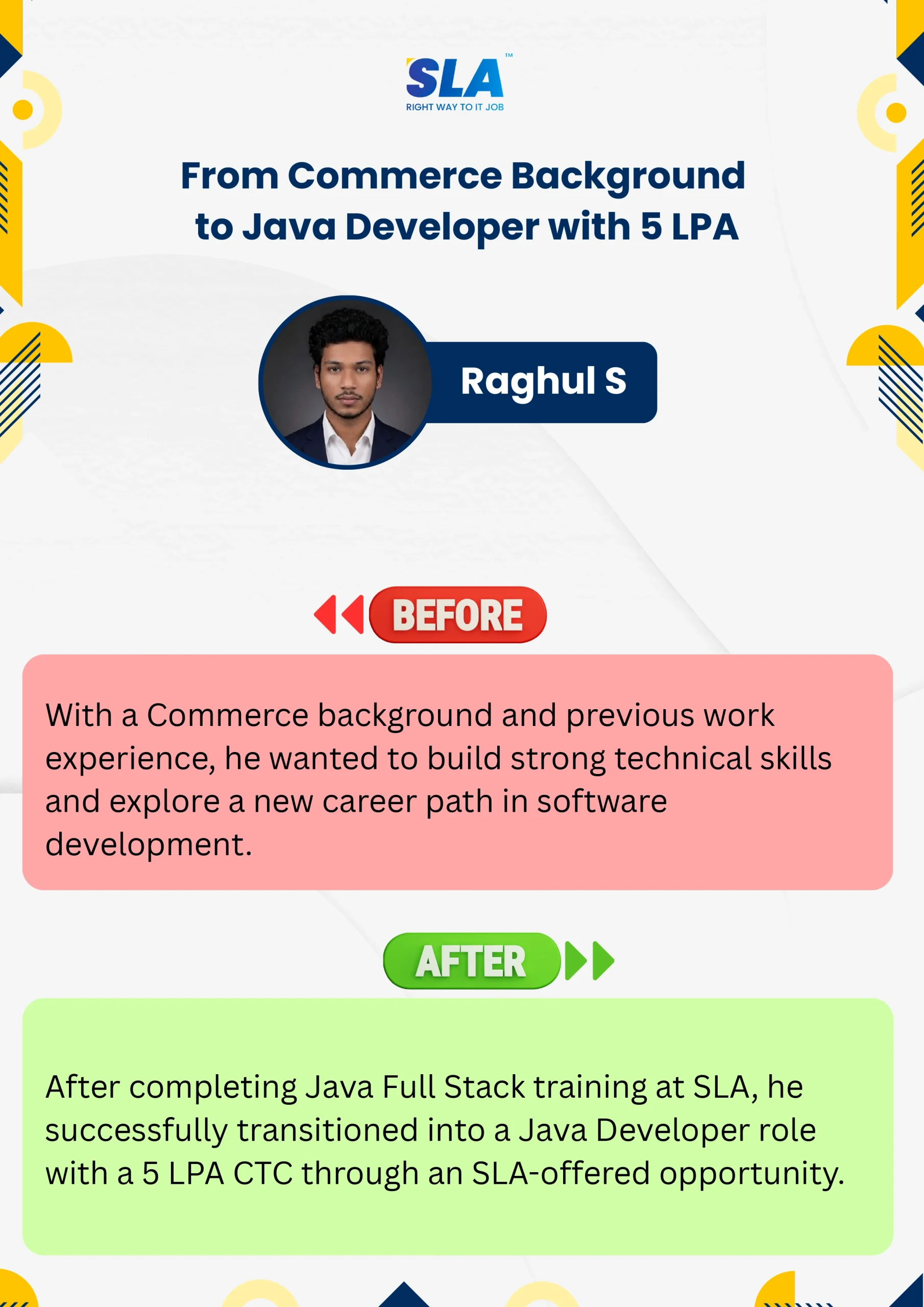
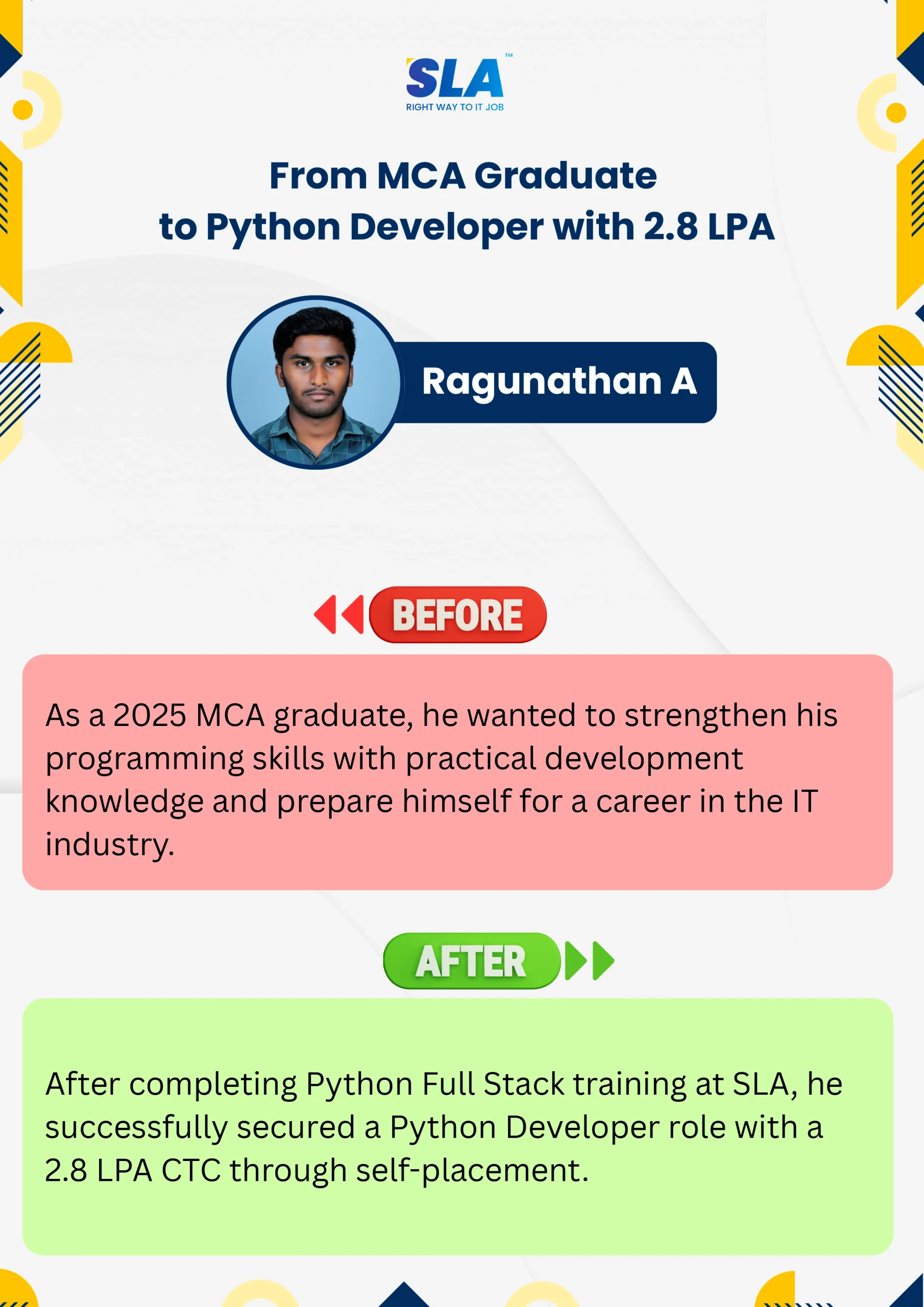
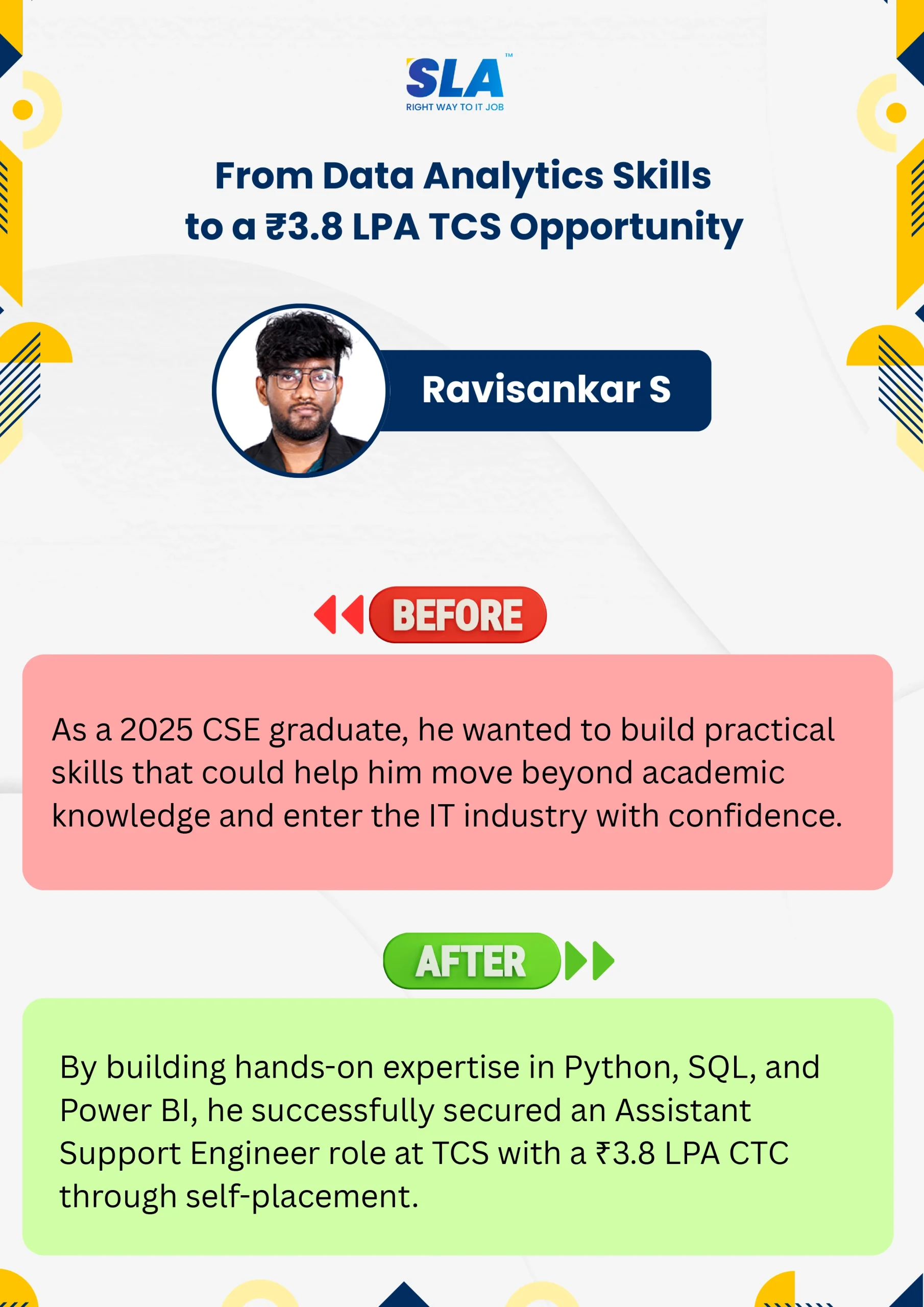
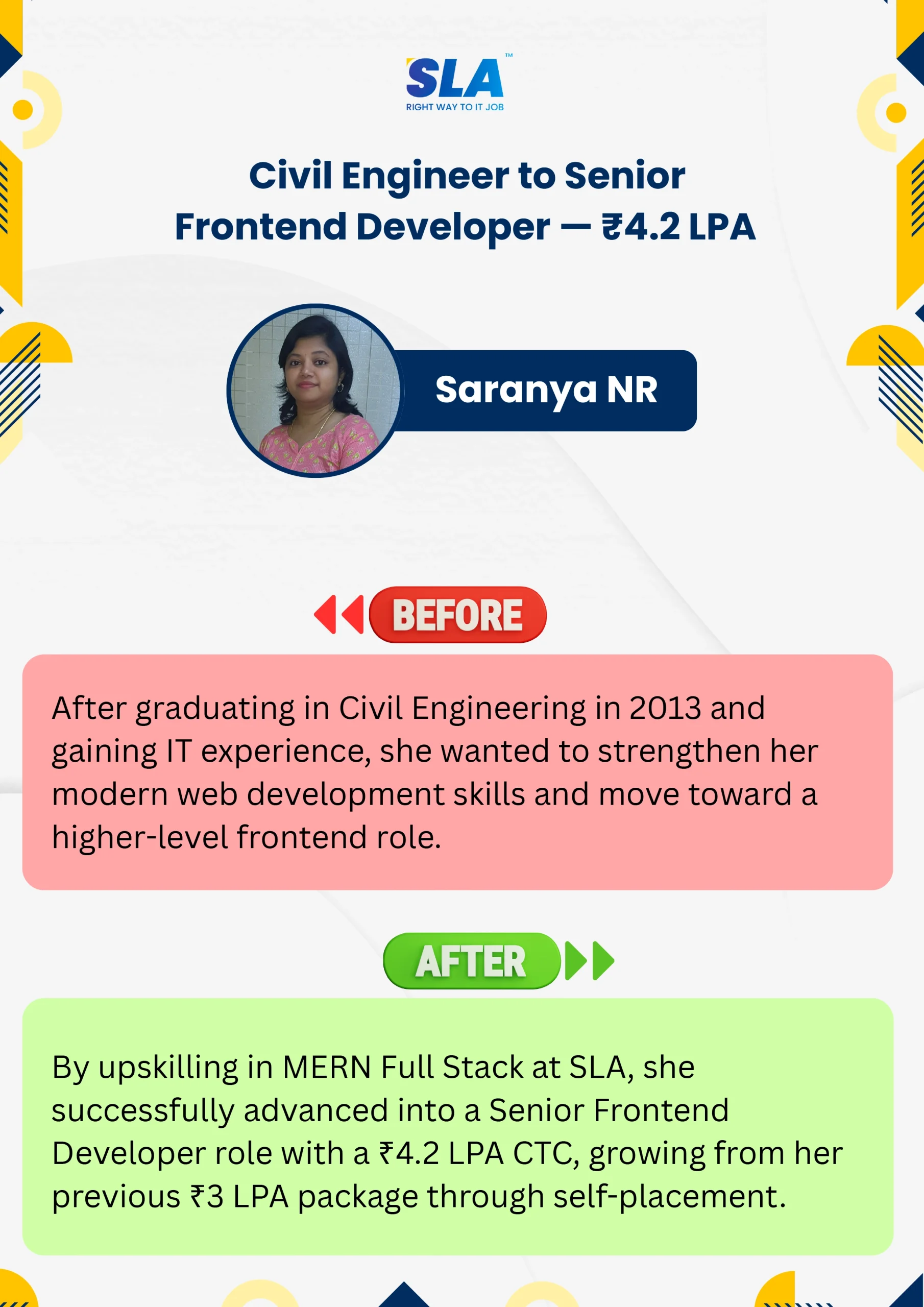
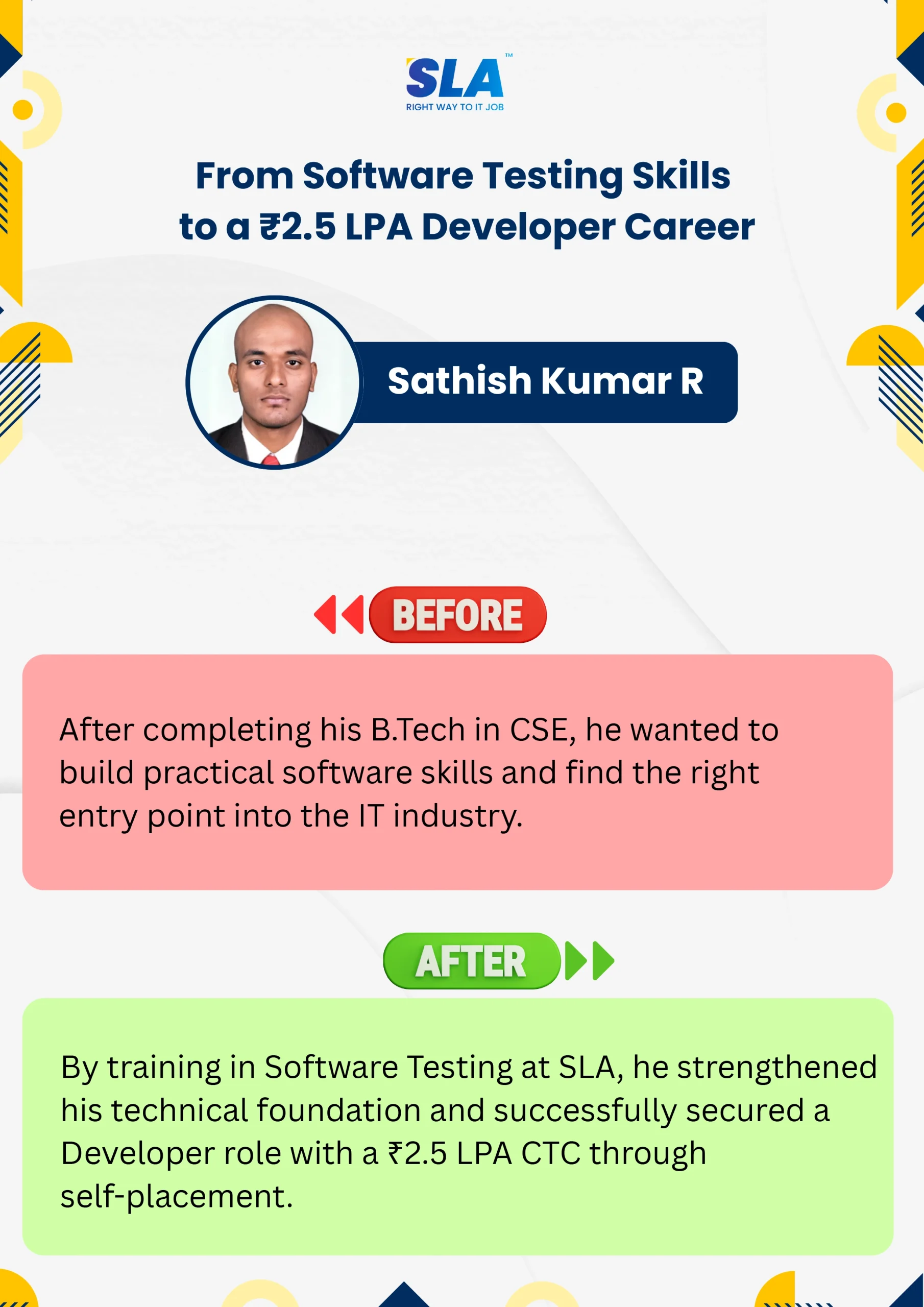
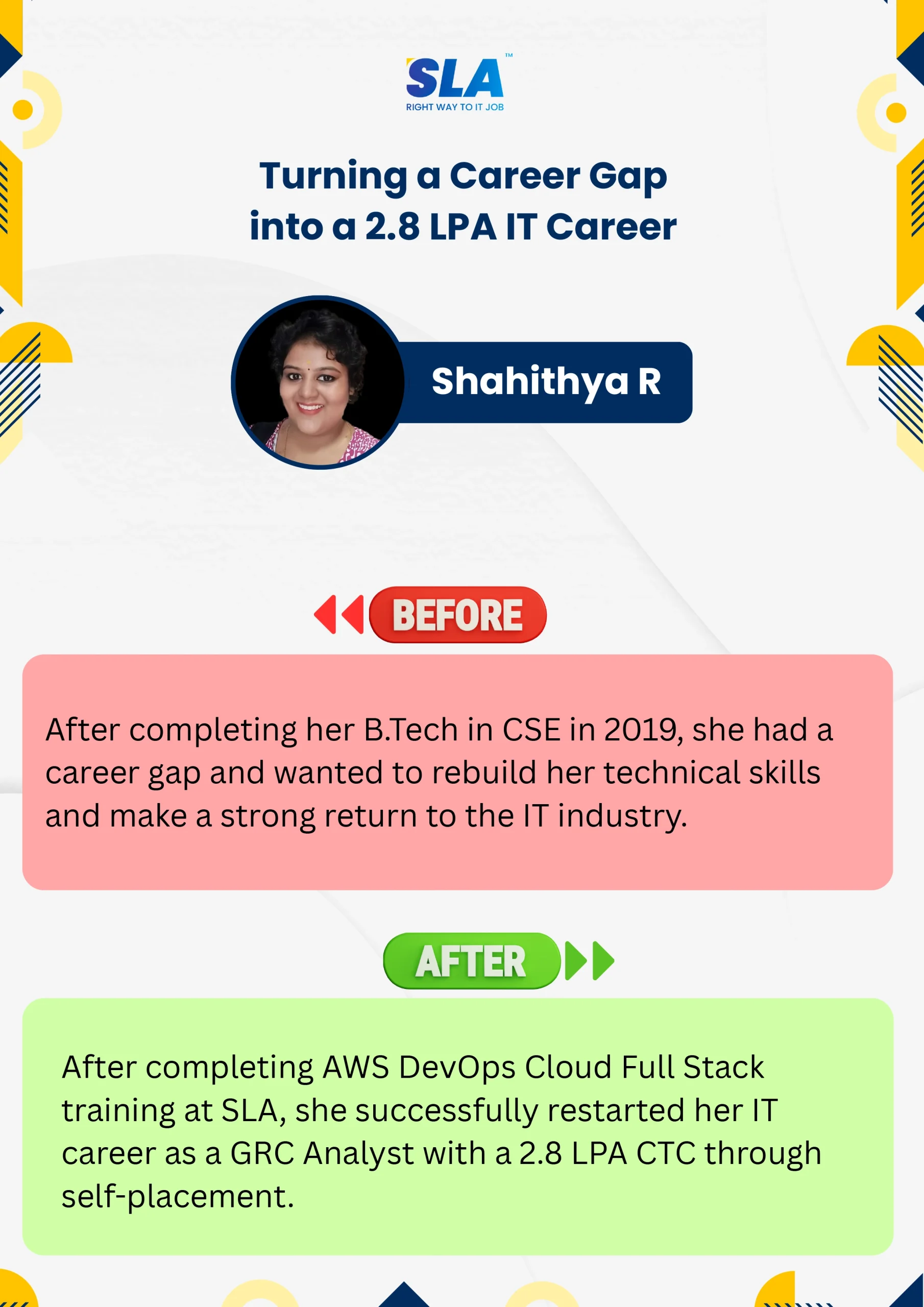
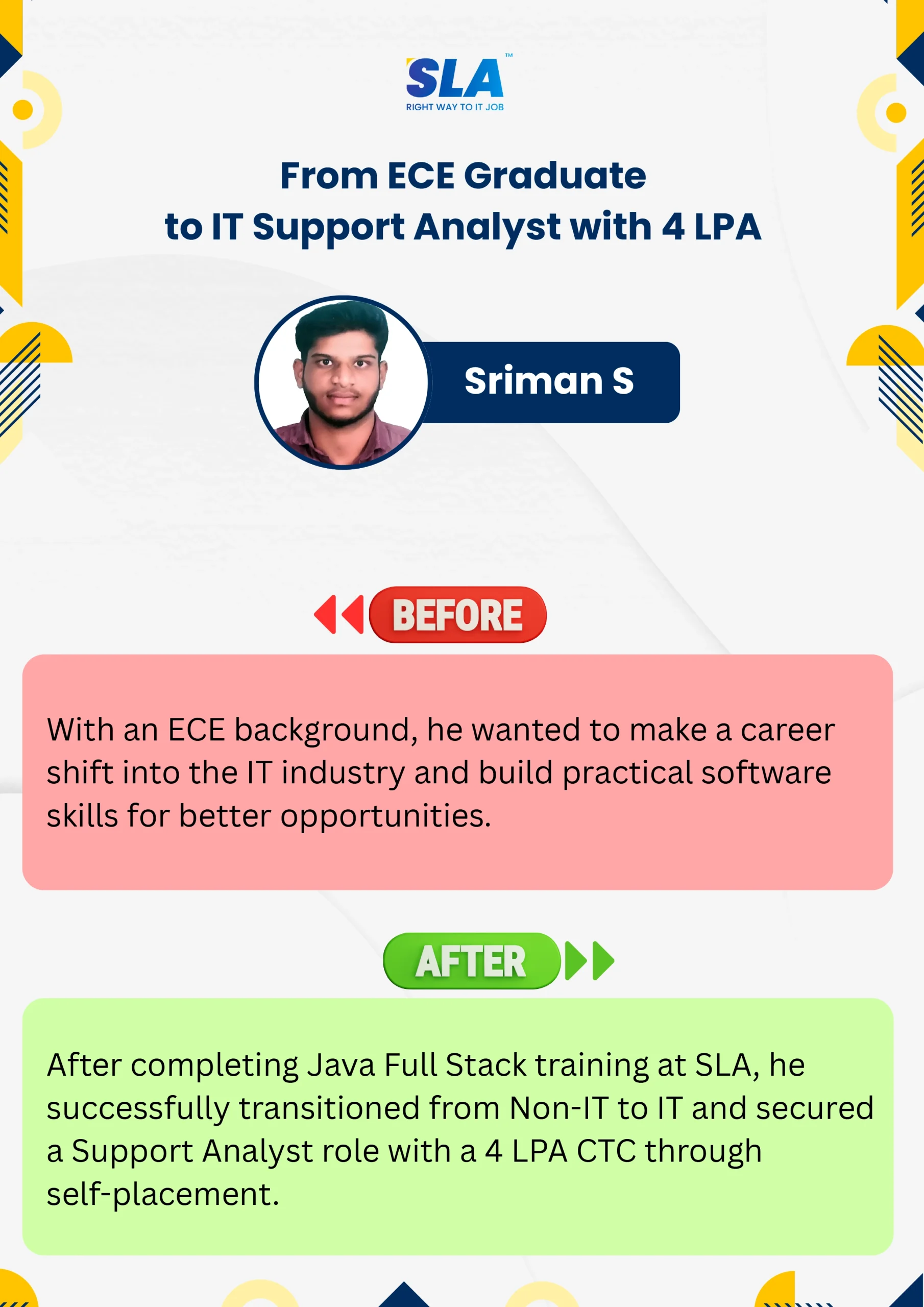
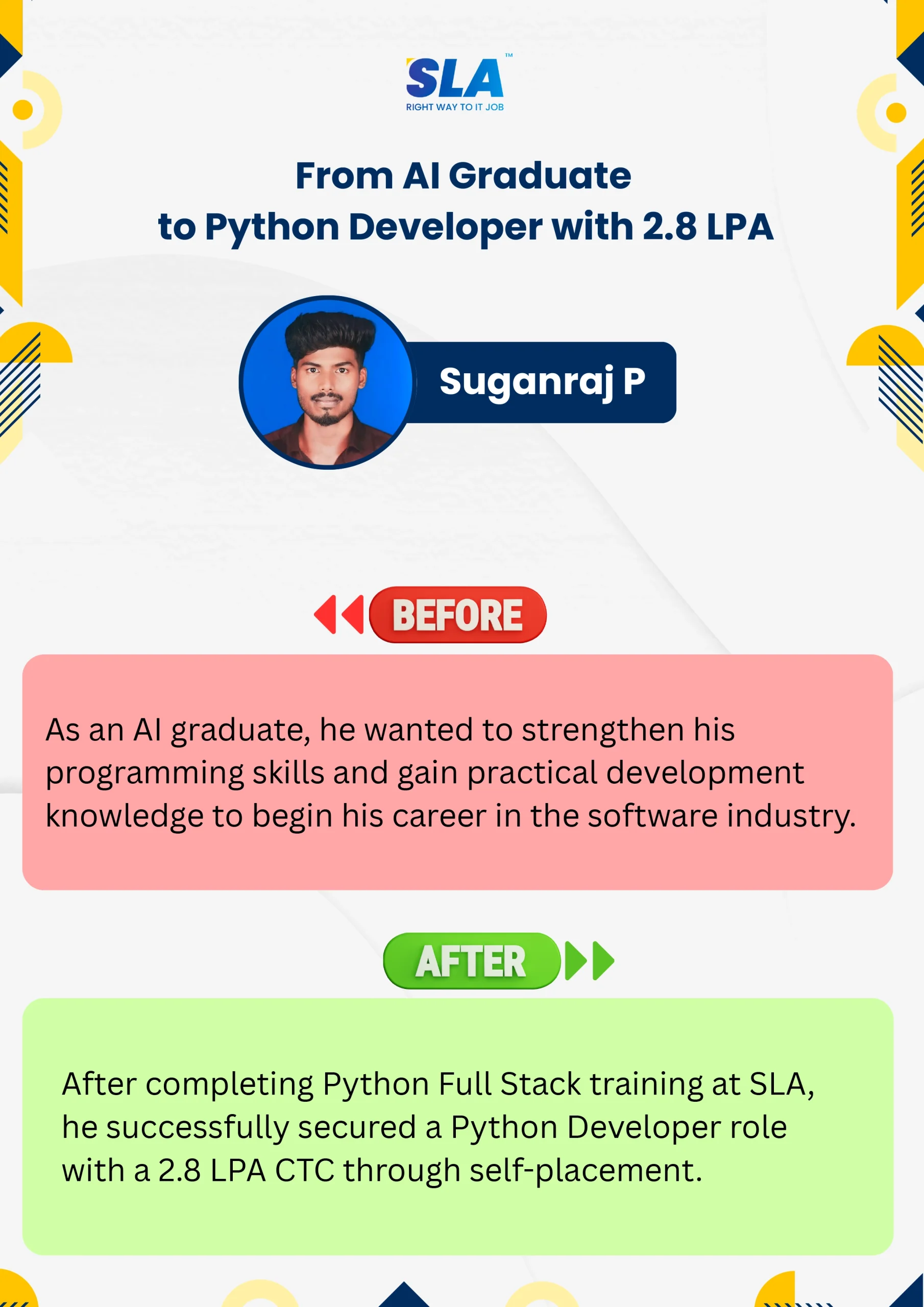
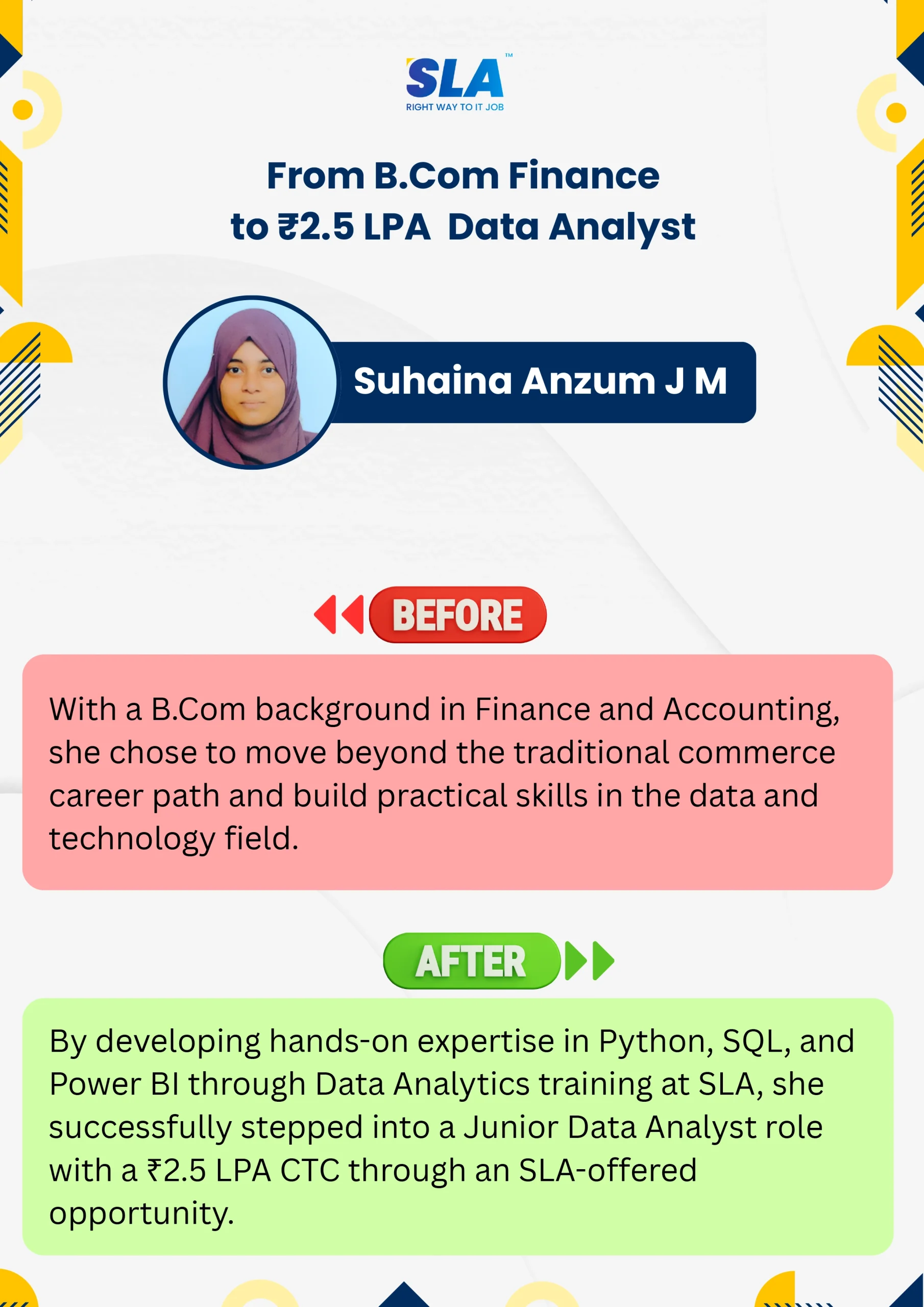
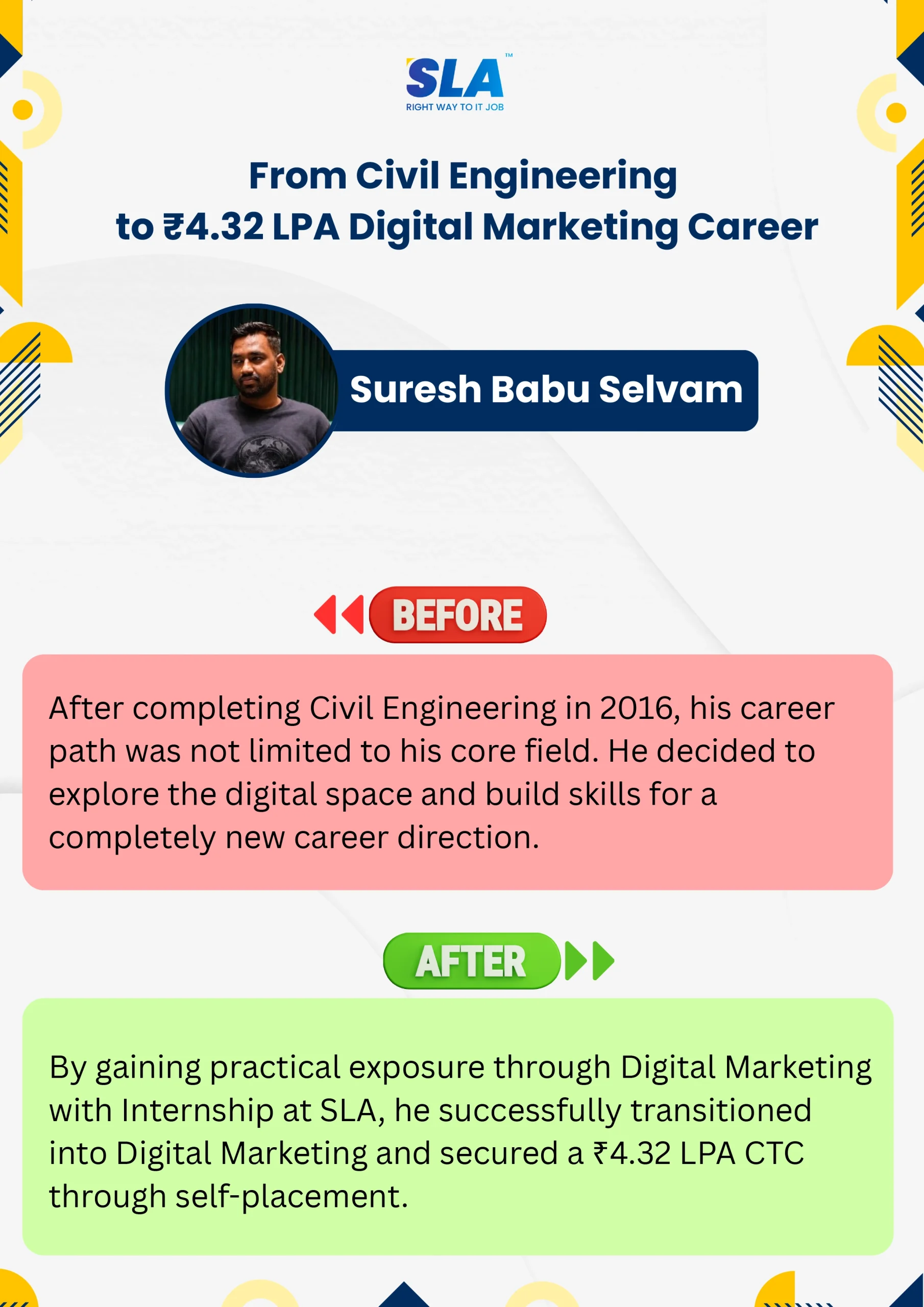
Life Changing Stories

See More Success Stories

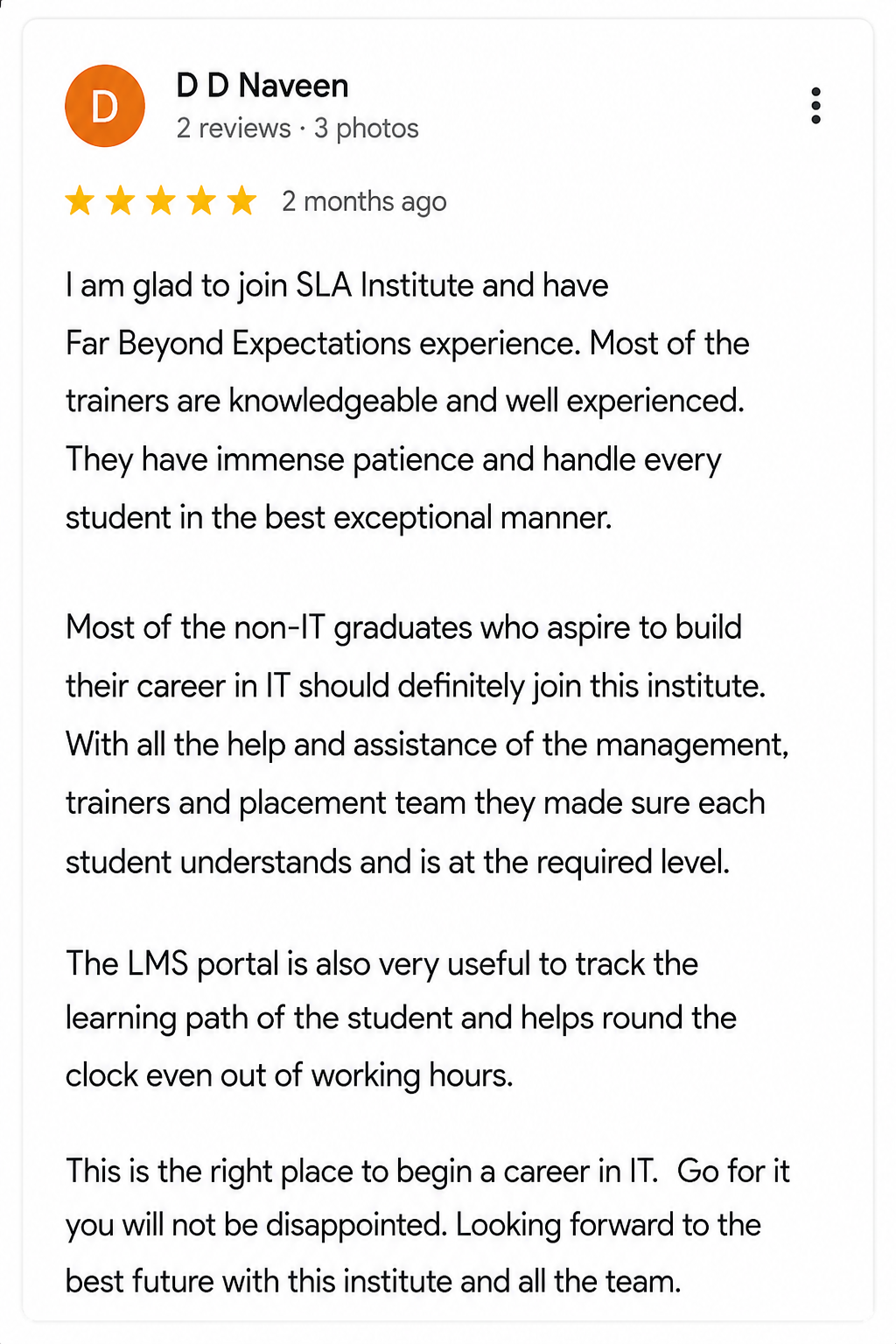
Check our Google Reviews

3D Review Carousel

HTML Course with Certificate Course Syllabus

Download Syllabus
  • Overview of Web Technologies
  • History and Evolution of HTML
  • Understanding HTML Document Structure
  • Setting Up a Development Environment
  • Basic Tags and Elements
  • HTML Page Layout and Boilerplate Code
  • DOCTYPE Declaration and Character Encoding
  • Head Section Elements: <title>, <meta>, <link>, <script>
  • Body Section and Basic Page Setup
  • Headings (<h1> to <h6>)
  • Paragraphs (<p>) and Line Breaks (<br>)
  • Bold, Italic, Underline, and Other Formatting Tags
  • Lists: Ordered (<ol>) and Unordered (<ul>)
  • Blockquote, Preformatted Text, and Code Tag

  • Creating Hyperlinks (<a>)
  • Absolute vs. Relative URLs
  • Target Attribute and Linking to Different Sections
  • Anchor Links and Bookmarking

  • Inserting Images (<img>) and Image Attributes
  • Responsive Images and Image Optimization
  • Adding Audio (<audio>) and Video (<video>)
  • Embedding External Media (YouTube, Vimeo, etc.)

  • Creating Tables with <table>, <tr>, <td>, <th>
  • Merging Rows and Columns (rowspan, colspan)
  • Styling Tables with CSS
  • Nested Tables and Accessibility Features
  • Creating Forms (<form>) and Form Attributes
  • Input Fields (<input>), Textareas, Radio Buttons, Checkboxes
  • Dropdowns (<select>), Date Pickers, and File Uploads
  • Form Validation and HTML5 Attributes
  • Using <label> and <fieldset> for Better Accessibility
  • Introduction to HTML5
  • New Semantic Elements (<article>, <section>, <aside>, <nav>)
  • Canvas API (<canvas>) for Graphics and Animations
  • SVG (Scalable Vector Graphics) in HTML
  • Data Attributes and Custom Attributes
  • Geolocation API
  • Web Storage (Local Storage & Session Storage)
  • Drag and Drop API
  • Fetch API for Making HTTP Requests
  • Writing Clean and Structured HTML Code
  • Semantic HTML for SEO and Accessibility
  • ARIA Roles and Attributes
  • Best Practices for Cross-Browser Compatibility
  • Performance Optimization in HTML
  • Creating a Multi-Page Website
  • Developing a Contact Form with Validation
  • Building a Portfolio Website
  • Integrating HTML with CSS and JavaScript

Quick Enquiry

Placement

Dedicated placement support

Learning

Job-Centered Approach

Timings

Convenient Hrs

Mode

Online & Classroom

Certification

Industry-Accredited

Upcoming Batches

Hands On Training
3-5 Real Time Projects
60-100 Practical Assignments
3+ Assessments / Mock Interviews
November 2026
Week days
(Mon-Fri)
Online/Offline

2 Hours Real Time Interactive Technical Training

1 Hour Aptitude

1 Hour Communication & Soft Skills

(Suitable for Fresh Jobseekers / Non IT to IT transition)

Course Fee
November 2026
Week ends
(Sat-Sun)
Online/Offline

4 Hours Real Time Interactive Technical Training

(Suitable for working IT Professionals)

Course Fee

Save up to 20% in your Course Fee on our Job Seeker Course Series

Learn More

We Tie-Up with 1000+ Leading IT and MNC Companies

SLA's Hiring and Placement Partner: Capgemini
SLA's Hiring and Placement Partner: Siply
SLA's Hiring and Placement Partner: Apollo Hospitals
SLA's Hiring and Placement Partner: Observeai
SLA's Hiring and Placement Partner: Samsung
SLA's Hiring and Placement Partner: Google
SLA's Hiring and Placement Partner: Pwc
SLA's Hiring and Placement Partner: CGI
SLA's Hiring and Placement Partner: Mentor Graphics
SLA's Hiring and Placement Partner: Napier
SLA's Hiring and Placement Partner: Fareportal
SLA's Hiring and Placement Partner: Tech Mahindra
SLA's Hiring and Placement Partner: Bosch
SLA's Hiring and Placement Partner: Deloitte
SLA's Hiring and Placement Partner: Publicis Sapient
SLA's Hiring and Placement Partner: Accenture
SLA's Hiring and Placement Partner: Amazon
SLA's Hiring and Placement Partner: Birlasoft
SLA's Hiring and Placement Partner: Prodapt
SLA's Hiring and Placement Partner: Rakuten
SLA's Hiring and Placement Partner: Nvidia
SLA's Hiring and Placement Partner: Eurofins
SLA's Hiring and Placement Partner: Goldman Sachs
SLA's Hiring and Placement Partner: Valuemomentum
SLA's Hiring and Placement Partner: SociéTé GéNéRale
SLA's Hiring and Placement Partner: Cyient
SLA's Hiring and Placement Partner: Infosys
SLA's Hiring and Placement Partner: NTT-Data
SLA's Hiring and Placement Partner: Oracle
SLA's Hiring and Placement Partner: GlobalLogic
SLA's Hiring and Placement Partner: Latent View
SLA's Hiring and Placement Partner: Cognizant
SLA's Hiring and Placement Partner: Acs Solutions
SLA's Hiring and Placement Partner: Intellect
SLA's Hiring and Placement Partner: Optum
SLA's Hiring and Placement Partner: Highradius
SLA's Hiring and Placement Partner: Mindtree
SLA's Hiring and Placement Partner: Jio
SLA's Hiring and Placement Partner: Spanidea
SLA's Hiring and Placement Partner: SAP
SLA's Hiring and Placement Partner: Perficient
SLA's Hiring and Placement Partner: Fractal
SLA's Hiring and Placement Partner: Tredence
SLA's Hiring and Placement Partner: Merkle
SLA's Hiring and Placement Partner: Bank Of America
SLA's Hiring and Placement Partner: Tanla
SLA's Hiring and Placement Partner: GEP
SLA's Hiring and Placement Partner: TCS
SLA's Hiring and Placement Partner: Delhivery
SLA's Hiring and Placement Partner: Needl.ai
SLA's Hiring and Placement Partner: Wipro

Objectives of HTML Course with Certificate 

Our HTML Course with Certificate aims to provide a strong foundation in HTML, preparing you for real-world web development. Key objectives include:

  • Basic Computer Skills: Familiarity with using a computer, internet browsing, and text editing software is essential.
  • Interest in Web Development: A genuine interest in creating websites and understanding how the internet works will make the learning process smoother.
  • Understanding of Internet Concepts: Knowing how websites and web pages are accessed and displayed in browsers will give you a solid foundation.
  • Basic Design Knowledge (Optional): While not mandatory, having a basic understanding of design principles can enhance your ability to create well-structured, visually appealing web pages.

Future Scope of HTML Course with Certificate 

Expanding Job Opportunities

Completing an HTML for beginners course can unlock a wide range of job opportunities in web development. As the internet grows, the need for skilled developers to create and maintain websites is increasing. HTML is a core skill for building websites, making it an essential part of the job market for web developers.

Career Growth in Web Development

An HTML language course sets the foundation for a career in web development. With HTML, you can advance to roles in front-end development, where you’ll be responsible for designing and implementing the layout and structure of websites. As the demand for well-designed, user-friendly websites increases, so do opportunities for HTML professionals.

Freelance and Entrepreneurial Ventures

With a certificate in HTML, you can pursue freelancing or start your own web development business. Many businesses and individuals need websites, creating a constant demand for HTML experts. This flexibility allows you to work on various projects and even build a portfolio to showcase your skills.

Pathway to Full-Stack Development

An HTML for beginners course can be the first step toward becoming a full-stack developer. After mastering HTML, you can learn other technologies like CSS, JavaScript, and back-end programming, allowing you to build both the front-end and back-end of websites. This comprehensive skill set opens doors to advanced career opportunities.

Check out: JavaScript Course in Chennai

Increased Demand and Salary Potential

As the digital world expands, companies increasingly rely on web development professionals. By completing an HTML language course, you can enter a field with high demand, ensuring job stability and the potential for higher salaries. HTML skills are foundational, and with the right experience, you can advance to specialized, higher-paying roles.
Achieve Your Goals With SLA

SLA builds your future with comprehensive coursework and unparalleled placement support.
Register For Free Demo

Project Practices on HTML Course with Certificate Training

Project 1Basic Web Page Creation

Build a simple web page using HTML, including text, images, and links, to understand page structure and element placement.

Project 1Responsive Web Design

Develop a responsive webpage that adjusts to different screen sizes, practicing HTML and CSS integration for mobile-friendly layouts.

Project 2Interactive Form Development

Create a user-friendly form with various input fields like text, radio buttons, and checkboxes, focusing on form handling and validation.

Project 3Portfolio Website

Design a personal portfolio website showcasing your HTML skills, including an about section, project gallery, and contact form.

Prerequisites for learning HTML Course with Certificate 

To learn HTML, you don’t need extensive prior experience. However, having the following knowledge and skills can enhance your learning experience:

  • Basic Programming Knowledge: Understanding programming languages like Python, Java, or JavaScript will help you work with code and version control.
  • Command Line Basics: Knowing how to use the terminal for basic commands will make it easier to work with HTML.
  • Software Development Basics: A general understanding of writing and managing code is useful for using HTML.
  • Internet Access: Since HTMLHub is cloud-based, a good internet connection is needed to access and manage repositories.

If you lack any of these skills, don’t worry! Our HTML Course with Certificate at SLA Institute provides beginner-friendly training to help you build these competencies.

Our HTML Course with Certificate is ideal to:

  • Students eager to excel in HTML
  • Professionals considering transitioning to HTML careers
  • IT professionals aspiring to enhance their HTML skills
  • Data Analysts enthusiastic about expanding their expertise
  • Individuals seeking opportunities in HTML

Job Profile in HTML Course with Certificate 

Upon completing HTML Course with Certificate with Placement, students will qualify for various job roles in the IT industry. Some of these positions are discussed below:

Front-End Developer

  • Responsibilities: Design and develop the visual elements of websites using HTML, CSS, and JavaScript. Ensure cross-browser compatibility and optimize web pages for speed.
  • Salary: ₹3,00,000 – ₹6,00,000 per year

Web Designer

  • Responsibilities: Create the layout, structure, and design of websites using HTML. Work closely with developers to ensure the design is functional and user-friendly.
  • Salary: ₹2,50,000 – ₹5,00,000 per year

UI/UX Designer

  • Responsibilities: Focus on creating user interfaces and experiences that are intuitive, using HTML and other front-end technologies. Conduct user testing and optimize designs.
  • Salary: ₹4,00,000 – ₹8,00,000 per year

Content Developer

  • Responsibilities: Write and manage content for websites, ensuring it is structured correctly using HTML. Work on SEO optimization and content formatting.
  • Salary: ₹2,00,000 – ₹4,00,000 per year

Web Developer

  • Responsibilities: Develop and maintain websites, integrating HTML with other technologies like CSS and JavaScript. Ensure functionality, security, and performance.
  • Salary: ₹3,50,000 – ₹7,00,000 per year

Check out: Web Designing Course in Chennai

SEO Specialist

  • Responsibilities: Optimize websites for search engines by structuring HTML content correctly, using proper tags and metadata. Improve site visibility and ranking.
  • Salary: ₹3,00,000 – ₹6,00,000 per year

Want to learn with a personalized course curriculum?

HTML Course with Certificate Course FAQ

HTML (HyperText Markup Language) is the standard language used to create and structure content on the web, including text, images, links, and multimedia elements.

HTML is generally considered easy to learn, especially for beginners. It uses simple tags and structure, making it accessible for anyone interested in web development.

HTML is used to structure and display content on the web, including text, images, links, forms, and multimedia, enabling the creation of websites and web applications.

HTML alone may not be enough to secure a job. However, combining HTML with CSS, JavaScript, and other skills can significantly increase job opportunities in web development.

The HTML Course Fees at SLA Institute range from ₹25,000 to ₹50,000, depending on the course duration and specific training program details. Contact SLA Institute for detailed information.

Yes, SLA Institute supports EMI options with 0% interest.’

Yes, HTML is a great starting point for a web development career. It opens doors to roles like front-end developer and web designer with good growth potential.

Yes, SLA Institute provides Lifetime Placement Support to assist students in securing job placements throughout their careers.

HTML (HyperText Markup Language) is the standard language used to create and structure content on the web, including text, images, links, and multimedia elements.

HTML is generally considered easy to learn, especially for beginners. It uses simple tags and structure, making it accessible for anyone interested in web development.

HTML is used to structure and display content on the web, including text, images, links, forms, and multimedia, enabling the creation of websites and web applications.

HTML alone may not be enough to secure a job. However, combining HTML with CSS, JavaScript, and other skills can significantly increase job opportunities in web development.

The HTML Course Fees at SLA Institute range from ₹25,000 to ₹50,000, depending on the course duration and specific training program details. Contact SLA Institute for detailed information.

Yes, SLA Institute supports EMI options with 0% interest.’

Yes, HTML is a great starting point for a web development career. It opens doors to roles like front-end developer and web designer with good growth potential.

Yes, SLA Institute provides Lifetime Placement Support to assist students in securing job placements throughout their careers.

The SLA Way to Get Placed

The SLA Way to Get Placed

Seven connected stages, one continuous path from enrollment to your career launch — here is exactly how it works, step by step.

01
🎓

Technical Mastery

Industry-aligned curriculum, daily coding tasks, real-time projects.

02
💻

Career Readiness

Aptitude, communication, ATS-friendly resume optimization.

03
🎯

Placement Prep

Aptitude, communication tuning and technical interview mastery.

04
💬

Panel Mock Interviews

Real company-pattern mocks with expert panel feedback.

05
👨‍💼

Interview Schedule

Multiple company drives with lifetime placement support.

06
📝

Interview Feedback

Detailed performance analysis and one-on-one guidance.

07
🏆

Launch Your Career

Land your first job with lifetime alumni and career support.

Know the process

Listen to Our Students' Video Testimonials

Just a minute!

If you have any questions that you did not find answers for, our counsellors are here to answer them. You can get all your queries answered before deciding to join SLA and move your career forward.

We are excited to get started with you

Give us your information and we will arange for a free call (at your convenience) with one of our counsellors. You can get all your queries answered before deciding to join SLA and move your career forward.