Opens in a new tab
Software Training Institute in Chennai with 100% Placements – SLA Institute

Advanced Excel Course in Chennai

(1967)

DURATION

2-3 Months

EMI

0% Interest

Mode

Live Online & Classroom Training

Advance Excel Training in Chennai at SLA Institute is equipping the learners with the ability to process a large amount of data for various business tasks. You can learn how to use spreadsheets, tables, graphing, automation, and calculations with complete hands-on experience. We offer industry-worth course completion certificates with field expertise in our Advance Excel Training Institute in Chennai with 100% Placement Assistance at SLA.

This Course Includes

  • FREE Demo Class
  • 0% EMI Loan Facilities
  • FREE Softskill & Placement Training
  • Tie up with more than 500+ MNCs & Medium Level Companies
  • Dedicated placement support
  • Course Completion Certificate
Let's Get Started

Let's take the first step to becoming an expert in Advanced Excel

Click Here to Get Started

Lifelong Placement
Support

Get Certified

Check Your Eligibility for IT Training

Ready to start your tech career? Whether you have recently graduated and want to begin your IT career, or want to upskill for your next phase, our Eligibility Assessment Form makes the process easy to begin. For this Advanced Excel Developer Course, we will match your skills and goals to the best training structure for you. Just fill in the form below for an easy start on your course. Take your first step today!

What We'll Need From You?

Personal & Contact Details

Name and phone number for direct interview updates

Academic Background

Age category, educational qualification, and graduation year.

Technical Experience

Prior programming knowledge and relevant IT certification details.
KNOW MORE ABOUT COURSE +91 86818 84318

IT Training ELIGIBILITY TEST

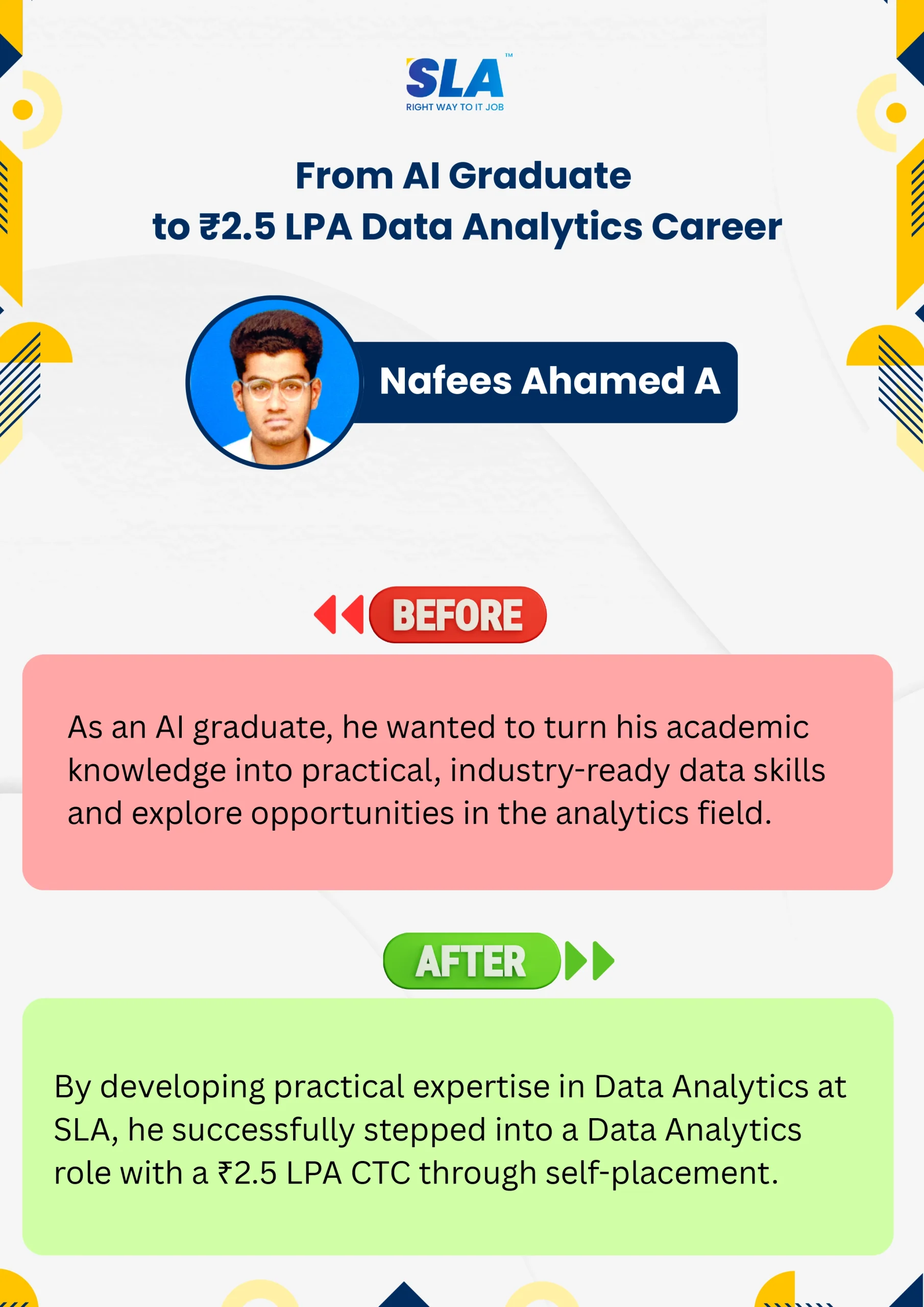
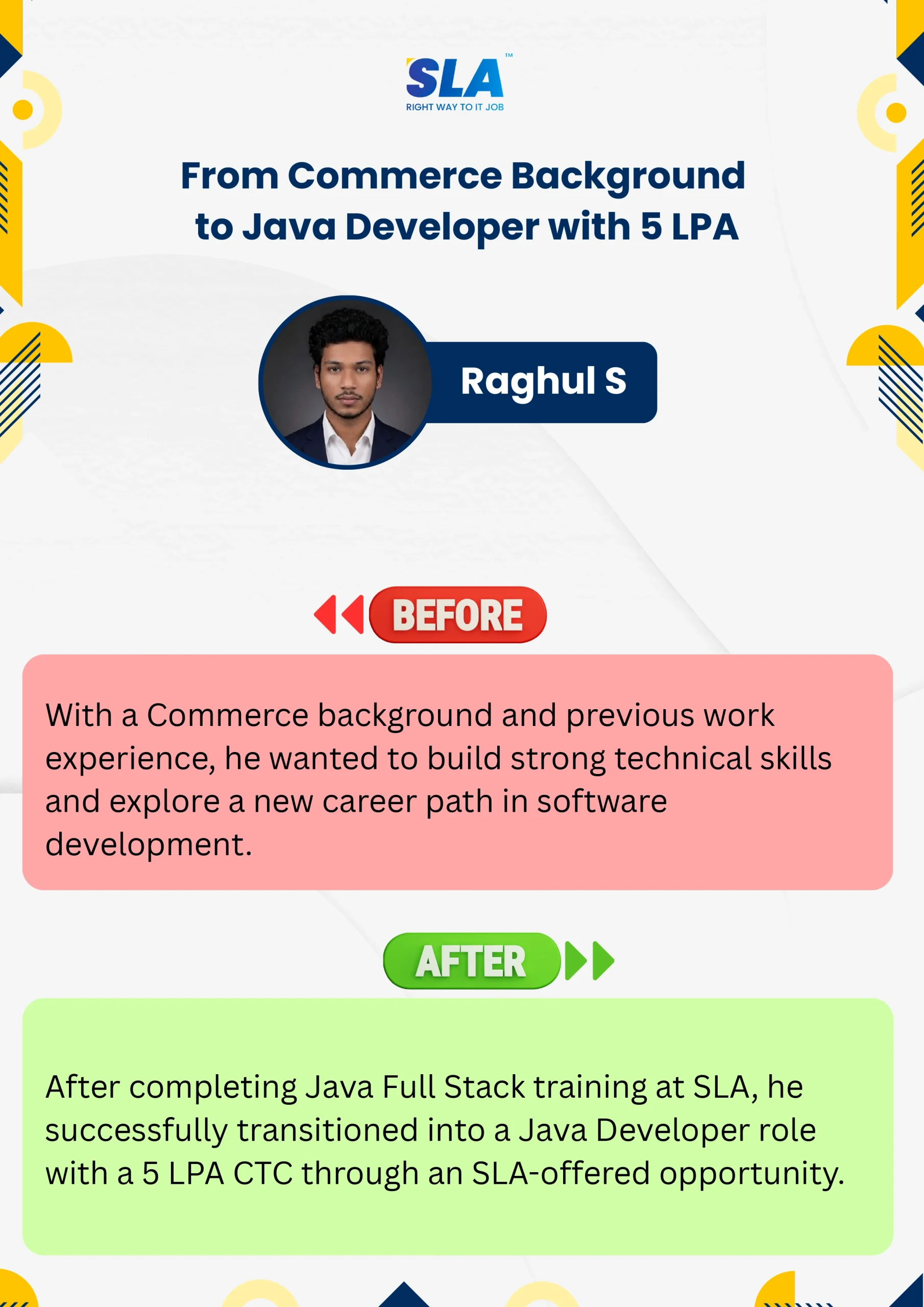
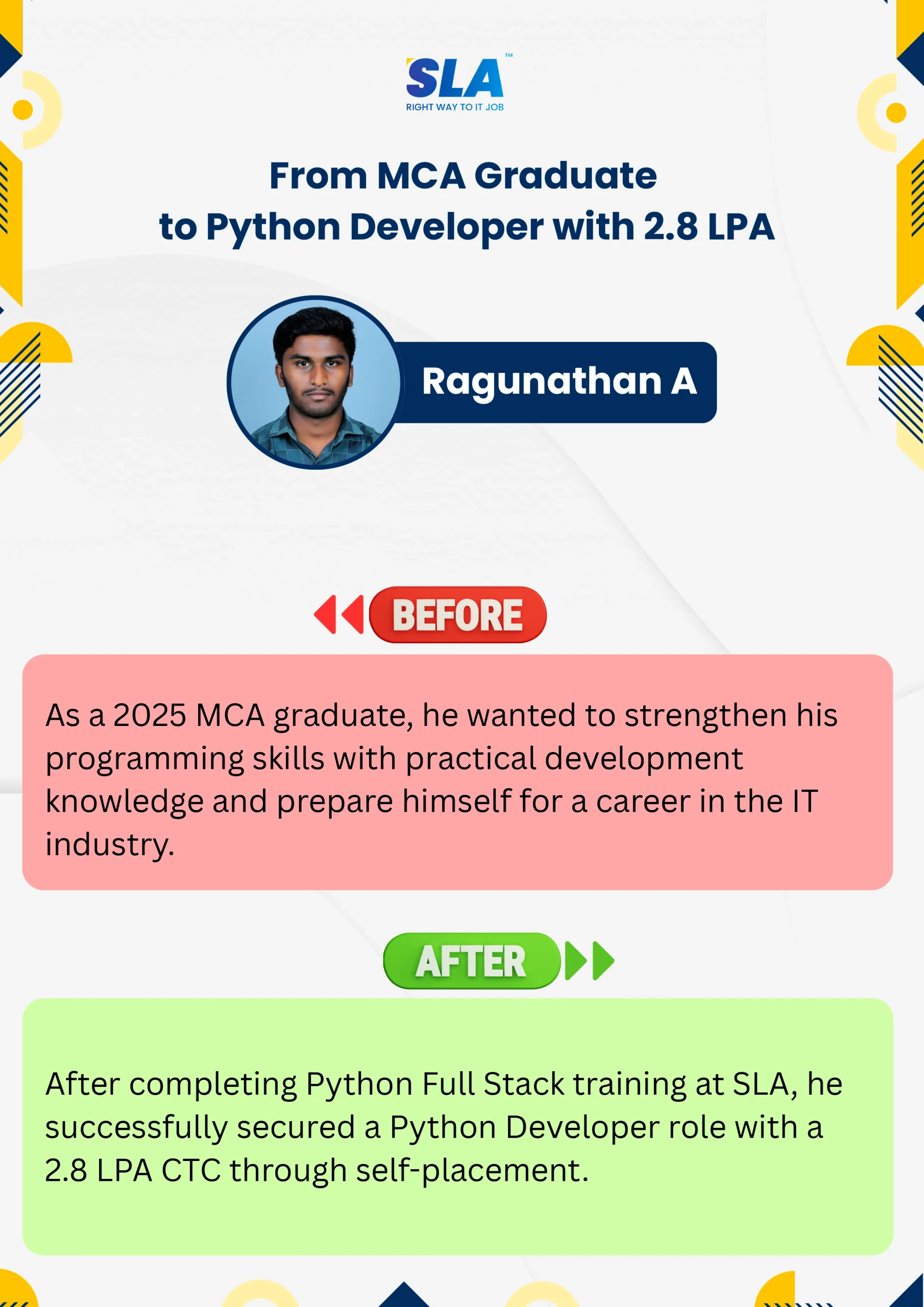
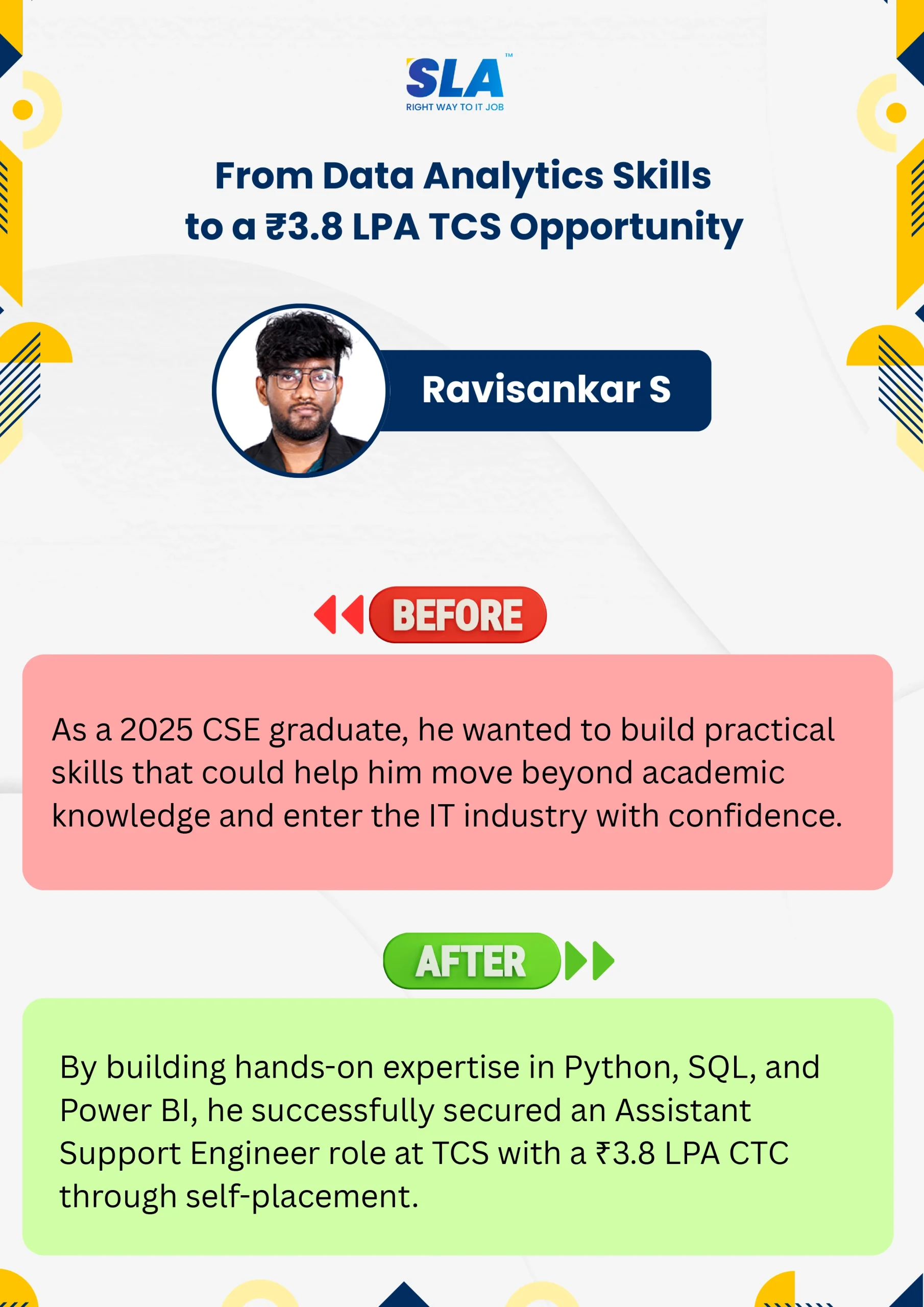
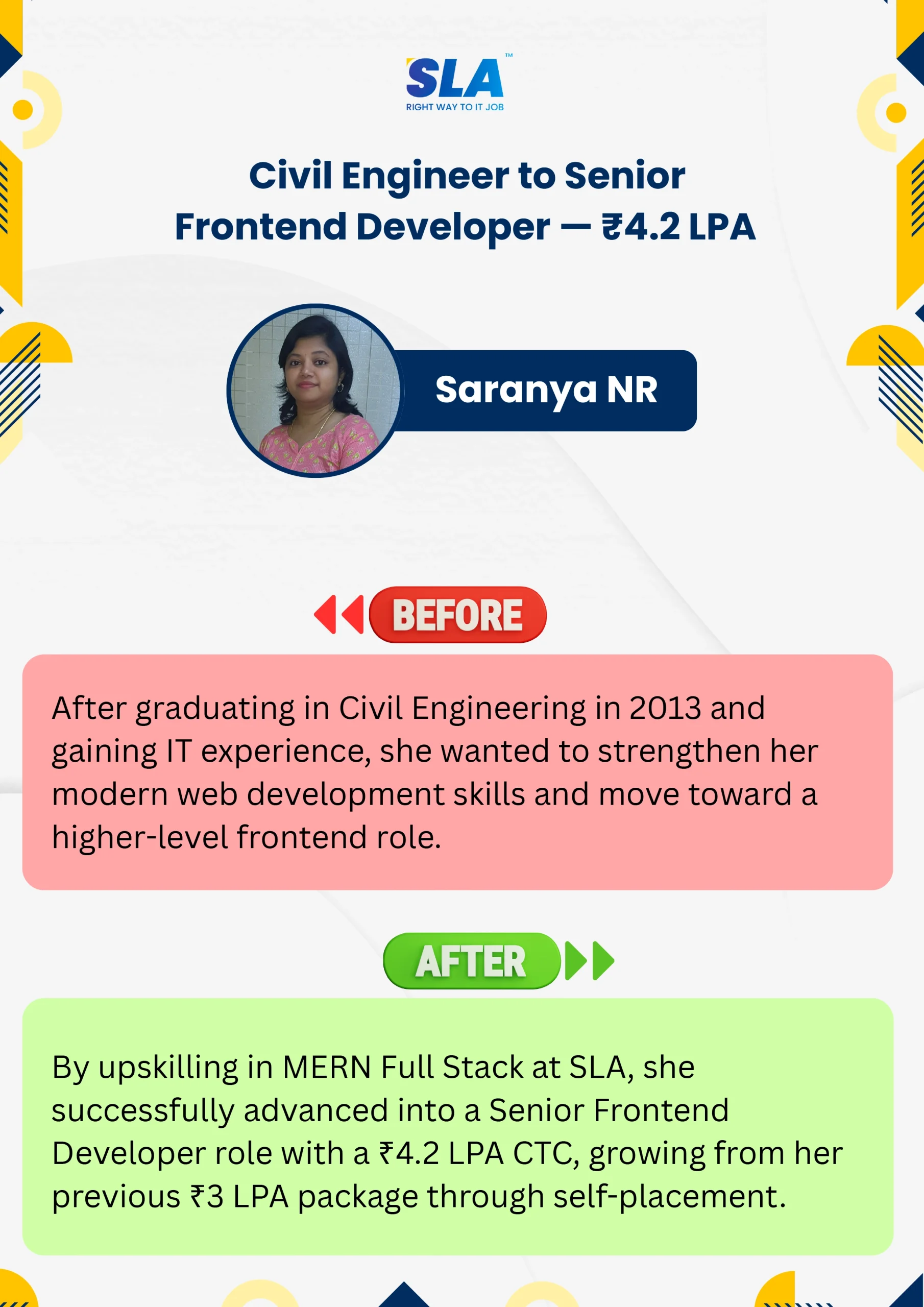
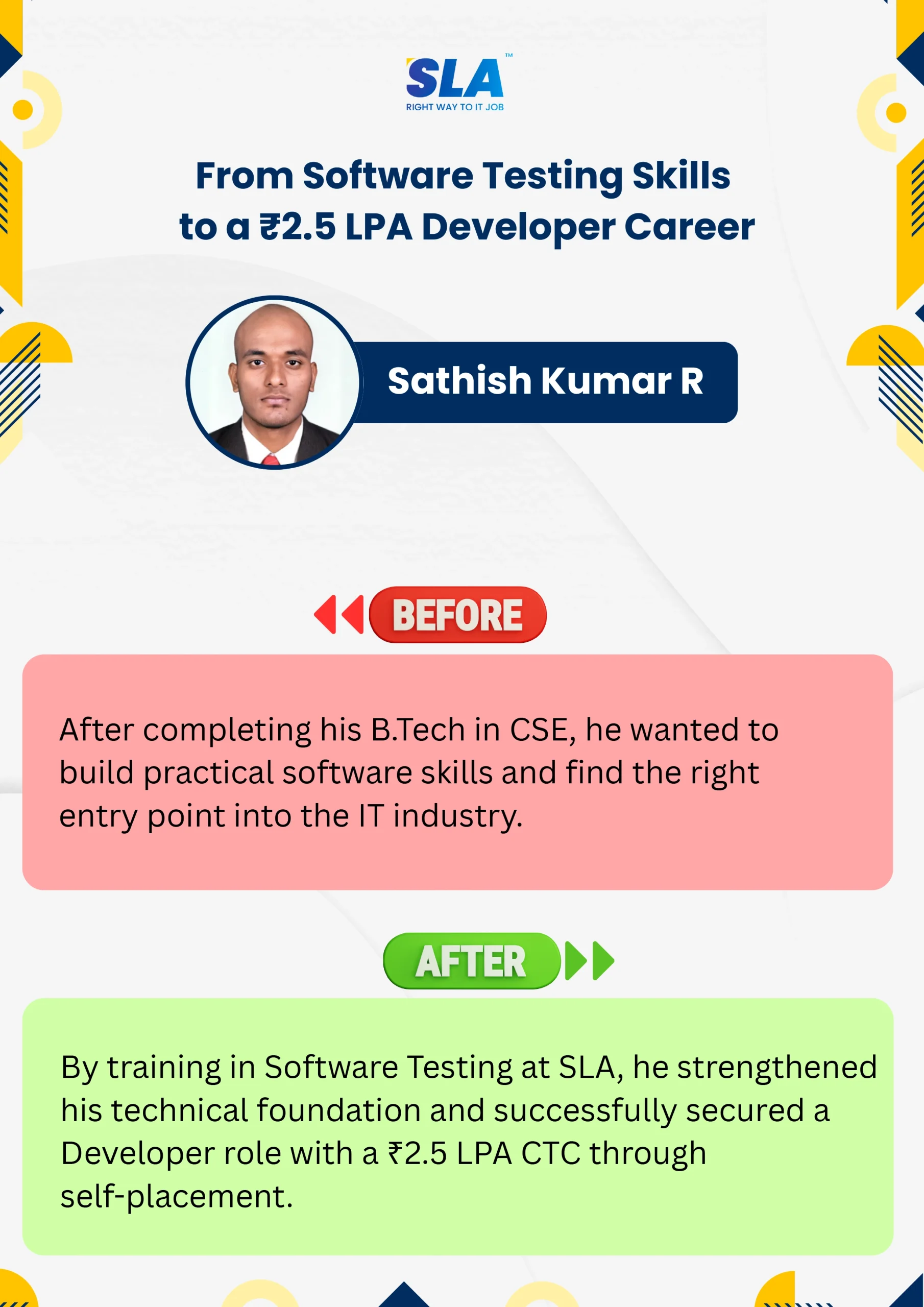
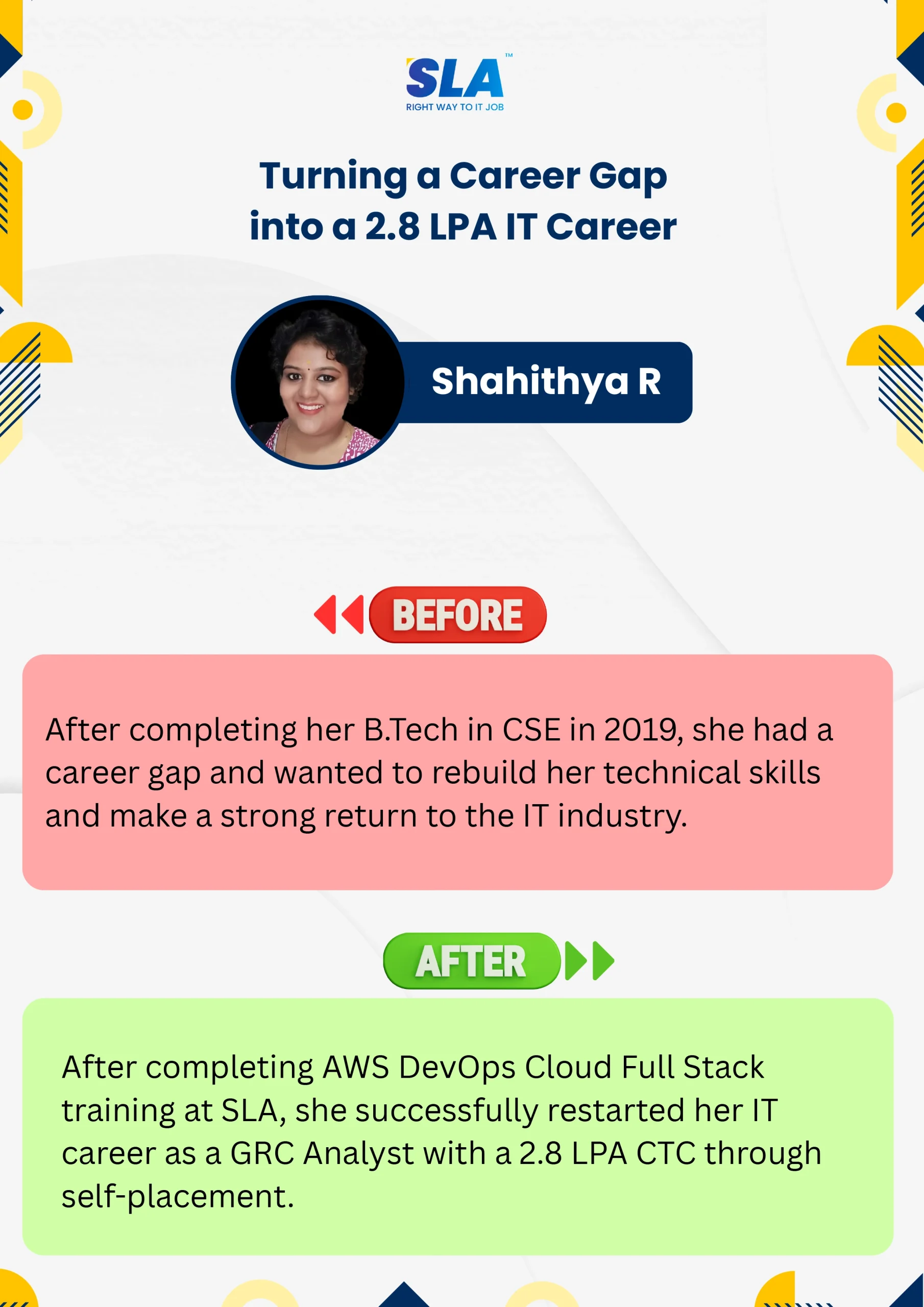
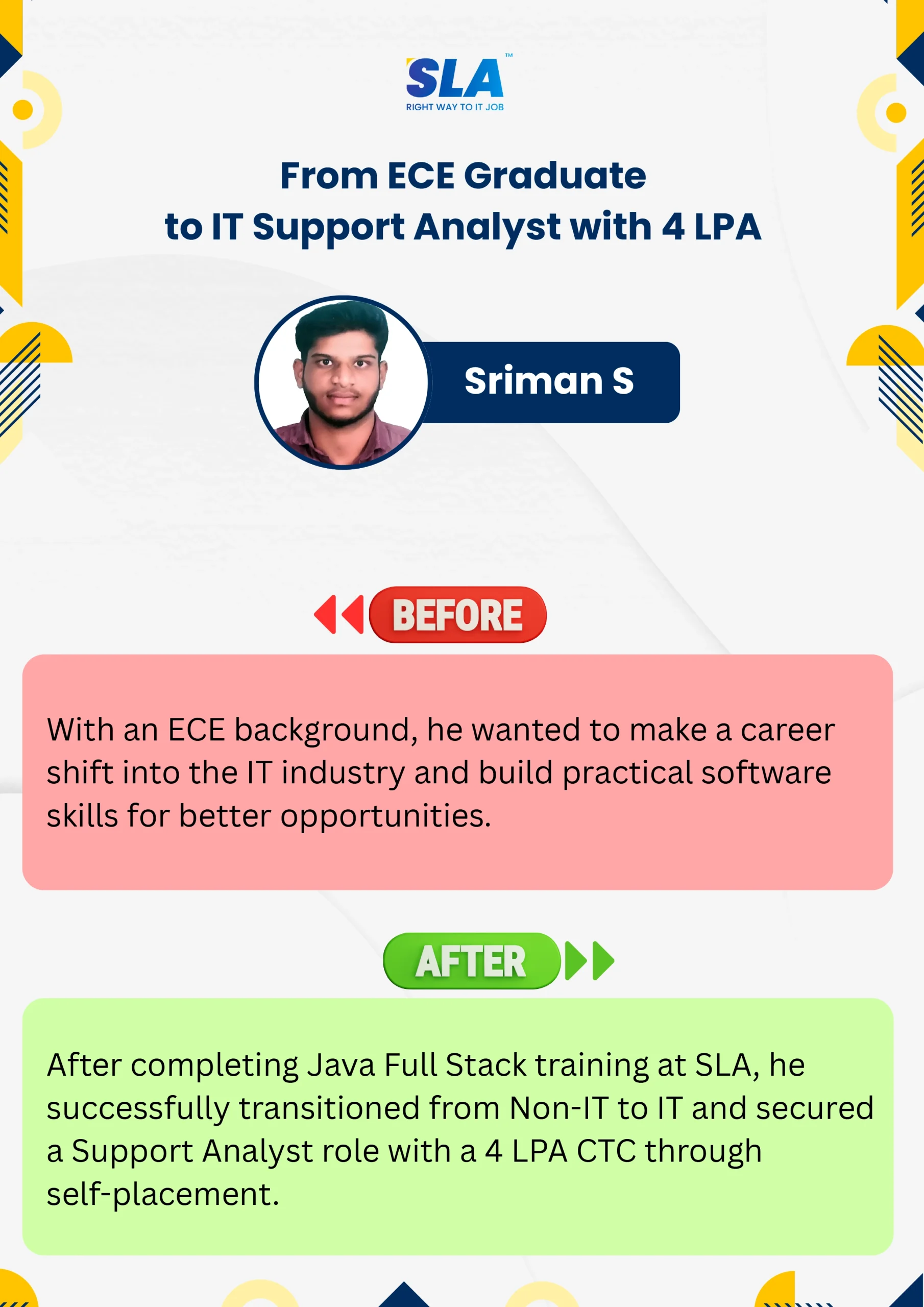
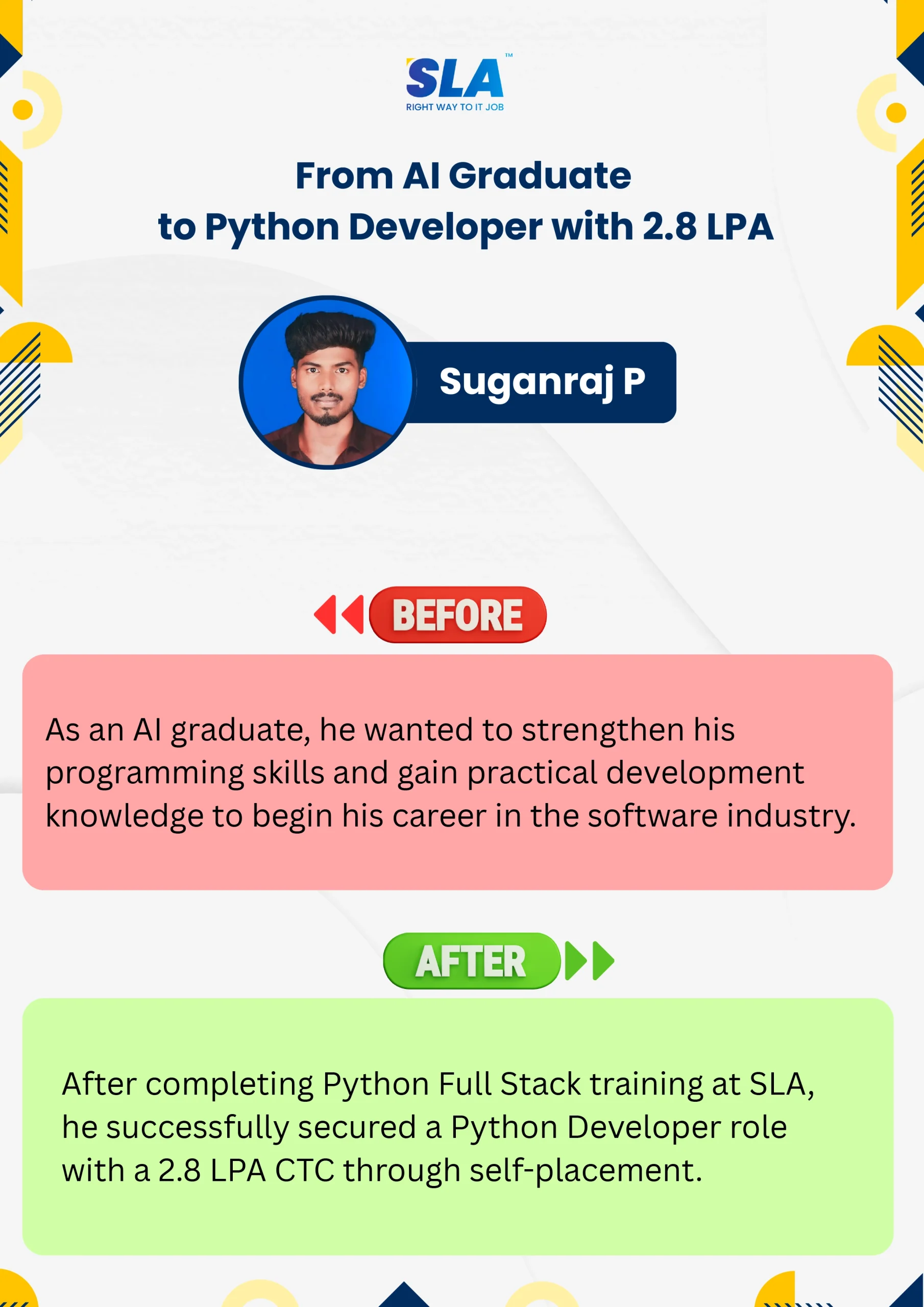
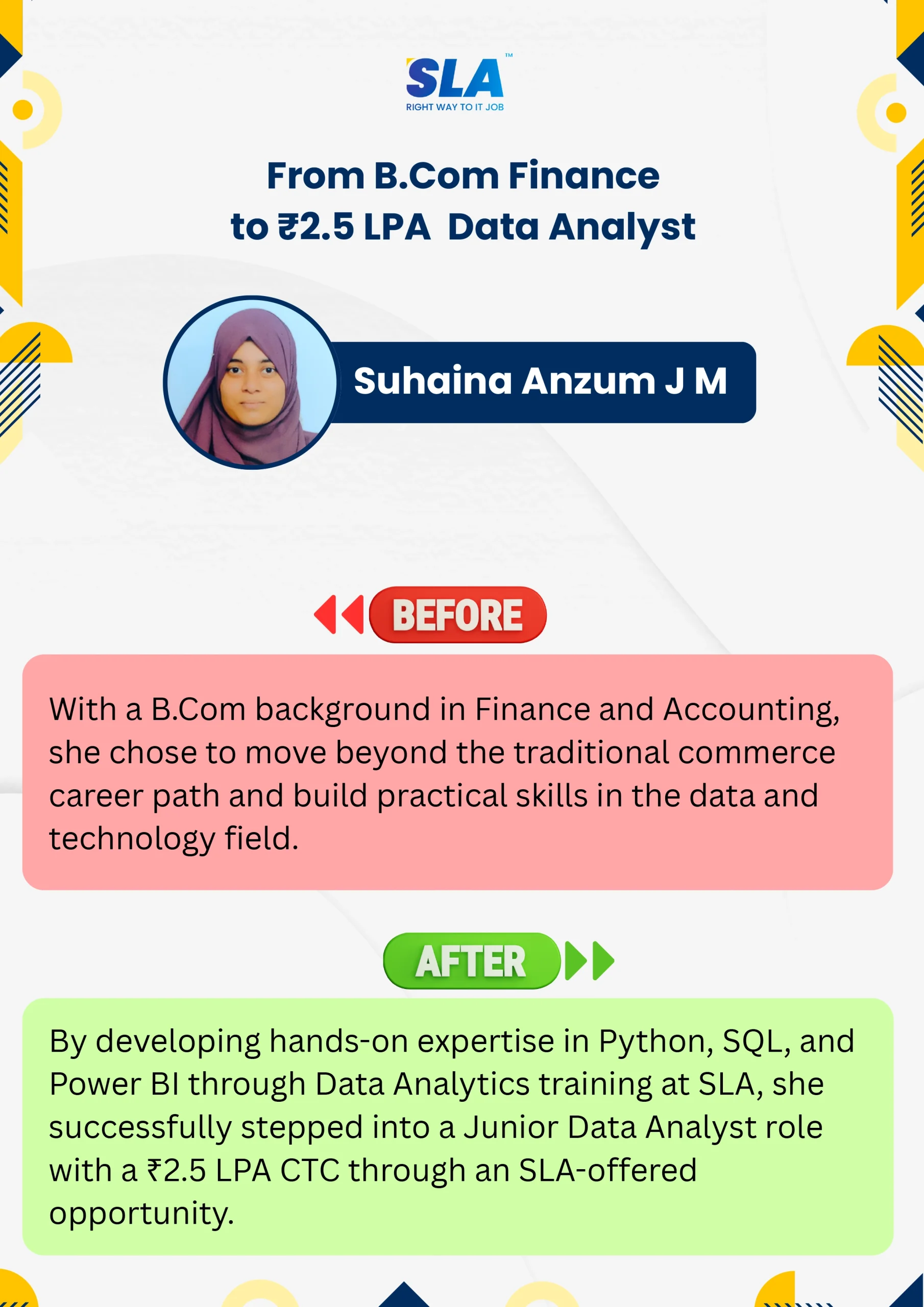
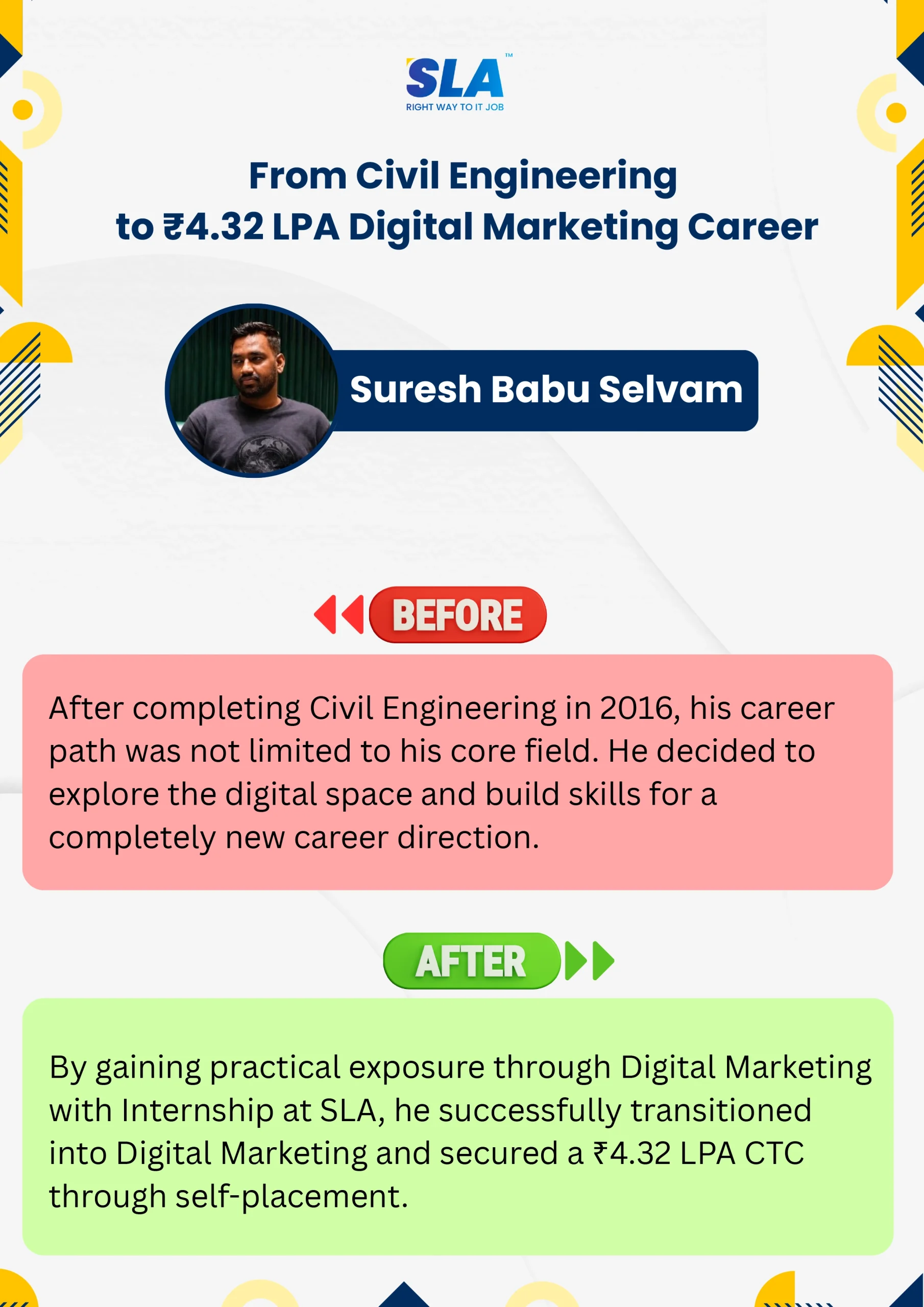
Life Changing Stories

See More Success Stories

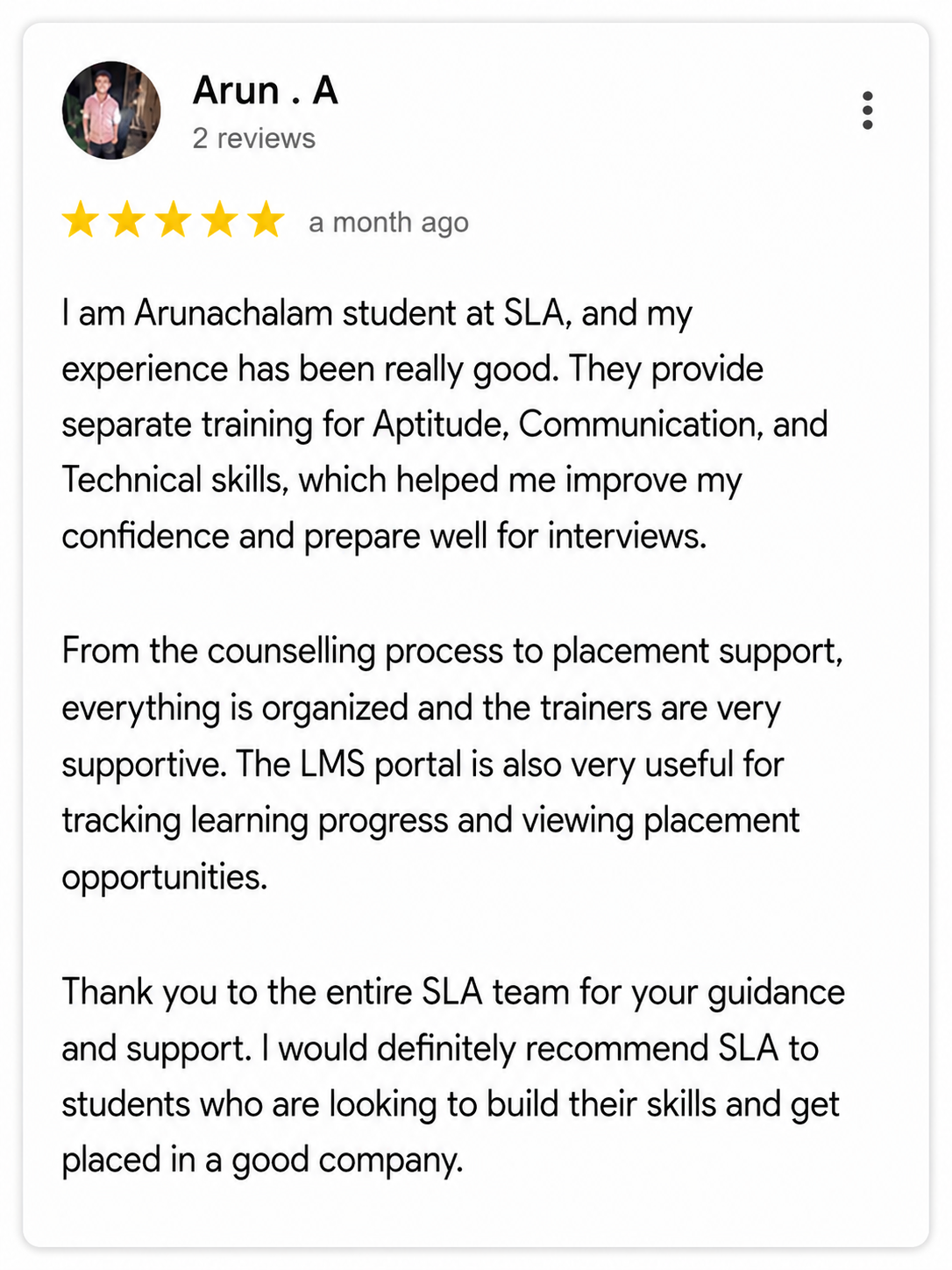
Check our Google Reviews

3D Review Carousel

Advanced Excel Course Syllabus

Download Syllabus
  • Overview of Microsoft Excel and its capabilities
  • Understanding the Excel user interface, menus, and ribbon
  • Customizing Excel settings and using keyboard shortcuts for efficiency
  • Managing multiple worksheets and workbooks
  • Introduction to Excel templates and themes
  • Logical Functions: IF, AND, OR, NOT, IFERROR
  • Lookup & Reference Functions: VLOOKUP, HLOOKUP, INDEX, MATCH, XLOOKUP
  • Text Functions: CONCATENATE, TEXT, LEFT, RIGHT, MID, LEN, TRIM, SUBSTITUTE
  • Date & Time Functions: TODAY, NOW, DATE, TIME, NETWORKDAYS, DATEDIF
  • Statistical Functions: COUNTIF, SUMIF, AVERAGEIF, RANK, PERCENTILE
  • Financial Functions: PMT, PV, FV, NPV, IRR, CUMPRINC
  • Array Formulas and Dynamic Arrays: FILTER, UNIQUE, SORT
  • Sorting and advanced filtering techniques
  • Removing duplicates and data cleaning best practices
  • Applying data validation rules (Drop-down lists, Input messages, Error alerts)
  • Conditional Formatting for data visualization
  • Using Excel’s Find & Replace and Text to Columns features
  • Creating and customizing Pivot Tables
  • Using slicers and timeline filters
  • Grouping, summarizing, and formatting data in Pivot Tables
  • Introduction to Power Pivot for large-scale data handling
  • Creating calculated fields and measures in Power Pivot
  • Designing dynamic charts and graphs
  • Creating Pivot Charts for data insights
  • Using Sparklines for quick trend analysis
  • Advanced Conditional Formatting for interactive dashboards
  • Performing What-If Analysis (Goal Seek, Data Tables, Scenario Manager)
  • Forecasting models and trend analysis
  • Introduction to Macros and VBA Automation
  • Recording and executing Macros
  • Understanding VBA Editor and writing custom scripts
  • Automating repetitive tasks with loops and conditional statements
  • Debugging and error handling in VBA
  • Building User Forms and Interactive Dashboards using VBA
  • Introduction to Power Query for Data Extraction and Transformation
  • Connecting Excel with external databases and APIs
  • Using Power Query to clean and reshape data
  • Integrating Excel with Power BI for Data Visualization
  • Automating Data Refresh and Creating Interactive Reports
  • Building financial models for budgeting and forecasting
  • Applying time value of money concepts in Excel
  • Creating dynamic reports and dashboards for business insights
  • Case studies in sales analysis, stock market analysis, and revenue forecasting
  • Protecting and securing worksheets and workbooks
  • Using Excel’s Track Changes and Comments features
  • Sharing and collaborating on Excel files in OneDrive and Google Sheets
  • Applying data encryption and password protection
  • Real-world projects in Data Analysis and Business Intelligence
  • Automating Reports with VBA Macros
  • Creating Dashboards for Performance Metrics and KPIs
  • Industry-specific case studies (Finance, Marketing, HR, Sales)

Quick Enquiry

Placement

Dedicated placement support

Learning

Job-Centered Approach

Timings

Convenient Hrs

Mode

Online & Classroom

Certification

Industry-Accredited

Upcoming Batches

Hands On Training
3-5 Real Time Projects
60-100 Practical Assignments
3+ Assessments / Mock Interviews
November 2026
Week days
(Mon-Fri)
Online/Offline

2 Hours Real Time Interactive Technical Training

1 Hour Aptitude

1 Hour Communication & Soft Skills

(Suitable for Fresh Jobseekers / Non IT to IT transition)

Course Fee
November 2026
Week ends
(Sat-Sun)
Online/Offline

4 Hours Real Time Interactive Technical Training

(Suitable for working IT Professionals)

Course Fee

Save up to 20% in your Course Fee on our Job Seeker Course Series

Learn More

We Tie-Up with 1000+ Leading IT and MNC Companies

SLA's Hiring and Placement Partner: Capgemini
SLA's Hiring and Placement Partner: Fareportal
SLA's Hiring and Placement Partner: Mindtree
SLA's Hiring and Placement Partner: Birlasoft
SLA's Hiring and Placement Partner: Prodapt
SLA's Hiring and Placement Partner: Tredence
SLA's Hiring and Placement Partner: Infosys
SLA's Hiring and Placement Partner: Acs Solutions
SLA's Hiring and Placement Partner: Spanidea
SLA's Hiring and Placement Partner: SAP
SLA's Hiring and Placement Partner: Siply
SLA's Hiring and Placement Partner: Bosch
SLA's Hiring and Placement Partner: Pwc
SLA's Hiring and Placement Partner: Wipro
SLA's Hiring and Placement Partner: Valuemomentum
SLA's Hiring and Placement Partner: SociéTé GéNéRale
SLA's Hiring and Placement Partner: GlobalLogic
SLA's Hiring and Placement Partner: Napier
SLA's Hiring and Placement Partner: CGI
SLA's Hiring and Placement Partner: Deloitte
SLA's Hiring and Placement Partner: NTT-Data
SLA's Hiring and Placement Partner: Apollo Hospitals
SLA's Hiring and Placement Partner: Oracle
SLA's Hiring and Placement Partner: Tanla
SLA's Hiring and Placement Partner: Rakuten
SLA's Hiring and Placement Partner: Cyient
SLA's Hiring and Placement Partner: Samsung
SLA's Hiring and Placement Partner: Google
SLA's Hiring and Placement Partner: Goldman Sachs
SLA's Hiring and Placement Partner: TCS
SLA's Hiring and Placement Partner: Perficient
SLA's Hiring and Placement Partner: GEP
SLA's Hiring and Placement Partner: Publicis Sapient
SLA's Hiring and Placement Partner: Observeai
SLA's Hiring and Placement Partner: Intellect
SLA's Hiring and Placement Partner: Bank Of America
SLA's Hiring and Placement Partner: Tech Mahindra
SLA's Hiring and Placement Partner: Mentor Graphics
SLA's Hiring and Placement Partner: Eurofins
SLA's Hiring and Placement Partner: Nvidia
SLA's Hiring and Placement Partner: Delhivery
SLA's Hiring and Placement Partner: Cognizant
SLA's Hiring and Placement Partner: Amazon
SLA's Hiring and Placement Partner: Optum
SLA's Hiring and Placement Partner: Accenture
SLA's Hiring and Placement Partner: Needl.ai
SLA's Hiring and Placement Partner: Highradius
SLA's Hiring and Placement Partner: Latent View
SLA's Hiring and Placement Partner: Fractal
SLA's Hiring and Placement Partner: Jio
SLA's Hiring and Placement Partner: Merkle

Best Excel Training in Chennai

You have landed on this page because you would have formed your first Excel macro. Well, you can give yourself a pat on the back. You are now at the top of the world for creating the macros in Excel. Now you will be driven to learn Visual Basic for Applications (VBA). Well, that’s understandable. SLA offers Advanced Excel Training in Chennai so that you can master Advanced Excel.

The Advanced Excel Course in Chennai from SLA is structured in such a way that the student can use pivot tables, charts, audits, evaluate data, etc. Managing macro is also one of the course curriculum in the Advanced Excel Training Course in Chennai. VBA, which is a powerful tool, is also applied with Excel.

Significance of learning Advance Excel Course in Chennai

Excel is used as a data management tool by big companies to record and maintain their daily, monthly, and annual transactions. It gives flexibility for the professionals to work with data in all devices and operating systems along with the compatibility to perform configuration, auditing, and data displaying.

Our Advanced Excel Training in Chennai helps you to gain improved knowledge and skills with the following learning benefits.

  • Build data with tables and graphs efficiently.
  • Strong knowledge of account maintenance.
  • Easy to organize data with endless rows and columns.
  • Easy to visualize, manipulate, and evaluate a large amount of data.
  • Simple platform for creating equations for workflow and inventory levels.
  • Analyze easily through easy-to-read datasets.
  • Easy to design spreadsheets for better data organization
    Able to interpret with data for solving the problems.
  • Easy to maintain, organize and balance complicated inventory and financial accounts.
  • Simple to track systems for business operations along with workflow maintenance.

The Advance Excel Course in Chennai at SLA Institute will provide the learners to work effectively for various positions of top companies. The students can learn how to deal with large amounts of data and calculations, how to implement tools for analyzing data quickly, and how to streamline the workflow processes effectively. Learn to organize data in excel software and become a valuable candidate for the companies through our Advance Excel Course in Chennai.

Achieve Your Goals With SLA

SLA builds your future with comprehensive coursework and unparalleled placement support.
Register For Free Demo

Project Practices on Advanced Excel Training

Project 1Attendance Tracking

The objective of this project is to create a simple attendance tracking spreadsheet for yourself.

Project 2Daily Expense Tracking

You can keep track of your expenses using a daily expense tracking spreadsheet.

Project 3To-Do list

The aim of this project is to make you remember your essential tasks by creating a to-do list

Project 4Develop Reading Lists

The main aim of this project is to assist you in remembering interesting articles from the web.

What is Visual Basic for Applications (VBA)?

Microsoft Excel is a very dynamic tool to work with your data and make your life far better. Several people from different domains use MS Excel to take care of and evaluate data. Well, you would be using MS Excel in your daily life but still, the key lies in gaining mastery over it. Your data gains value utilizing this powerful tool called Excel. Well, to make the lives of those working with Excel more easier, VBA is available.

VBA is a powerful language that lets the user provide instructions to Excel. The user can make use of a plethora of numerical methods. For example, let us take the instance of solving differential equations. Here VBA helps by calculating the equations and then reporting the output to the spreadsheet. Certain functions may not look good when performed through the standard spreadsheet.

Here also comes the role of VBA. Programmers sometimes write the code straight with the help of Visual Basic Editor (VBE). Getting trained in a good Advanced Excel Training Institute in Chennai will make the difference.

Prerequisites for Learning Advanced Excel Training in Chennai

  • Basic knowledge of computer operations is helpful.
  • Basic mathematical skill is added advantage.
  • Strong passion to learn with hands-on experience.

Want to learn with a personalized course curriculum?

Advanced Excel Course FAQ

Self-paced learning is one of the major advantages of learning Advanced Excel online. The online training provided by Softlogic is equal to classroom training in terms of quality. 

The Advanced Excel training at Softlogic encompasses every concept right from basic to advanced. Students with minimal or no knowledge can enroll in the training and take their career to the next level. They will learn the latest skills by practicing the real-time usage of Advanced Excel with the help of our proficient trainers. Placement assistance is given due importance, and n number of interviews are arranged for the candidates.

Excel is a great software with lots of functionalities. At first, it will be daunting, but once you get the right training and practice, it is a smooth sail. 

Excel is really a challenging software, and once you master it you will be able to work on complex functions easily. VBA, macros, pivot tables, conditional formatting, making charts, dashboards may seem intimidating, but SLA Institute ensures that you learn it easily. 

Self-paced learning is one of the major advantages of learning Advanced Excel online. The online training provided by Softlogic is equal to classroom training in terms of quality. 

The Advanced Excel training at Softlogic encompasses every concept right from basic to advanced. Students with minimal or no knowledge can enroll in the training and take their career to the next level. They will learn the latest skills by practicing the real-time usage of Advanced Excel with the help of our proficient trainers. Placement assistance is given due importance, and n number of interviews are arranged for the candidates.

Excel is a great software with lots of functionalities. At first, it will be daunting, but once you get the right training and practice, it is a smooth sail. 

Excel is really a challenging software, and once you master it you will be able to work on complex functions easily. VBA, macros, pivot tables, conditional formatting, making charts, dashboards may seem intimidating, but SLA Institute ensures that you learn it easily. 

The SLA Way to Get Placed

The SLA Way to Get Placed

Seven connected stages, one continuous path from enrollment to your career launch — here is exactly how it works, step by step.

01
🎓

Technical Mastery

Industry-aligned curriculum, daily coding tasks, real-time projects.

02
💻

Career Readiness

Aptitude, communication, ATS-friendly resume optimization.

03
🎯

Placement Prep

Aptitude, communication tuning and technical interview mastery.

04
💬

Panel Mock Interviews

Real company-pattern mocks with expert panel feedback.

05
👨‍💼

Interview Schedule

Multiple company drives with lifetime placement support.

06
📝

Interview Feedback

Detailed performance analysis and one-on-one guidance.

07
🏆

Launch Your Career

Land your first job with lifetime alumni and career support.

Know the process

Listen to Our Students' Video Testimonials

Just a minute!

If you have any questions that you did not find answers for, our counsellors are here to answer them. You can get all your queries answered before deciding to join SLA and move your career forward.

We are excited to get started with you

Give us your information and we will arange for a free call (at your convenience) with one of our counsellors. You can get all your queries answered before deciding to join SLA and move your career forward.