
Hardware and Networking Course Syllabus

duration
2-3 Months

EMI
0% Interest

Mode
Live Online & Classroom Training
Join SLA Institute for the Hardware Networking Course in Chennai and learn essential skills in hardware and networking. Our course of hardware and networking includes hands-on projects, real-world examples, and expert guidance to prepare you for the industry. With practical experience, you'll gain the skills to manage and troubleshoot hardware systems and networks. Enroll today in our Hardware Networking Course in Chennai and begin your path to a rewarding career in hardware and networking, with full training and placement support!
GET YOUR JOB ELIGIBILITY REPORT

Let's take the first step to becoming an expert in
Click Here to Get Started
100% Placement Assurance
Get Certified
Course Syllabus
Download SyllabusBasic Hardware and Networking Content
- Basic Introduction About (Hardware & Software)
- Os installation (Windows & Linux)
- Hardware device (SMPS, RAM & ROM, Hard Disk, Mother Board, Processor)
- Hardware Troubleshooting
- System Assembling & Assembling
- Mail configuration & Mail Backup
- System Image Backup & Types of Data Backup
- RAID Configuration
Ms-Dos command & Basic Unix command
A+ Course Content
- Operating Systems (Edition, Requirement, Types of Installation, Driver Installation)
- Dual OS installation, Dos Command, Backup and Restore, User Control, Control Panel
- Computer Peripherals – (Input and Output Devices, Primary Component, Computers Language, Serial and parallel Communication, SMPS)
- Motherboard (Type, form factor, BUS, IRQ, Chipset, I/O Ports and Connectors, CMOS)
- Memory (Type, Memory Modules, Development of RAM
- Comparison of RAM, Virtual Memory, BIOS, POST)
- Hard Disc (Type, Port, File systems, jumper Setting, Disk Type, Components)
- Processor (Type, ZIF and SEC, Supports, Virtual Support, Cache, Cores information)
- External Drives (CD and DVD Drive, Blue-ray, Floppy Disk, Modem, and Printers)
- Ubuntu (H/W Requirement, basic Command, installation)
- Assembling and Dis-assembling components, Component upgrade
- Troubleshooting
N+ Course Content
- Introduction (Types of Network, Topology, protocols, and Ports)
- Networking devices (Routers, Switches, Hub, Repeater, NIC Cards, Bridge)
- Networking Media (Wire, Wireless, Cables, Crimping, UTP)
- Networking Layers (OSI, TCP/IP)
- IP Addresses (Version, Classes, Types)
- Subnetting (VLSM, FLSM, CIDR, Super netting)
CCNA Course Syllabus
- Introduction (Certification, Routing, Routing Components)
- Booting Process, Ports, Simulators, Basic Commands
- Networking Functions (Static, and Default Routing, Password)
- Basic Network Troubleshooting
- Dynamic Routing 1 (RIP1, RIP2, Troubleshooting Commands)
- Dynamic Routing 2 (IGRP, EIGRP, and OSPF)
- Routing Security (Standard, Extended, Named ACL)
- Switching 1 (Types, Command, Password, VLAN, and Commands)
- Switching 2 (Inter VLAN and Commands, Trunking Protocol, VTP, STP)
- WAN Security (Static Dynamic, and PAT NAT)
- Implementing and Verifying EIGRP
- Advanced DHCP, VOIP
- IOS Backup and Restore
- WAN Technology (PPP, HDLC, ISDN, Frame Relay)
MCSE Course Syllabus
- Introduction (About, Version, Edition, Requirement, Basic Security)
- Server Roles (Server Manager, Functions, Features, Installation and uninstallation, Workgroup)
- DNS, DHCP, RRAS
- Domain (Installation and Configuration of Domain, User Creation, login, Basic Security)
- Domain Objects (User, OU, Group, shares, User Profile)
- Domain Security (GPO, Local Administrative Policy, Bit locker,
RSOP, Windows Firewall) - File Service (FSRM, DFS, VSS, Offline Files, IIS)
- File Service (FSRM, DFS, VSS, Offline Files, IIS)
- Domain Structure (Sites, Tree, Forest, Child Domain, Trust, ADRMS)
- Windows Services (WDS, WSUS, Software Deployment)
- Advanced Concept (NAT, VPN, RRAS, Advanced DHCP, Advanced DNS)
- Backup (Types, System State, BMR, Restore, Snapshot)
- Virtualization (Hyper-V, Virtual machine)
- Load Balance, Clustering, Migration, Core OS
- Server Monitoring Tools (ACS, Event Viewer, Ping, Remote Desktop, Telnet)
- ITIL (HAM, SAM, CM, SACM, SLA, Service Desk)
- VMWARE (Snapshot, Templates, Clone, Cold and Hot Migration, DRS and DPM, V- Motion)
In conclusion, the Hardware and Networking Course Syllabus at SLA Institute gives you the knowledge and skills you need to manage computer systems and networks. You will get hands-on training and work with real-life examples. This helps you feel confident when fixing and maintaining systems. The Hardware and Networking Course Syllabus prepares you for job opportunities in IT support, networking, and system administration, with SLA Institute. The course helps you learn about computer hardware and Networking.

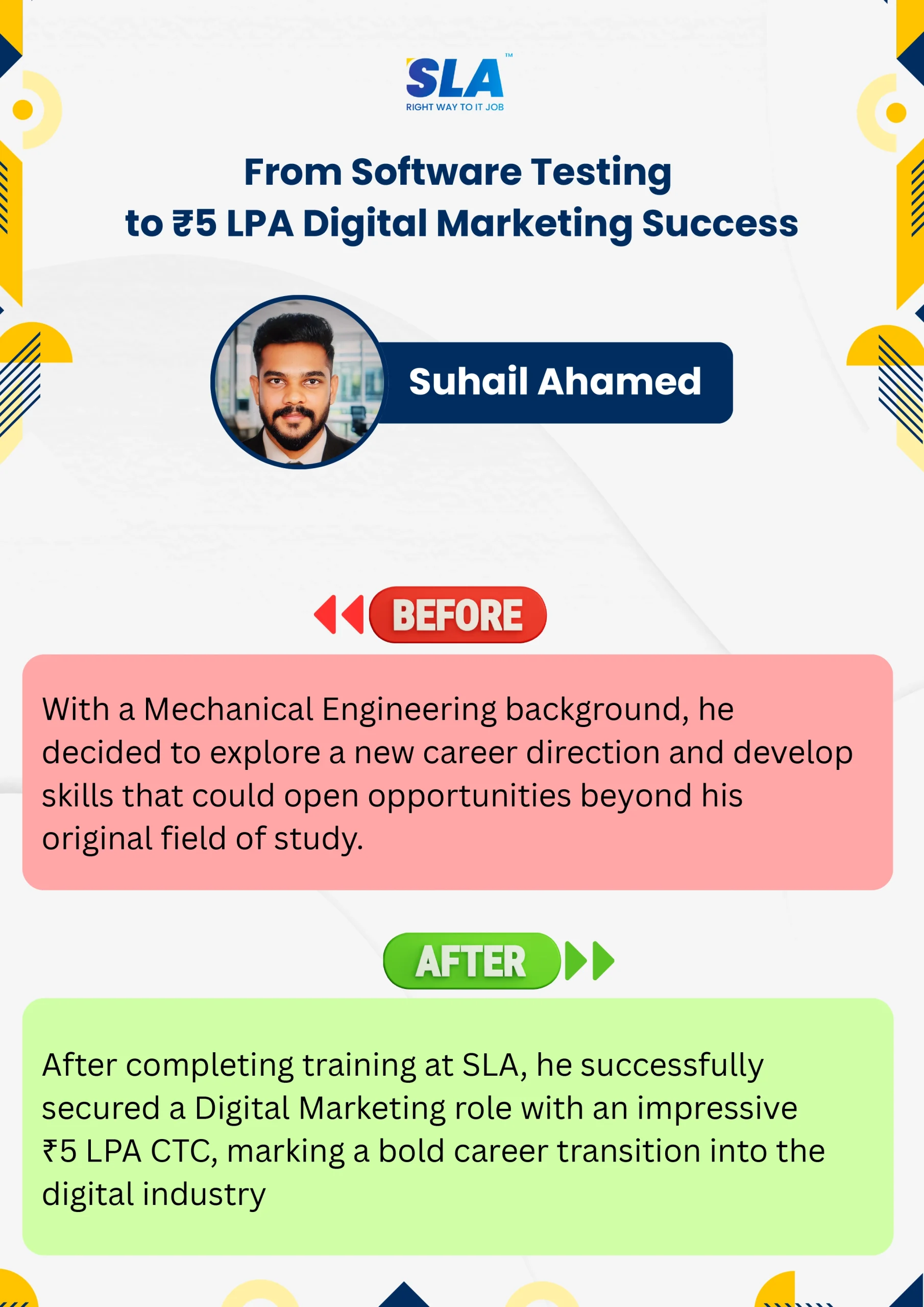
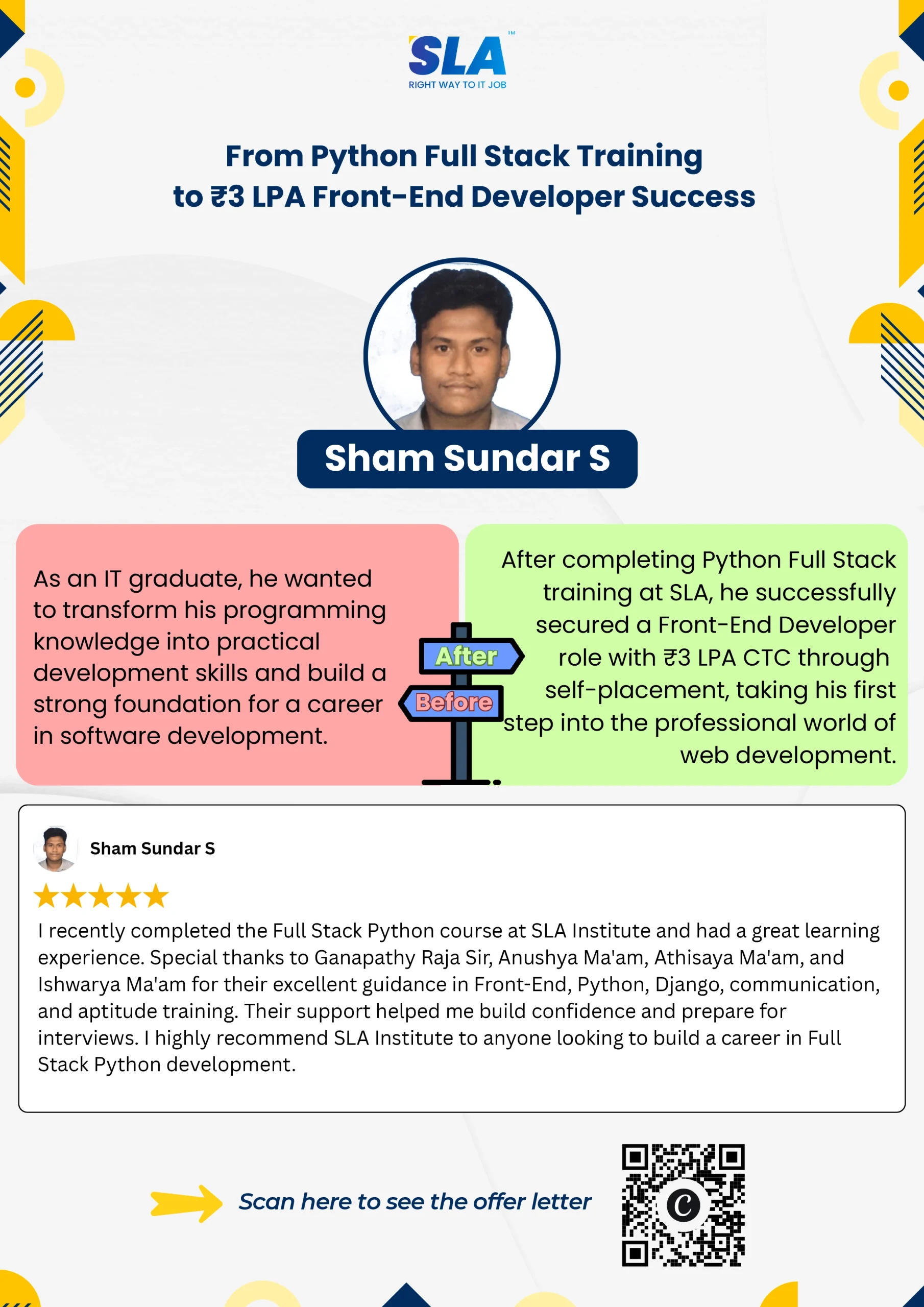

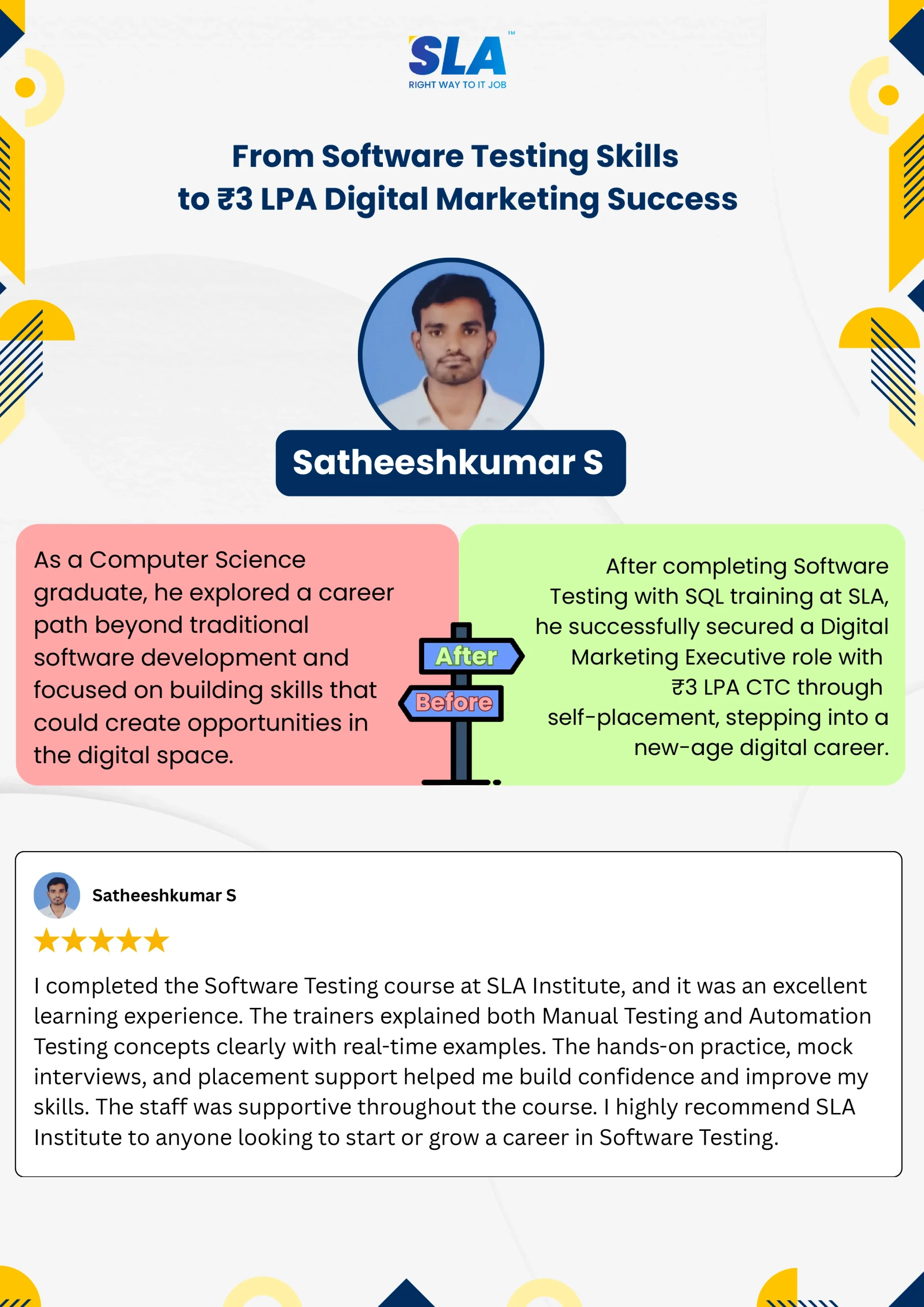
Video Testimonials
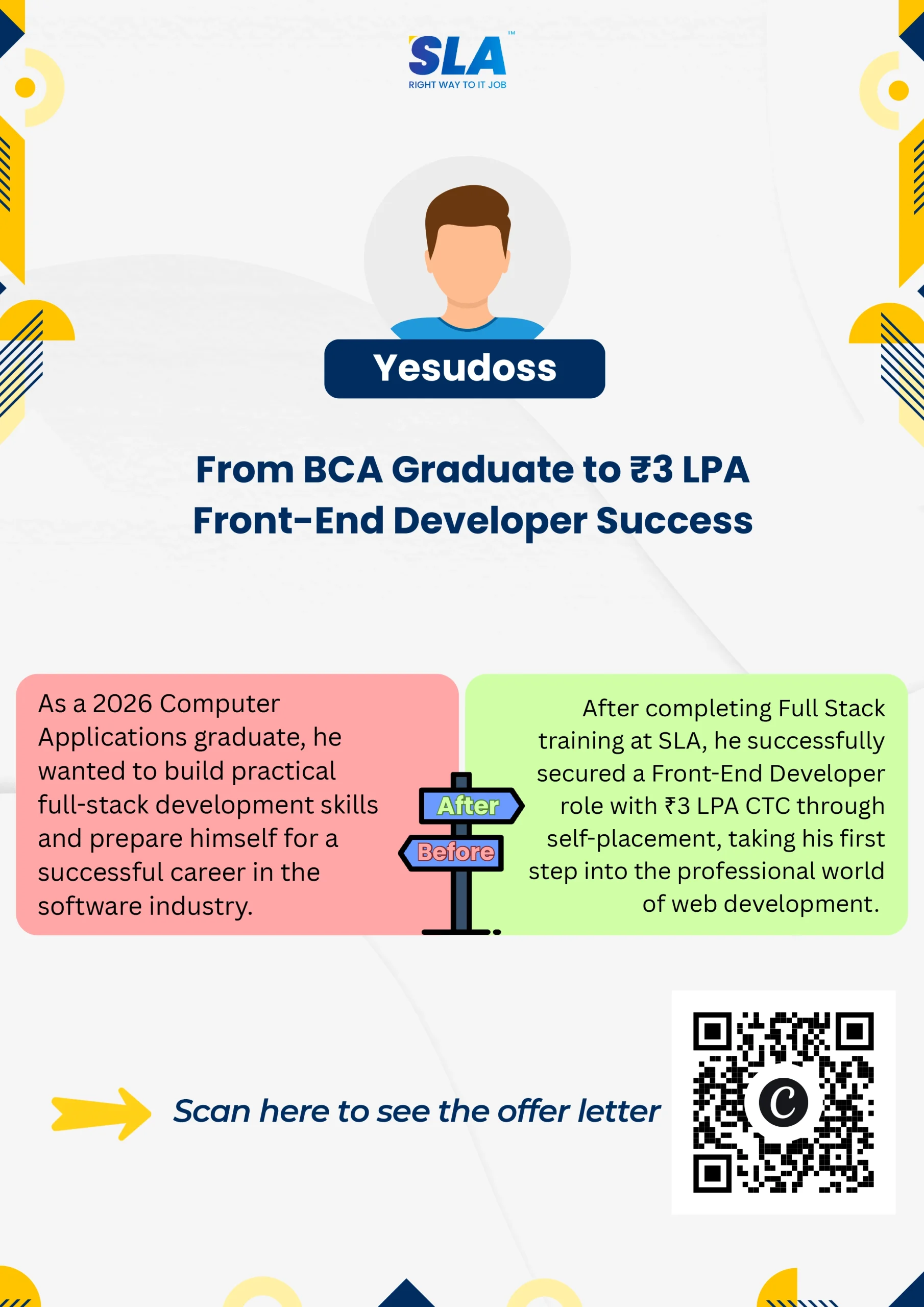
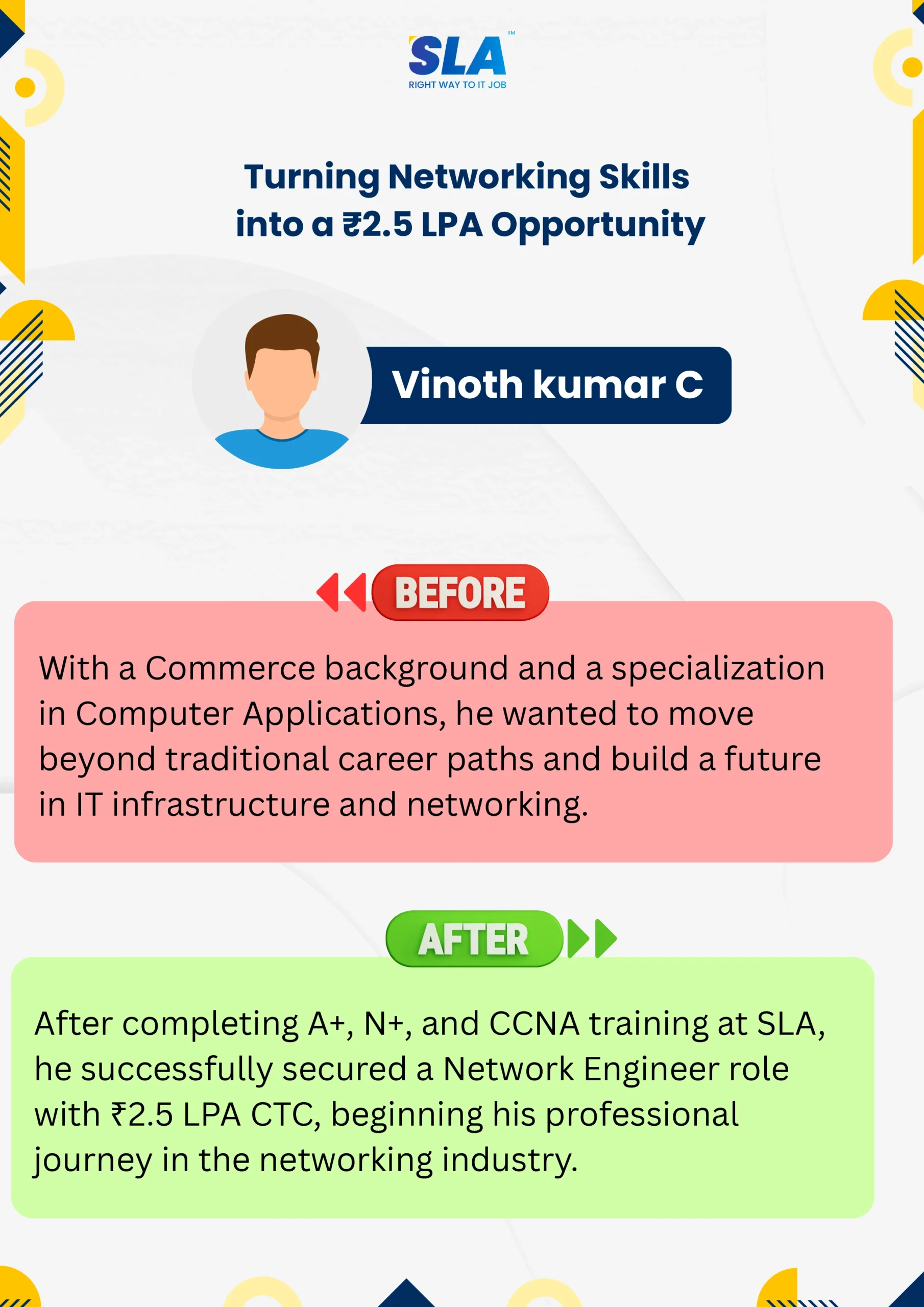
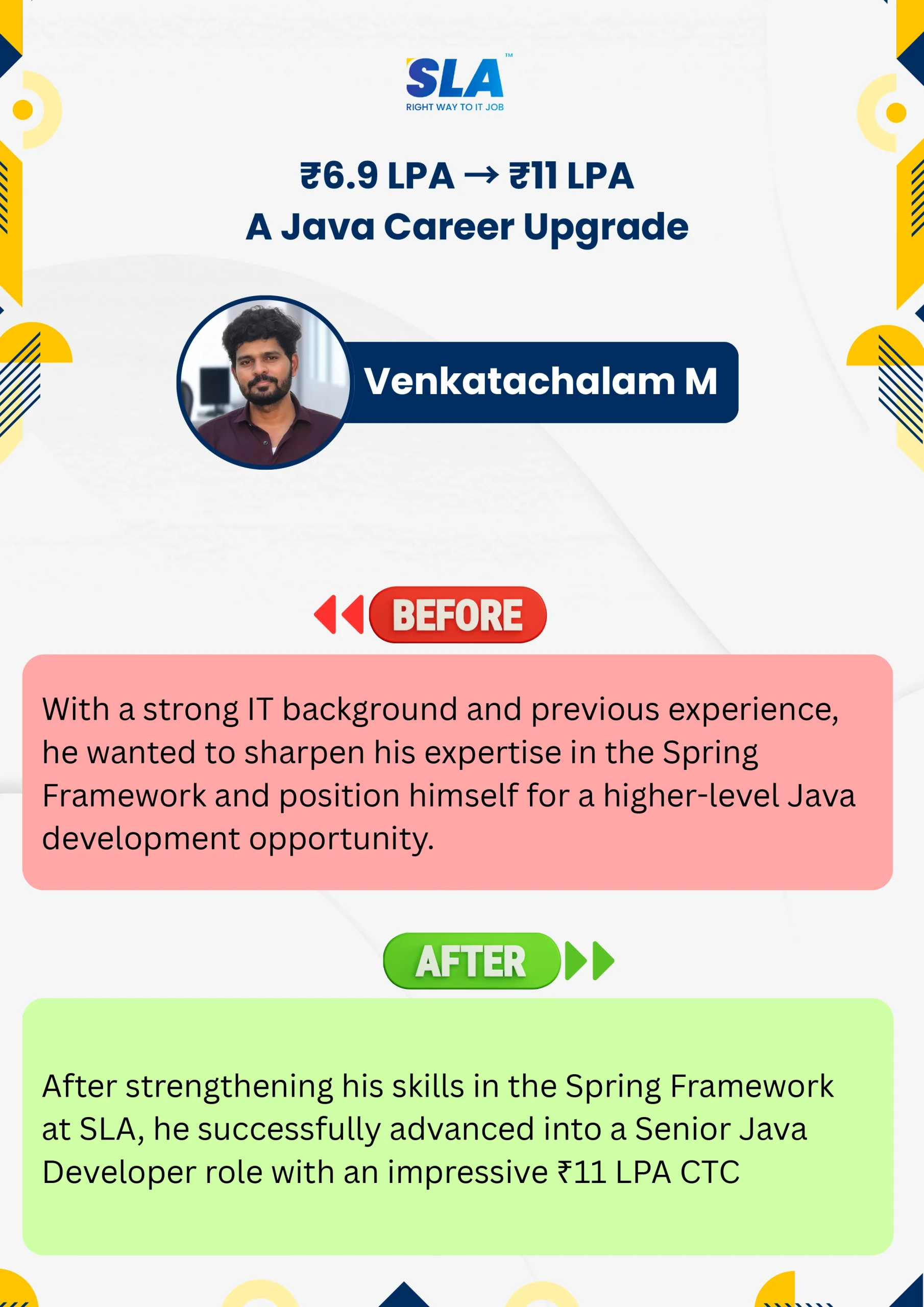
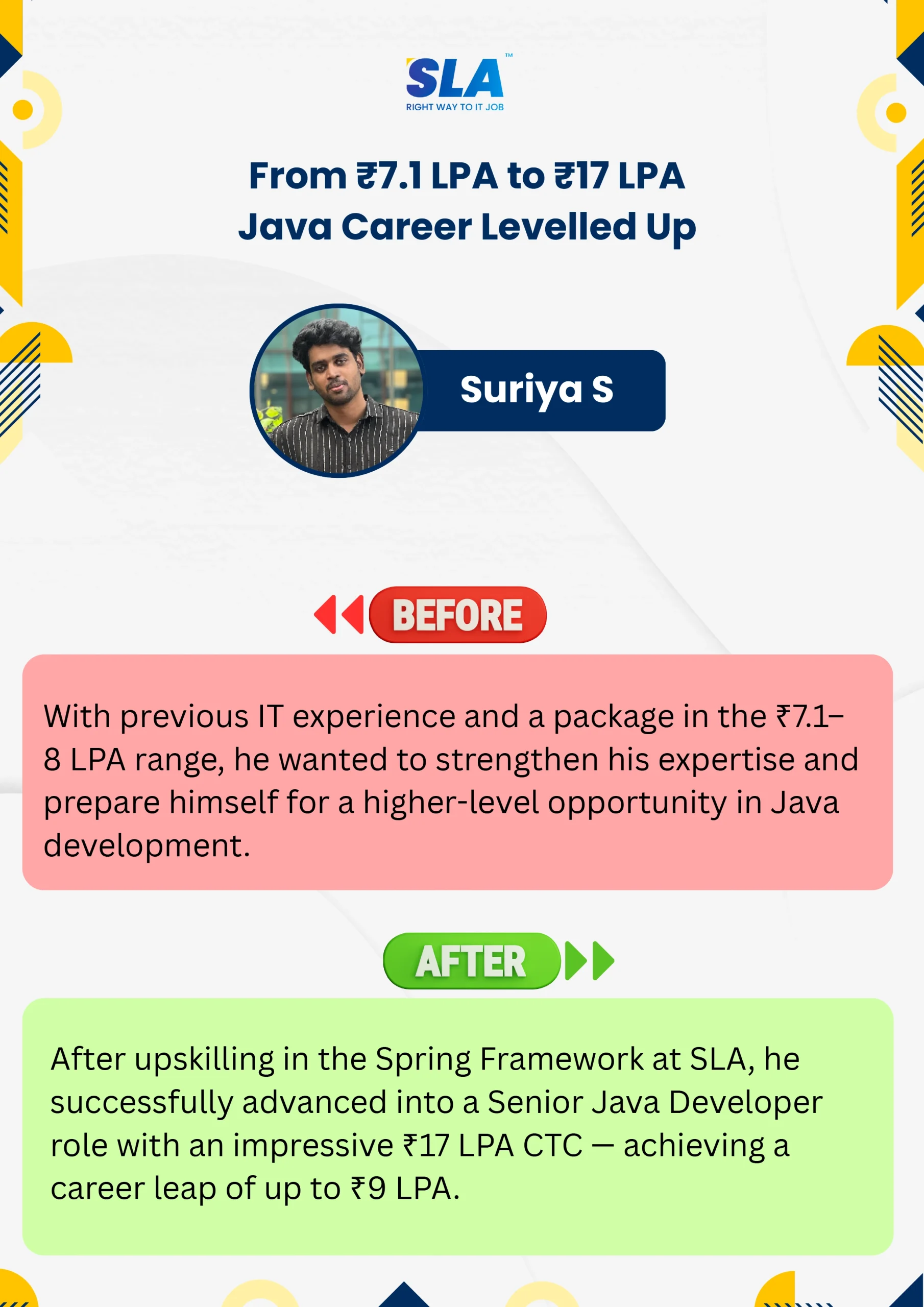
Start your learning journey at SLA and write your career story like our students who have shared their experiences here. Are you excited to explore?
See More