MCSE Course Syllabus

duration
2-3 Months

EMI
0% Interest

Mode
Live Online & Classroom Training
SLA Institute has designed the MCSE Course Syllabus by industry experts to provide the Best MCSE Training in Chennai. Our MCSE Course Curriculum covers operating system fundamentals such as installing and configuration of Microsoft Windows XP and above, maintaining Microsoft Windows Network Infrastructure, Network Infrastructure, Active Directory Infrastructure, Server Architecture, and Microsoft Exchange Server. Learn the best MCSE Course Content with hand-on exposure at SLA, the leading MCSE Training Institute in Chennai
0+
Students Trained
0%
Placement Rate
0+
Years Experience
0+
Hiring Partners
What's Included
- Industry Professional Trainers
- Real-Time Live Projects
- 1000+ Hiring Partners
- 0% Interest EMI Options
- Lifelong Placement Support
- Globally Recognized Certifications
FLEXIBLE LEARNING MODES
Course Syllabus
Download SyllabusDeploying and Managing Windows Server 2012
- Windows Server 2012 Overview
- Overview of Windows Server 2012 Management
- Installing Windows Server 2012
- Post-Installation Configuration of Windows Server 2012
- Introduction to Windows PowerShell
Introduction to Active Directory Domain Services
- Overview of AD DS
- Overview of Domain Controllers
- Installing a Domain Controller
Managing Active Directory Domain Services Objects
- Managing User Accounts
- Managing Group Accounts
- Managing Computer Accounts
- Delegating Administration
Automating Active Directory Domain Services Administration
- Using Command-line Tools for Administration
- Using Windows PowerShell for Administration
- Performing Bulk Operations with Windows PowerShell
Implementing IPv4
- Overview of TCP/IP
- Understanding IPv4 Addressing
- Subnetting and Supernetting
- Configuring and Troubleshooting IPv4
Implementing DHCP
- Installing a DHCP Server Role
- Configuring DHCP Scopes
- Managing a DHCP Database
- Securing and Monitoring DHCP
Implementing DNS
- Name Resolution for Windows Client and Servers
- Installing and Managing a DNS Server
- Managing DNS Zones
Implementing IPv6
- Overview of IPv6
- IPv6 Addressing
- Coexistence with IPv6
- IPv6 Transition Technologies
Implementing Local Storage
- Overview of Storage
- Managing Disks and Volumes
- Implementing Storage Spaces
Implementing File and Print Services
- Securing Files and Folders
- Protecting Shared Files and Folders Using Shadow Copies
- Configuring Network Printing
Group Policy
-
Implementing Group Policy
-
Securing Windows Servers Using Group Policy Objects
-
Implementing Server Virtualization with Hyper-V
Administering windows server 2012
-
Deploying and Maintaining Server Images
-
Configuring and Troubleshooting Domain Name System
-
Maintaining Active Directory Domain Services
-
Managing User and Service Accounts
-
Implementing a Group Policy Infrastructure
-
Managing User Desktops with Group Policy
-
Configuring and Troubleshooting Remote Access
-
Installing, Configuring, and Troubleshooting the Network Policy Server Role
-
Implementing Network Access Protection
-
Optimizing File Services
-
Configuring Encryption and Advanced Auditing
-
Implementing Update Management
-
Monitoring Windows Server 2012
Configuring Advanced Windows Server 2012 Services
-
Implementing Advanced Network Services
-
Implementing Advanced File Services
-
Implementing Dynamic Access Control
-
Implementing Distributed Active Directory Domain Services Deployments
-
Implementing Active Directory Domain Services Sites and Replication
-
Implementing Active Directory Certificate Services
-
Implementing Active Directory Rights Management Services
-
Implementing Active Directory Federation Services
-
Implementing Network Load Balancing
-
Implementing Failover Clustering
-
Implementing Failover Clustering with Hyper-V
-
mplementing Disaster Recovery
Quick Enquiry
Dedicated placement support
Job-Centered Approach
Convenient Hrs
Online & Classroom
Industry-Accredited
Certifications
Take your career to new heights with Softlogic's software training certifications.
Improve your abilities to get access to rewarding possibilities
Improve your abilities to get access to rewarding possibilities

Earn Your Certificate of Completion
Validate your achievements with Softlogic's Certificate of Completion, verifying successful fulfillment of all essential components.
Take Your Career to the Next Level with Certifications
Get a certifications through our training programs to gain a competitive edge in the industry.
Stand Out from the Crowd with Codethon Certificate
Verify the authenticity of your real-time projects with Softlogic's Codethon certificate.


Upcoming Batches
Hands On Training
3-5 Real Time Projects
60-100 Practical Assignments
3+ Assessments / Mock Interviews
November 2026
Week days
(Mon-Fri)
Online/Offline
2 Hours Real Time Interactive Technical Training
1 Hour Aptitude
1 Hour Communication & Soft Skills
(Suitable for Fresh Jobseekers / Non IT to IT transition)
Course Fee
November 2026
Week ends
(Sat-Sun)
Online/Offline
4 Hours Real Time Interactive Technical Training
(Suitable for working IT Professionals)
Course Fee
Save up to 20% in your Course Fee on our Job Seeker Course Series
Learn More
Check our Google Reviews
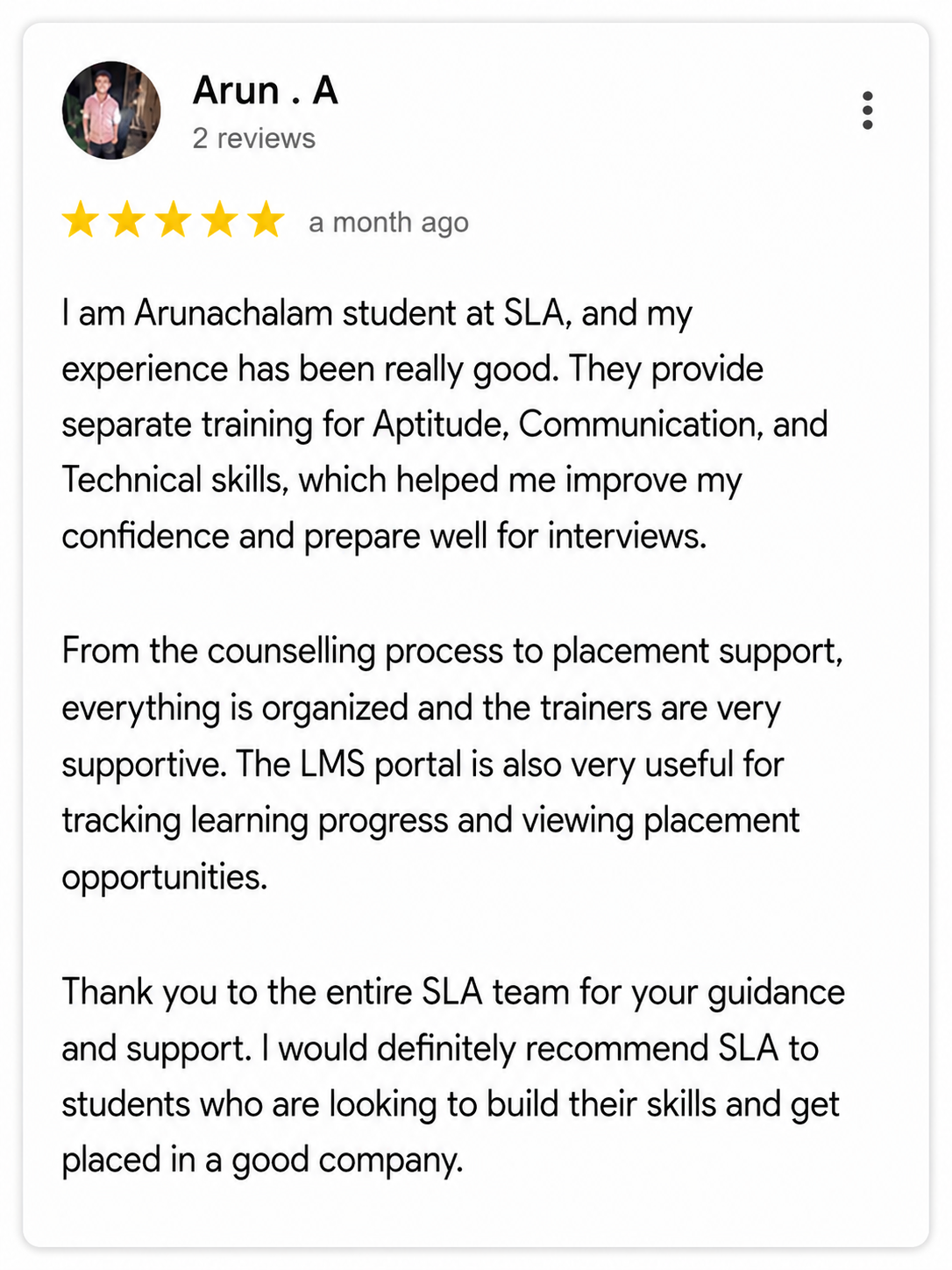
Arun A