
WordPress Course Syllabus

duration
2-3 Months

EMI
0% Interest

Mode
Live Online & Classroom Training
Our WordPress Course Syllabus equips the students with main responsibilities such as Discuss with clients effectively for meeting the requirements of website design and functionalities, Taking care of the front-end website development along with the creation of architecture, Managing the back-end development that includes the database and server integration, Creating the WordPress themes and plugins as per the client specification, Conducting the performance test of websites along with fundamental troubleshooting process, Handling WordPress Training to team members and clients, and Monitoring the performance of real-time websites. Gain expertise in web development through our WordPress Training in Chennai.
GET YOUR JOB ELIGIBILITY REPORT

Let's take the first step to becoming an expert in
Click Here to Get Started
100% Placement Assurance
Get Certified
Course Syllabus
Download SyllabusIntroduction CMS And WordPress
- Why CMS
- Advantages and Disadvantages of CMS
- com vs. WordPress.org
WordPress Installation
- Setting up WordPress in Local Server
- Setting up WordPress in Remote Server
- Upgrading WordPress
- Understanding FTP
User Administration
- WordPress Admin
- Creating Users
- User Rights & Roles
WordPress Themes
- Free theme Vs Paid Theme
- Theme Selection Process
- Adding/installing Themes
- Changing Themes
- Preview & Activating Themes
Working with Widgets
- Installing widgets in sidebar
- Installing widgets in footer
Working with Menu for your Website
- Creating menus
- Adding pages, posts, categories to menus
- Creating Sub-menus
- Deleting items from menu
WordPress Plugins
- Installing plugins
- Activating Plugin & managing plugins
- Upgrading plugins
- Recommended Plugins
Working with Content
- Posts Vs Pages
- Adding Hyperlinks
- Playing with Media content
- Previewing and Editing Posts
- Previewing and Editing Pages
- Page Order
- Creating a post
- Adding Media files to content –images and videos
- Using Categories and Tags
- Creating Pages
- Page Hierarchy
WordPress Settings
- General settings
- Reading
- Media
- Writing settings
- Discussion
- Permalinks
WordPress Backup
- Enhancing WordPress Security
In conclusion the WordPress Course Syllabus at SLA Institute gives you an understanding of website development and management. You will get hands-on training and work on projects to learn how to design, customize, and make websites work well. This course helps you get ready for job opportunities in web development, managing content, and digital solutions, which can lead to a successful career in IT. The WordPress course helps you build a future in the IT industry with website development and management skills.
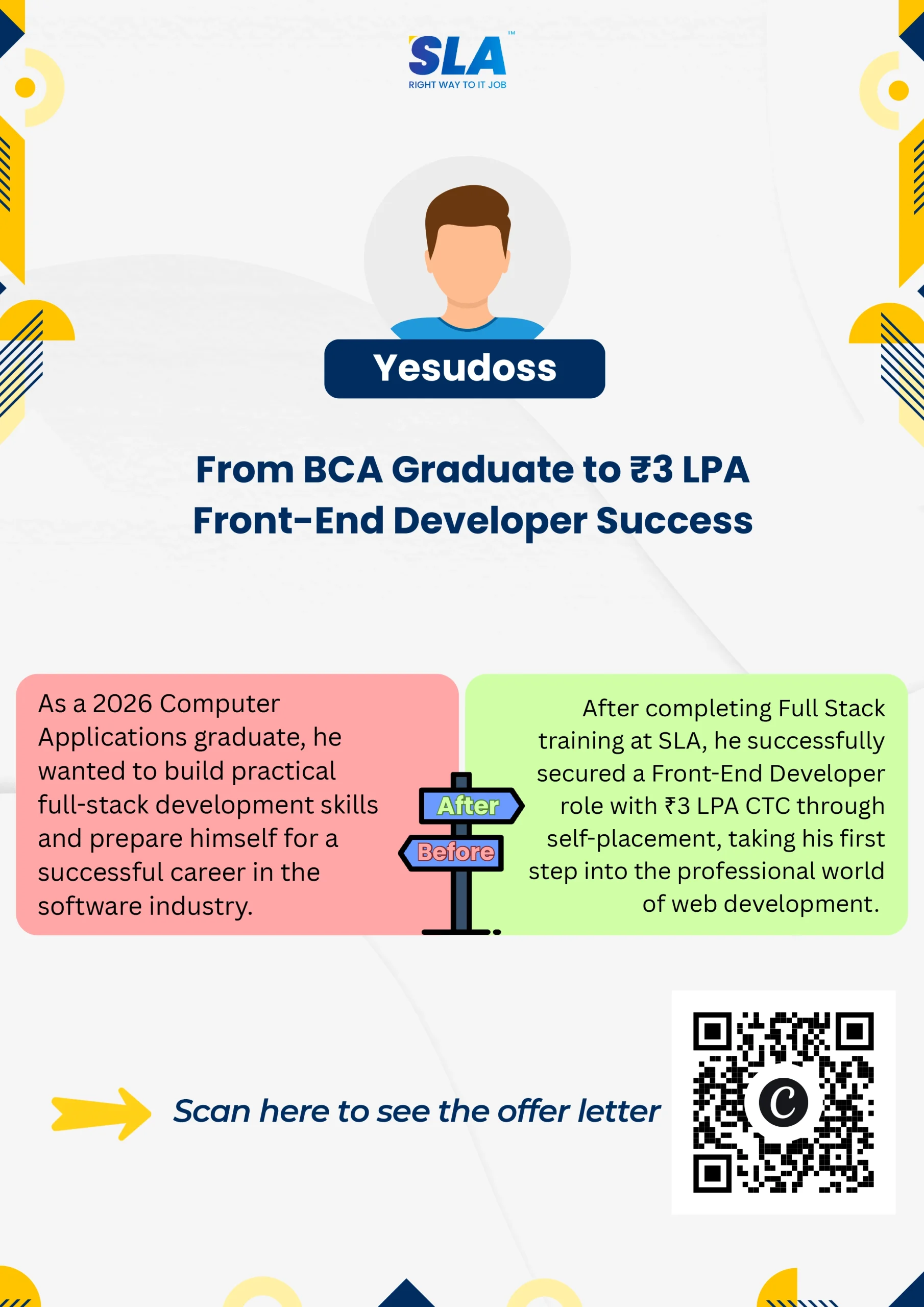
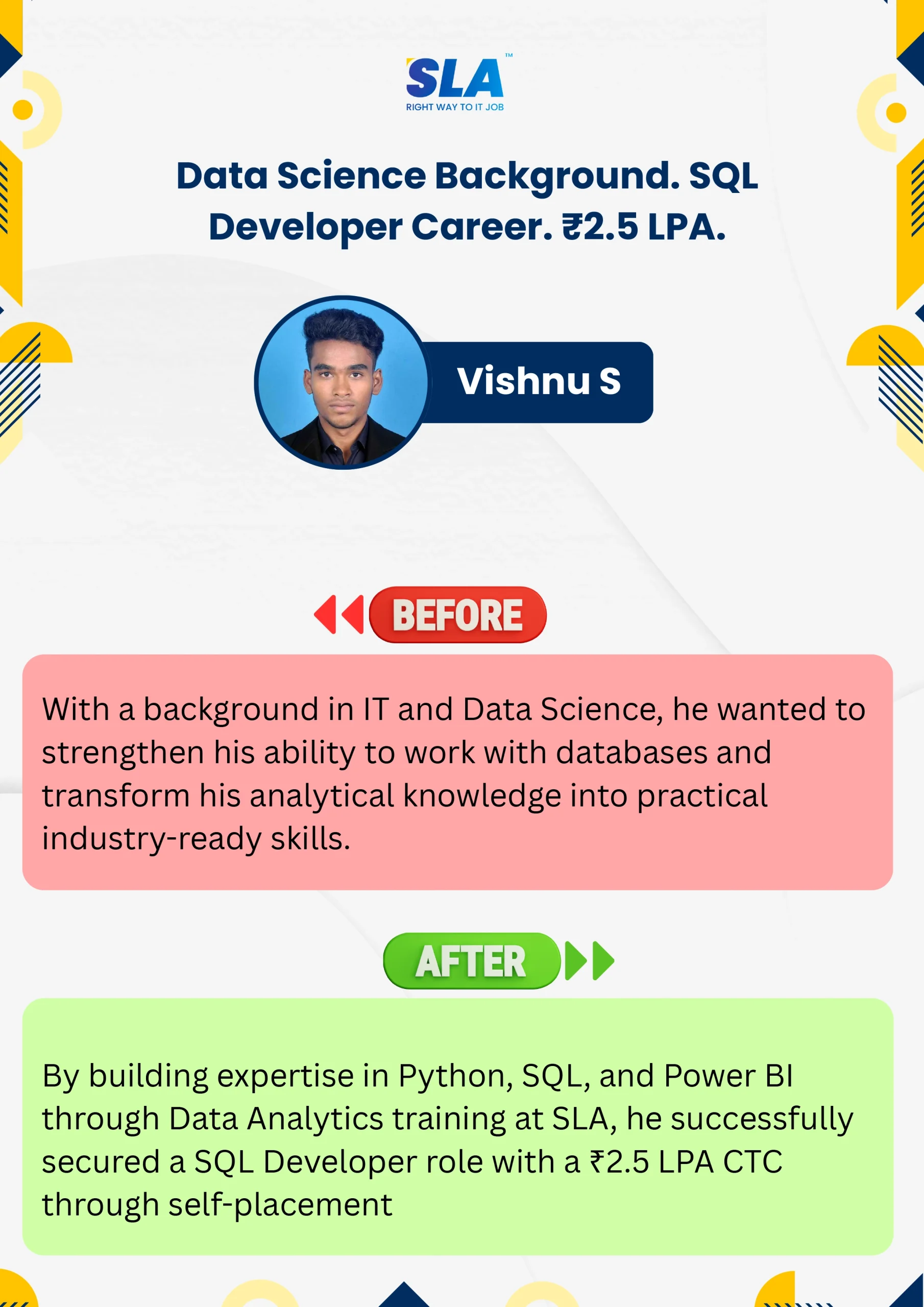
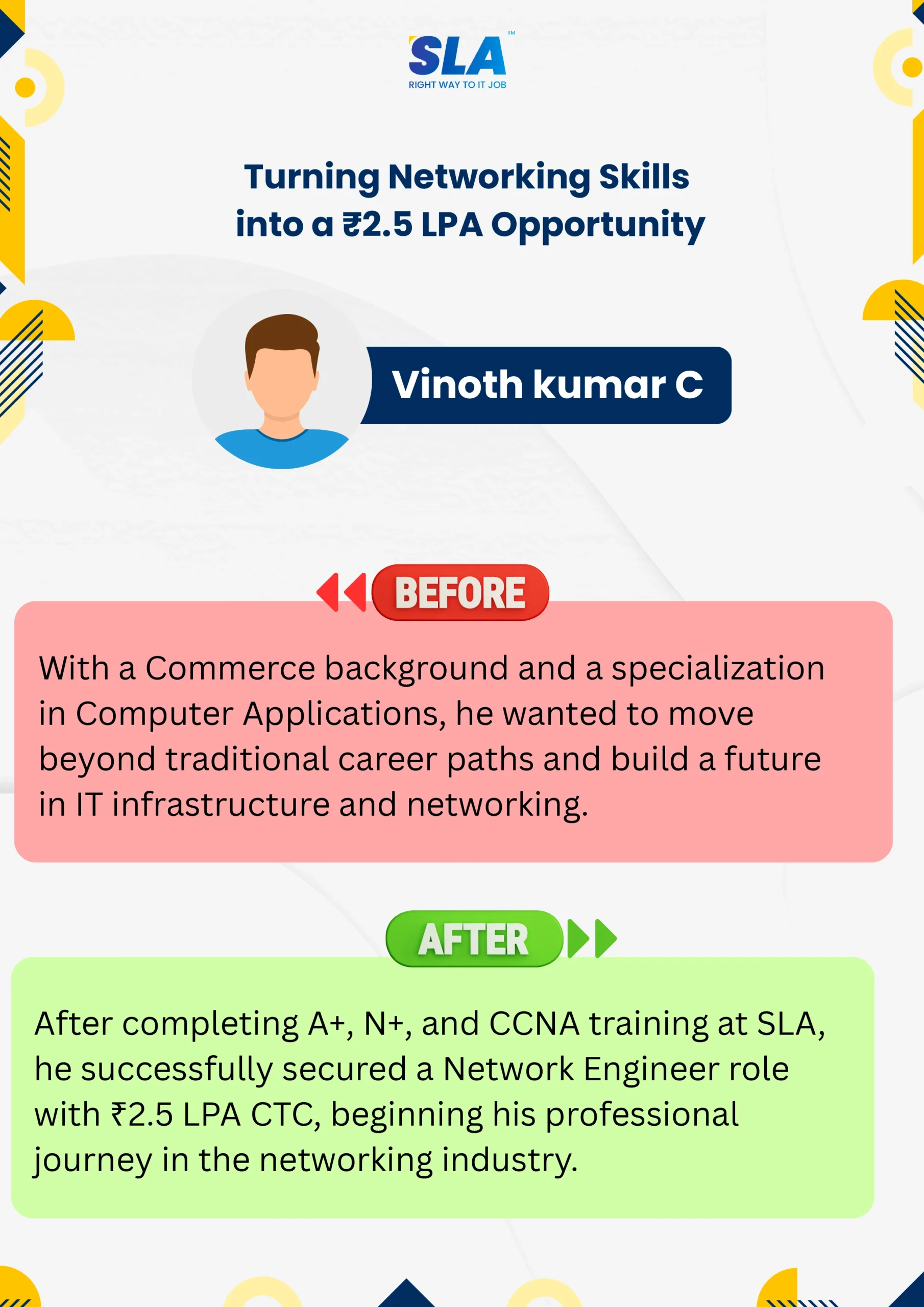
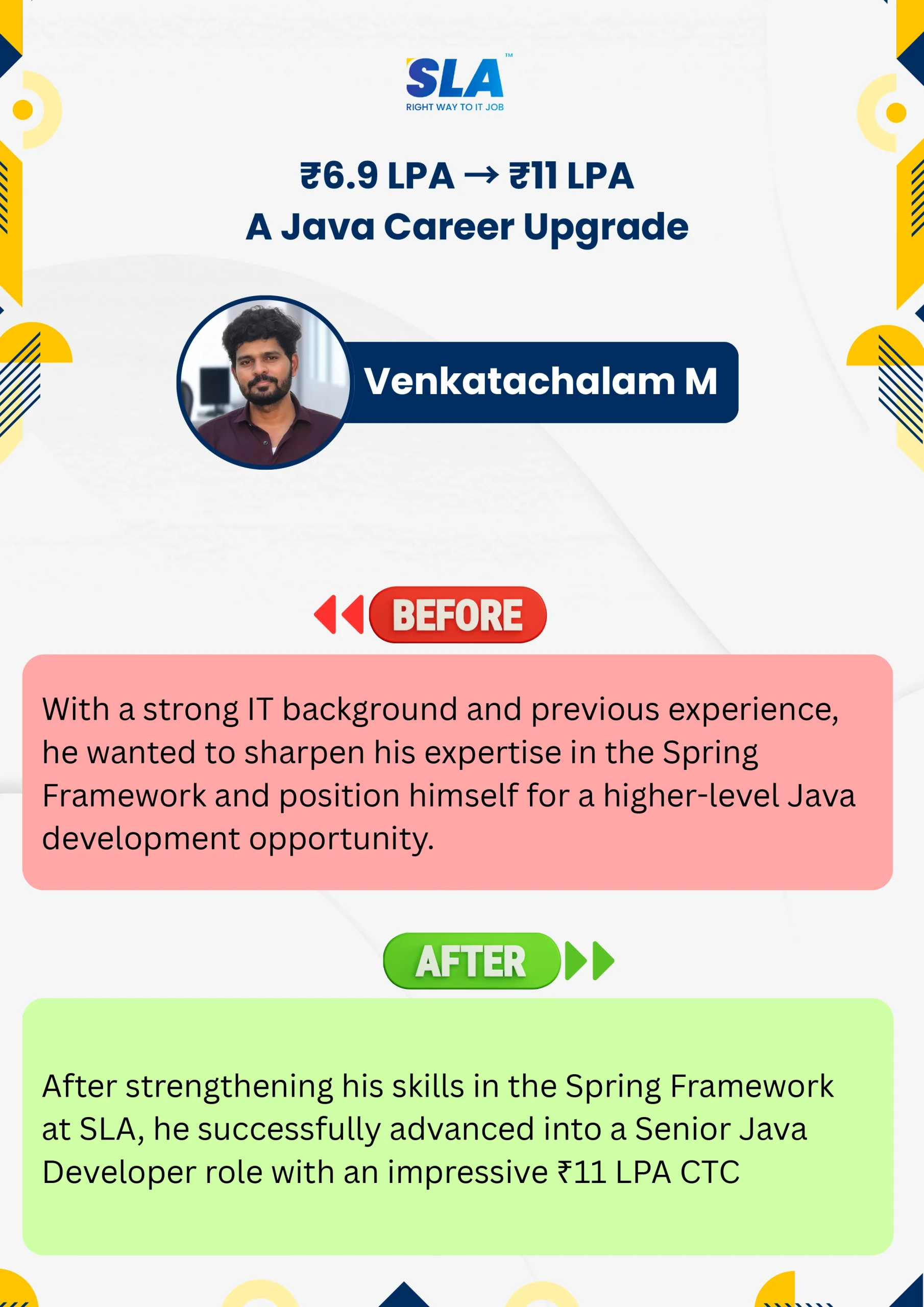
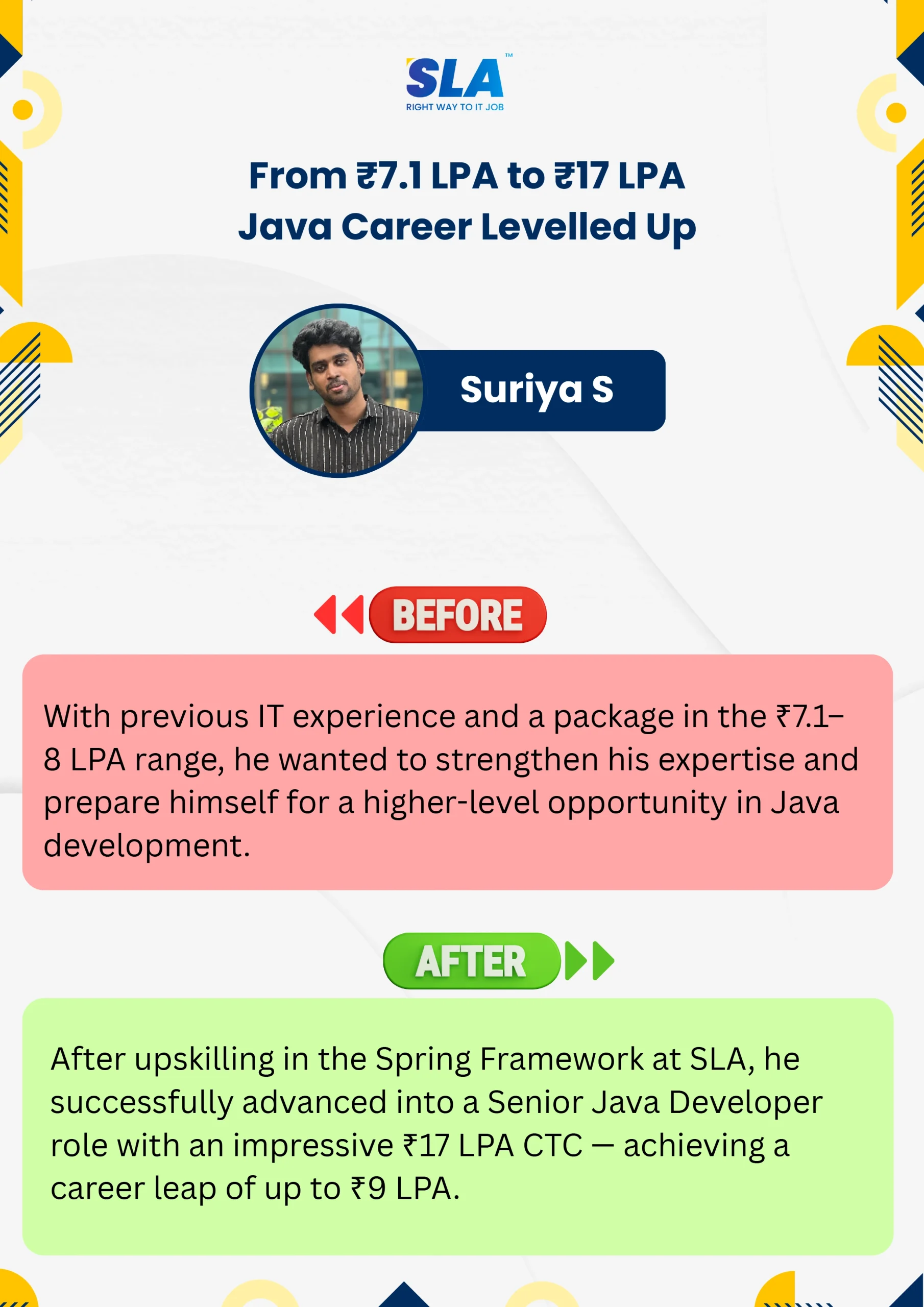
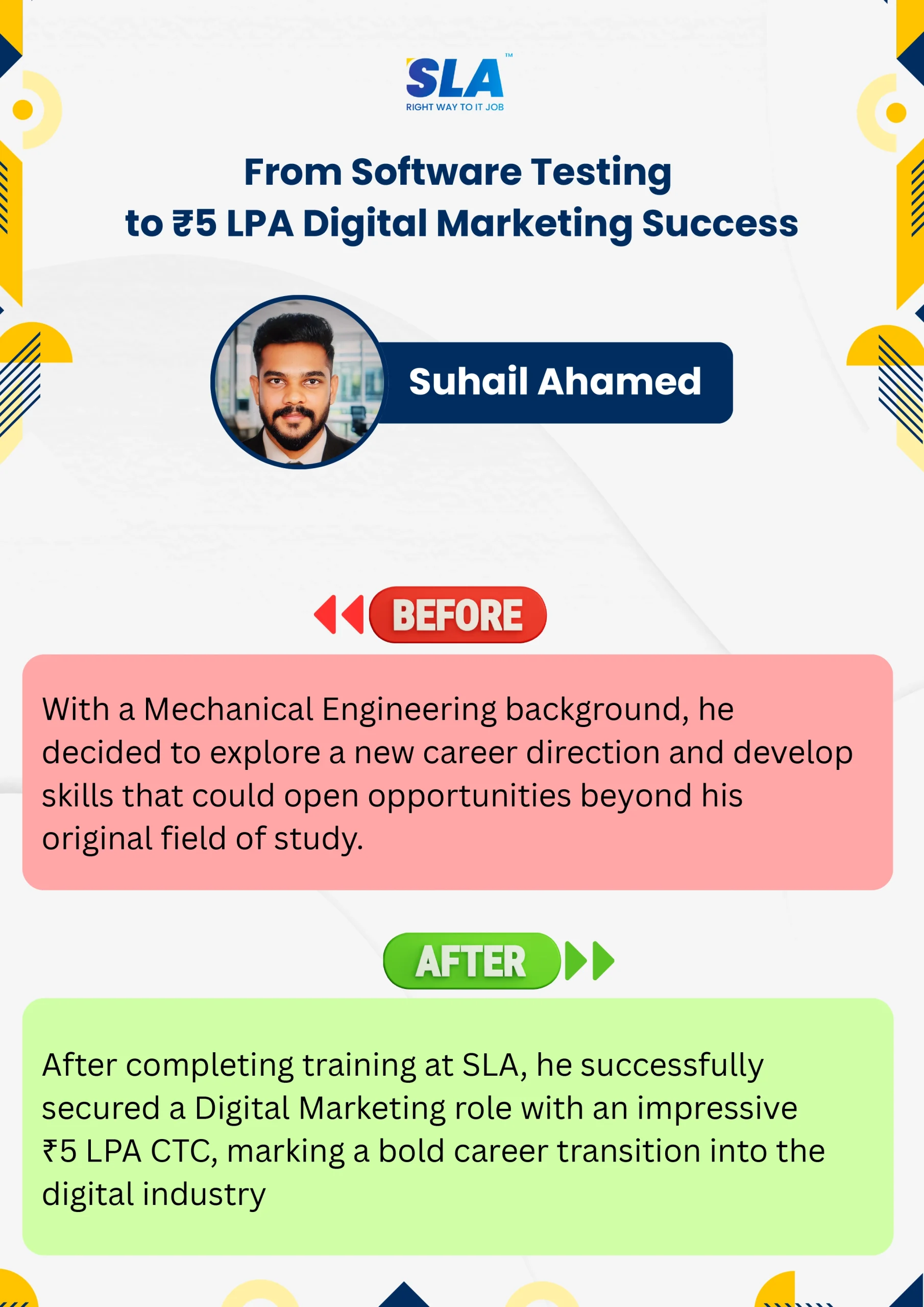
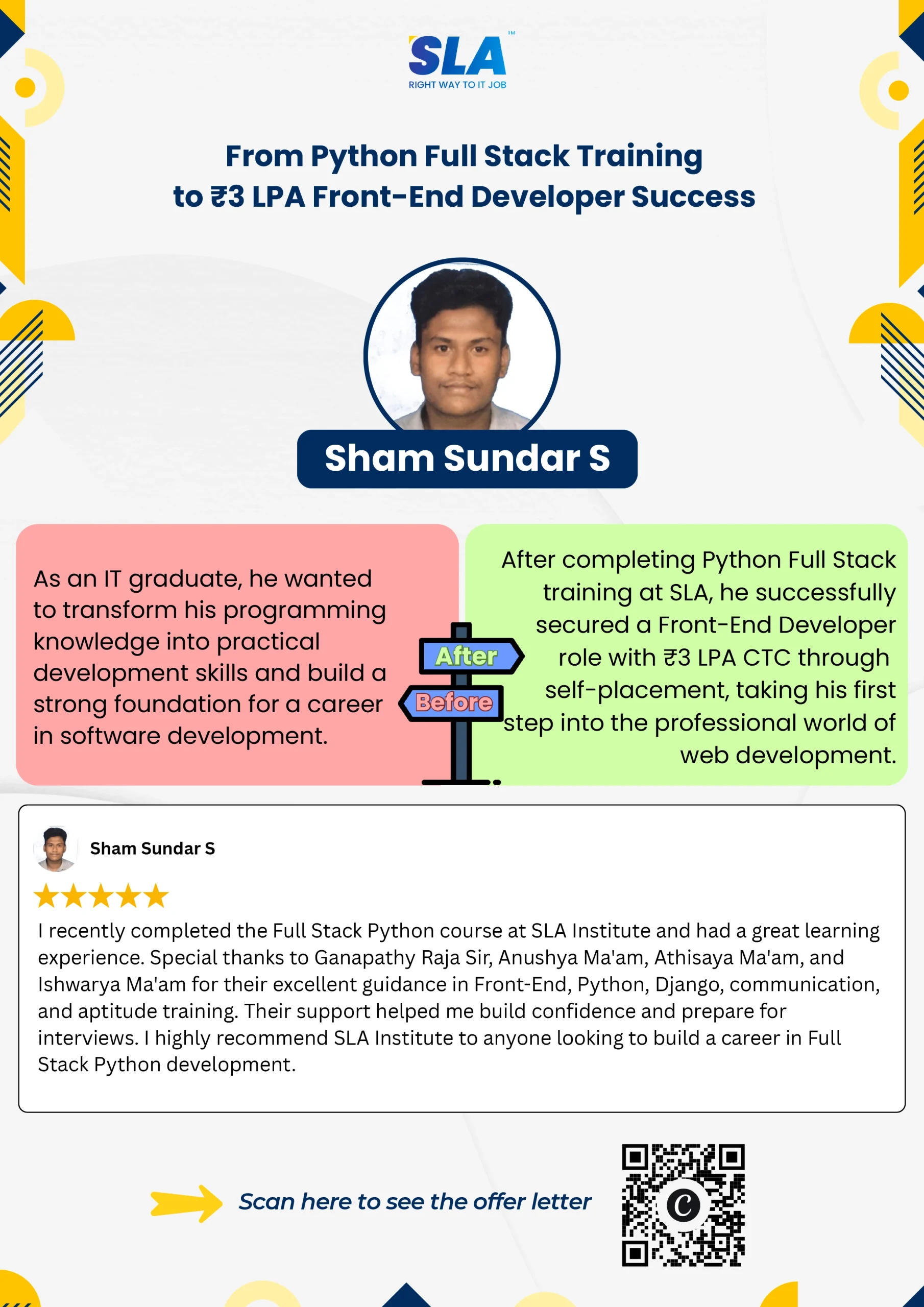
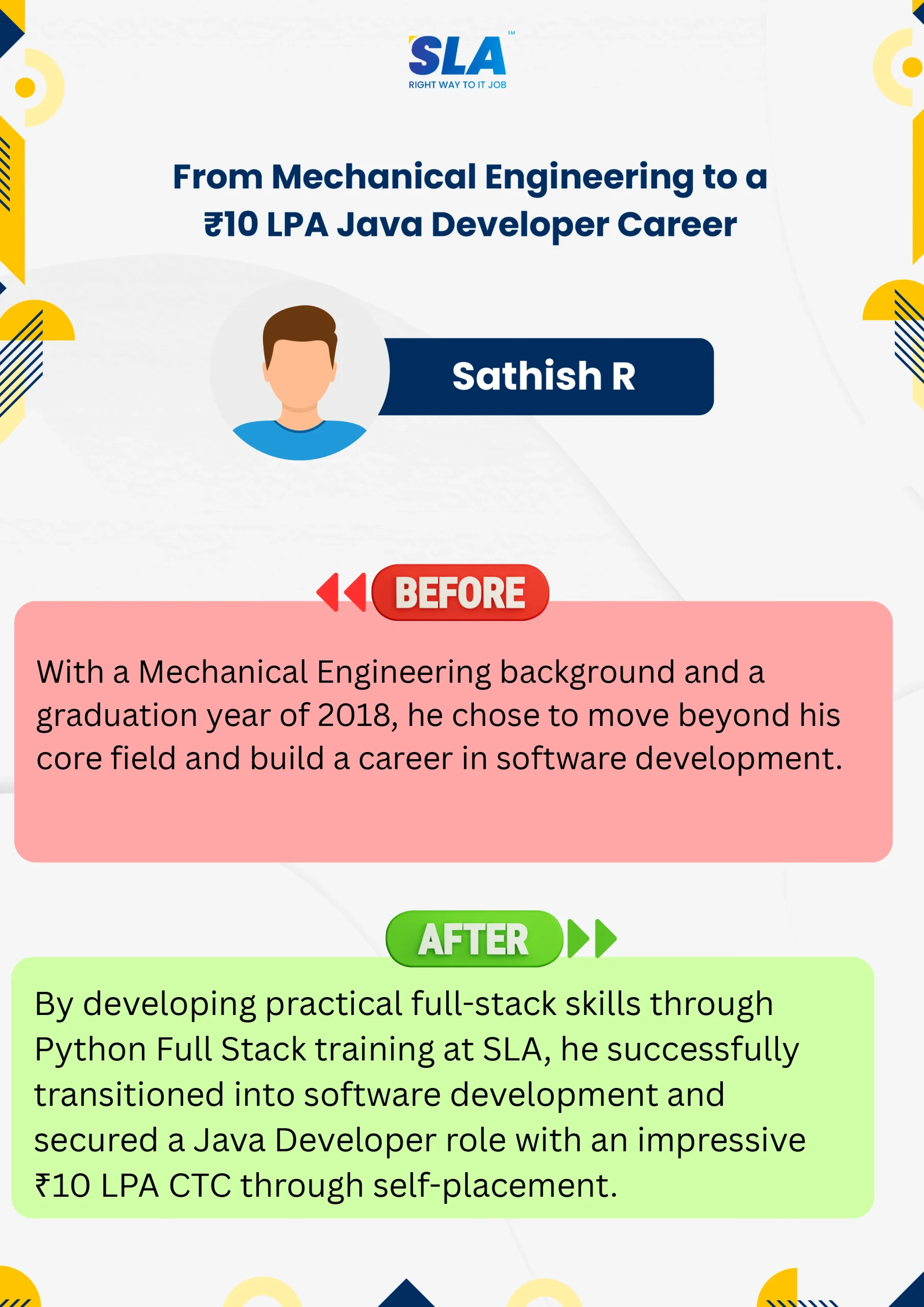
Video Testimonials
Start your learning journey at SLA and write your career story like our students who have shared their experiences here. Are you excited to explore?
See More