Opens in a new tab
Software Training Institute in Chennai with 100% Placements – SLA Institute

VBA Macros Course in Chennai

(4712)
duration
2-3 Months
EMI
0% Interest
Mode
Live Online & Classroom Training

Contemplating on how to take your career to the next level by learning advanced concepts like Macros in Excel? Want to know the role of macros in VBA? Enroll in the best VBA Macros Training in Chennai and learn from experts. Gain from the placement-oriented training and work on the live projects that make you industry-ready!

At SLA Institute, we guarantee placement in a high-paying Developer job with the support of our experienced placement officers. Our VBA Macros Course Syllabus covers all essential topics, providing you with a comprehensive understanding of VBA Macros development.


Book Free Demo ClassTalk to a Career Advisor
0+

Students Trained

0%

Placement Rate

0+

Years Experience

0+

Hiring Partners

Why SLA

  • Industry Professional Trainers
  • Real-Time Live Projects
  • 1000+ Hiring Partners
  • 0% Interest EMI Options
  • Lifelong Placement Support
  • Globally Recognized Certifications

FLEXIBLE LEARNING MODES

OnlineOfflineHybrid

Check Your Eligibility for IT Training

Ready to start your tech career? Whether you have recently graduated and want to begin your IT career, or want to upskill for your next phase, our Eligibility Assessment Form makes the process easy to begin. For this VBA Macros Developer Course, we will match your skills and goals to the best training structure for you. Just fill in the form below for an easy start on your course. Take your first step today!

What We'll Need From You?

Personal & Contact Details

Name and phone number for direct interview updates

Academic Background

Age category, educational qualification, and graduation year.

Technical Experience

Prior programming knowledge and relevant IT certification details.
KNOW MORE ABOUT COURSE +91 86818 84318

IT Training Eligibility TEST

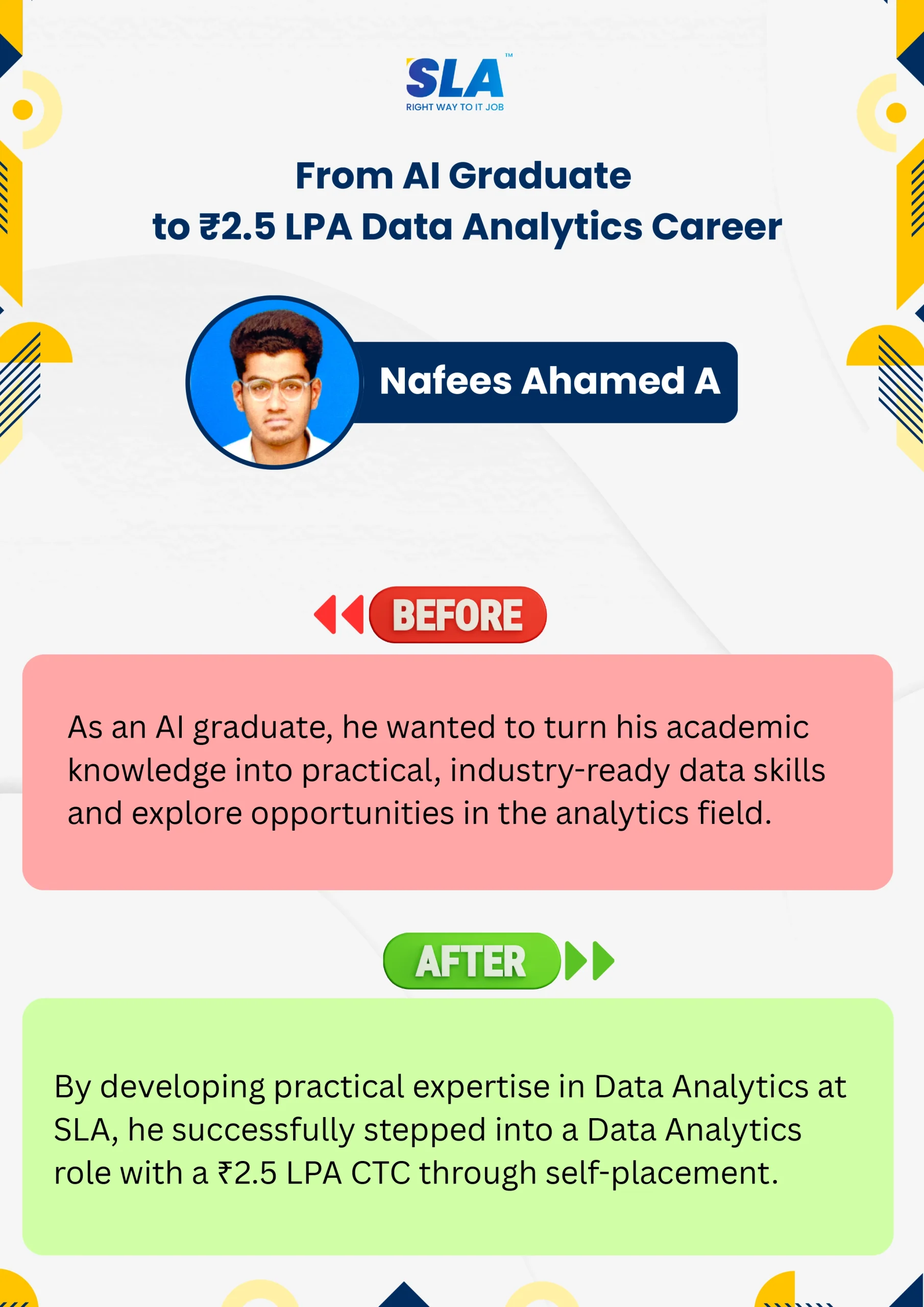
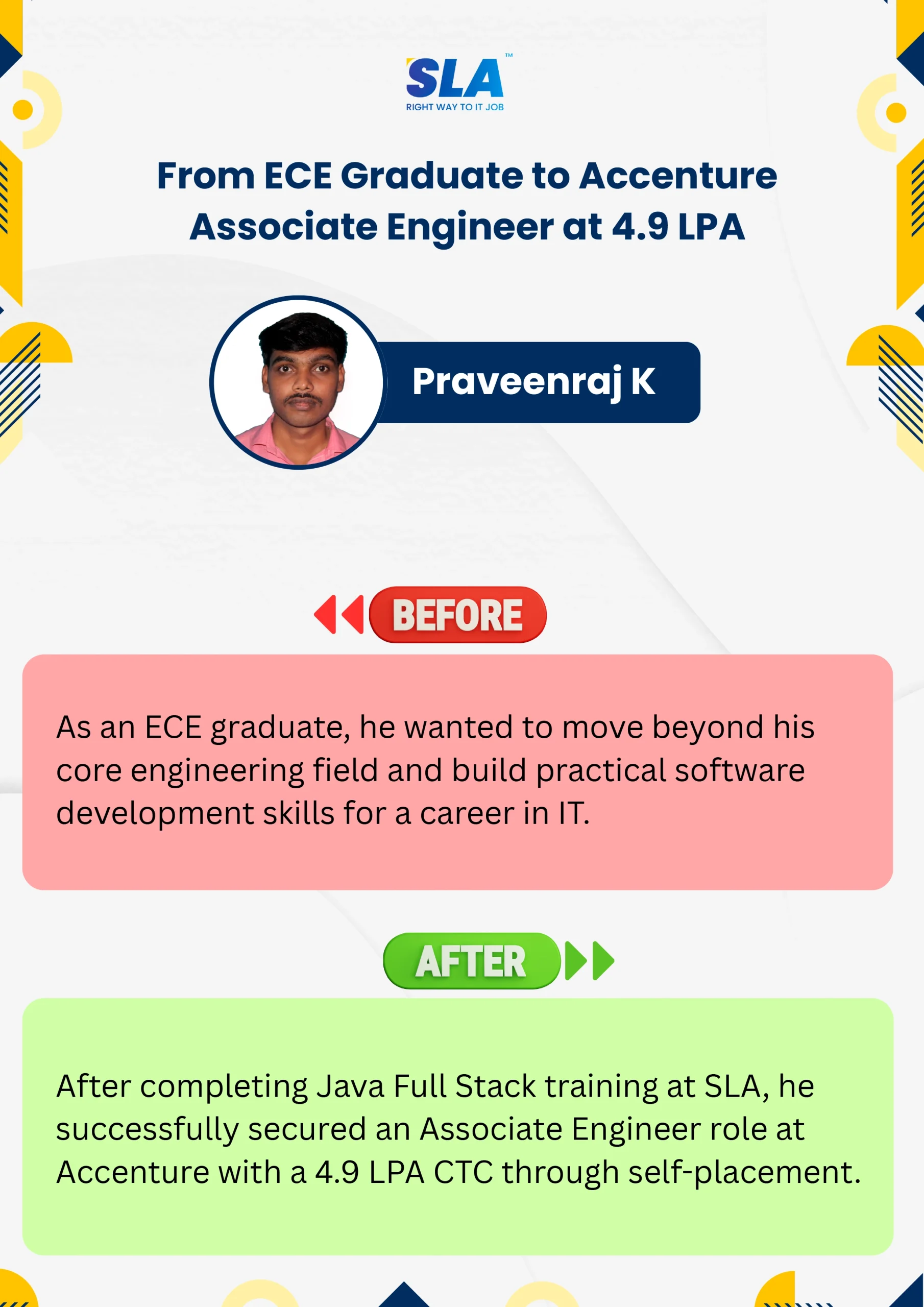
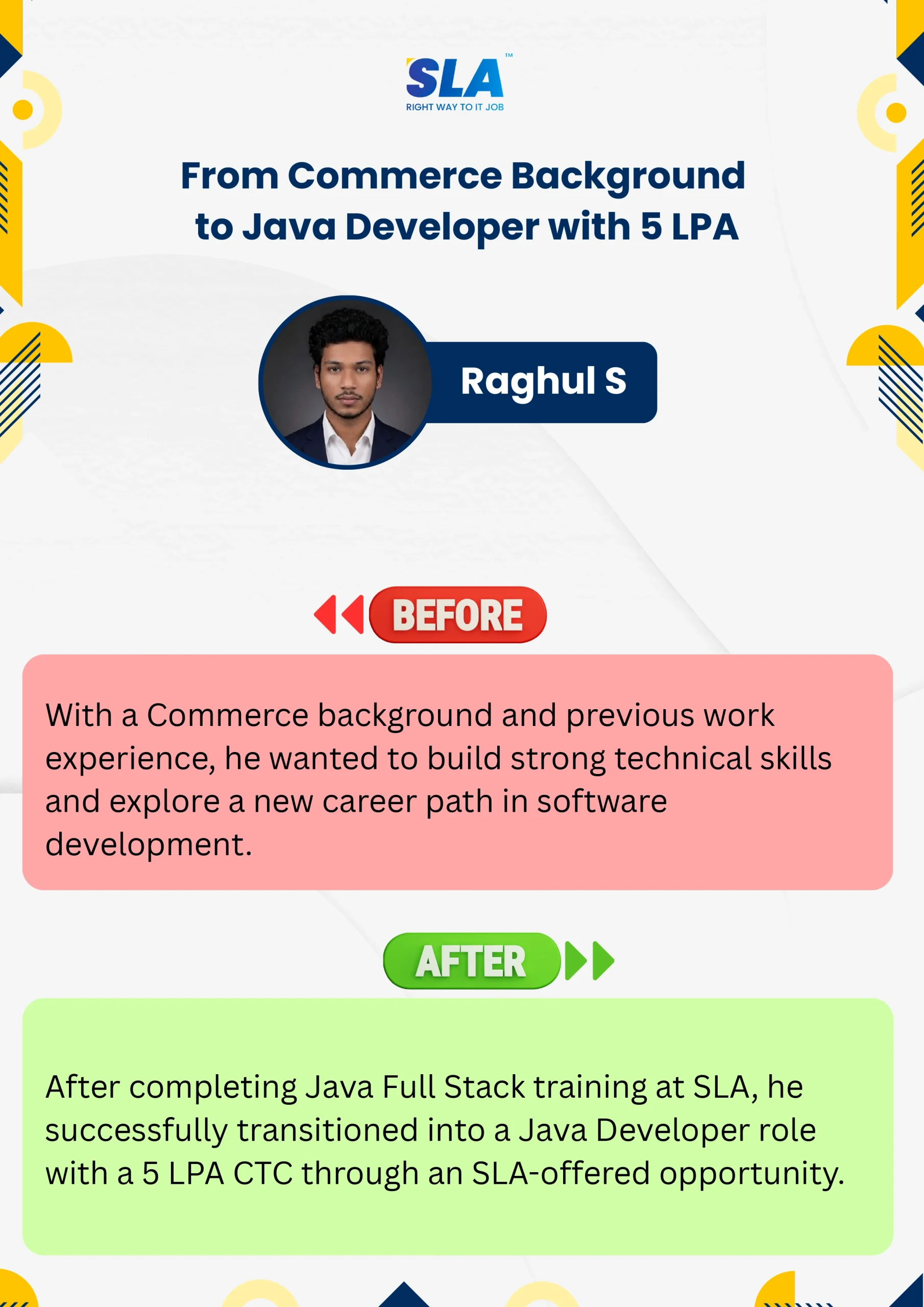
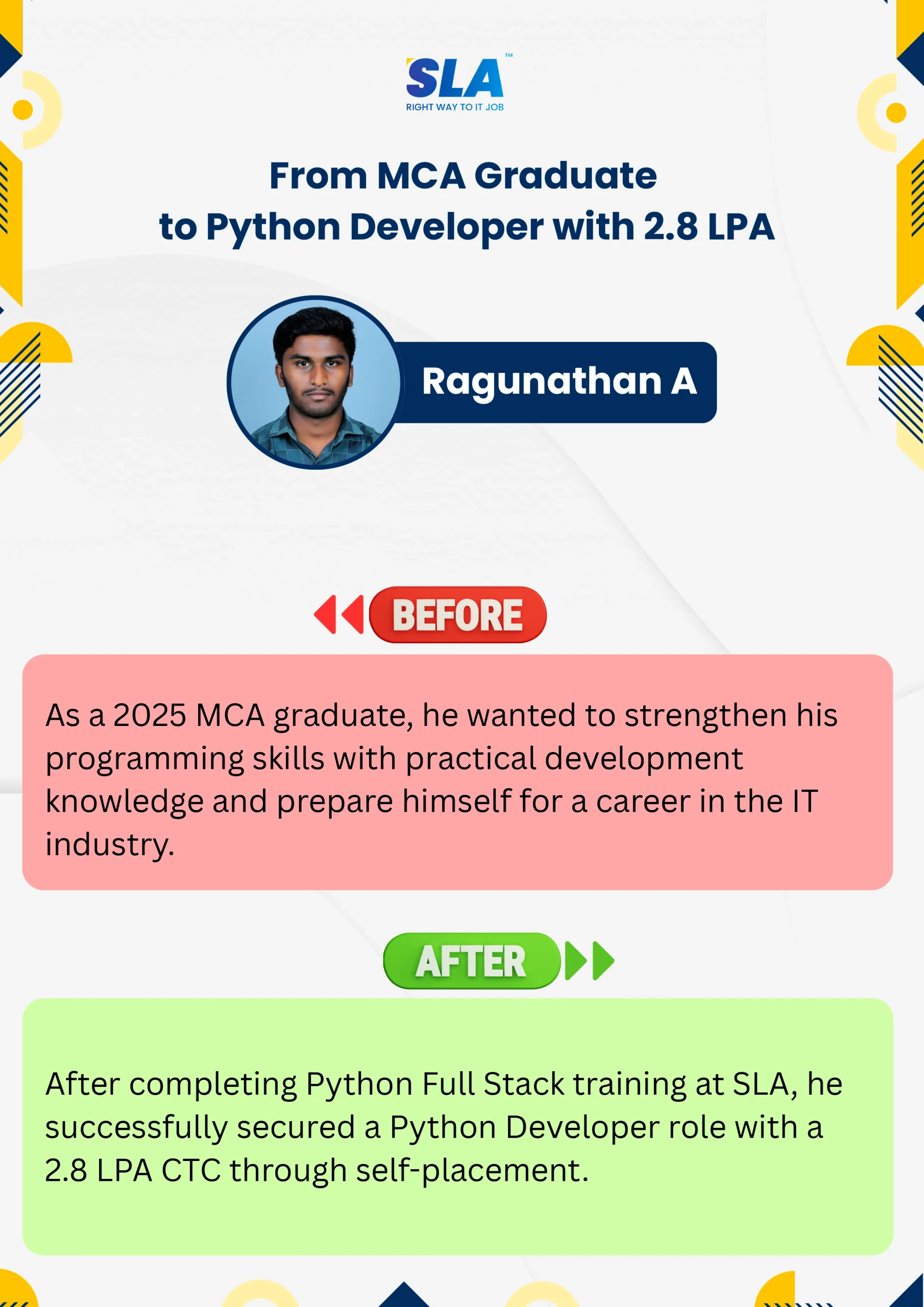
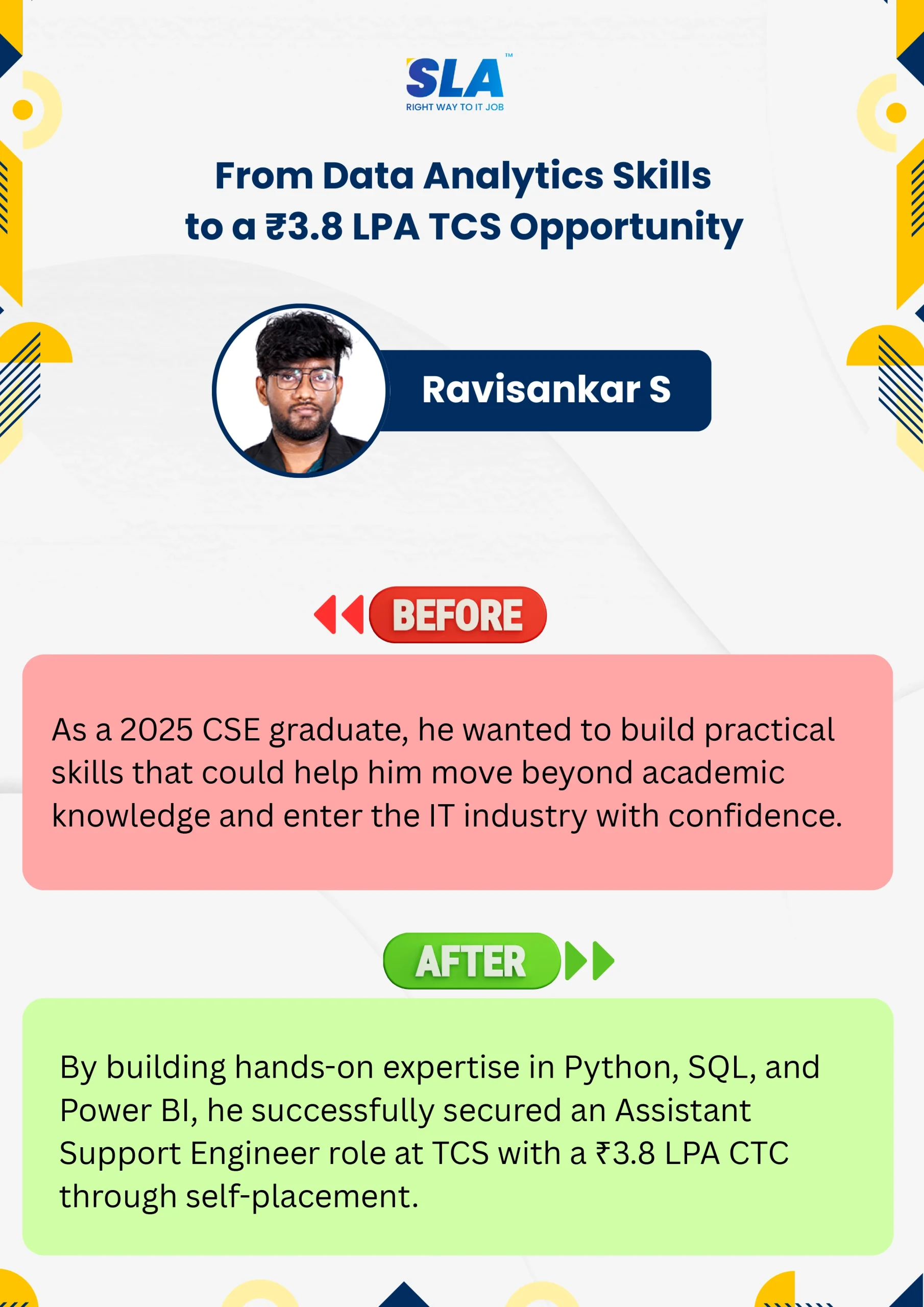
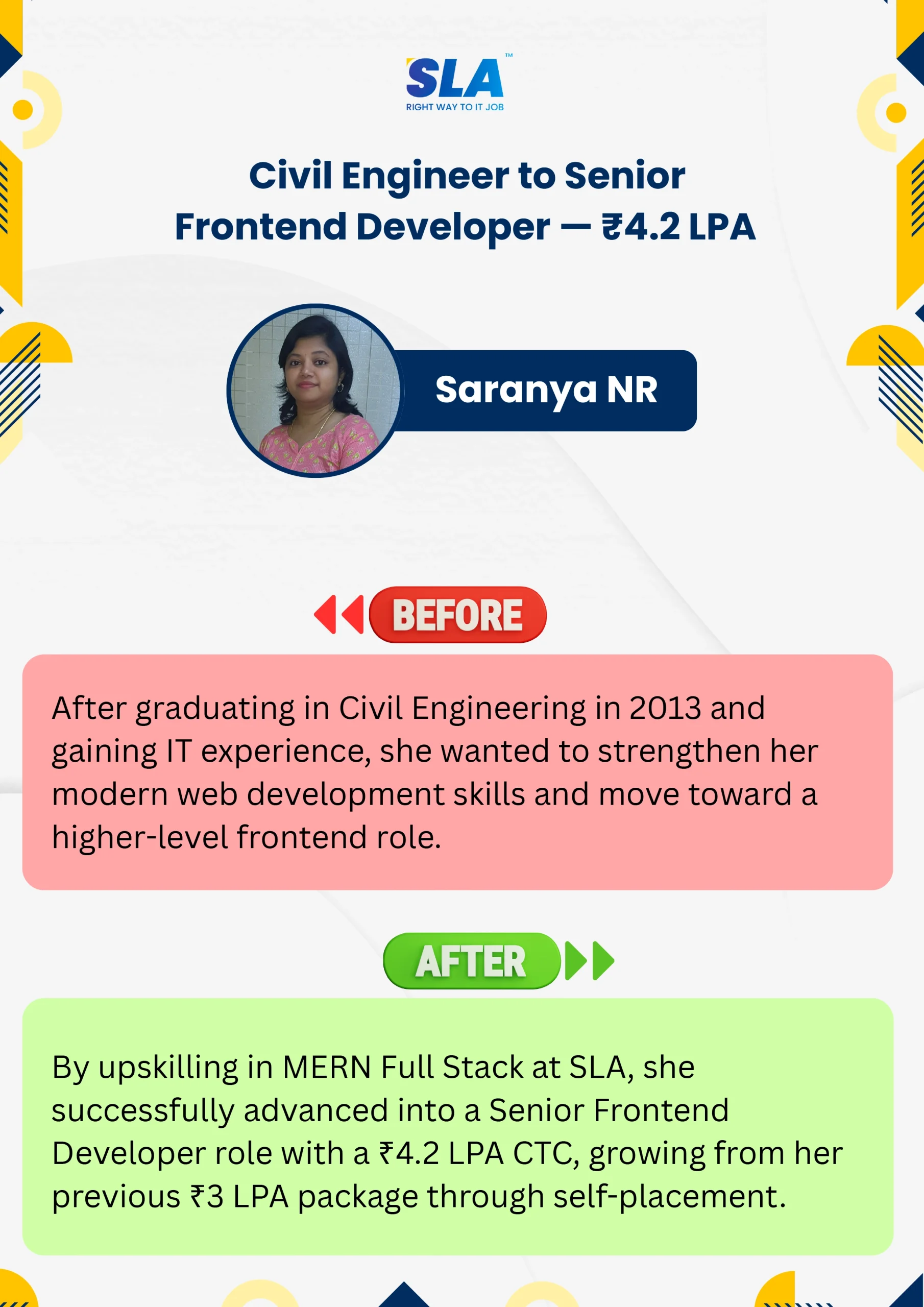
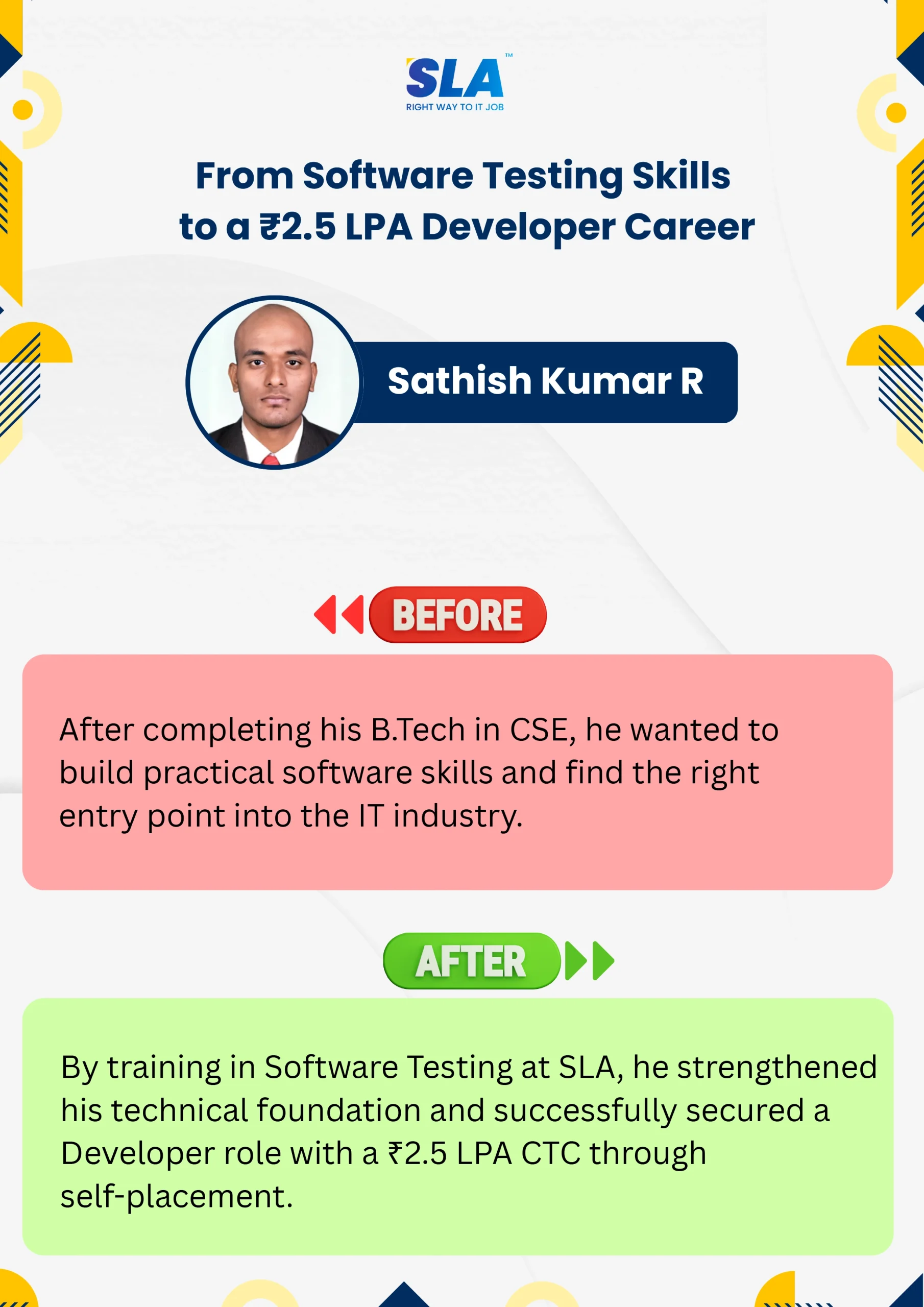
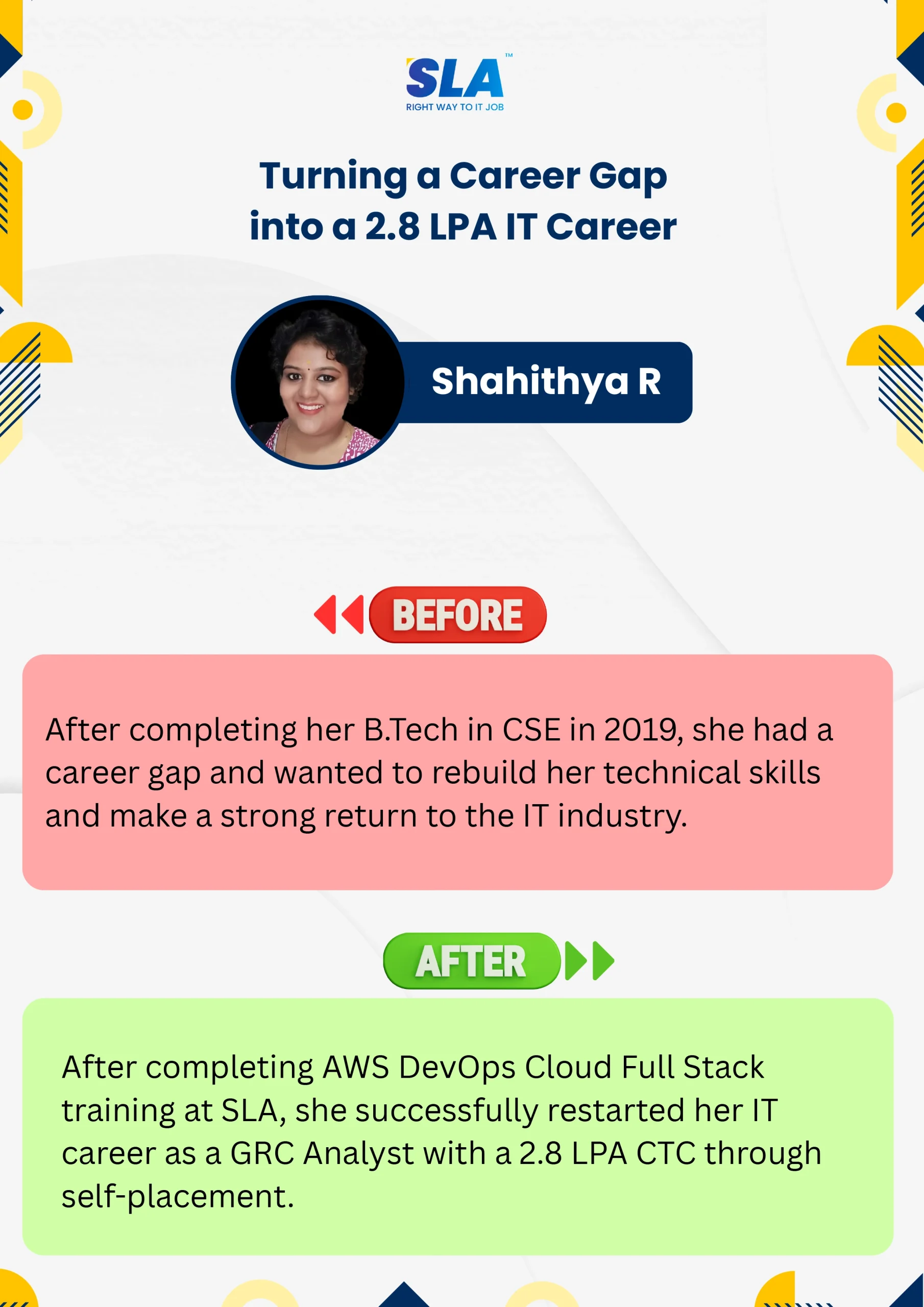
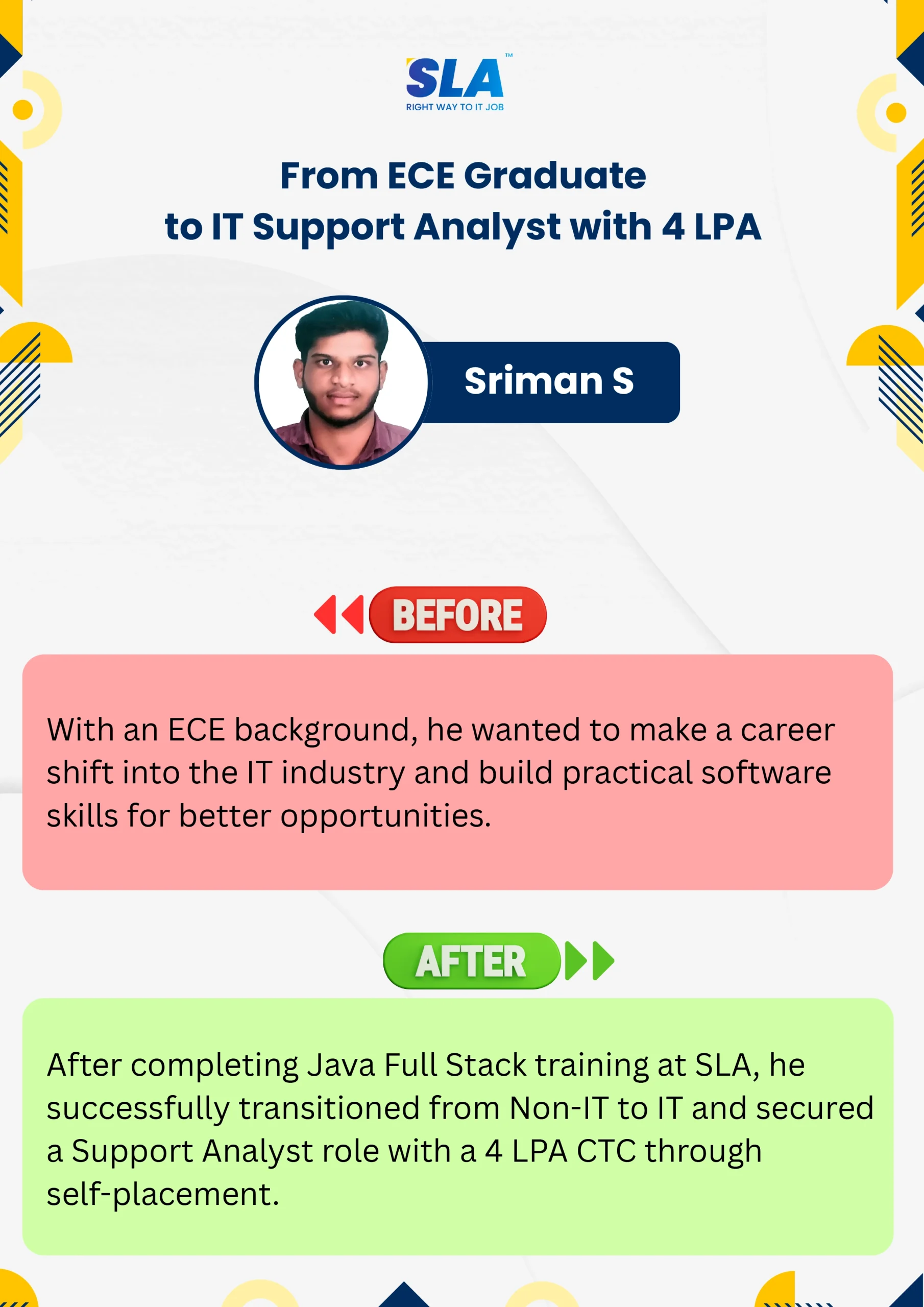
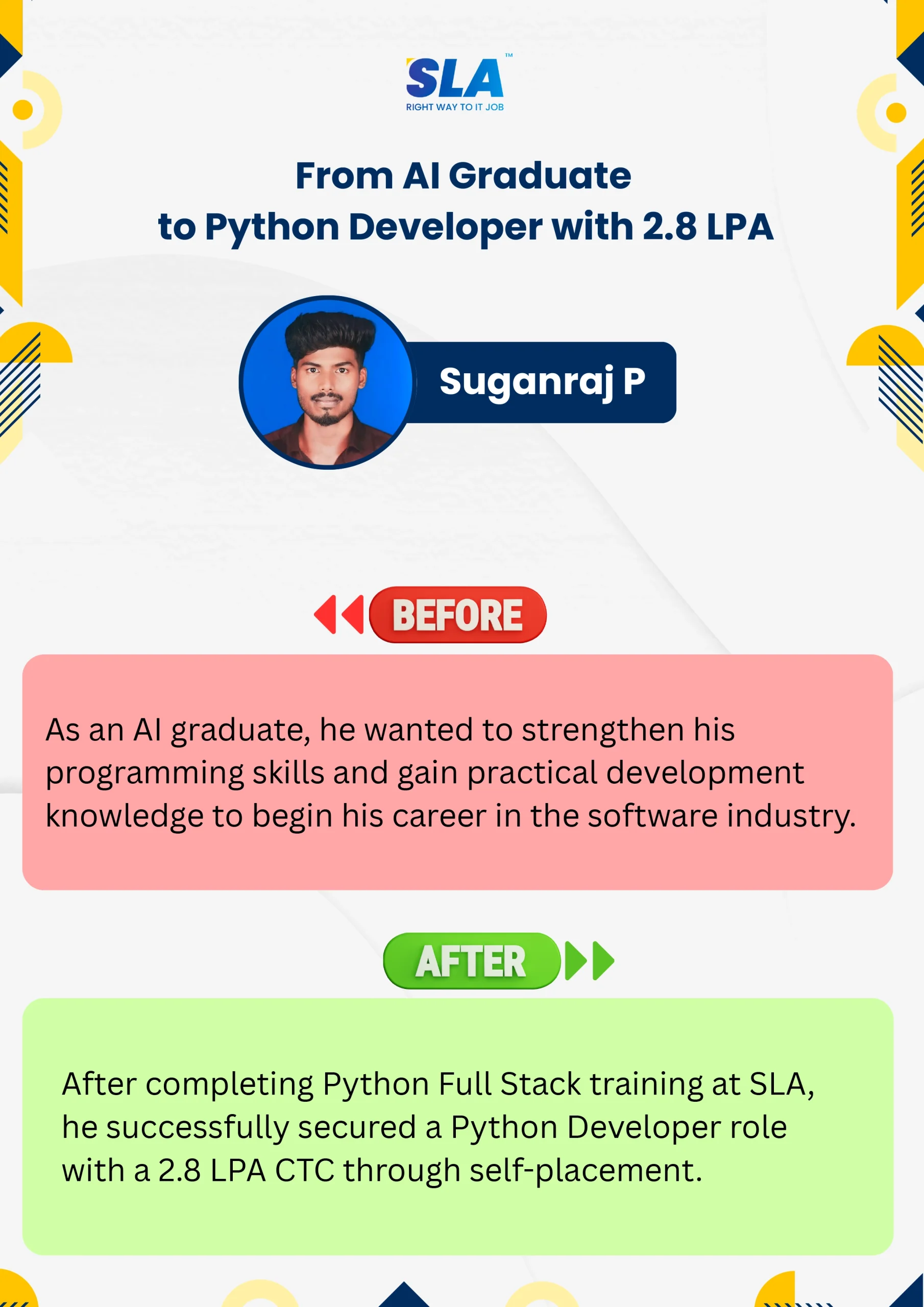
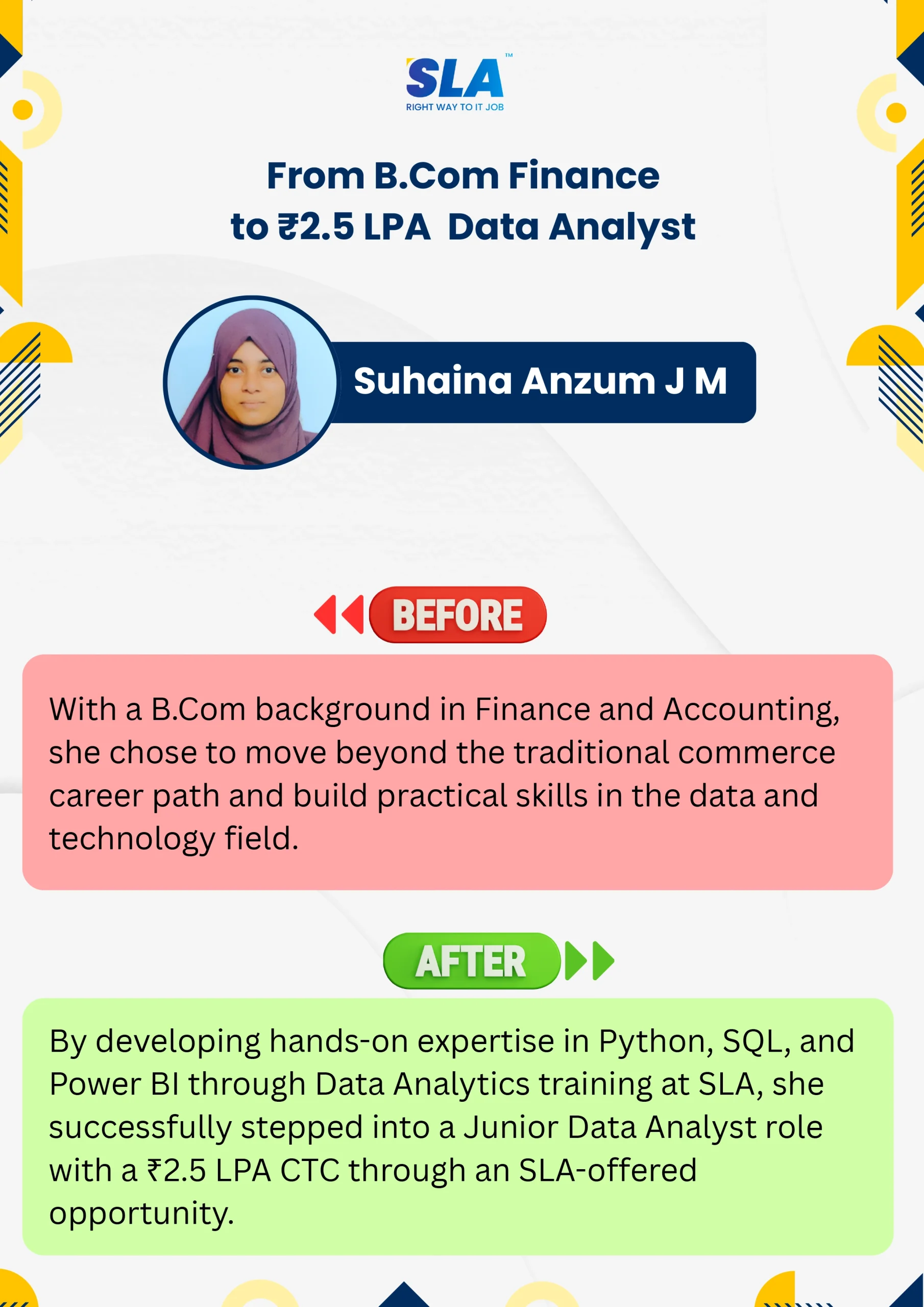
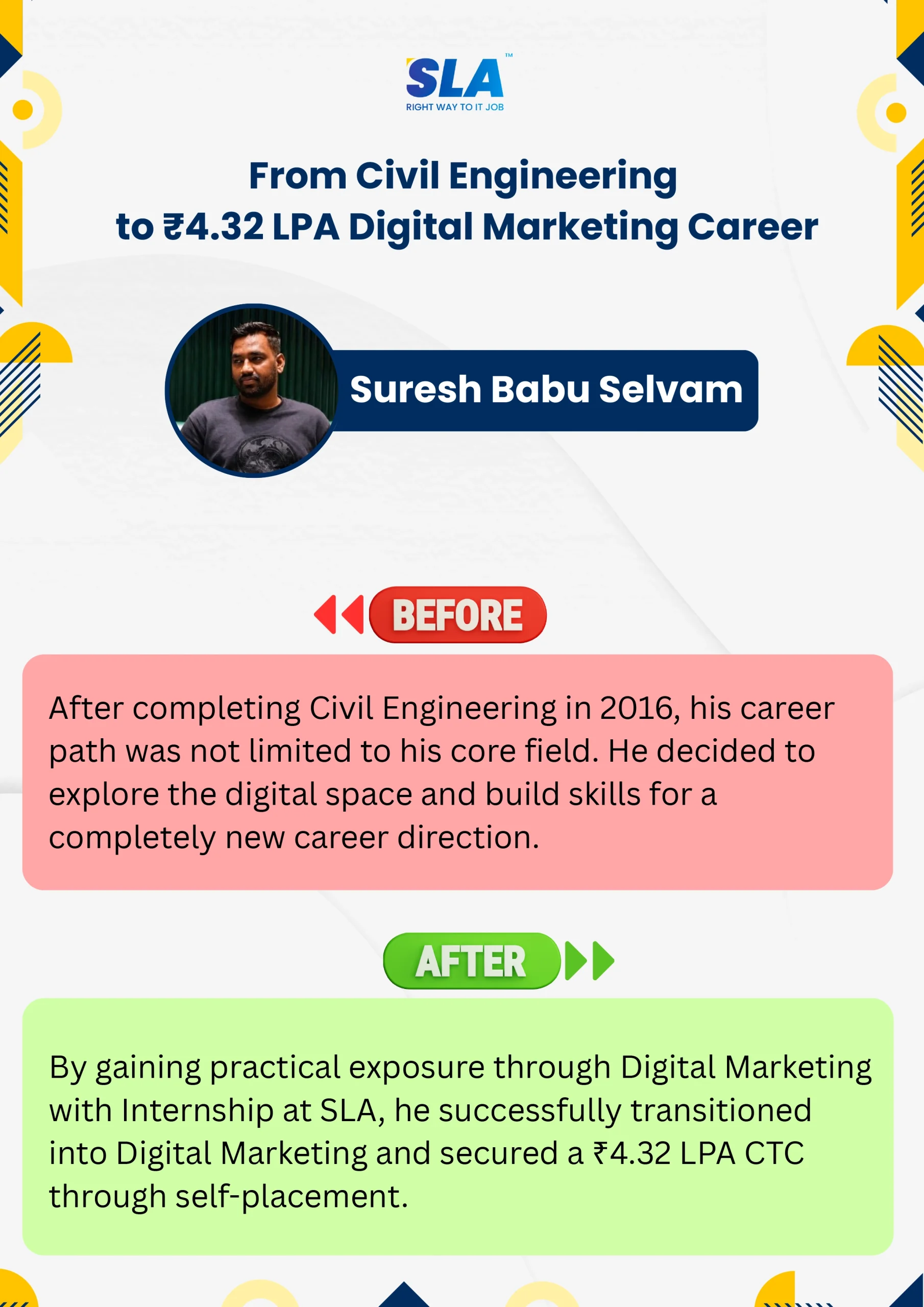
Life Changing Stories

See More Success Stories

Check our Google Reviews

3D Review Carousel

VBA Macros Course Syllabus

Download Syllabus
  • Introduction to Excel
  • Introduction to Programming
  • VBA Overview and the IDE
  • Quick Review of Macros Working with Macros
  • How to use Visual Basic Editor (Programming Environment)
  • An easy-to-use and versatile language
  • Integrated with off-the-shelf products
  • The Visual Basic Editor
  • Parts of the VBA Editor
  • Modules and Macros
  • About VBA Forms, Sub Procedures & Modules
  • Creating Forms
  • Using Controls and their Properties
  • Running VBA Forms in Excel
  • Objects – The Grammar
  • Using Properties and Methods
  • Understanding Parameters
  • The Object Browser
  • Understanding object hierarchy
  • Tools for better coding
  • Moving to Other Cells
  • Editing Specific Cells
  • How and when to declare variables
  • Selecting data types
  • Fixed and dynamic arrays
  • Constants
  • IF (Else If, Else)Select Case ()
  • For Next Loop
  • For Each Loop ()
  • Do Until Loop and Do While Loop With, EndWith
  • Nesting Code
  • Creating Sub and Function procedures
  • Calling procedures
  • Passing arguments to procedures
  • Building Intuitive User Interface
  • Communicating with the user through the message box
  • Gathering user information with the input box
  • Utilizing the File Dialog object and Dialogs collections
  • Using the Immediate Window
  • Gaining greater control through the immediate window
  • Formatting Cells
  • Using Variables
  • Constants
  • Object Variables
  • Dimensioning and usage of variables
  • Displaying data and obtaining data from the user
  • Command buttons
  • List and Combo boxes
  • Labels
  • Option buttons
  • Check boxes
  • Text boxes
  • Frames
  • Adding more functionality with advanced ActiveX control
  • Using Font Property in cells
  • Using Various Background Properties in Excel VBA
  • Creating a Counter
  • String Handling
  • Using Left, Right, Mid and Len Functions in VBA
  • Range Selection and Manipulation
  • Workbook and Worksheet Object
  • Range Object and Cell Properties
  • Methods and Properties
  • Assigning Objects
  • Using Name Arguments
  • What is Array& why use array
  • Declaring an Array
  • Sorting Data in Array
  • 2-Dimention Array
  • Dynamic Array
  • UBourd
  • Storing Data in a range of an Array Elements
  • Using various array functions
  • Using Excel Worksheet Functions in VBA
  • VBA Functions
  • User-Defined Functions
  • Adding Help to User Defined Functions
  • Declaring Variables in User Defined Functions
  • Using Ranges in User Defined Functions
  • Creating and Managing an Add-in for User Defined Functions
  • Run Time Error
  • GoTo line
  • GoTo0
  • GoTo 1
  • Resume Next

Quick Enquiry

Placement

Dedicated placement support

Learning

Job-Centered Approach

Timings

Convenient Hrs

Mode

Online & Classroom

Certification

Industry-Accredited

Upcoming Batches

Hands On Training
3-5 Real Time Projects
60-100 Practical Assignments
3+ Assessments / Mock Interviews
November 2026
Week days
(Mon-Fri)
Online/Offline

2 Hours Real Time Interactive Technical Training

1 Hour Aptitude

1 Hour Communication & Soft Skills

(Suitable for Fresh Jobseekers / Non IT to IT transition)

Course Fee
November 2026
Week ends
(Sat-Sun)
Online/Offline

4 Hours Real Time Interactive Technical Training

(Suitable for working IT Professionals)

Course Fee

Save up to 20% in your Course Fee on our Job Seeker Course Series

Learn More

We Tie-Up with 1000+ Leading IT and MNC Companies

SLA's Hiring and Placement Partner: Latent View
SLA's Hiring and Placement Partner: Intellect
SLA's Hiring and Placement Partner: Siply
SLA's Hiring and Placement Partner: GlobalLogic
SLA's Hiring and Placement Partner: Wipro
SLA's Hiring and Placement Partner: Bank Of America
SLA's Hiring and Placement Partner: Tredence
SLA's Hiring and Placement Partner: Fareportal
SLA's Hiring and Placement Partner: Apollo Hospitals
SLA's Hiring and Placement Partner: Cyient
SLA's Hiring and Placement Partner: Deloitte
SLA's Hiring and Placement Partner: Prodapt
SLA's Hiring and Placement Partner: Eurofins
SLA's Hiring and Placement Partner: Merkle
SLA's Hiring and Placement Partner: Google
SLA's Hiring and Placement Partner: Amazon
SLA's Hiring and Placement Partner: CGI
SLA's Hiring and Placement Partner: Jio
SLA's Hiring and Placement Partner: Birlasoft
SLA's Hiring and Placement Partner: Optum
SLA's Hiring and Placement Partner: Observeai
SLA's Hiring and Placement Partner: Spanidea
SLA's Hiring and Placement Partner: TCS
SLA's Hiring and Placement Partner: Mindtree
SLA's Hiring and Placement Partner: Samsung
SLA's Hiring and Placement Partner: Fractal
SLA's Hiring and Placement Partner: Goldman Sachs
SLA's Hiring and Placement Partner: Rakuten
SLA's Hiring and Placement Partner: Publicis Sapient
SLA's Hiring and Placement Partner: Accenture
SLA's Hiring and Placement Partner: SAP
SLA's Hiring and Placement Partner: Capgemini
SLA's Hiring and Placement Partner: Tech Mahindra
SLA's Hiring and Placement Partner: Napier
SLA's Hiring and Placement Partner: Tanla
SLA's Hiring and Placement Partner: Highradius
SLA's Hiring and Placement Partner: Mentor Graphics
SLA's Hiring and Placement Partner: Bosch
SLA's Hiring and Placement Partner: Oracle
SLA's Hiring and Placement Partner: Perficient
SLA's Hiring and Placement Partner: NTT-Data
SLA's Hiring and Placement Partner: Infosys
SLA's Hiring and Placement Partner: SociéTé GéNéRale
SLA's Hiring and Placement Partner: Acs Solutions
SLA's Hiring and Placement Partner: Delhivery
SLA's Hiring and Placement Partner: GEP
SLA's Hiring and Placement Partner: Cognizant
SLA's Hiring and Placement Partner: Valuemomentum
SLA's Hiring and Placement Partner: Pwc
SLA's Hiring and Placement Partner: Nvidia
SLA's Hiring and Placement Partner: Needl.ai

Certifications

Take your career to new heights with Softlogic's software training certifications.
Improve your abilities to get access to rewarding possibilities
Earn Your Certificate of Completion
Validate your achievements with Softlogic's Certificate of Completion, verifying successful fulfillment of all essential components.
Take Your Career to the Next Level with  Certifications
Get a certifications through our training programs to gain a competitive edge in the industry.
Stand Out from the Crowd with Codethon Certificate
Verify the authenticity of your real-time projects with Softlogic's Codethon certificate.

Best VBA Macros Training in Chennai

There is a prominent difference between VBA and Macros though we sometimes confuse with their meaning. VBA is the abbreviation of Visual Basic for Applications. It assists in recording the daily tasks. Macros is a group of commands that runs on an Excel environment. Just a single click is enough to execute the command. With the help of Macros, one can execute the same task several times. You can deploy VBA to build macros and expand the routine functionalities and to develop advanced programs. Enroll in the best VBA Macros Training in Chennai and learn their importance. You will learn about Macros and VBA fundamentals, how to use If statements, arrays, and explore building user forms. 

Future Scope of VBA Macros Training

Any person who is using Microsoft Excel can gain if they have a bit of knowledge of VBA. VBA saves time, decreases mistakes, and gives you a better career scope. You needn’t have any knowledge of any programming language to learn VBA. Automation of tasks is done easily with VBA. 

Users of Microsoft Excel need to repeat the same group of tasks again and again. There are both small and complex tasks that need to be done through Excel. VBA is useful in this case; macros can be programmed for the purpose of automating such tasks. A number of manual tasks can be done in a single button click. At the best VBA Macros Training Institute in Chennai, you will learn about Macro Recorder, its purpose, and how you can develop your own macros from the beginning. 

Achieve Your Goals With SLA

SLA builds your future with comprehensive coursework and unparalleled placement support.
Register For Free Demo

Project Practices on VBA Macros Training

Project 1Ultrasound Nerve Segmentation

Create a project to build a model to identify nerve structures in a dataset of ultrasound images of the neck and hands.

Project 2Human Activity Recognition

Create a project to classify human activity for analyzing fitness using a smartphone tracker with classification techniques.

Project 3Retail Price Optimization

Implement a project to apply a regression tree algorithm for price optimization with visualization of nearby sources.

Project 4Music Recommendation Algorithm

Create a project to predict the best chances of users listening to songs for recommending them using KKBox’s dataset

Prerequisites for learning VBA Macros Training in Chennai

Sometimes, VBA and macros are used interchangeably, but they are two different concepts. While VBA is the programming language to develop Macros, Macros are pieces of codes that initiate on an Excel environment for the purpose of carrying automatic routine tasks. 

In order to learn VBA Macros from the VBA Macros course in Chennai, you should have basic knowledge of Excel and its relevant formulae. Added to that, fair analytical skills and numerical proficiency will be an added advantage. Even if you are not well-versed with the concepts, the trainers at SLA Institute will ensure that you learn from the scratch. 

Who should attend Our VBA Macros Course in Chennai?

  • An Excel user who wants to make the best use of VBA in macros. 
  • An Excel user who wants to be well-equipped with the advanced features of Excel. 
  • Seasoned professionals who have worked  with Excel for at least 6 months and want to upgrade their skills
  • Any working professional who wants good scope in the organization 
  • Accountants, financial experts etc. who wish to make the best use of Macros and wish to come out of the mundane, repetitive tasks
  • Projects managers who use Excel daily and wish to boost their performance 

Want to learn with a personalized course curriculum?

VBA Macros Course FAQ

The SLA Way to Get Placed

The SLA Way to Get Placed

Seven connected stages, one continuous path from enrollment to your career launch — here is exactly how it works, step by step.

01
🎓

Technical Mastery

Industry-aligned curriculum, daily coding tasks, real-time projects.

02
💻

Career Readiness

Aptitude, communication, ATS-friendly resume optimization.

03
🎯

Placement Prep

Aptitude, communication tuning and technical interview mastery.

04
💬

Panel Mock Interviews

Real company-pattern mocks with expert panel feedback.

05
👨‍💼

Interview Schedule

Multiple company drives with lifetime placement support.

06
📝

Interview Feedback

Detailed performance analysis and one-on-one guidance.

07
🏆

Launch Your Career

Land your first job with lifetime alumni and career support.

Know the process

Listen to Our Students' Video Testimonials

Related Blog Posts

Just a minute!

If you have any questions that you did not find answers for, our counsellors are here to answer them. You can get all your queries answered before deciding to join SLA and move your career forward.

We are excited to get started with you

Give us your information and we will arange for a free call (at your convenience) with one of our counsellors. You can get all your queries answered before deciding to join SLA and move your career forward.