


Opens in a new tab
Software Training Institute in Chennai with 100% Placements – SLA Institute

MCSE Course in Chennai

(6576)
duration
2-3 Months
EMI
0% Interest
Mode
Live Online & Classroom Training

The SLA Institute is a place to learn about Microsoft technologies. They have a good MCSE Course in Chennai. This course is for students, people who are new to the field, and IT professionals. The SLA Institute wants to help these people have a career in Microsoft technologies and IT infrastructure. The training they offer is very practical. It covers things like Windows Server, Active Directory, networking, cloud computing, and virtualization. You get to work on projects and use the lab sessions to get hands-on experience. The trainers at SLA Institute are experts in their field. They help you learn by doing, not by listening. The MCSE Course in Chennai, at SLA Institute, is a way to start your career in IT.


Book Free Demo ClassTalk to a Career Advisor
0+

Students Trained

0%

Placement Rate

0+

Years Experience

0+

Hiring Partners

Why SLA

  • Industry Professional Trainers
  • Real-Time Live Projects
  • 1000+ Hiring Partners
  • 0% Interest EMI Options
  • Lifelong Placement Support
  • Globally Recognized Certifications

FLEXIBLE LEARNING MODES

OnlineOfflineHybrid

Check Your Eligibility for IT Training

Ready to start your tech career? Whether you have recently graduated and want to begin your IT career, or want to upskill for your next phase, our Eligibility Assessment Form makes the process easy to begin. For this MCSE Developer Course, we will match your skills and goals to the best training structure for you. Just fill in the form below for an easy start on your course. Take your first step today!

What We'll Need From You?

Personal & Contact Details

Name and phone number for direct interview updates

Academic Background

Age category, educational qualification, and graduation year.

Technical Experience

Prior programming knowledge and relevant IT certification details.
KNOW MORE ABOUT COURSE +91 86818 84318

IT Training Eligibility TEST

Life Changing Stories

See More Success Stories

Check our Google Reviews

3D Review Carousel

MCSE Course Syllabus

Download Syllabus
  • Windows Server 2012 Overview
  • Overview of Windows Server 2012 Management
  • Installing Windows Server 2012
  • Post-Installation Configuration of Windows Server 2012
  • Introduction to Windows PowerShell
  • Overview of AD DS
  • Overview of Domain Controllers
  • Installing a Domain Controller
  • Managing User Accounts
  • Managing Group Accounts
  • Managing Computer Accounts
  • Delegating Administration
  • Using Command-line Tools for Administration
  • Using Windows PowerShell for Administration
  • Performing Bulk Operations with Windows PowerShell
  • Overview of TCP/IP
  • Understanding IPv4 Addressing
  • Subnetting and Supernetting
  • Configuring and Troubleshooting IPv4
  • Installing a DHCP Server Role
  • Configuring DHCP Scopes
  • Managing a DHCP Database
  • Securing and Monitoring DHCP
  • Name Resolution for Windows Client and Servers
  • Installing and Managing a DNS Server
  • Managing DNS Zones
  • Overview of IPv6
  • IPv6 Addressing
  • Coexistence with IPv6
  • IPv6 Transition Technologies
  • Overview of Storage
  • Managing Disks and Volumes
  • Implementing Storage Spaces
  • Securing Files and Folders
  • Protecting Shared Files and Folders Using Shadow Copies
  • Configuring Network Printing
  • Implementing Group Policy

  • Securing Windows Servers Using Group Policy Objects

  • Implementing Server Virtualization with Hyper-V

  • Deploying and Maintaining Server Images

  • Configuring and Troubleshooting Domain Name System

  • Maintaining Active Directory Domain Services

  • Managing User and Service Accounts

  • Implementing a Group Policy Infrastructure

  • Managing User Desktops with Group Policy

  • Configuring and Troubleshooting Remote Access

  • Installing, Configuring, and Troubleshooting the Network Policy Server Role

  • Implementing Network Access Protection

  • Optimizing File Services

  • Configuring Encryption and Advanced Auditing

  • Implementing Update Management

  • Monitoring Windows Server 2012

  • Implementing Advanced Network Services

  • Implementing Advanced File Services

  • Implementing Dynamic Access Control

  • Implementing Distributed Active Directory Domain Services Deployments

  • Implementing Active Directory Domain Services Sites and Replication

  • Implementing Active Directory Certificate Services

  • Implementing Active Directory Rights Management Services

  • Implementing Active Directory Federation Services

  • Implementing Network Load Balancing

  • Implementing Failover Clustering

  • Implementing Failover Clustering with Hyper-V

  • mplementing Disaster Recovery

Quick Enquiry

Placement

Dedicated placement support

Learning

Job-Centered Approach

Timings

Convenient Hrs

Mode

Online & Classroom

Certification

Industry-Accredited

Upcoming Batches

Hands On Training
3-5 Real Time Projects
60-100 Practical Assignments
3+ Assessments / Mock Interviews
November 2026
Week days
(Mon-Fri)
Online/Offline

2 Hours Real Time Interactive Technical Training

1 Hour Aptitude

1 Hour Communication & Soft Skills

(Suitable for Fresh Jobseekers / Non IT to IT transition)

Course Fee
November 2026
Week ends
(Sat-Sun)
Online/Offline

4 Hours Real Time Interactive Technical Training

(Suitable for working IT Professionals)

Course Fee

Save up to 20% in your Course Fee on our Job Seeker Course Series

Learn More

We Tie-Up with 1000+ Leading IT and MNC Companies

SLA's Hiring and Placement Partner: Infosys
SLA's Hiring and Placement Partner: Intellect
SLA's Hiring and Placement Partner: Jio
SLA's Hiring and Placement Partner: Observeai
SLA's Hiring and Placement Partner: Bank Of America
SLA's Hiring and Placement Partner: Mindtree
SLA's Hiring and Placement Partner: SociéTé GéNéRale
SLA's Hiring and Placement Partner: Nvidia
SLA's Hiring and Placement Partner: Fareportal
SLA's Hiring and Placement Partner: Latent View
SLA's Hiring and Placement Partner: Cyient
SLA's Hiring and Placement Partner: Google
SLA's Hiring and Placement Partner: Merkle
SLA's Hiring and Placement Partner: GlobalLogic
SLA's Hiring and Placement Partner: Oracle
SLA's Hiring and Placement Partner: Siply
SLA's Hiring and Placement Partner: Publicis Sapient
SLA's Hiring and Placement Partner: Needl.ai
SLA's Hiring and Placement Partner: SAP
SLA's Hiring and Placement Partner: Tech Mahindra
SLA's Hiring and Placement Partner: TCS
SLA's Hiring and Placement Partner: Delhivery
SLA's Hiring and Placement Partner: Acs Solutions
SLA's Hiring and Placement Partner: Fractal
SLA's Hiring and Placement Partner: Pwc
SLA's Hiring and Placement Partner: Mentor Graphics
SLA's Hiring and Placement Partner: CGI
SLA's Hiring and Placement Partner: Deloitte
SLA's Hiring and Placement Partner: Perficient
SLA's Hiring and Placement Partner: Birlasoft
SLA's Hiring and Placement Partner: Cognizant
SLA's Hiring and Placement Partner: Tanla
SLA's Hiring and Placement Partner: Capgemini
SLA's Hiring and Placement Partner: Rakuten
SLA's Hiring and Placement Partner: Highradius
SLA's Hiring and Placement Partner: Napier
SLA's Hiring and Placement Partner: NTT-Data
SLA's Hiring and Placement Partner: Spanidea
SLA's Hiring and Placement Partner: Accenture
SLA's Hiring and Placement Partner: Apollo Hospitals
SLA's Hiring and Placement Partner: Prodapt
SLA's Hiring and Placement Partner: Wipro
SLA's Hiring and Placement Partner: Tredence
SLA's Hiring and Placement Partner: Valuemomentum
SLA's Hiring and Placement Partner: Amazon
SLA's Hiring and Placement Partner: Optum
SLA's Hiring and Placement Partner: Samsung
SLA's Hiring and Placement Partner: Bosch
SLA's Hiring and Placement Partner: GEP
SLA's Hiring and Placement Partner: Eurofins
SLA's Hiring and Placement Partner: Goldman Sachs

Certifications

Take your career to new heights with Softlogic's software training certifications.
Improve your abilities to get access to rewarding possibilities
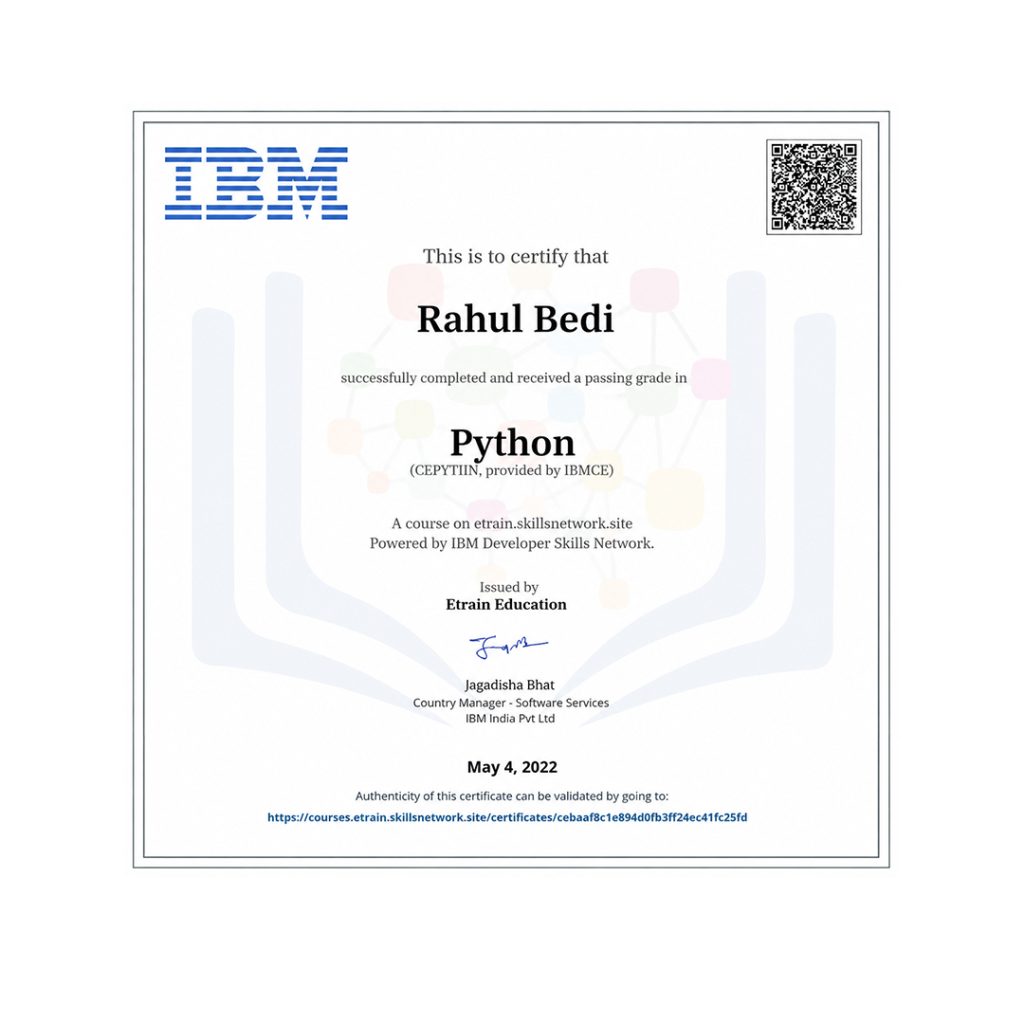
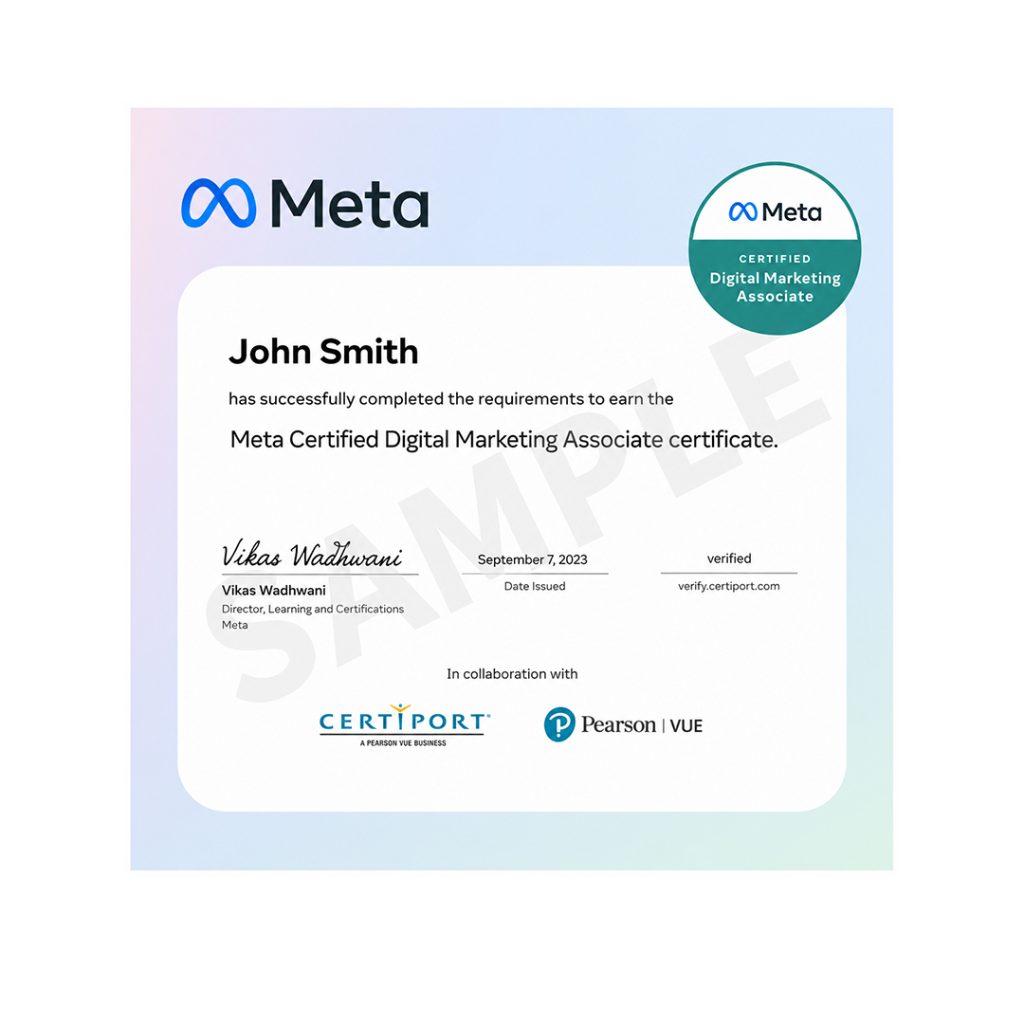
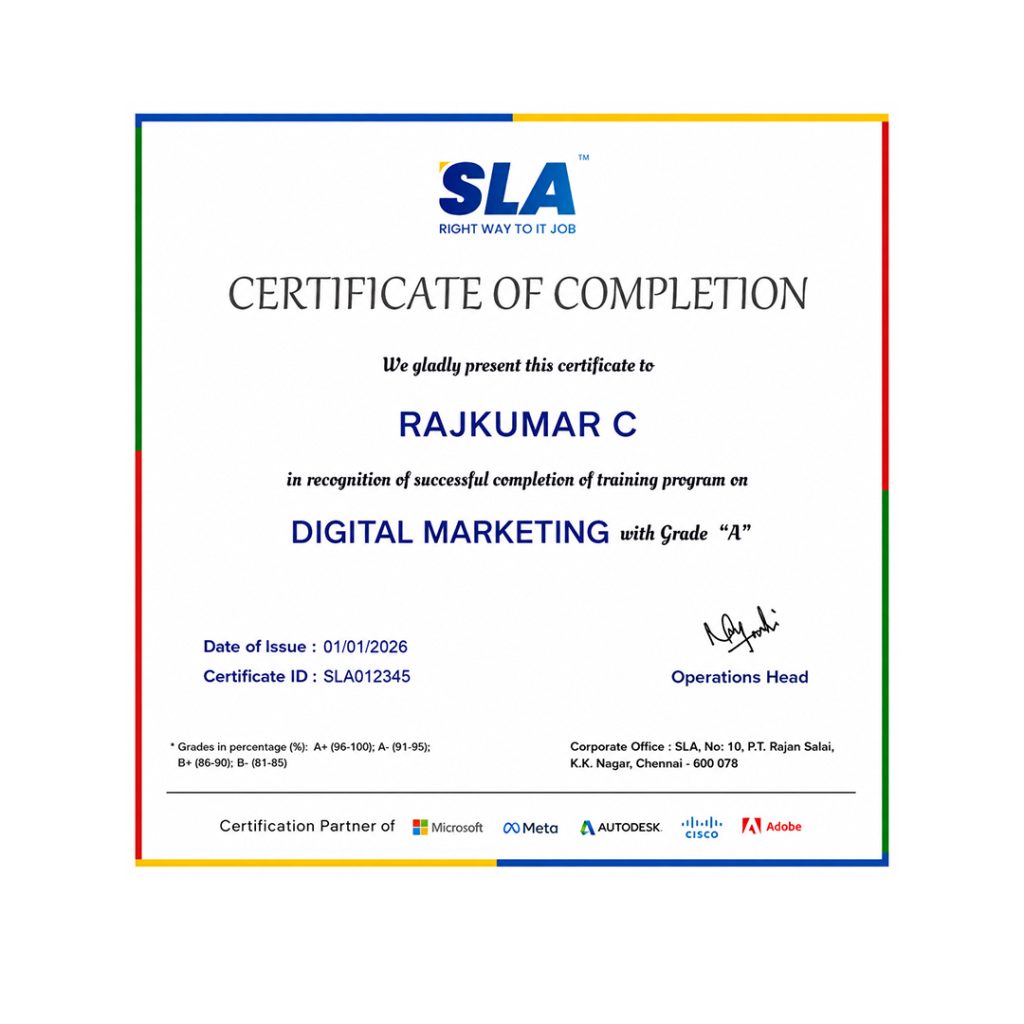
Earn Your Certificate of Completion
Validate your achievements with Softlogic's Certificate of Completion, verifying successful fulfillment of all essential components.
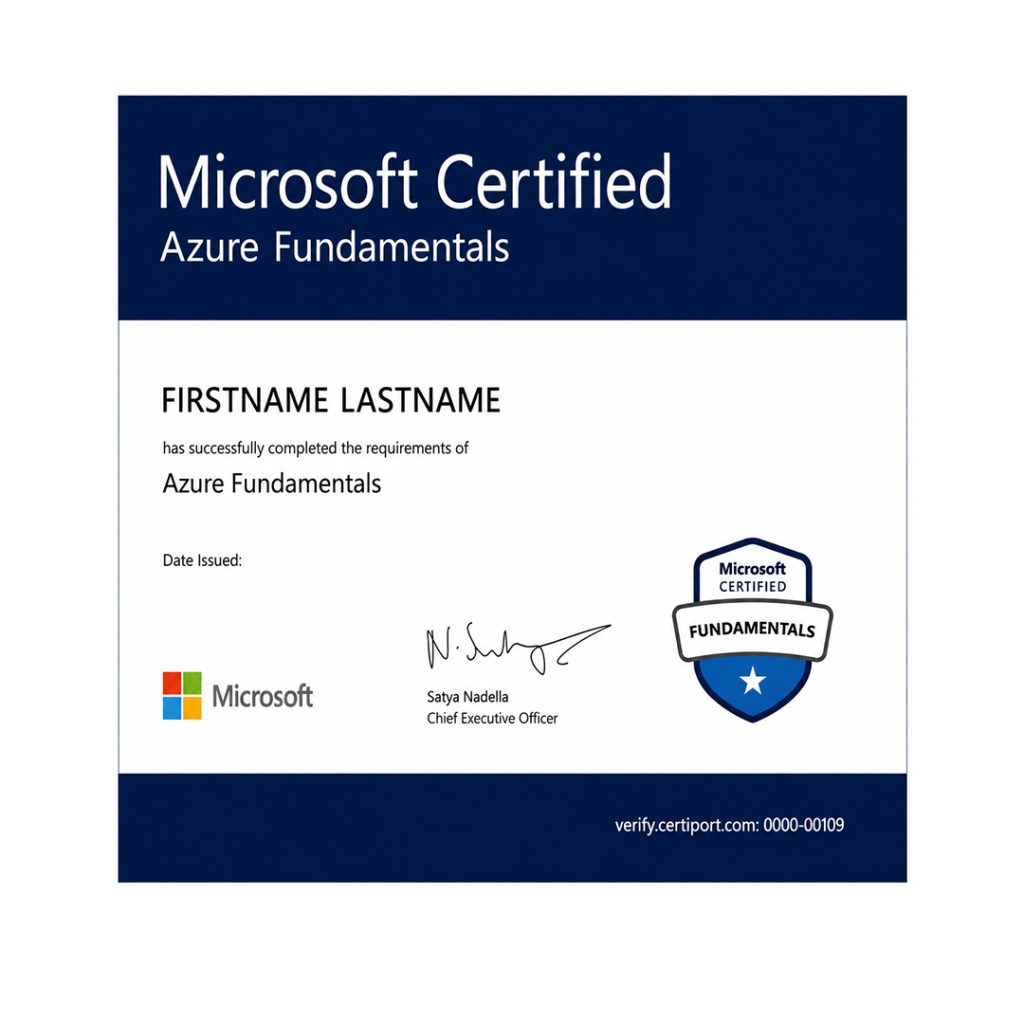
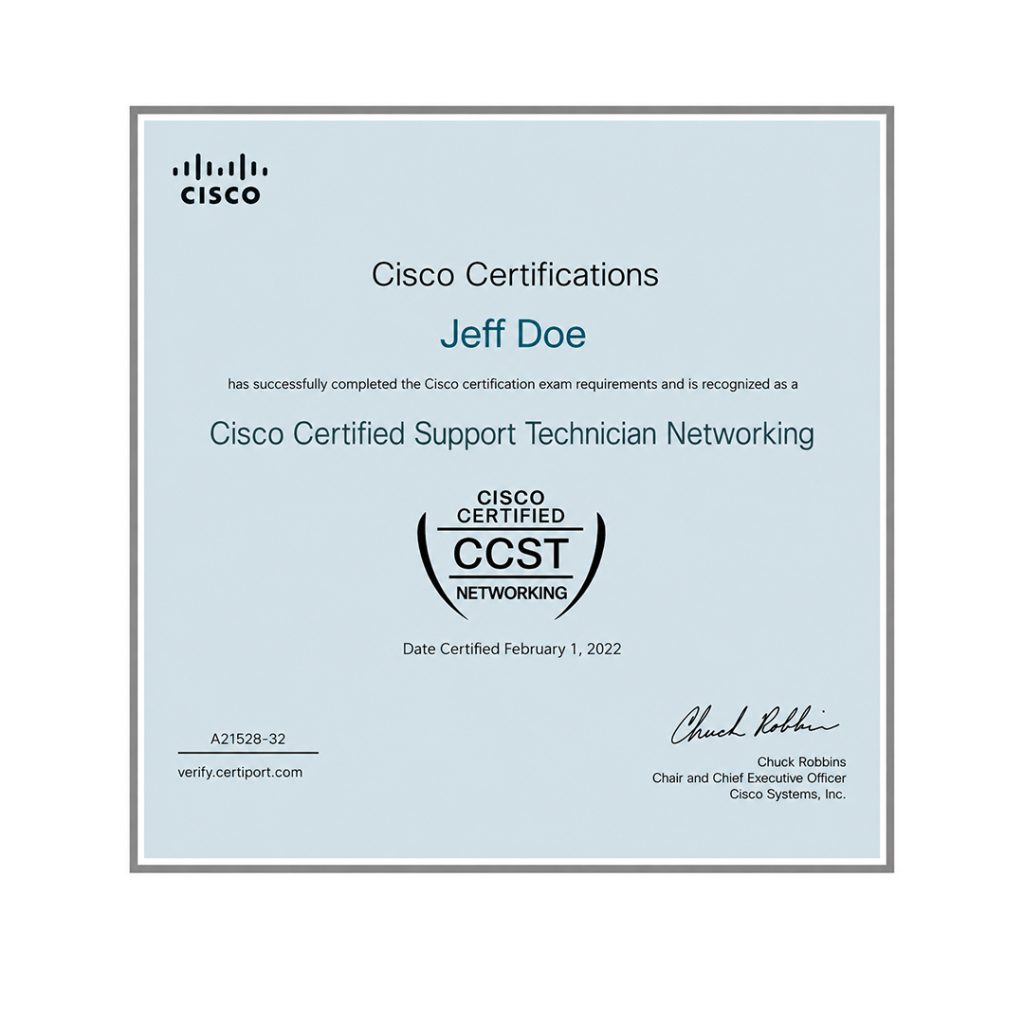
Take Your Career to the Next Level with  Certifications
Get a certifications through our training programs to gain a competitive edge in the industry.
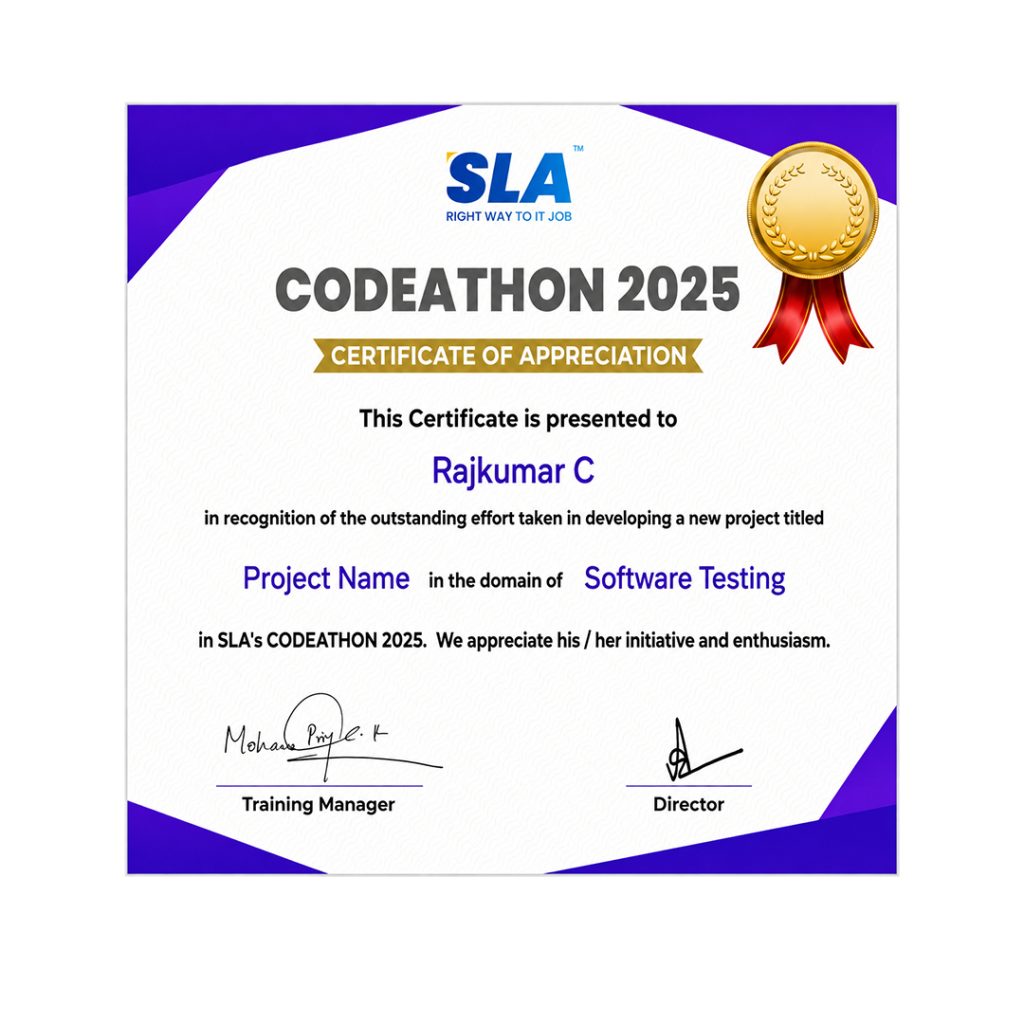
Stand Out from the Crowd with Codethon Certificate
Verify the authenticity of your real-time projects with Softlogic's Codethon certificate.

Best MCSE Training in Chennai

MCSE training in Chennai helps you to demonstrate your abilities in designing and executing infrastructure from business solutions as per Microsoft Server. The training will give the needed knowledge for the candidates regarding network systems and installing, configuring, and troubleshooting. One can also upgrade to recent Microsoft technologies like SQL Server, Windows server etc. 

  • To impart knowledge regarding managing servers, data systems, private clouds, storage, networking etc.
  • To provide mentorship so that the student not only becomes proficient in technical skills but also is enriched  with the life skills
  • To provide job-oriented knowledge to the students. 
  • To impart knowledge so that the students learn fast and within the course duration with quality
  • To help the student in getting placements in good companies. 
  • To guide the students to progress efficiently with the career planning process 
  • To make the students prepared for the real-time situation through personality development, resume preparation, group discussion, honing interview skills, aptitude training, mock interviews etc

Scope of MCSE Training in Chennai

Any aspiring candidate who completes a professional certification program by Microsoft gets to know about execution of Microsoft applications. The career of the individual also gets a head-start through MCSE Training Institute in Chennai.

MCSE certification is recognized globally and is the perfect gateway to get CCNA Training in Chennai is another certification that concentrates on imparting skills to the candidates in the usage of Cisco systems. It offers a learning experience that focuses on hardware and network engineering nuances. IT professionals can gain advantage from both of these certifications. Whether you are opting for the MCSE or CCNA certification, ensure that you get the pathway to it through the Best MCSE Training in Chennai.

Achieve Your Goals With SLA

SLA builds your future with comprehensive coursework and unparalleled placement support.
Register For Free Demo

Project Practices on MCSE Training

Project 1Setting up LAN

Gain expertise in real-time LAN setup with multiple computers and utilize the internet connection for sharing features.

Project 2Access Home PC remotely

Explore how to design and configure a network for accessing the personal computer of the home remotely from the office system.

Project 3Web Server with IIS

Get hands-on for configuring and setting up Web Server on the internet using IIS and Apache for Windows platform.

Project 4Block unwanted traffic

Learn how to deploy and configure firewall protection in a network to block unwanted traffic on the WLAN connection.

Prerequisites for learning MCSE Training in Chennai

The students must have passed MCSA certification before joining our MCSE Training Course in Chennai. They may pass any MCSA certification such as SQL Server 2012/2014, SQL 2016 Database Development, SQL 2016 Database Administration, SQL Server BI Development, or BI Reporting Certification. We have customized MCSE Course Syllabus to provide industry-standard MCSE Training in Chennai with 100% Placement Assistance at SLA.

Who should attend our MCSE Training Institute in Chennai?

Our MCSE Training in Chennai is suitable for candidates who want to know about specific technologies to showcase their in-depth expertise in hardware and networking jobs. The students who want to gain comprehensive knowledge about Microsoft System and the related products can go for MCSE Course in Chennai. Following candidates are eligible to enroll in our MCSE Course at SLA.

  • All diploma holders are eligible to take up MCSA/MCSE Course.
  • Fresh graduate with a computer-related degree can pursue this MCSE/MCSA Course.
  • Any working professionals who wish to upgrade their career in the hardware and networking field.

Want to learn with a personalized course curriculum?

MCSE Course FAQ

The SLA Way to Get Placed

The SLA Way to Get Placed

Seven connected stages, one continuous path from enrollment to your career launch — here is exactly how it works, step by step.

01
🎓

Technical Mastery

Industry-aligned curriculum, daily coding tasks, real-time projects.

02
💻

Career Readiness

Aptitude, communication, ATS-friendly resume optimization.

03
🎯

Placement Prep

Aptitude, communication tuning and technical interview mastery.

04
💬

Panel Mock Interviews

Real company-pattern mocks with expert panel feedback.

05
👨‍💼

Interview Schedule

Multiple company drives with lifetime placement support.

06
📝

Interview Feedback

Detailed performance analysis and one-on-one guidance.

07
🏆

Launch Your Career

Land your first job with lifetime alumni and career support.

Know the process

Listen to Our Students' Video Testimonials

Related Blog Posts

Just a minute!

If you have any questions that you did not find answers for, our counsellors are here to answer them. You can get all your queries answered before deciding to join SLA and move your career forward.

We are excited to get started with you

Give us your information and we will arange for a free call (at your convenience) with one of our counsellors. You can get all your queries answered before deciding to join SLA and move your career forward.