
MCSA Course Syllabus

duration
2-3 Months

EMI
0% Interest

Mode
Live Online & Classroom Training
SLA Institute provide the Best MCSA Training in Chennai to make the students expertise in various products and services of Microsoft with practical implementations. The students can enjoy the complete learning experience through our MCSA Course Syllabus as it has case studies, periodical assessment, performance trackers, seminars, knowledge sharing sessions, and project practices. Our MCSA Course Curriculum can be customized as per the learning requirement of students and we offer the course for freshers from scratch with satisfying hands-on practices.
GET YOUR JOB ELIGIBILITY REPORT

Let's take the first step to becoming an expert in
Click Here to Get Started
100% Placement Assurance
Get Certified
Course Syllabus
Download SyllabusDeploying and Managing Windows Server 2012
- Windows Server 2012
- Windows Server 2012 Management
- Installing Windows Server 2012
- Post-Installation Configuration of Windows Server 2012
- Windows PowerShell
Active Directory Domain Services (AD DS)
- AD DS
- Domain Controllers
- Installing a Domain Controller
Managing Active Directory Domain Services Objects
- Managing User Accounts
- Managing Group Accounts
- Managing Computer Accounts
- Delegating Administration
Automating AD DS Administration
- Using Command Line Tools for Administration
- Using Windows PowerShell for Administration
- Performing Bulk Operations with Windows PowerShell
Implementing IPv4
- TCP/IP
- IPv4 Addressing
- Subnetting and Supernetting
- Configuring and Troubleshooting IPv4
Implementing Dynamic Host Configuration Protocol (DHCP)
- Installing a DHCP Server Role
- Configuring DHCP Scopes
- Managing a DHCP Database
- Securing and Monitoring DHCP
Implementing Domain Name System (DNS)
- Name Resolution for Windows Clients and Servers
- Installing and Managing a DNS Server
- Managing DNS Zones
Implementing IPv6
- IPv6 Addressing
- Coexistence with IPv6
- IPv6 Transition Technologies
Implementing Local Storage
- Storage
- Managing Disks and Volumes
- Implementing Storage Spaces
Implementing File and Print Services
- Securing Files and Folders
- Protecting Shared Files and Folders Using Shadow Copies
- Configuring Network Printing
Implementing Group Policy
- Group Policy Processing
- Implementing a Central Store for Administrative Templates
Securing Windows Servers Using Group Policy Objects
- Windows Security
- Configuring Security Settings
- Restricting Software
- Configuring Windows Firewall with Advanced Security
Implementing Server Virtualization with Hyper-V
- Virtualization Technologies
- Implementing Hyper-V
- Managing Virtual Machine Storage
- Managing Virtual Networks
Administering Windows Server 2012
Implementing a Group Policy Infrastructure
- Group Policy
- Implementing and Administering Group Policy Objects (GPOs)
- Managing Group Policy Scope
- Group Policy Processing
- Troubleshooting the Application of GPOs
Managing User Desktops with Group Policy
- Implementing Administrative Templates
- Configuring Folder Redirection and Scripts
- Configuring Group Policy Preferences
- Managing Software with Group Policy
Managing User and Service Accounts
- Automating User Account Management
- Configuring Password-Policy and User-Account Lockout
- Configuring Managed Service Accounts
Maintaining Active Directory Domain Services
- Implementing Virtualized Domain Controllers
- Implementing Read-Only Domain Controllers
- Administering AD DS
- Managing the AD DS Database
Configuring and Troubleshooting Domain Name System (DNS)
- Installing the DNS Server Role
- Configuring the DNS Server Role
- Configuring DNS Zones
- Configuring DNS Zone Transfers
- Managing and Troubleshooting DNS
Configuring and Troubleshooting Remote Access
- Configuring Network Access
- Configuring VPN Access
- Network Policies
- Troubleshooting Routing and Remote Access
- Configuring Direct Access
Installing, Configuring, and Troubleshooting the Network Policy Server Role
- Installing and Configuring a Network Policy Server
- Configuring RADIUS Clients and Servers
- NPS Authentication Methods
- Monitoring and Troubleshooting a Network Policy Server
The MCSA Course Syllabus at SLA Institute is really good. It helps you learn a lot of things. You get to practice what you learn. The teachers guide you clearly. So you can manage IT systems easily. This means you can get a job. The MCSA Course Syllabus at SLA Institute helps you become a Microsoft professional. You will be happy with what you achieve. The MCSA Course Syllabus is very helpful for people who want to work with Microsoft products.



Video Testimonials
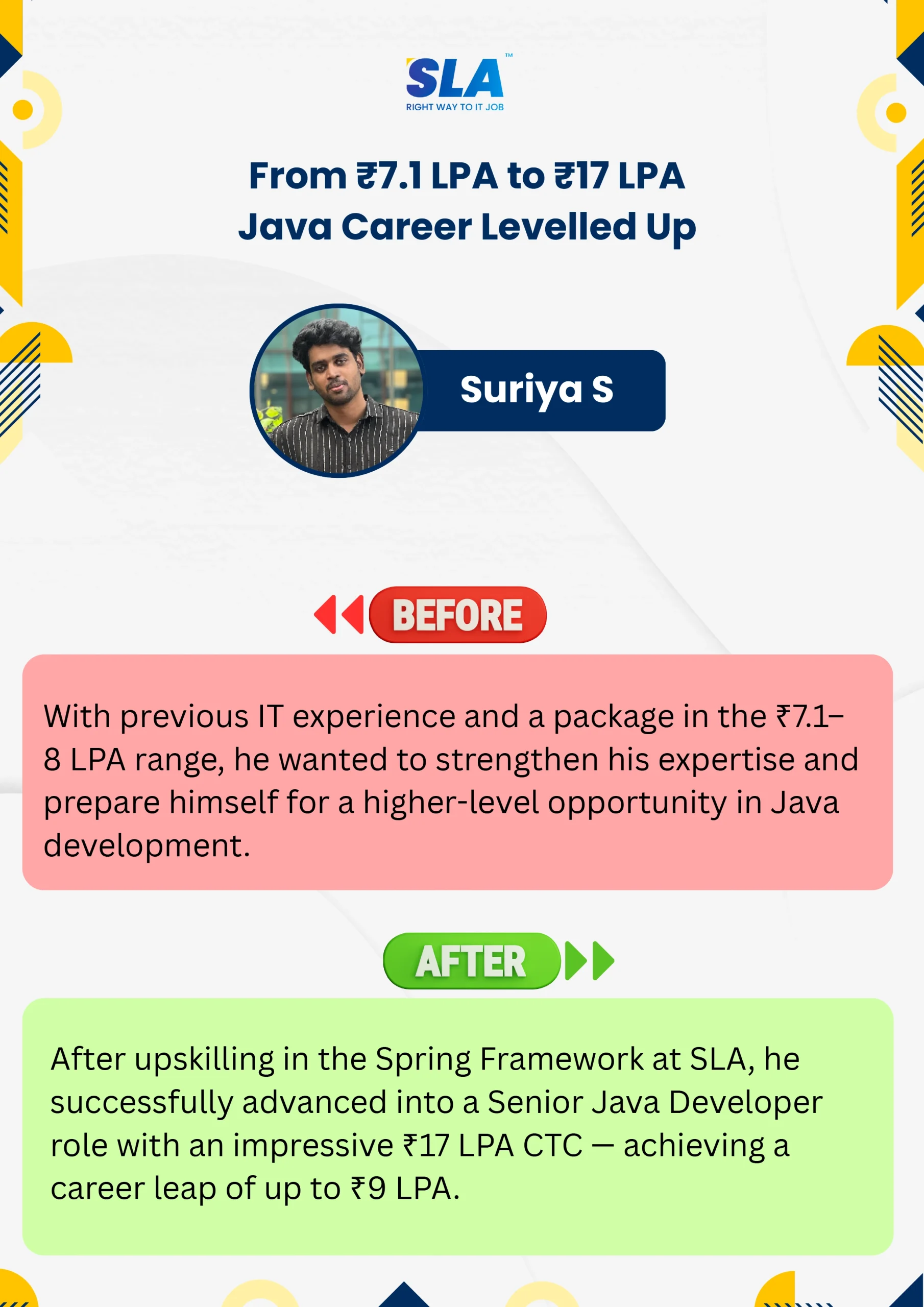
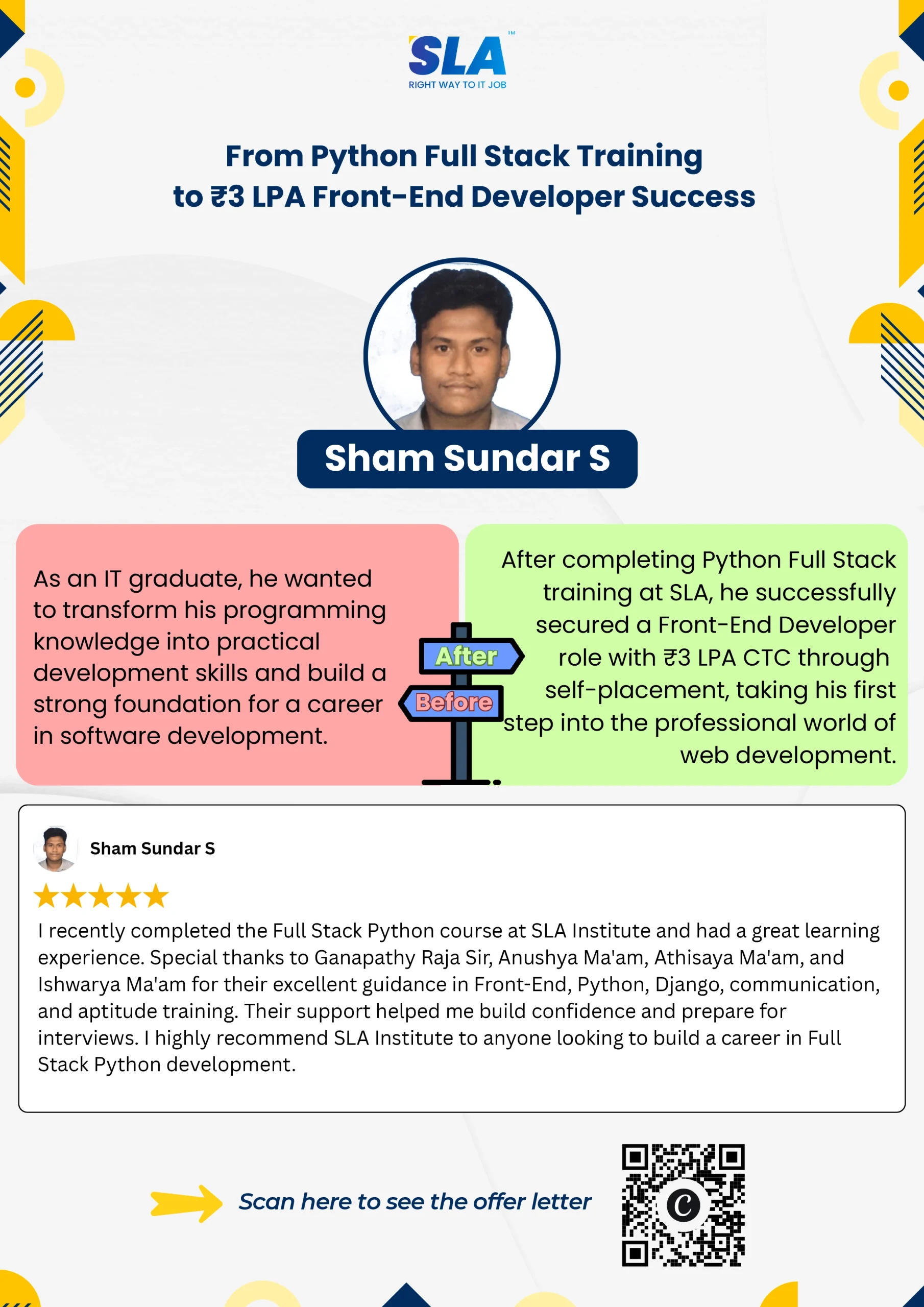
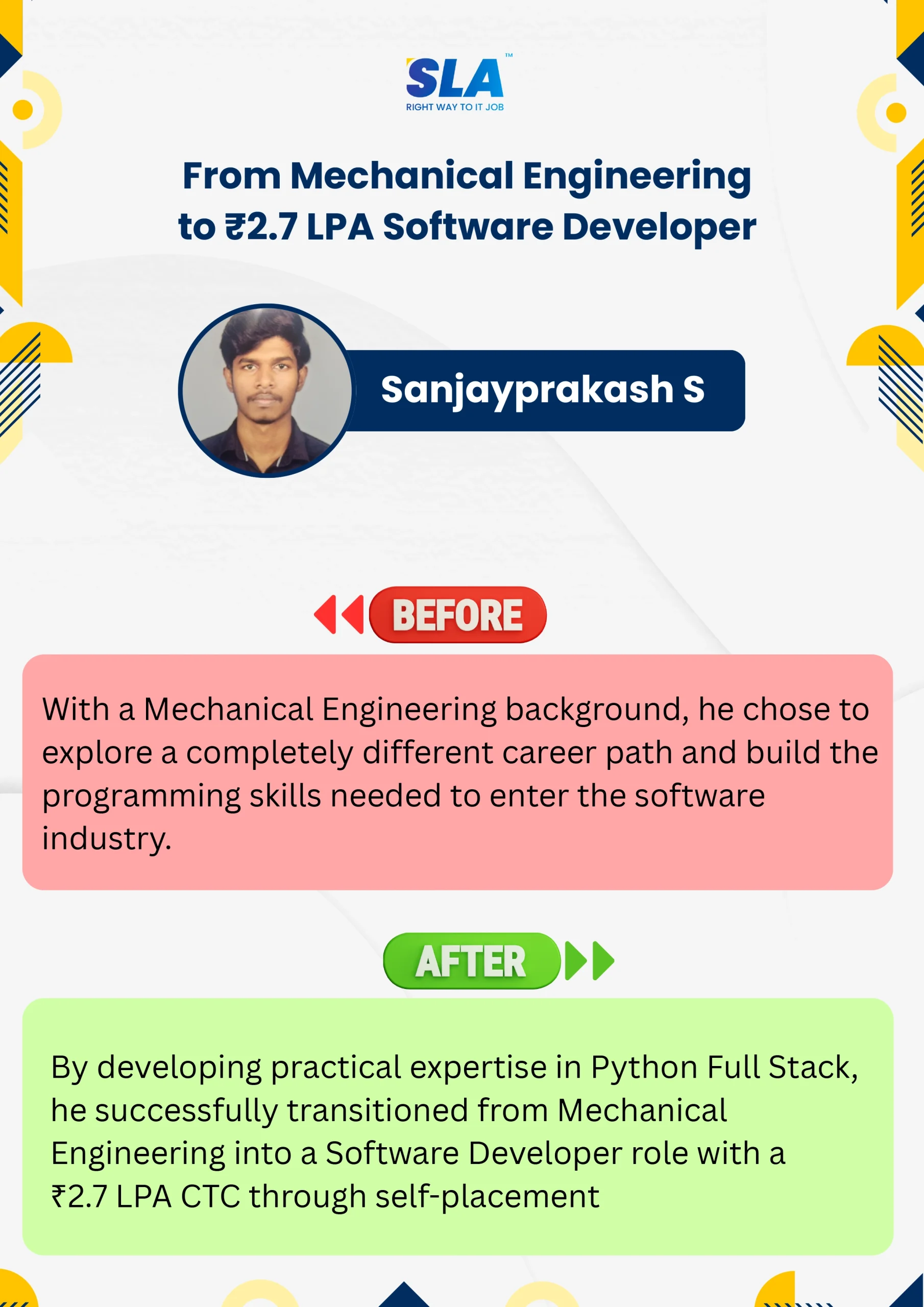
Start your learning journey at SLA and write your career story like our students who have shared their experiences here. Are you excited to explore?
See More