Opens in a new tab
Software Training Institute in Chennai with 100% Placements – SLA Institute

Advanced Excel Course in OMR

(1987)
duration
2-3 Months
EMI
0% Interest
Mode
Live Online / Offline

Our Advanced Excel Training in OMR is designed for those looking to master advanced Excel features and techniques. This course covers topics such as complex formulas, data analysis, pivot tables, macros, and VBA programming. With our Advanced Excel Course in OMR, you’ll gain practical skills to handle large datasets, automate tasks, and create insightful reports. The program includes hands-on projects and real-world applications to ensure you can apply what you’ve learned effectively. Additionally, our Advanced Excel Course in OMR with 100% Placement Support provides you with the tools and support needed to secure job opportunities in the field. Enroll now to enhance your Excel skills and boost your career prospects.

At SLA Institute, we guarantee placement in a high-paying Developer job with the support of our experienced placement officers. Our Advanced Excel Course in OMR Syllabus covers all essential topics, providing you with a comprehensive understanding of Advanced Excel development.


Book Free Demo ClassTalk to a Career Advisor
0+

Students Trained

0%

Placement Rate

0+

Years Experience

0+

Hiring Partners

Why SLA

  • Industry Professional Trainers
  • Real-Time Live Projects
  • 1000+ Hiring Partners
  • 0% Interest EMI Options
  • Lifelong Placement Support
  • Globally Recognized Certifications

FLEXIBLE LEARNING MODES

OnlineOfflineHybrid

Check Your Eligibility for IT Training

Ready to start your tech career? Whether you have recently graduated and want to begin your IT career, or want to upskill for your next phase, our Eligibility Assessment Form makes the process easy to begin. For this Advanced Excel Developer Course, we will match your skills and goals to the best training structure for you. Just fill in the form below for an easy start on your course. Take your first step today!

What We'll Need From You?

Personal & Contact Details

Name and phone number for direct interview updates

Academic Background

Age category, educational qualification, and graduation year.

Technical Experience

Prior programming knowledge and relevant IT certification details.
KNOW MORE ABOUT COURSE +91 86818 84318

IT Training Eligibility TEST

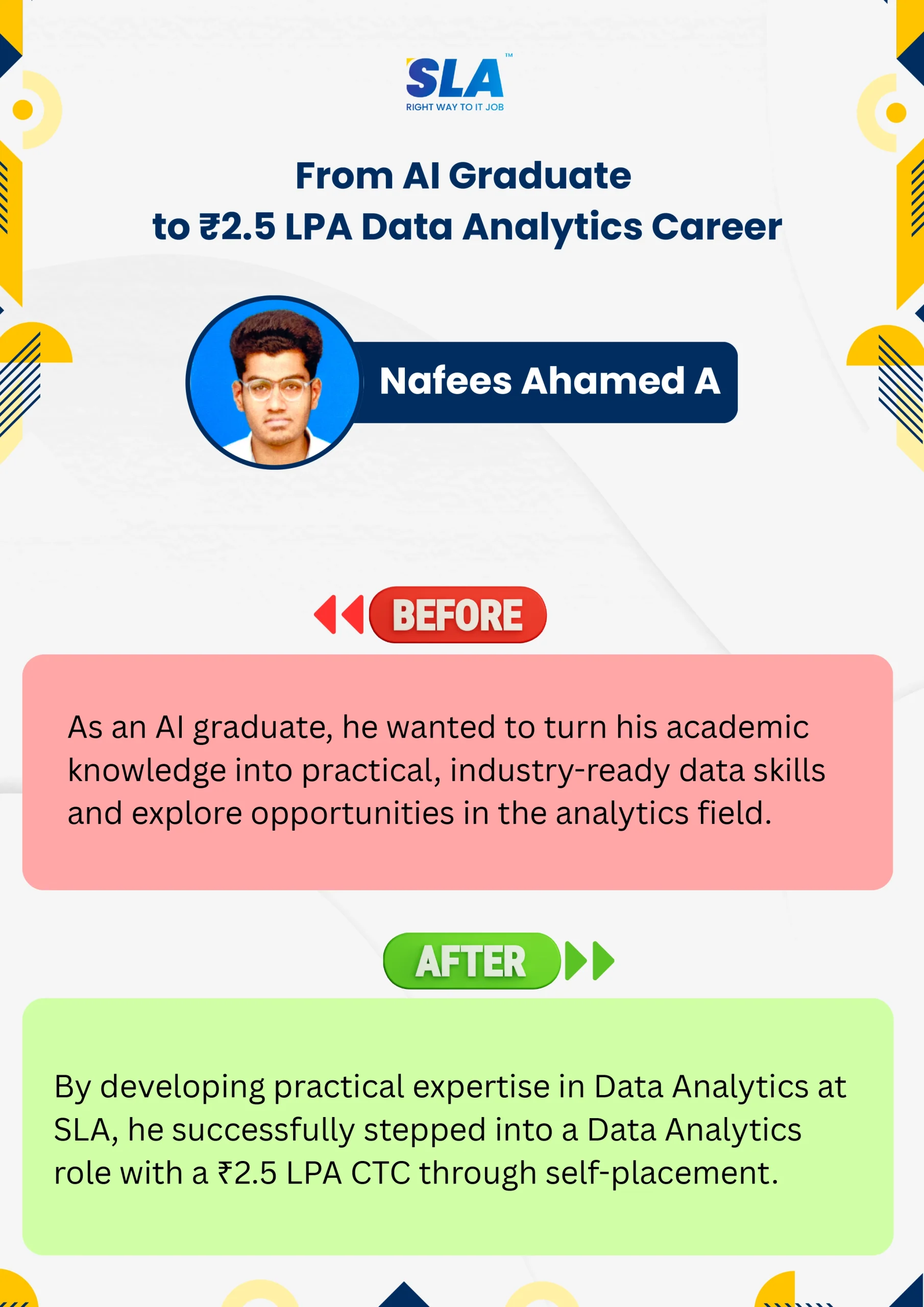
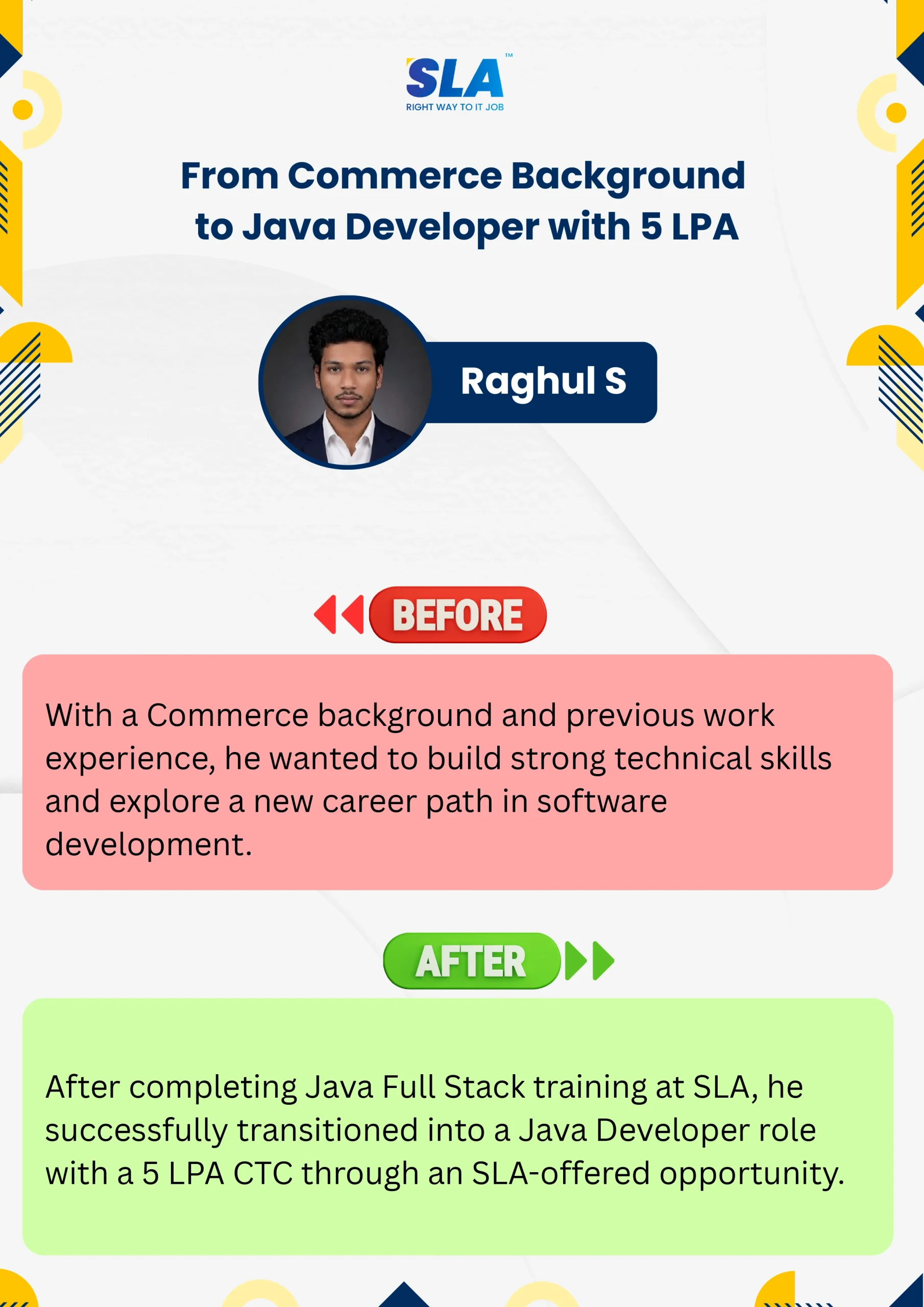
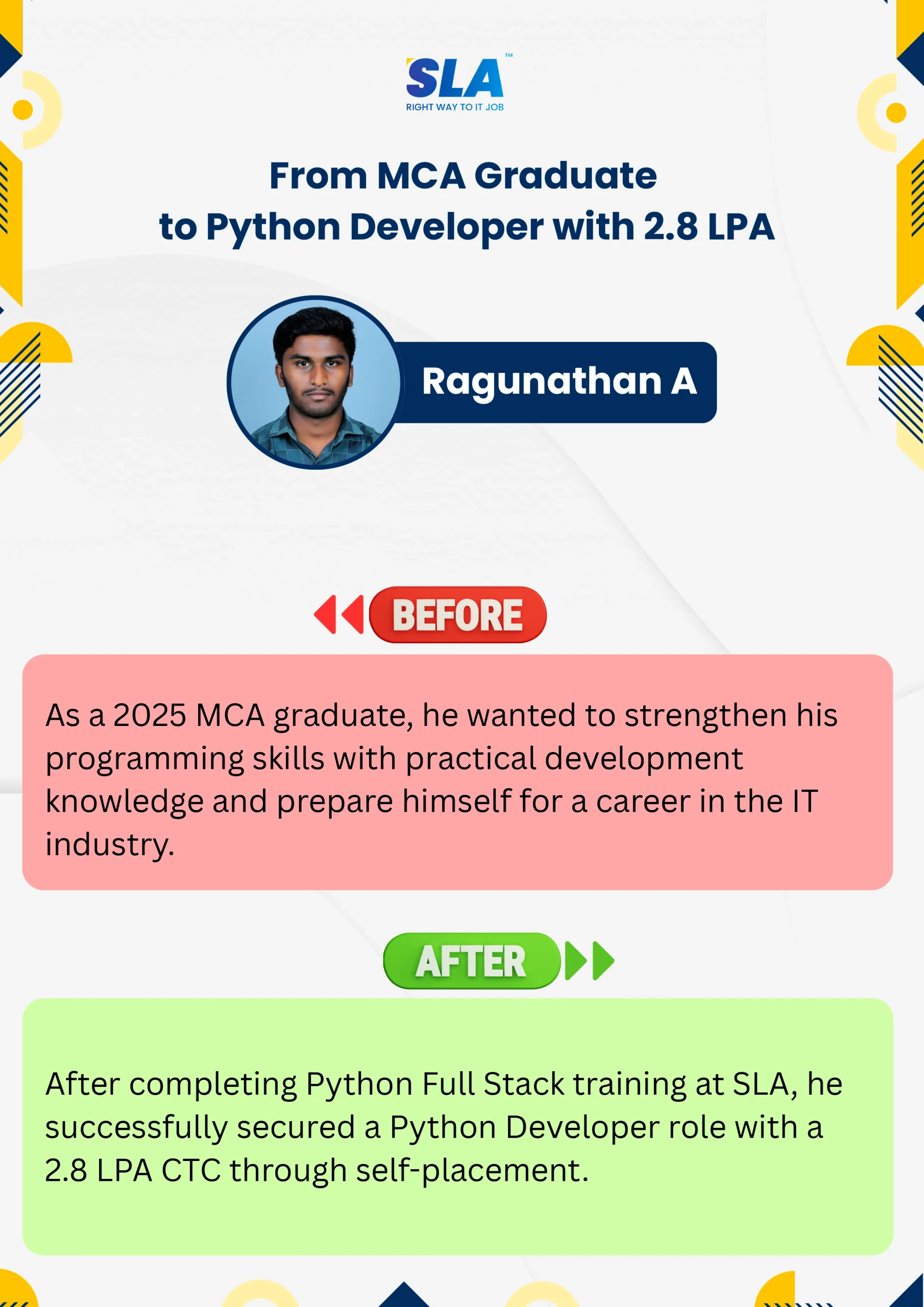
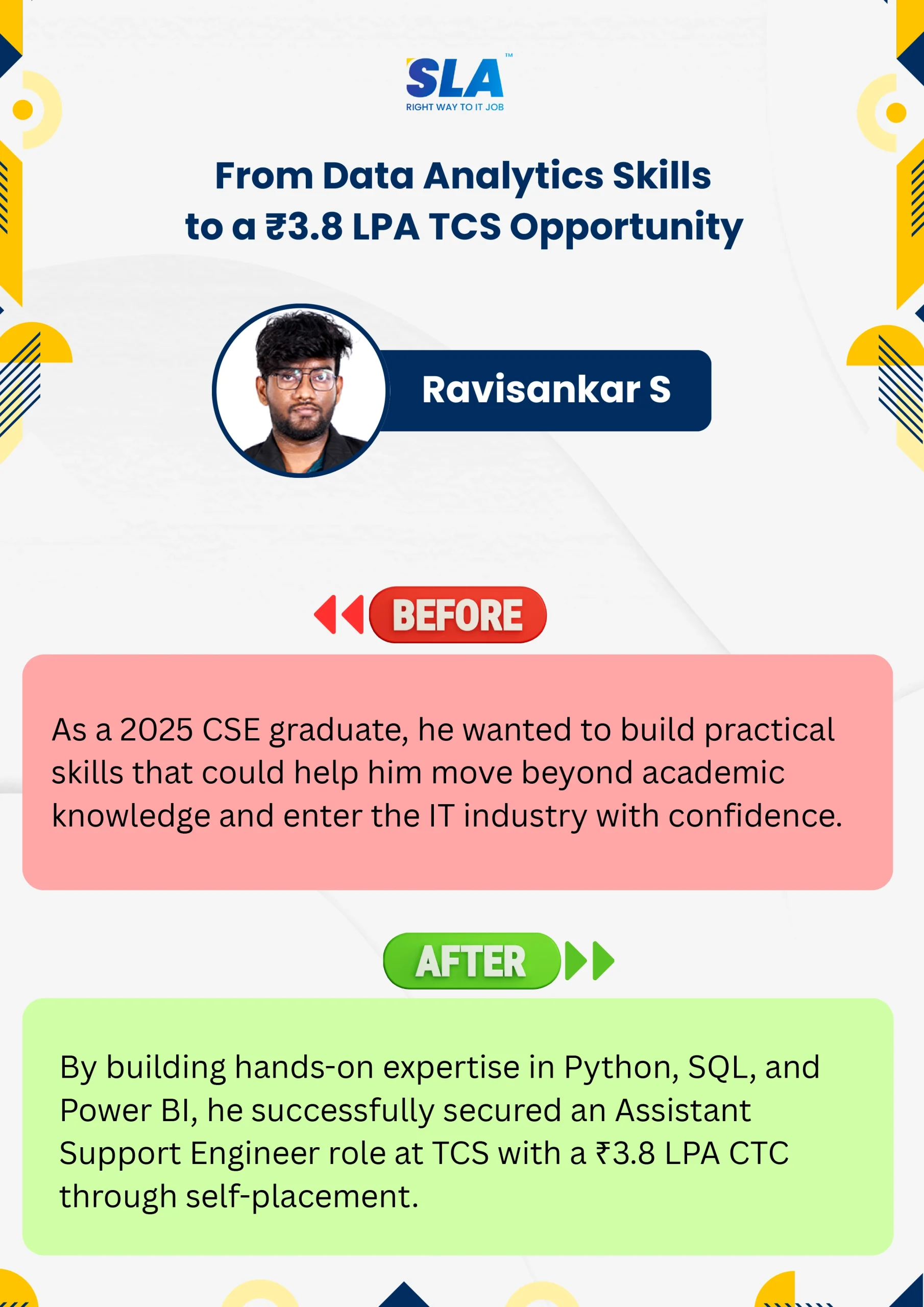
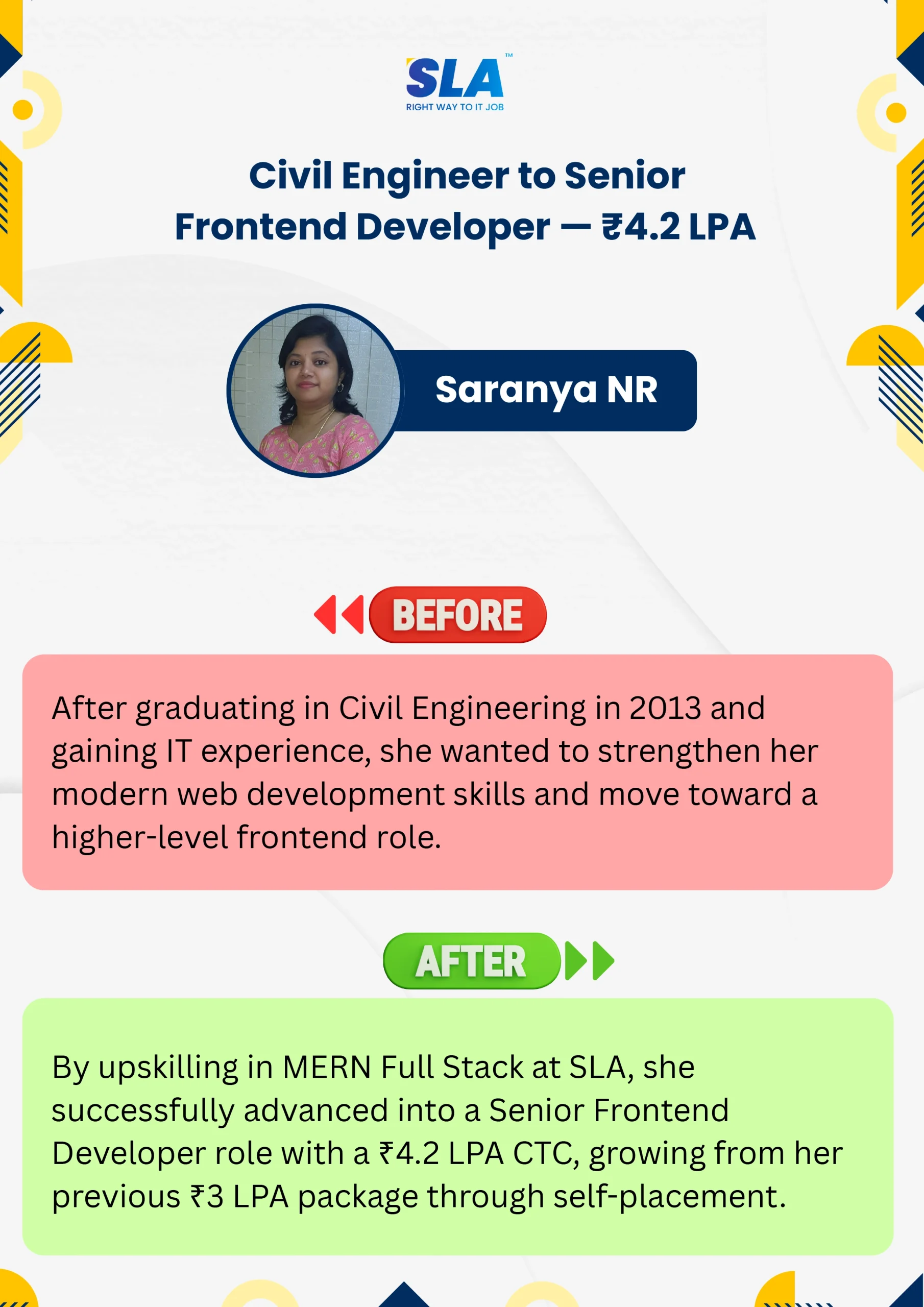
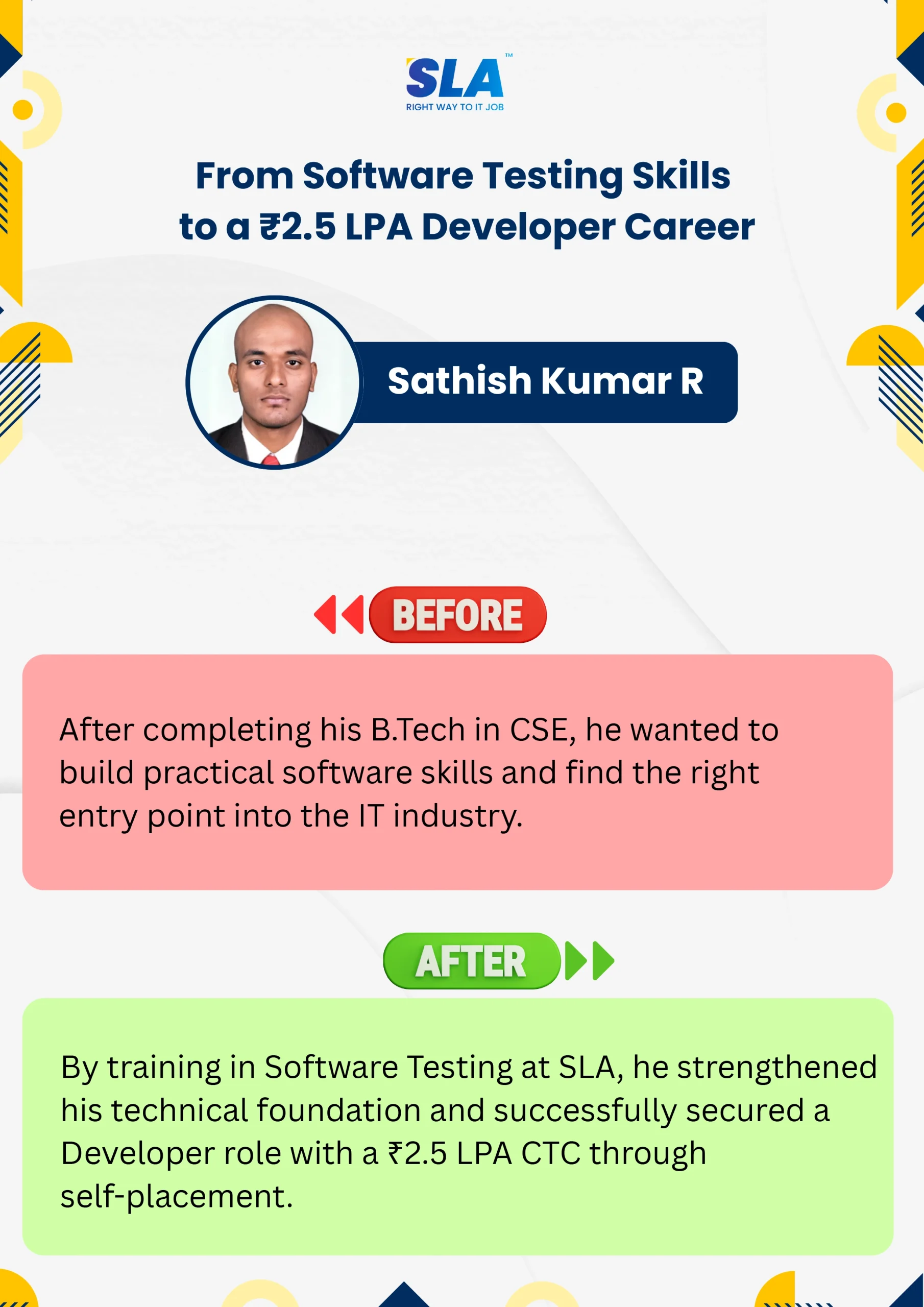
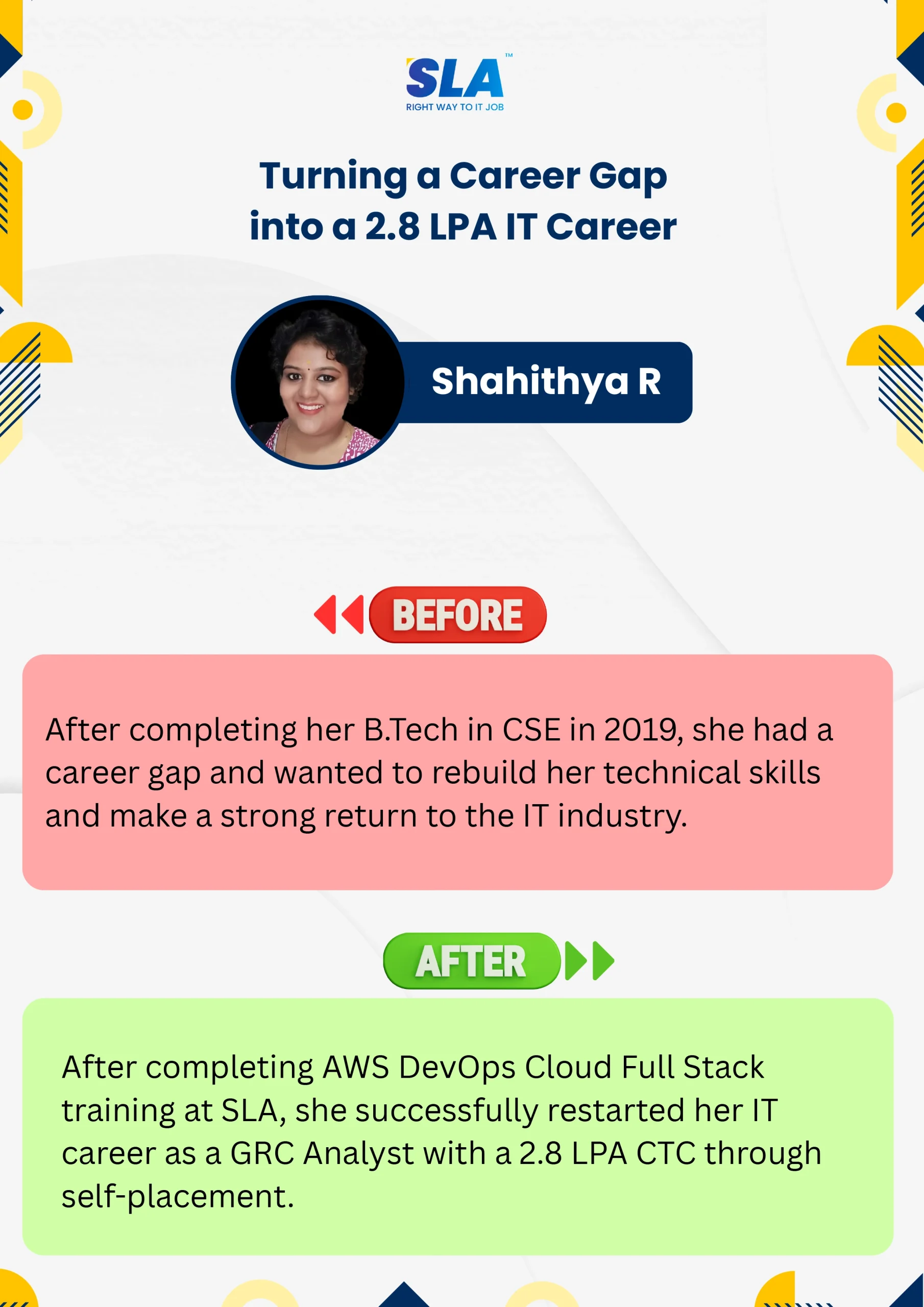
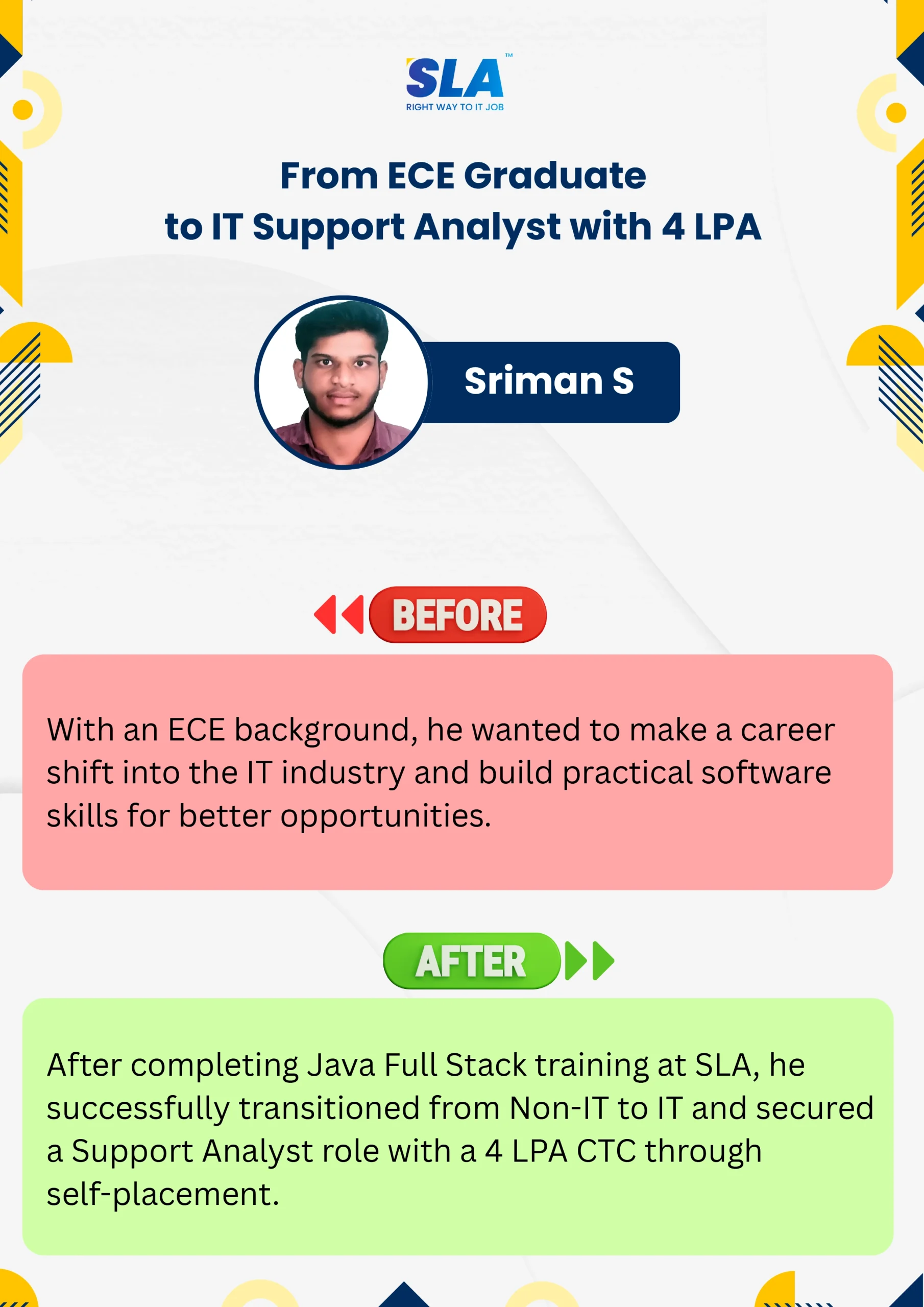
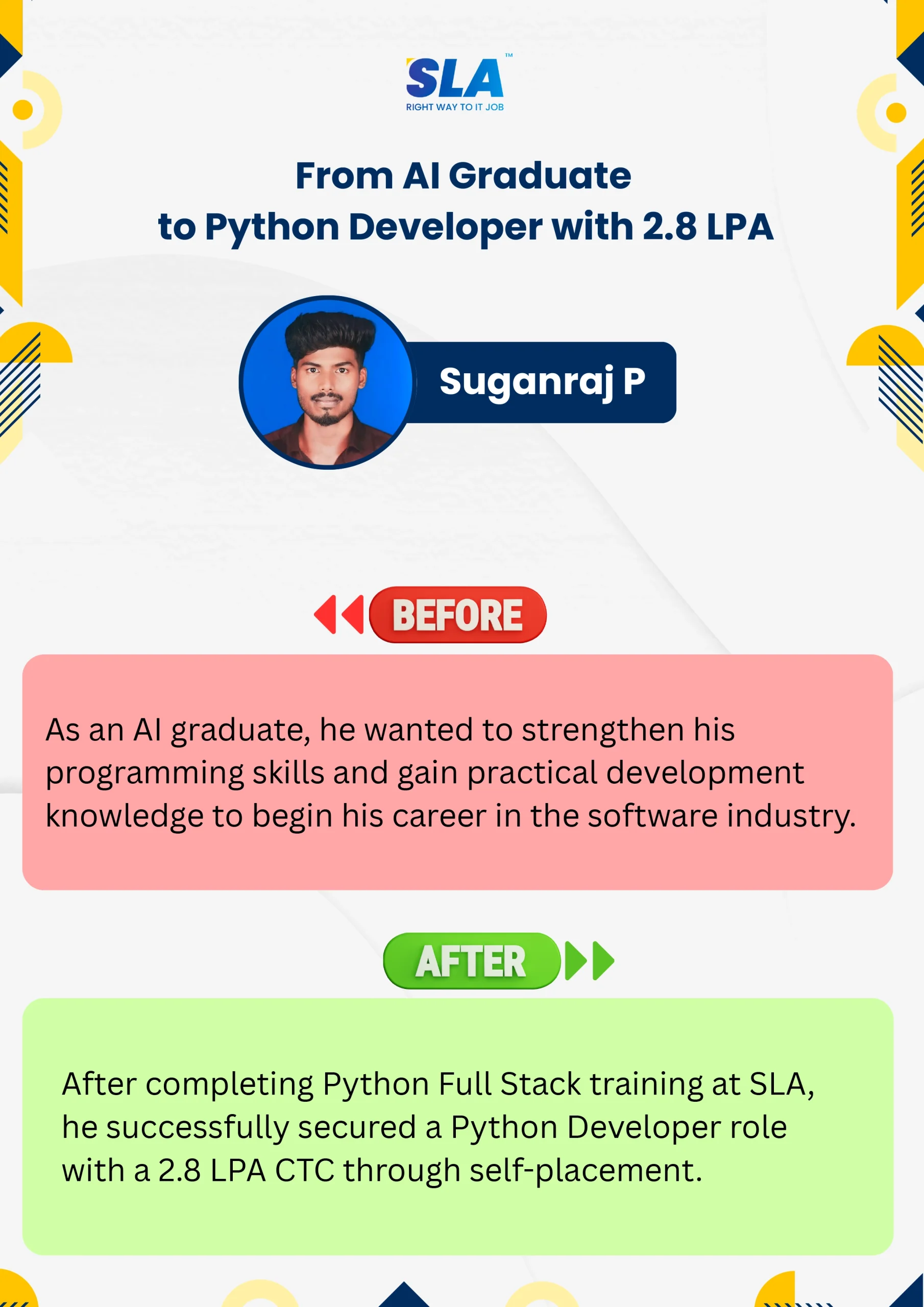
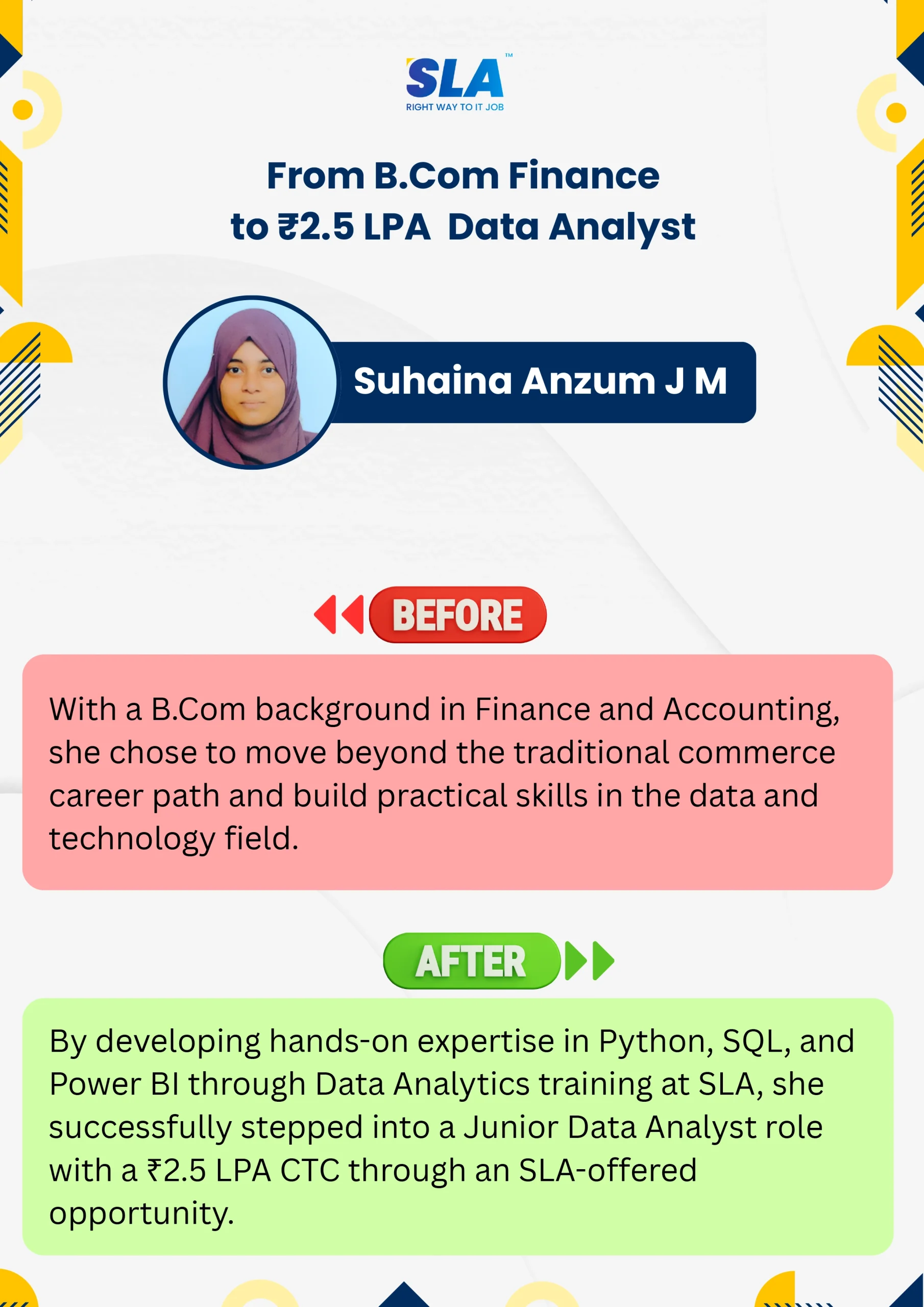
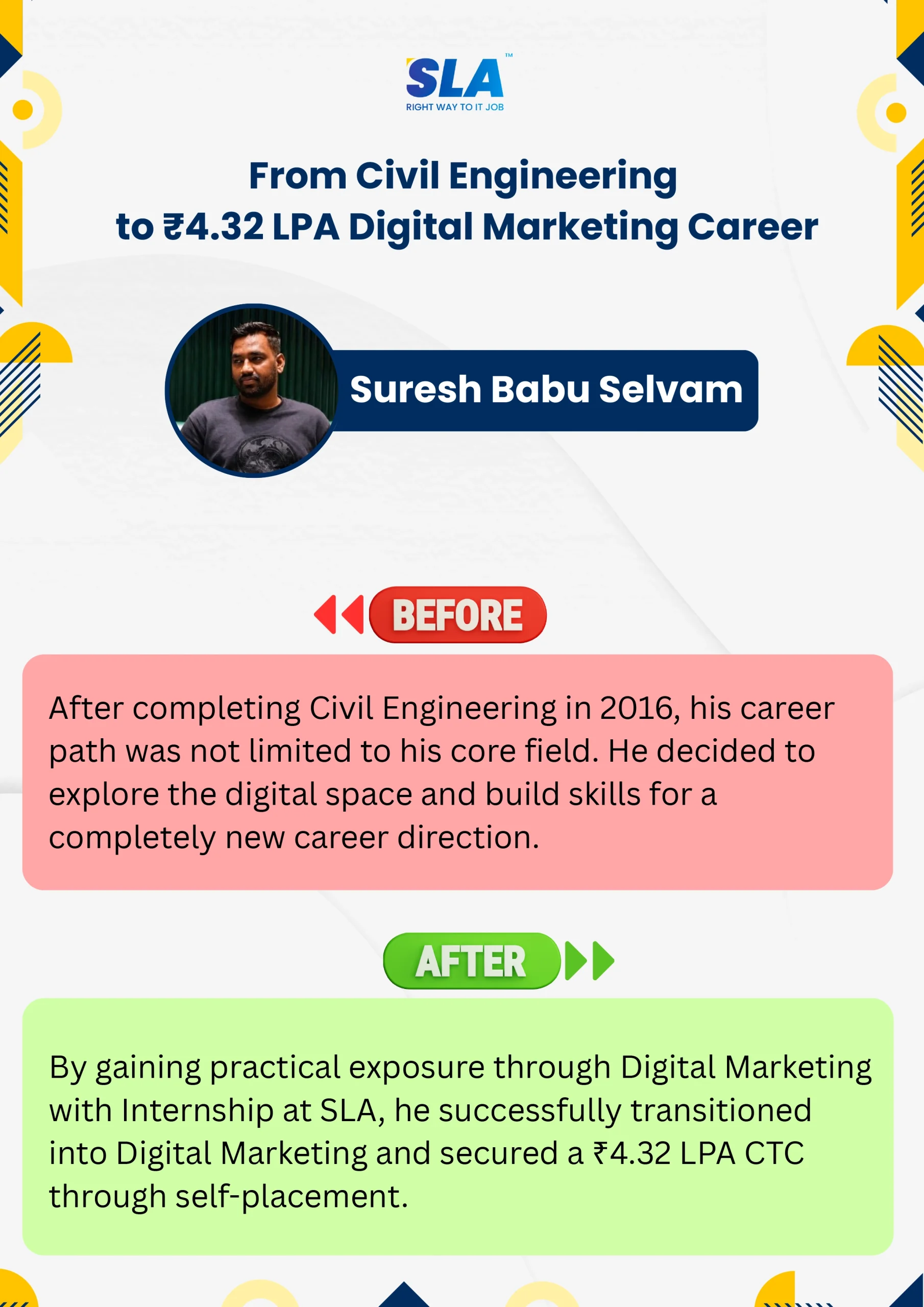
Life Changing Stories

See More Success Stories

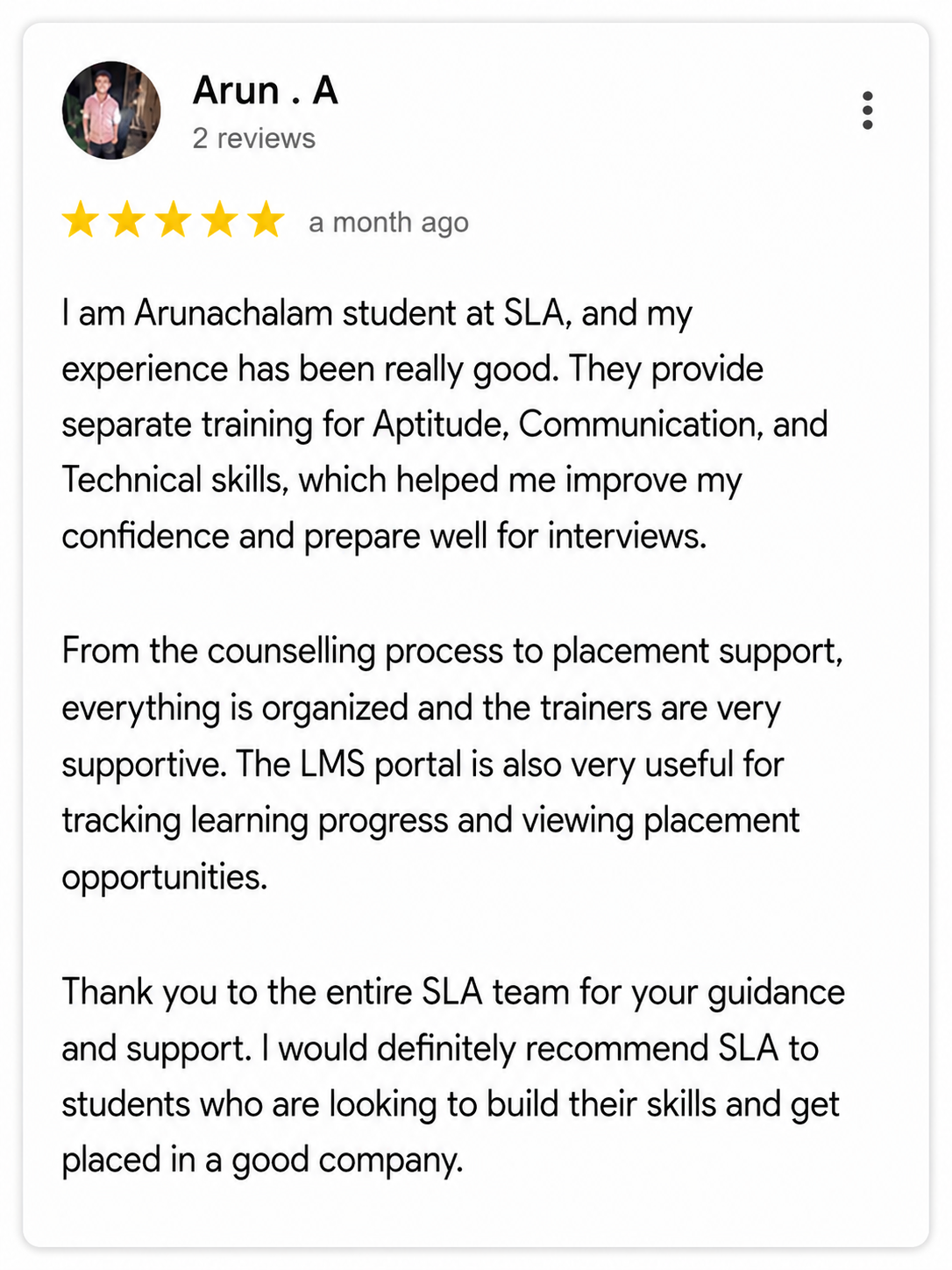
Check our Google Reviews

3D Review Carousel

Advanced Excel Course Syllabus

Download Syllabus
  • Overview of Microsoft Excel and its capabilities
  • Understanding the Excel user interface, menus, and ribbon
  • Customizing Excel settings and using keyboard shortcuts for efficiency
  • Managing multiple worksheets and workbooks
  • Introduction to Excel templates and themes
  • Logical Functions: IF, AND, OR, NOT, IFERROR
  • Lookup & Reference Functions: VLOOKUP, HLOOKUP, INDEX, MATCH, XLOOKUP
  • Text Functions: CONCATENATE, TEXT, LEFT, RIGHT, MID, LEN, TRIM, SUBSTITUTE
  • Date & Time Functions: TODAY, NOW, DATE, TIME, NETWORKDAYS, DATEDIF
  • Statistical Functions: COUNTIF, SUMIF, AVERAGEIF, RANK, PERCENTILE
  • Financial Functions: PMT, PV, FV, NPV, IRR, CUMPRINC
  • Array Formulas and Dynamic Arrays: FILTER, UNIQUE, SORT
  • Sorting and advanced filtering techniques
  • Removing duplicates and data cleaning best practices
  • Applying data validation rules (Drop-down lists, Input messages, Error alerts)
  • Conditional Formatting for data visualization
  • Using Excel’s Find & Replace and Text to Columns features
  • Creating and customizing Pivot Tables
  • Using slicers and timeline filters
  • Grouping, summarizing, and formatting data in Pivot Tables
  • Introduction to Power Pivot for large-scale data handling
  • Creating calculated fields and measures in Power Pivot
  • Designing dynamic charts and graphs
  • Creating Pivot Charts for data insights
  • Using Sparklines for quick trend analysis
  • Advanced Conditional Formatting for interactive dashboards
  • Performing What-If Analysis (Goal Seek, Data Tables, Scenario Manager)
  • Forecasting models and trend analysis
  • Introduction to Macros and VBA Automation
  • Recording and executing Macros
  • Understanding VBA Editor and writing custom scripts
  • Automating repetitive tasks with loops and conditional statements
  • Debugging and error handling in VBA
  • Building User Forms and Interactive Dashboards using VBA
  • Introduction to Power Query for Data Extraction and Transformation
  • Connecting Excel with external databases and APIs
  • Using Power Query to clean and reshape data
  • Integrating Excel with Power BI for Data Visualization
  • Automating Data Refresh and Creating Interactive Reports
  • Building financial models for budgeting and forecasting
  • Applying time value of money concepts in Excel
  • Creating dynamic reports and dashboards for business insights
  • Case studies in sales analysis, stock market analysis, and revenue forecasting
  • Protecting and securing worksheets and workbooks
  • Using Excel’s Track Changes and Comments features
  • Sharing and collaborating on Excel files in OneDrive and Google Sheets
  • Applying data encryption and password protection
  • Real-world projects in Data Analysis and Business Intelligence
  • Automating Reports with VBA Macros
  • Creating Dashboards for Performance Metrics and KPIs
  • Industry-specific case studies (Finance, Marketing, HR, Sales)

Quick Enquiry

Placement

Dedicated placement support

Learning

Job-Centered Approach

Timings

Convenient Hrs

Mode

Online & Classroom

Certification

Industry-Accredited

Upcoming Batches

Hands On Training
3-5 Real Time Projects
60-100 Practical Assignments
3+ Assessments / Mock Interviews
November 2026
Week days
(Mon-Fri)
Online/Offline

2 Hours Real Time Interactive Technical Training

1 Hour Aptitude

1 Hour Communication & Soft Skills

(Suitable for Fresh Jobseekers / Non IT to IT transition)

Course Fee
November 2026
Week ends
(Sat-Sun)
Online/Offline

4 Hours Real Time Interactive Technical Training

(Suitable for working IT Professionals)

Course Fee

Save up to 20% in your Course Fee on our Job Seeker Course Series

Learn More

We Tie-Up with 1000+ Leading IT and MNC Companies

SLA's Hiring and Placement Partner: Deloitte
SLA's Hiring and Placement Partner: Capgemini
SLA's Hiring and Placement Partner: Bosch
SLA's Hiring and Placement Partner: Observeai
SLA's Hiring and Placement Partner: Merkle
SLA's Hiring and Placement Partner: SociéTé GéNéRale
SLA's Hiring and Placement Partner: Latent View
SLA's Hiring and Placement Partner: Napier
SLA's Hiring and Placement Partner: Pwc
SLA's Hiring and Placement Partner: Cyient
SLA's Hiring and Placement Partner: Mindtree
SLA's Hiring and Placement Partner: Siply
SLA's Hiring and Placement Partner: Tanla
SLA's Hiring and Placement Partner: Highradius
SLA's Hiring and Placement Partner: Amazon
SLA's Hiring and Placement Partner: Samsung
SLA's Hiring and Placement Partner: GEP
SLA's Hiring and Placement Partner: Cognizant
SLA's Hiring and Placement Partner: TCS
SLA's Hiring and Placement Partner: Birlasoft
SLA's Hiring and Placement Partner: CGI
SLA's Hiring and Placement Partner: Wipro
SLA's Hiring and Placement Partner: Prodapt
SLA's Hiring and Placement Partner: Fractal
SLA's Hiring and Placement Partner: Apollo Hospitals
SLA's Hiring and Placement Partner: Infosys
SLA's Hiring and Placement Partner: Acs Solutions
SLA's Hiring and Placement Partner: NTT-Data
SLA's Hiring and Placement Partner: Mentor Graphics
SLA's Hiring and Placement Partner: Bank Of America
SLA's Hiring and Placement Partner: Fareportal
SLA's Hiring and Placement Partner: Publicis Sapient
SLA's Hiring and Placement Partner: GlobalLogic
SLA's Hiring and Placement Partner: Goldman Sachs
SLA's Hiring and Placement Partner: Oracle
SLA's Hiring and Placement Partner: Rakuten
SLA's Hiring and Placement Partner: Nvidia
SLA's Hiring and Placement Partner: Needl.ai
SLA's Hiring and Placement Partner: Perficient
SLA's Hiring and Placement Partner: Accenture
SLA's Hiring and Placement Partner: Valuemomentum
SLA's Hiring and Placement Partner: Spanidea
SLA's Hiring and Placement Partner: Tech Mahindra
SLA's Hiring and Placement Partner: Tredence
SLA's Hiring and Placement Partner: Google
SLA's Hiring and Placement Partner: Intellect
SLA's Hiring and Placement Partner: Delhivery
SLA's Hiring and Placement Partner: Eurofins
SLA's Hiring and Placement Partner: Jio
SLA's Hiring and Placement Partner: Optum
SLA's Hiring and Placement Partner: SAP

Certifications

Take your career to new heights with Softlogic's software training certifications.
Improve your abilities to get access to rewarding possibilities
Earn Your Certificate of Completion
Validate your achievements with Softlogic's Certificate of Completion, verifying successful fulfillment of all essential components.
Take Your Career to the Next Level with  Certifications
Get a certifications through our training programs to gain a competitive edge in the industry.
Stand Out from the Crowd with Codethon Certificate
Verify the authenticity of your real-time projects with Softlogic's Codethon certificate.

Objectives of Advanced Excel Course in OMR

The Advanced Excel Course in OMR at SLA Institute aims to provide students with essential Excel skills. The main goals of the course are:

  • Master Advanced Functions: Learn to use complex formulas and functions for efficient data management.
  • Data Analysis: Develop skills to analyze large datasets and generate meaningful insights.
  • Pivot Tables and Charts: Gain expertise in creating and using pivot tables and charts for dynamic data visualization.
  • Automate Tasks: Learn to automate repetitive tasks using macros and VBA programming.
  • Data Cleaning: Understand techniques for cleaning and preparing data for analysis.
  • Financial Modeling: Acquire skills for building financial models and performing advanced calculations.
  • Reporting: Create professional and insightful reports to support decision-making.

Future Scope of Advanced Excel Course in OMR

Growing Demand Across Industries

The Advanced Excel Course in OMR has a bright future because more industries need data-driven decisions. Skills in advanced Excel are valuable in finance, marketing, HR, and operations. Professionals with these skills can manage complex data, automate tasks, and create detailed reports, making them important to their companies.

Better Job Opportunities

Finishing the Advanced Excel Course in OMR leads to many job opportunities. Jobs like Data Analyst, Financial Analyst, Business Analyst, and Reporting Specialist need advanced Excel skills. With our 100% placement support, students can find jobs in well-known companies, starting their careers on a strong note.

Career Growth

For those already working, advanced Excel skills can help in career growth. Employees who can handle and analyze data efficiently are often promoted and given more responsibilities. This course gives you the skills to excel in your current job and take on bigger projects.

Ongoing Learning and Improvement

The Advanced Excel Course in OMR also sets you up for continuous learning. As new data analysis tools come out, a strong base in Excel makes it easier to learn and adapt. Staying updated with Excel skills ensures you stay competitive and in line with industry trends.

Achieve Your Goals With SLA

SLA builds your future with comprehensive coursework and unparalleled placement support.
Register For Free Demo

Project Practices on Advanced Excel Training

Project 1Financial Modeling

Create financial models to forecast revenues, expenses, and profits, enabling you to make strategic business decisions. This project will develop your skills in building comprehensive financial models, incorporating various assumptions, and analyzing different financial scenarios.

Project 2Dashboard Creation

Design interactive dashboards for tracking key performance indicators (KPIs), allowing for real-time monitoring and quick insights. This project will teach you how to create visually appealing dashboards that provide critical business information at a glance.

Project 3Budget Management

Develop a budget management system to monitor expenses and allocations, ensuring financial control and efficiency. This project will help you create detailed budgets, track actual spending against projections, and generate reports to support financial planning.

Project 4Automated Reporting

Use VBA to automate the generation of regular reports, saving time and reducing errors. This project will enhance your ability to write macros, create automated workflows, and produce consistent and timely reports with minimal manual effort.

Prerequisites for learning Advanced Excel Course in OMR

Before joining the Advanced Excel Course at SLA Institute in OMR, it’s helpful to have basic computer skills and know-how to use the internet. While the course is designed for beginners, having these skills will make learning easier:

  • Basic Excel Skills: Understand basic functions, formulas, and how to navigate Excel.
  • Data Entry: Be comfortable entering and managing data in Excel.
  • Basic Math: Know how to use simple math for formulas and calculations.
  • Keyboard Use: Be familiar with using a keyboard and shortcuts to work faster.
  • Problem-Solving: Be able to solve problems using Excel’s tools.
  • Attention to Detail: Be precise with data entry and formulas to avoid mistakes.

Our Advanced Excel Course in OMR is ideal to:

  • Students eager to excel in Advanced Excel 
  • Professionals considering transitioning to Advanced Excel careers
  • IT professionals aspiring to enhance their Advanced Excel skills
  • Data Analysts enthusiastic about expanding their expertise
  • Individuals seeking opportunities in Advanced Excel 

Job Profile in Advanced Excel Course in OMR

In the Advanced Excel Course at SLA Institute in OMR, you’ll explore various job profiles where your skills are in demand:

Data Analyst:

  • Analyze data, create reports, and provide insights to help businesses make informed decisions.
  • Salary: ₹3-6 lakhs per year for freshers, ₹6-12 lakhs per year for experienced professionals.

Financial Analyst:

  • Develop financial models, forecast revenues and expenses, and analyze financial data to support business strategies.
  • Salary: ₹4-8 lakhs per year for freshers, ₹8-15 lakhs per year for experienced professionals.

Business Analyst:

  • Use Excel to analyze business processes, identify areas for improvement, and recommend solutions.
  • Salary: ₹4-7 lakhs per year for freshers, ₹7-14 lakhs per year for experienced professionals.

MIS Executive:

  • Manage and maintain management information systems, generate reports, and analyze data to support business operations.
  • Salary: ₹3-5 lakhs per year for freshers, ₹5-10 lakhs per year for experienced professionals.

Project Manager:

  • Track project timelines, tasks, and milestones using Excel, ensuring projects are completed on time and within budget.
  • Salary: ₹5-10 lakhs per year for freshers, ₹10-20 lakhs per year for experienced professionals.

Market Research Analyst:

  • Analyze market data, create reports, and provide insights to support marketing strategies and business decisions.
  • Salary: ₹3-6 lakhs per year for freshers, ₹6-12 lakhs per year for experienced professionals.

Want to learn with a personalized course curriculum?

Advanced Excel Course FAQ

Advanced Excel means using Excel’s more complex tools, like pivot tables, macros, and special formulas, to handle and analyze data. It helps you do detailed work and make better decisions in business.

Advanced Excel can be tough if you’re not familiar with its features. But with practice and proper instruction, it gets easier. Learning things like pivot tables, macros, and advanced formulas will greatly improve your data skills.

Advanced Excel is used for handling complex data tasks. It helps with tasks like creating detailed reports, analyzing large data sets, making charts, and automating repetitive tasks with macros. It’s valuable for detailed data management and decision-making.

Yes, Excel skills are in demand. Many jobs require proficiency in Excel for tasks like data analysis, reporting, and budgeting. Strong Excel skills are valuable across various industries for managing and interpreting data effectively.

Yes, SLA Institute has an HR personnel who will look into students issues and grievances.

Yes, SLA Institute supports EMI options with 0% interest.’

Yes, Advanced Excel skills can lead to a good career. They are valuable in many roles like data analysis, finance, and business intelligence. Proficiency in Advanced Excel can open doors to higher-paying positions and career growth.

Yes, SLA Institute provides Lifetime Placement Support to assist students in securing job placements throughout their careers.

Advanced Excel means using Excel’s more complex tools, like pivot tables, macros, and special formulas, to handle and analyze data. It helps you do detailed work and make better decisions in business.

Advanced Excel can be tough if you’re not familiar with its features. But with practice and proper instruction, it gets easier. Learning things like pivot tables, macros, and advanced formulas will greatly improve your data skills.

Advanced Excel is used for handling complex data tasks. It helps with tasks like creating detailed reports, analyzing large data sets, making charts, and automating repetitive tasks with macros. It’s valuable for detailed data management and decision-making.

Yes, Excel skills are in demand. Many jobs require proficiency in Excel for tasks like data analysis, reporting, and budgeting. Strong Excel skills are valuable across various industries for managing and interpreting data effectively.

Yes, SLA Institute has an HR personnel who will look into students issues and grievances.

Yes, SLA Institute supports EMI options with 0% interest.’

Yes, Advanced Excel skills can lead to a good career. They are valuable in many roles like data analysis, finance, and business intelligence. Proficiency in Advanced Excel can open doors to higher-paying positions and career growth.

Yes, SLA Institute provides Lifetime Placement Support to assist students in securing job placements throughout their careers.

The SLA Way to Get Placed

The SLA Way to Get Placed

Seven connected stages, one continuous path from enrollment to your career launch — here is exactly how it works, step by step.

01
🎓

Technical Mastery

Industry-aligned curriculum, daily coding tasks, real-time projects.

02
💻

Career Readiness

Aptitude, communication, ATS-friendly resume optimization.

03
🎯

Placement Prep

Aptitude, communication tuning and technical interview mastery.

04
💬

Panel Mock Interviews

Real company-pattern mocks with expert panel feedback.

05
👨‍💼

Interview Schedule

Multiple company drives with lifetime placement support.

06
📝

Interview Feedback

Detailed performance analysis and one-on-one guidance.

07
🏆

Launch Your Career

Land your first job with lifetime alumni and career support.

Know the process

Listen to Our Students' Video Testimonials

Just a minute!

If you have any questions that you did not find answers for, our counsellors are here to answer them. You can get all your queries answered before deciding to join SLA and move your career forward.

We are excited to get started with you

Give us your information and we will arange for a free call (at your convenience) with one of our counsellors. You can get all your queries answered before deciding to join SLA and move your career forward.